About Text Animate
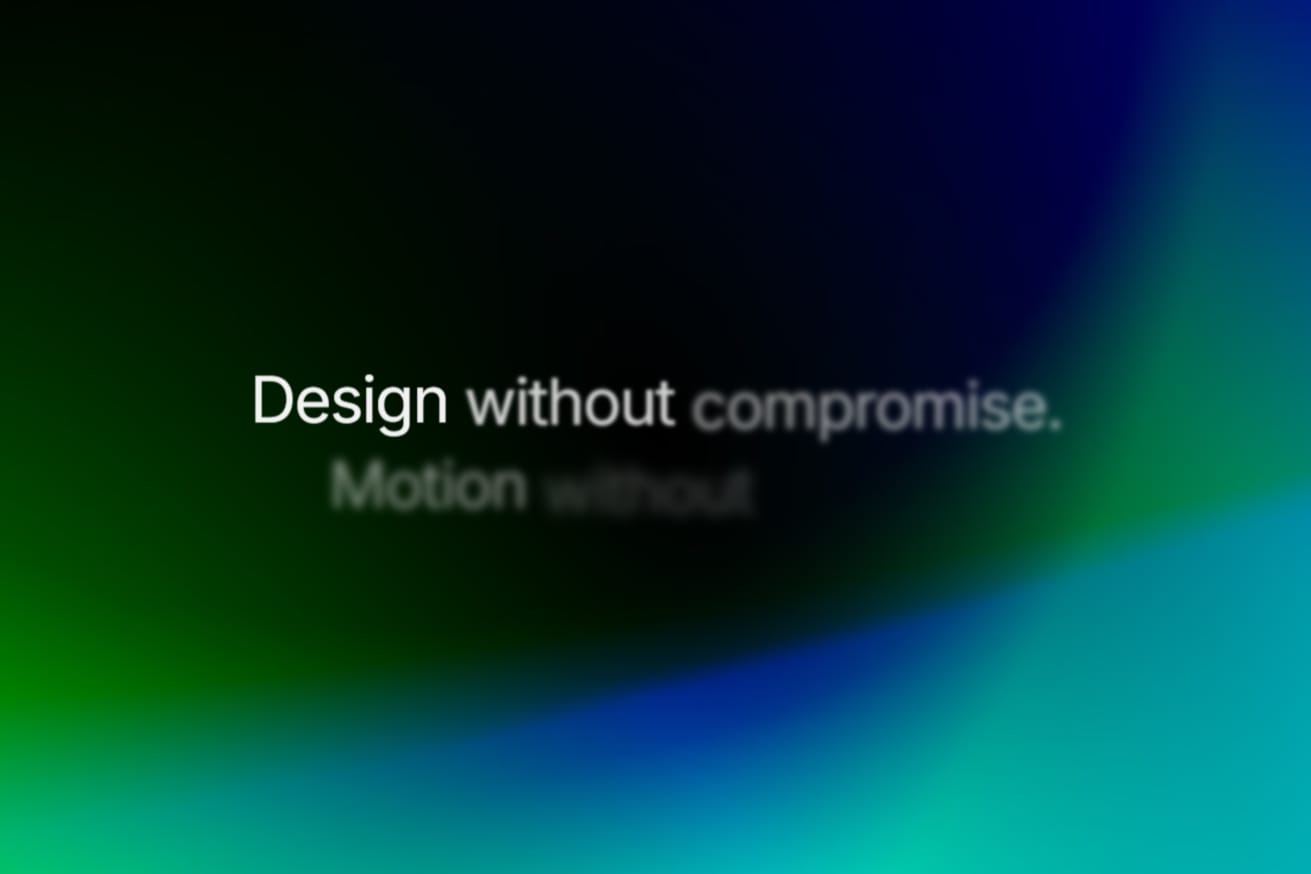
Bring your headlines to life without timelines or nested text layers. Kinetic Text is a production-ready animation component that splits your copy by word, character, line, or full block, then animates each segment with precise timing. Use it for bold hero headlines, editorial storytelling, or subtle scroll-triggered callouts, and control timing, motion, and typography directly from the Framer properties panel.
Key Features
10 Motion Presets: Choose from Blur Up, Blur Down, Blur In, Fade In, Slide Up, Slide Down, Slide Left, Slide Right, Scale Up, and Scale Down.
4 Segmentation Modes: Animate by Word, Character, Line, or Full Text. Natural spacing and multi-line breaks are preserved automatically.
Auto-Stagger and Manual Timing: Let the component distribute stagger delays across your sentence, or switch to manual mode for millisecond-level control over choreography.
Scroll and Load Triggers: Play animations on page load or when the text enters the viewport. Set custom scroll thresholds and enable “Play Once” to control repetition.
Native Framer Typography: Works with Framer’s Font picker, custom colors, and semantic HTML tags (H1–H4, P, Span, Div). Text is announced correctly to screen readers through
aria-labelrendering.Canvas Preview Toggle: Test and fine-tune animations directly on the canvas without opening the preview window each time.
How to Use
Drag the component onto your canvas.
Enter your copy in the Text field. Multi-line text is supported.
Select a Preset (such as Blur Up) and an Animate By mode (Word, Character, Line, or Text).
Style the font, size, alignment, and color with Framer’s native controls.
Set your trigger to In View or On Load, then publish.
What’s Included
Text Animate Component: A lightweight, zero-dependency component for headlines, paragraphs, and badges.