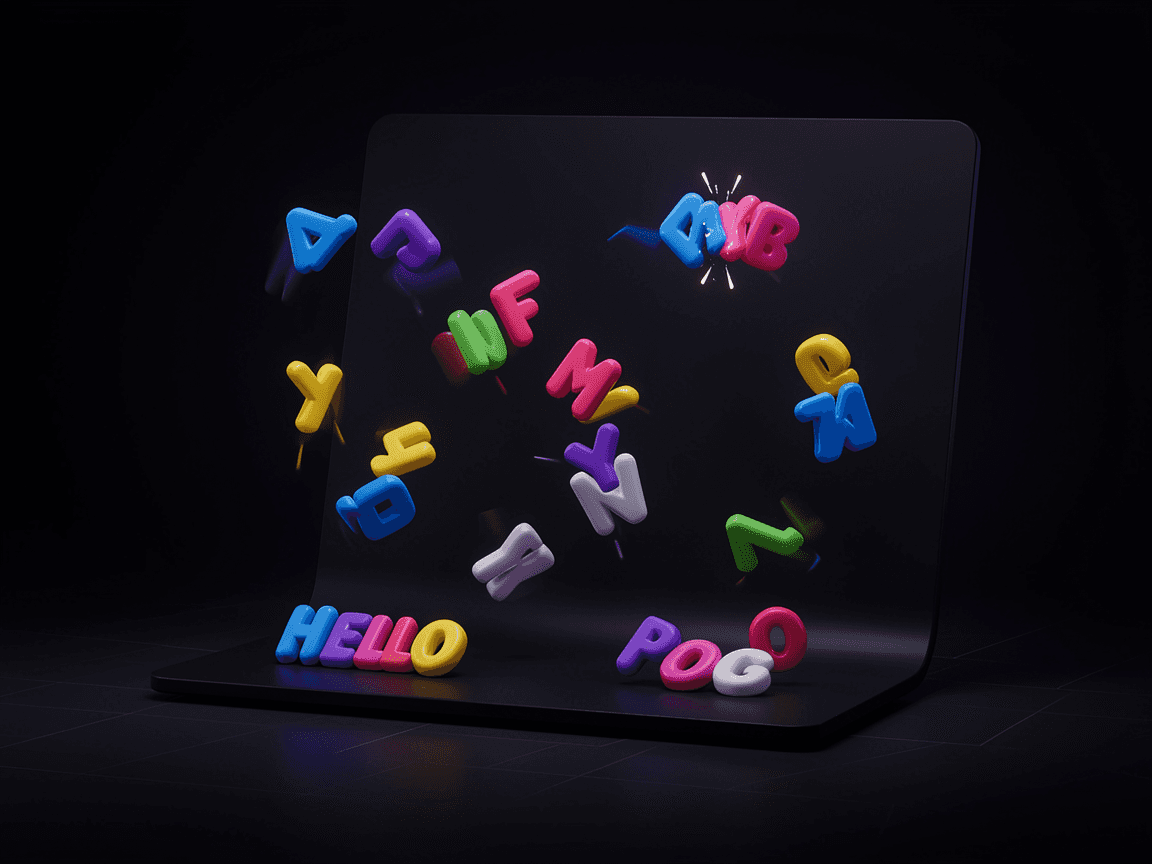
About Text Out Anim
The goal of this component is to achieve proper out animation by having an additional layer of visibility toggle on component level, allowing the animation to play through. I’m sure Framer team will natively provide a solution for this but until then, this works pretty well :)
What you need to know
It works best for text animation inside buttons. So you can create a button component and use 2 Text With Out Anim components instead of the native text layers.
Set these 2 components to absolute position (should be pinned to left)
First component (let’s call it Text A) will have its visibility toggle set to Yes (not to be confused with the native visibility toggle)
Second component (Text B) will have its visibility set to No
Create a new variant and swap the visible states.
Update the content within both components and that’s it!
For fine-tuning of the animation, various controls are provided in the properties panel (right-hand side)
Customization Options
You can fine-tune the animation with the following options:
Text Typography
Text Color
Entry Speed
Exit Multiplier (Staggering Speed while exiting)
Exit Direction
Blur (Both in and out animation)
Entry Offset X
Entry Offset Y
Exit Offset X
Exit Offset Y