About Text Pressuree
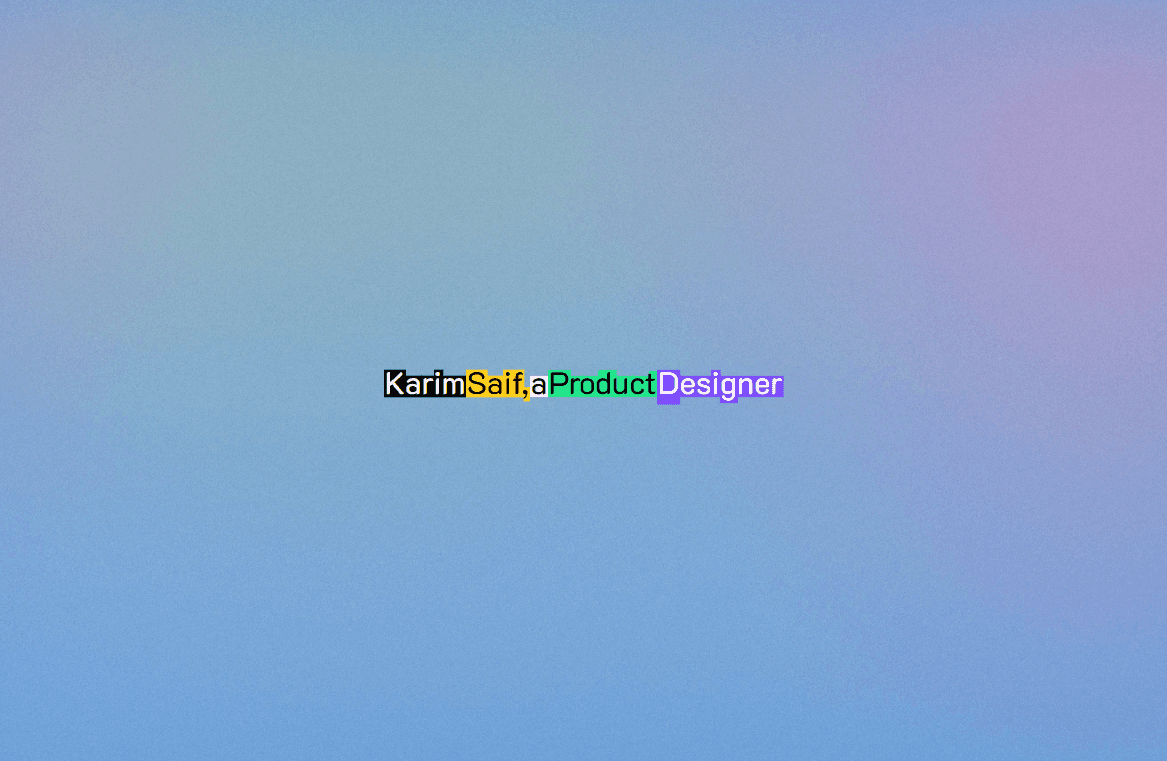
Text Pressure is an interactive React code component for Framer that brings typography to life through variable font manipulations. As the user moves their cursor over the text, individual characters react in real time—dynamically expanding weight, stretching width, slanting italics, and shifting opacity based on cursor proximity.
What it does
Variable Font & Transform Engines: Modulates native variable font axes (
wght,wdth,ital) or applies CSS transform fallbacks (scaleX,skewX) based on dynamic mouse proximity calculations.On-Demand RAF Loop: Utilizes an optimized
requestAnimationFrameloop that automatically pauses when the cursor is idle, minimizing GPU/CPU usage.DOM-Guarded State Tracking: Caches character metrics and previous DOM styles to prevent redundant layout thrashing and re-renders.
Framer Canvas-Safe Rendering: Uses
useIsStaticRendererchecks to ensure clean layout previews inside the Framer canvas without triggering background loops.
Great for
Interactive Hero Titles: Turn main page headlines into engaging, touchpoint-driven typographic experiences.
What you can customize
Full control right from the Framer right-hand property panel — no coding required:
Text — Set custom text content with automatic container responsiveness
Font Selection — Choose any native Framer font family or link external Google Variable Font stylesheets (
fontUrl)Min Font Size — Define minimum font size limits (
px) to ensure legibility across smaller viewportsInteractive Axis Toggles — Enable or disable independent dynamic axes:
Width Axis: Adjusts character width (
wdth/scaleX) on hoverWeight Axis: Dynamically scales font stroke weight (
wght)Italic Axis: Applies dynamic slant angle (
ital/skewX)Alpha Effect: Modulates opacity based on cursor distance
Need help?
Have questions or feature suggestions? Reach out anytime at karimsaif010@gmail.com or on X @karimsaif0.