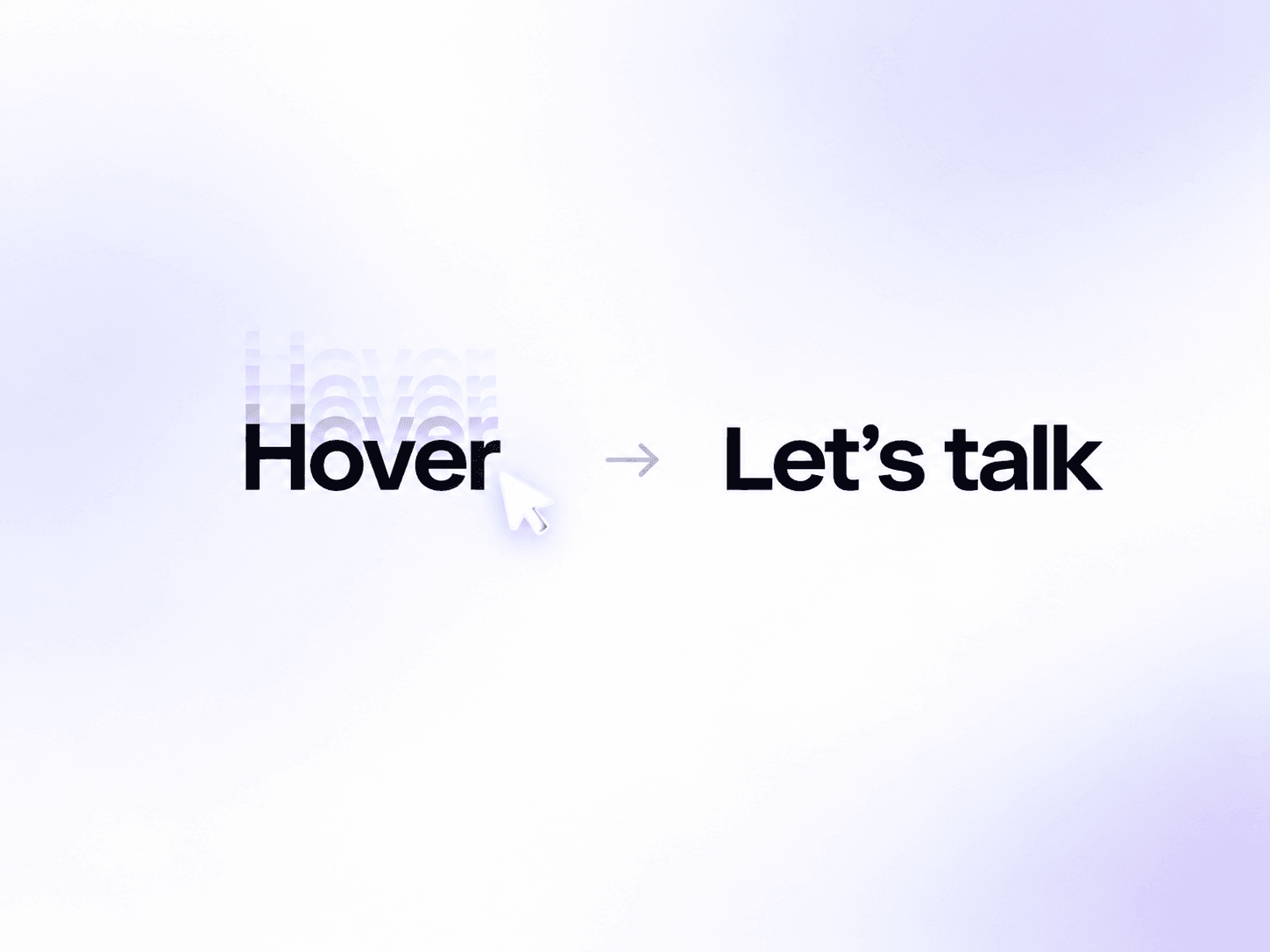
About Text Swap Stagger
smooth animated text component that swaps between two text labels on hover using an elegant character-by-character staggered roll effect. Customize the animation direction, speed, easing, typography, and colors to create engaging interactive text for buttons, navigation links, and call-to-action elements. Perfect for modern websites, creative portfolios, and interactive landing pages.
Customize Options
1. Text & Typography
Text – Set the default text displayed before hovering.
Hover Text – Define the alternative text revealed on hover.
Font – Customize typography, including font family, size, weight, and alignment.
2. Colors
Color – Set the default text color.
Hover Color – Set the text color displayed on hover.
3. Animation
Direction – Choose whether characters animate upward or downward.
Duration – Adjust the transition speed.
Stagger – Control the delay between each character's animation.
Easing – Choose from smooth, fast-then-slow, bouncy, ease-in-out, or linear transitions.
4. Link Settings
Link – Make the text clickable and connect it to a destination.
New Tab – Choose whether the link opens in a new tab.


