About Text Wave
Text Wave
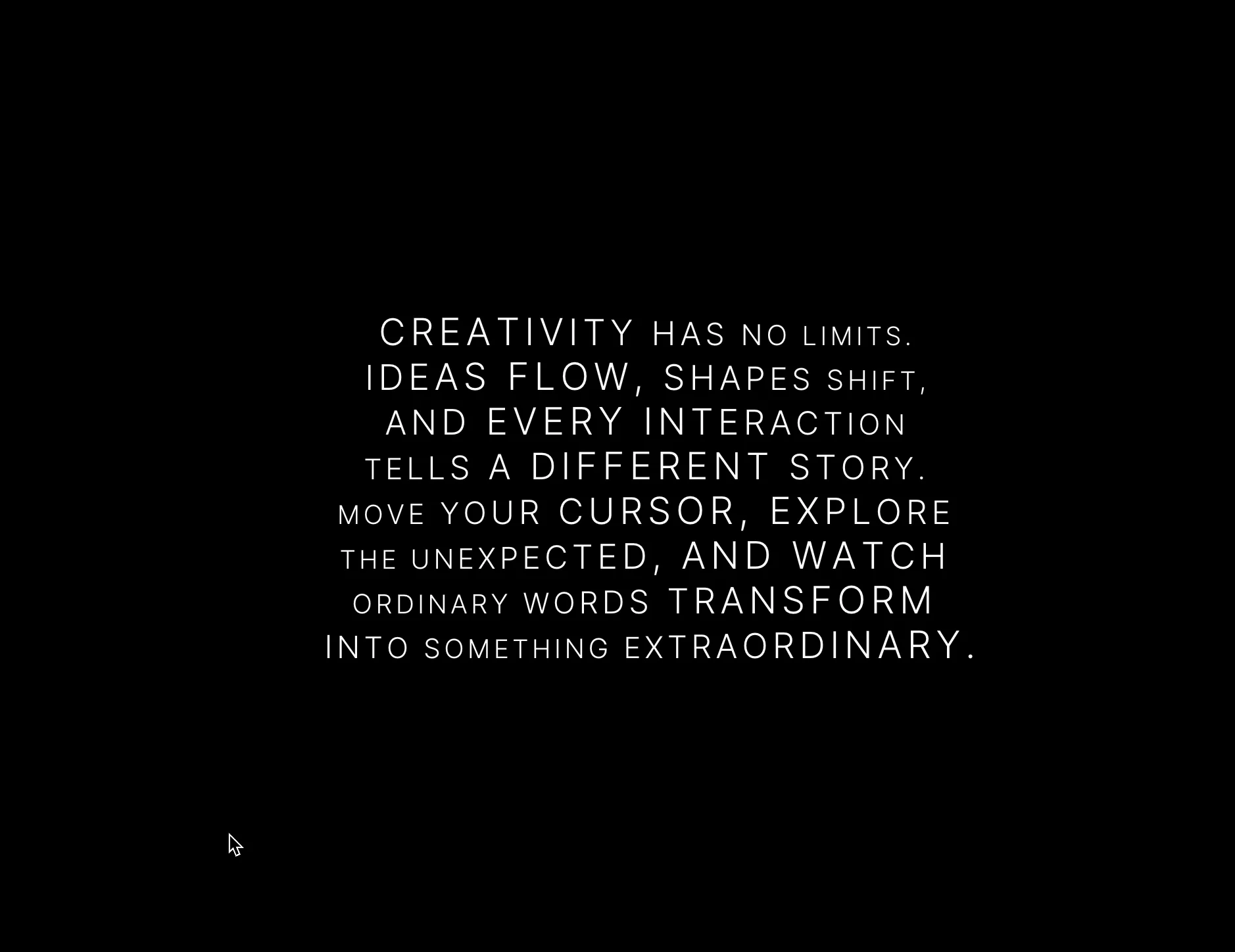
Turn static copy into living typography. A smooth wave rolls through your text, and each letter swells and shrinks as it passes. Because the letters really change size, the characters around them shift too, so the whole block moves as one.
Switch on Hover for a second layer: letters near the cursor grow on top of the wave and settle back smoothly when it moves away.
Before you start: line breaks are manual
Text Wave doesn’t wrap text automatically. Press Enter in the Text field wherever you want a new line to begin.
Resizing or stretching the component won’t re-wrap or shrink the text. To change the layout, edit your line breaks or adjust the Size. For smaller screens, use a smaller size or shorter lines.
Features
Continuous wave animation across every letter
Optional Hover effect you can switch on and off
Full control over wave size, wavelength, angle and speed
Hover strength and radius
Any Google Font: type the name exactly as it appears on Google Fonts (for example “Inter”)
Custom weight, color, size, letter spacing and line height
Optional uppercase
Respects reduced-motion settings
How to use
Drop Text Wave onto your page.
Type your text, pressing Enter at the end of each line.
Pick your font and size.
Adjust the wave to taste, then turn on Hover if you want visitors to interact.
The canvas shows a still preview; the animation plays in Preview and on your live site.