About Text Generate
Detailed Description:
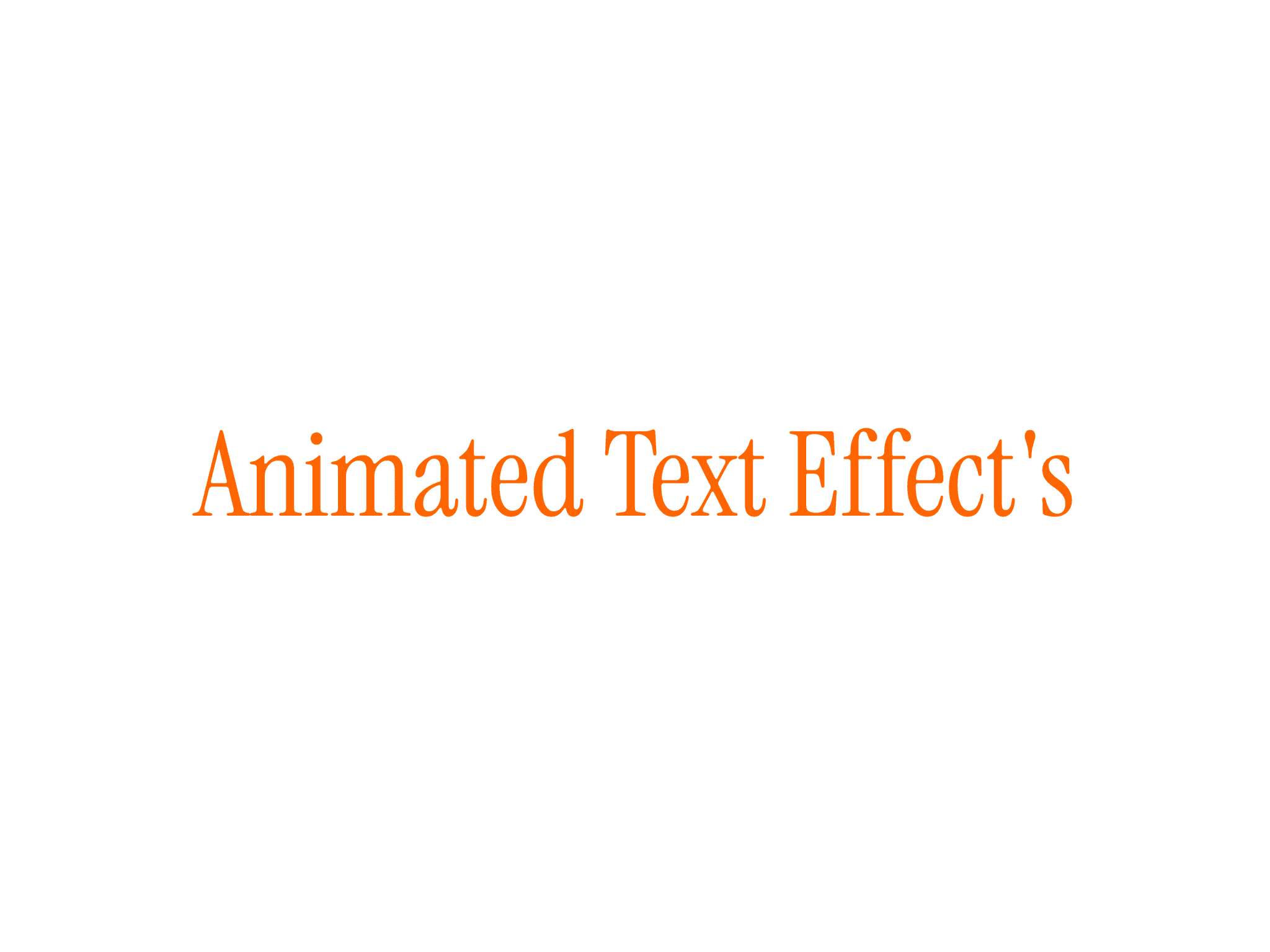
Text Generate Effect brings motion-driven typography to Framer with an elegant word-by-word animation that feels smooth and natural. When the component loads, each word animates from blurred and invisible to fully sharp and visible. You control exactly how it behaves: speed, stagger, blur intensity, alignment, font styling, and spacing. Whether you’re building dramatic hero intros, poetic storytelling moments, or subtle motion-based UI text, this component adapts effortlessly.
It works with long paragraphs, headlines, and multiline text. All properties are exposed through simple controls, so you never touch code.
Features:
- Word-by-word animation using Framer Motion
- Optional cinematic blur-to-sharp effect
- Fully customizable timing (duration, stagger delay)
- Supports long text blocks and paragraphs
- Adjustable alignment, line height, and spacing
- Built-in typography controls with full font support
- Responsive layout with max-width handling
- Zero setup — works instantly on drop
How to Use
- Drop the component anywhere on your canvas.
- Enter your text inside the “Text” property (supports long paragraphs).
- Adjust key animation settings such as Duration, Stagger Delay, and Enable Blur.
- Customize typography using Font, Line Height, Letter Spacing, and Text Color.
- Choose your preferred Text Alignment (left, center, right).
- Preview the page — the animation plays automatically.
For paragraphs, the component automatically splits each word and animates them in sequence for a smooth reveal.
Best For
- Hero sections
- Storytelling pages
- Podcast or film-style intros
- Case studies
- Product launches
- Personal portfolios
- Marketing pages with strong copy