About Text Image Mask
Feature Highlights
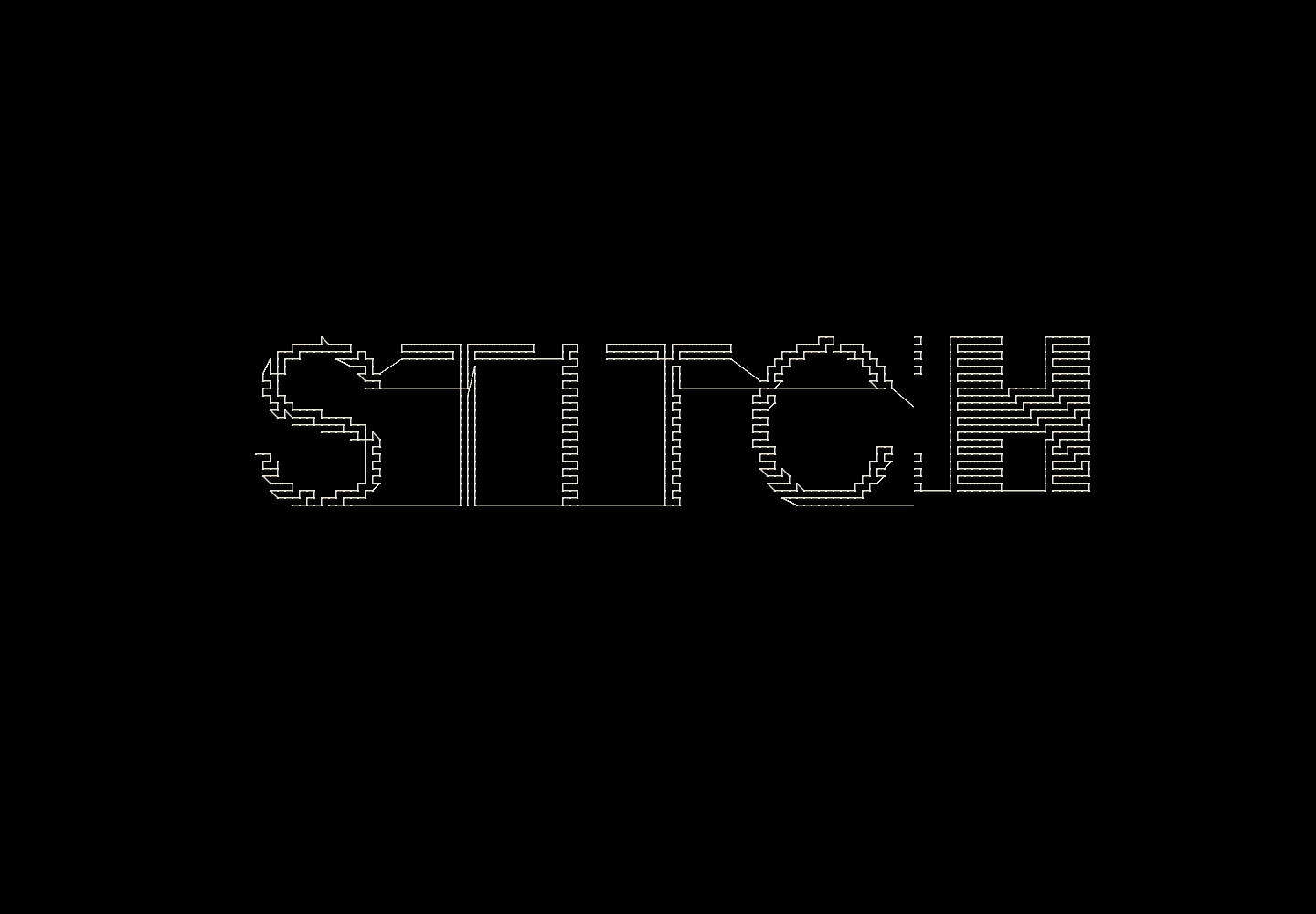
Text Clipped Image Masking — Your text becomes an SVG clipping mask. The image is able to be shown through the text at any position in the frame, creating a bold typographic reveal that works at any size.
Clip Mode: Empty or Fill — In Empty mode, the text punches a transparent stroke into the background image. Switch to Fill mode to fill the text shape with a solid color of your choice.
Flexible Font Control — Choose any font family, weight, and style from Framer's font picker. Scale the text fluidly as a percentage of the component's width so it always fills the frame.
Precise Text Positioning — Nudge your text horizontally and vertically using X and Y offset controls, so the clip mask sits exactly where you need it.
Stroke Settings — Add an outer or inner stroke with full control over color, weight, and paint order — great for adding contrast or an outlined effect over your media.
Image Clip & Offset — Use the clip size and invert clip controls to reveal only a portion of the background (top half, bottom half, or anywhere in between), and shift it vertically for precise art direction.
Color Adjustments — Fine-tune the image's hue, saturation, brightness, contrast, and blur directly in the property panel — no extra layers needed.
Fully Responsive — Font size, offsets, and media positioning all scale dynamically with the component's frame using a live ResizeObserver, so the effect stays sharp at any size.
Experimental: Video Support — Via the toggle button, optionally replace the image with an MP4, WebM, or MOV file. Looping, muted autoplay is supported. This feature is experimental and behavior may vary across browsers and canvas environments. (fyi, it works best if you use a tiny file size)