About Tilt Image3D
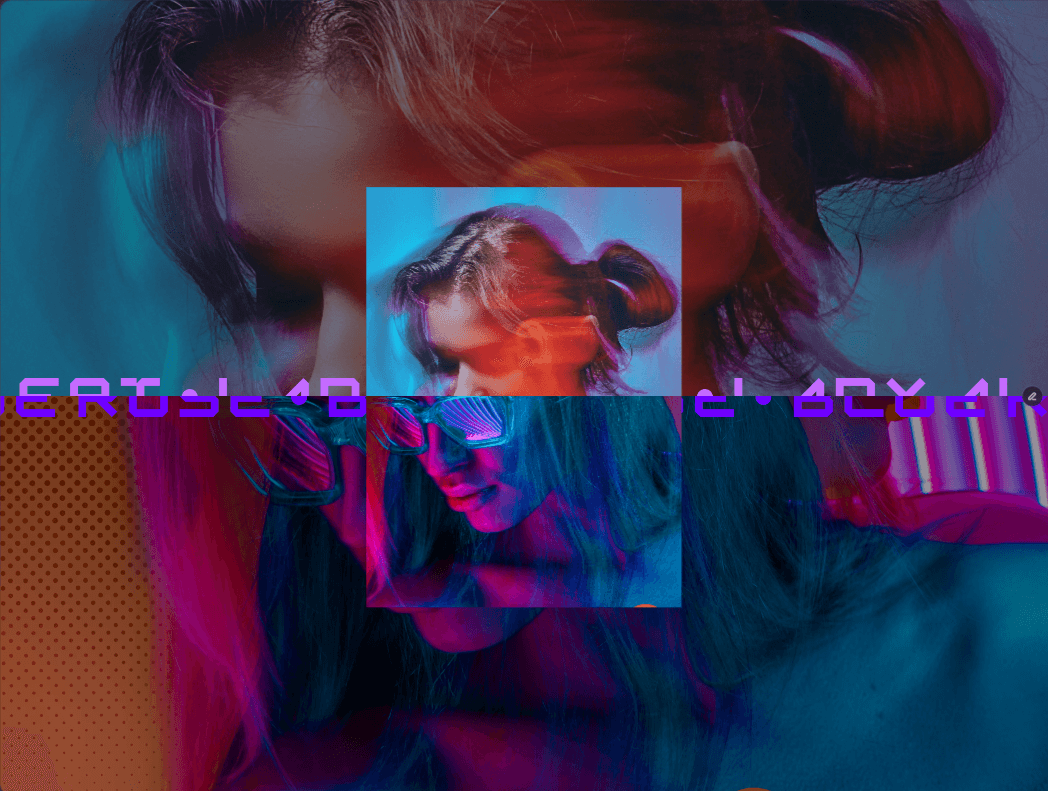
Bring your visuals to life with interactive 3D motion, realistic parallax depth, and dynamic shine effects. Perfect for hero sections and product showcases
Customizable Options
Image
Upload any image, the example image above uses a bottle mockup without a background.
3D Depth
Toggle 3D Depth → Enable or disable layered parallax effect.
Depth Intensity → Control how deep the parallax layers move (0–100px).
(Visible only when 3D Depth is enabled.)
Tilt Settings
Vertical Tilt → Set the starting vertical rotation (−45° to +45°).
Horiizontal Tilt → Set the starting horizontal rotation (−45° to +45°).
Rotation → Add diagonal perspective rotation (−45° to +45°).
Tilt Intensity → Control how much the card tilts with cursor movement (0–30°).
Shadow
Enable Shadow → Turn on realistic motion-based shadows.
Shadow Intensity → Adjust shadow distance and softness (0–50px).
(Visible only when Shadow is enabled.)
Shine Effect
Enable Shine → Add a glossy light reflection that follows the cursor.
Shine Intensity → Adjust the brightness and spread of the shine (0–1).
(Visible only when Shine is enabled.)