About TOC Component
Right-Side Hover Table of Contents (Free)
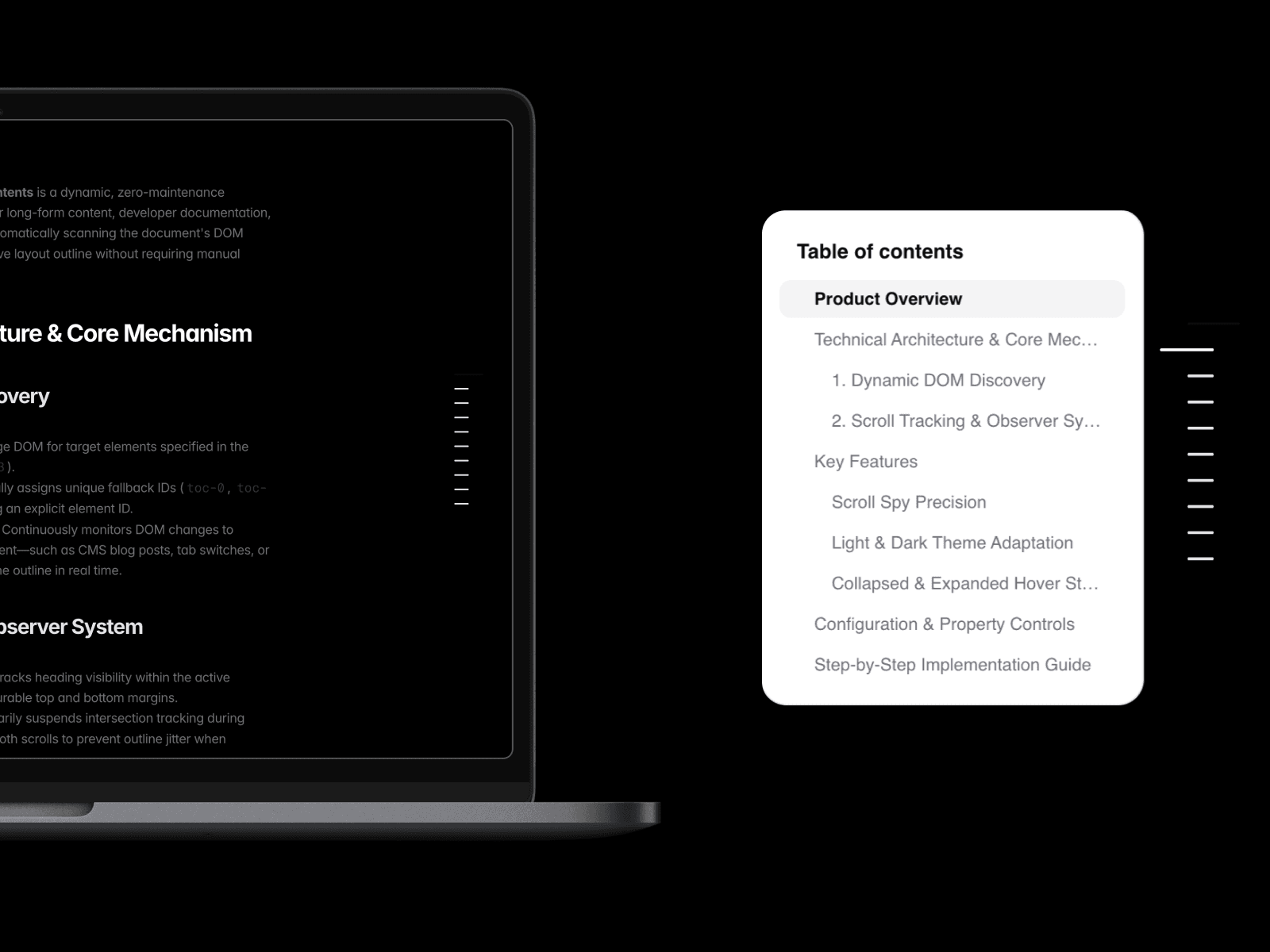
A free Notion-inspired, ChatGPT-style floating Table of Contents for Framer that automatically generates navigation from your page headings. Perfect for documentation, blogs, knowledge bases, help centres, and Framer CMS pages. No manual anchors, no configuration, and no maintenance required.
Features
🆓 Free Framer component – Just drop it into your project and it works.
📑 Notion & ChatGPT-inspired TOC – Clean, modern floating navigation similar to the documentation experience in Notion and ChatGPT.
⚡ Automatic heading detection – Scans
H1,H2,H3(or custom selectors) and builds the outline automatically.🎯 Scroll Spy – Highlights the current section as users scroll.
🚀 Smooth scrolling – Click any heading to jump directly to that section with configurable offsets.
🧩 Framer CMS compatible – Automatically updates with CMS Rich Text content and dynamically loaded pages.
🔄 Real-time updates – Detects DOM changes, making it ideal for dynamic content, tabs, and CMS.
🌗 Light & Dark mode – Adapts automatically to the user's preferred colour scheme.
🎨 Minimal floating design – Compact collapsed state with an elegant hover-to-expand navigation panel.
⚙ Customisable – Configure heading selectors, title, scroll offset, spacing, and navigation indicators without editing code.
Perfect for
Developer documentation
Product documentation
Portfolio Case Studies
Framer CMS blogs
Knowledge bases
Help centres
API documentation
Long-form articles
Landing pages with multiple sections
Simply add the component to your page, publish, and your interactive Table of Contents is generated automatically. No anchor links, manual IDs, or ongoing maintenance required.