About Trace Preloader
Trace Preloader — Animated Logo Reveal
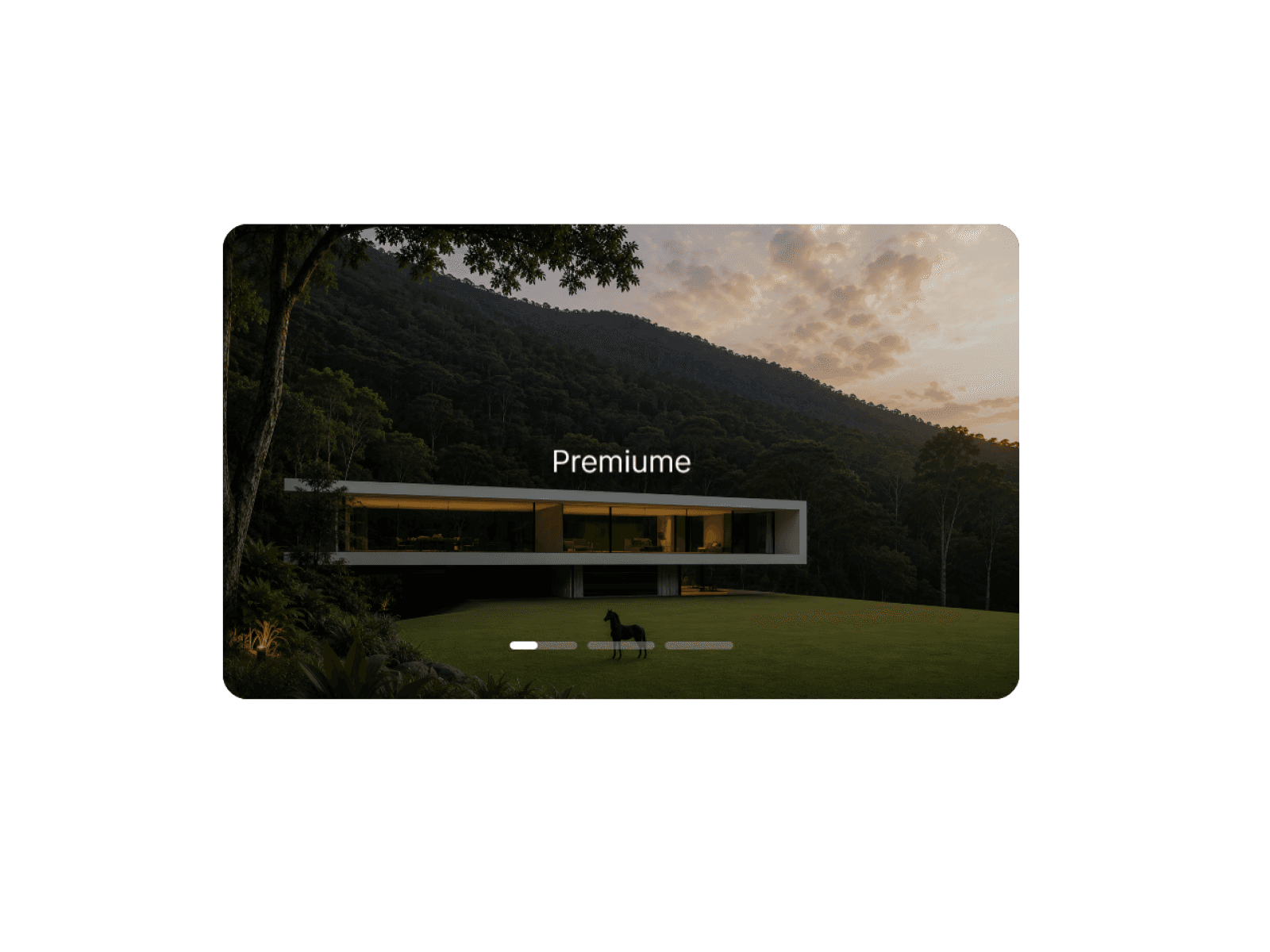
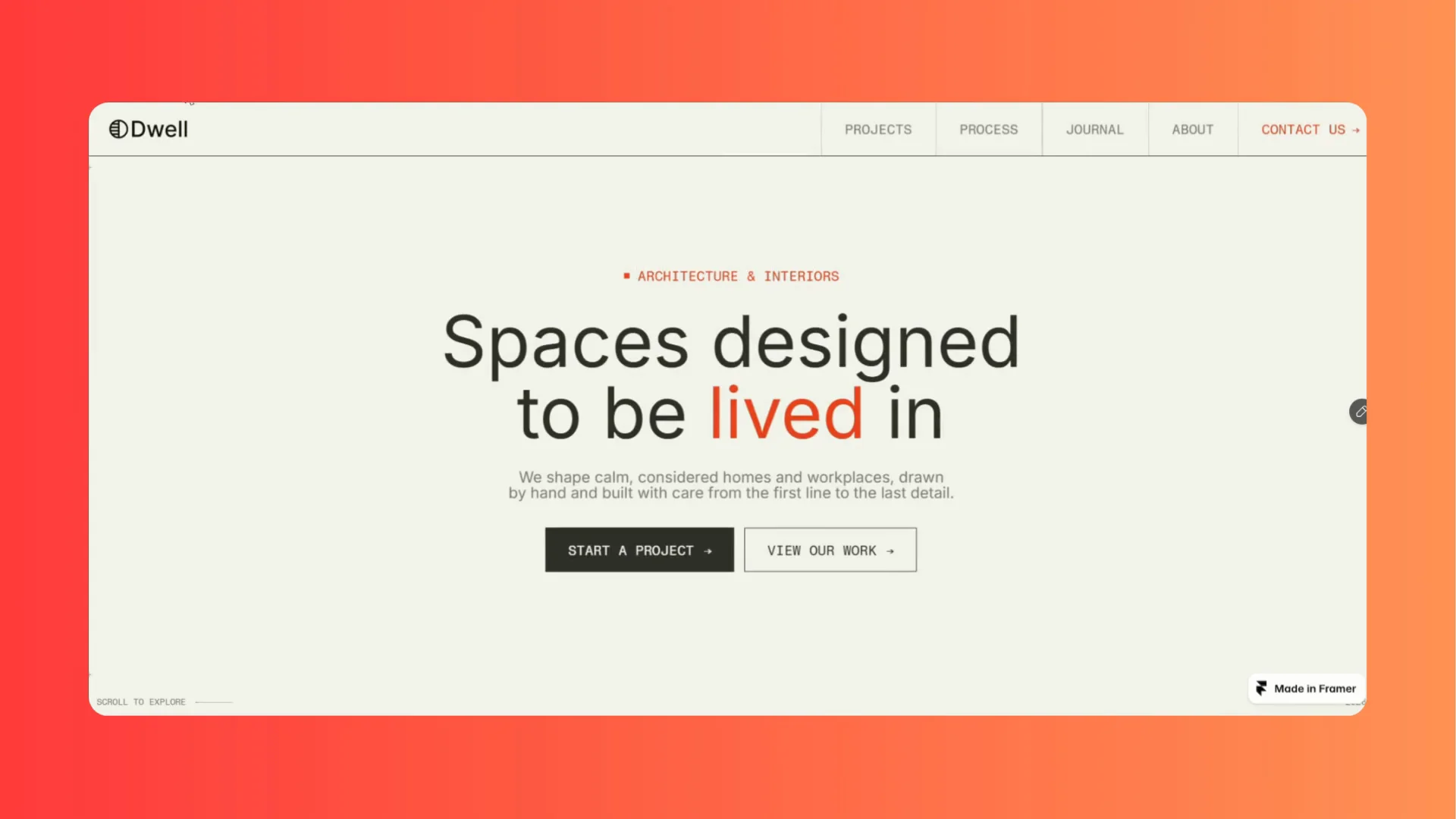
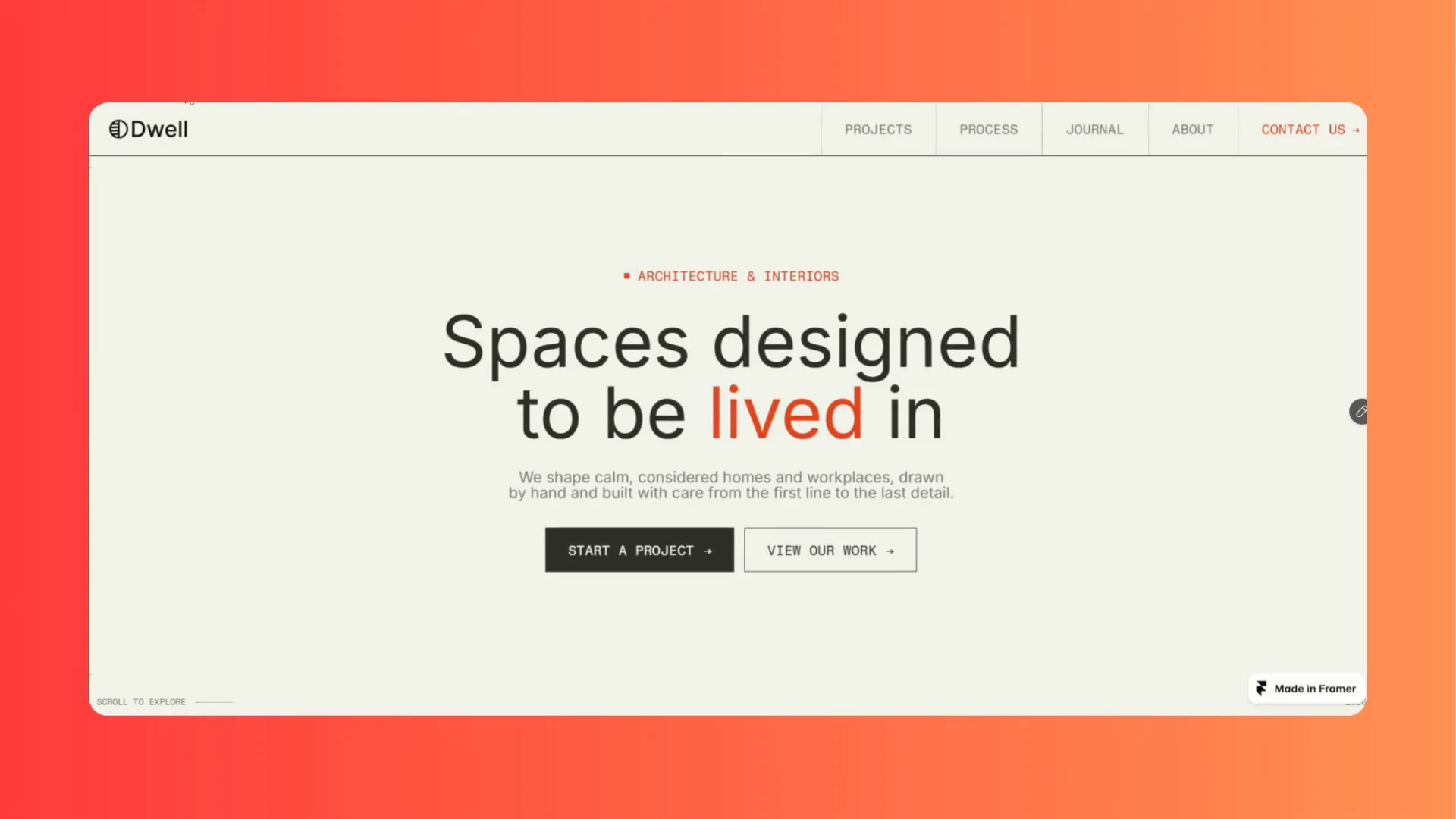
Make a memorable first impression with Trace Preloader, a customizable loading animation that transforms your logo or image into line art before revealing the original through a smooth, cinematic transition.
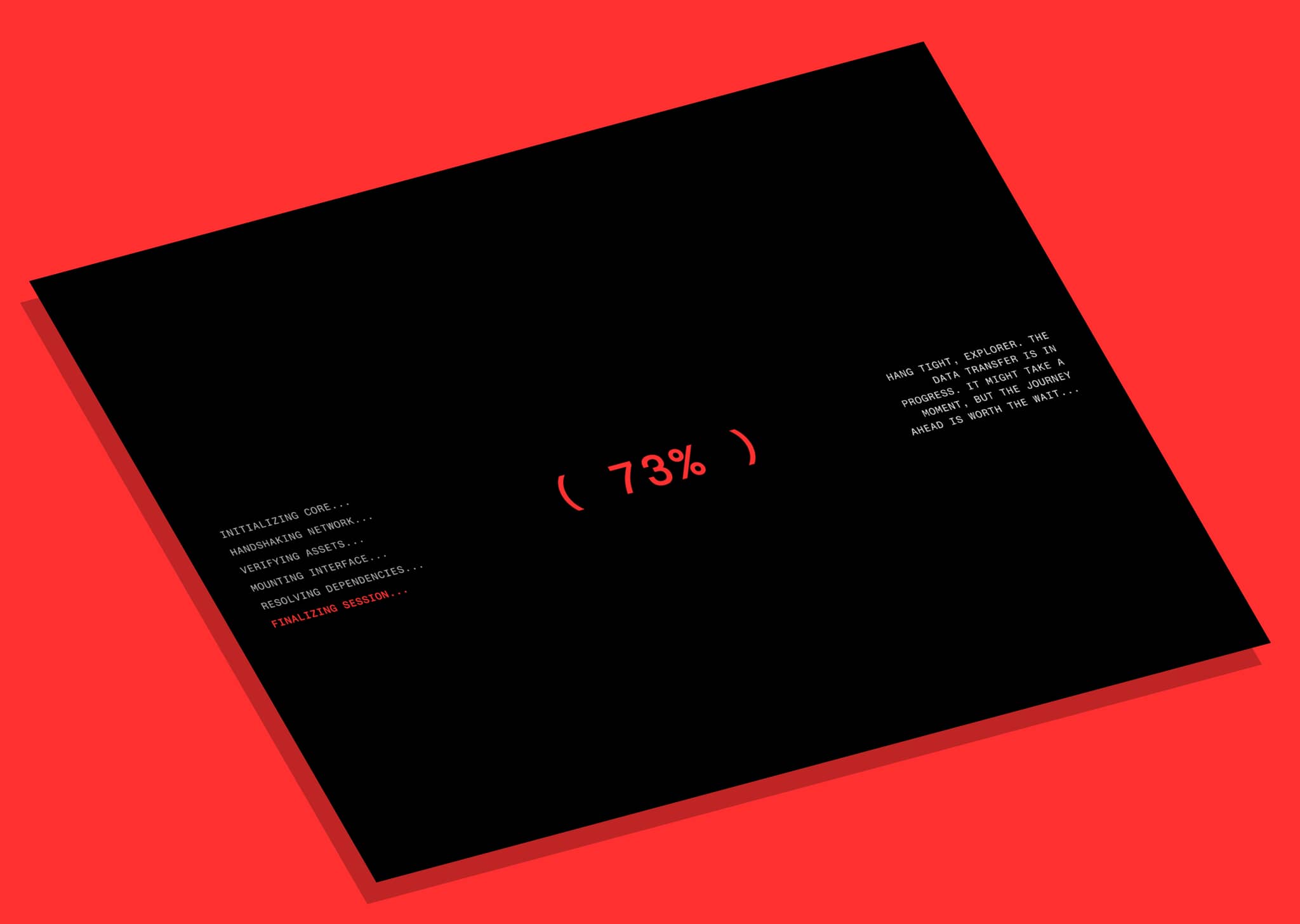
Perfect for modern, minimal, and premium websites, it combines a percentage counter, animated loading lines, and an automatically generated drawing effect.
Features
Automatic Line Art: Converts your uploaded image into a line illustration.
Progress Counter: Displays a percentage synchronized with the drawing animation.
Cinematic Reveal: Choose between split-line and fade transitions.
Customizable Colors: Adjust the background, line, and accent colors.
Line Art Controls: Fine-tune detail, smoothing, and line thickness.
Logo Positioning: Place your logo above, below, or on the loading line.
Animation Controls: Customize start delay, drawing duration, and reveal speed.
Adjustable Image Size: Make your logo bigger or smaller.
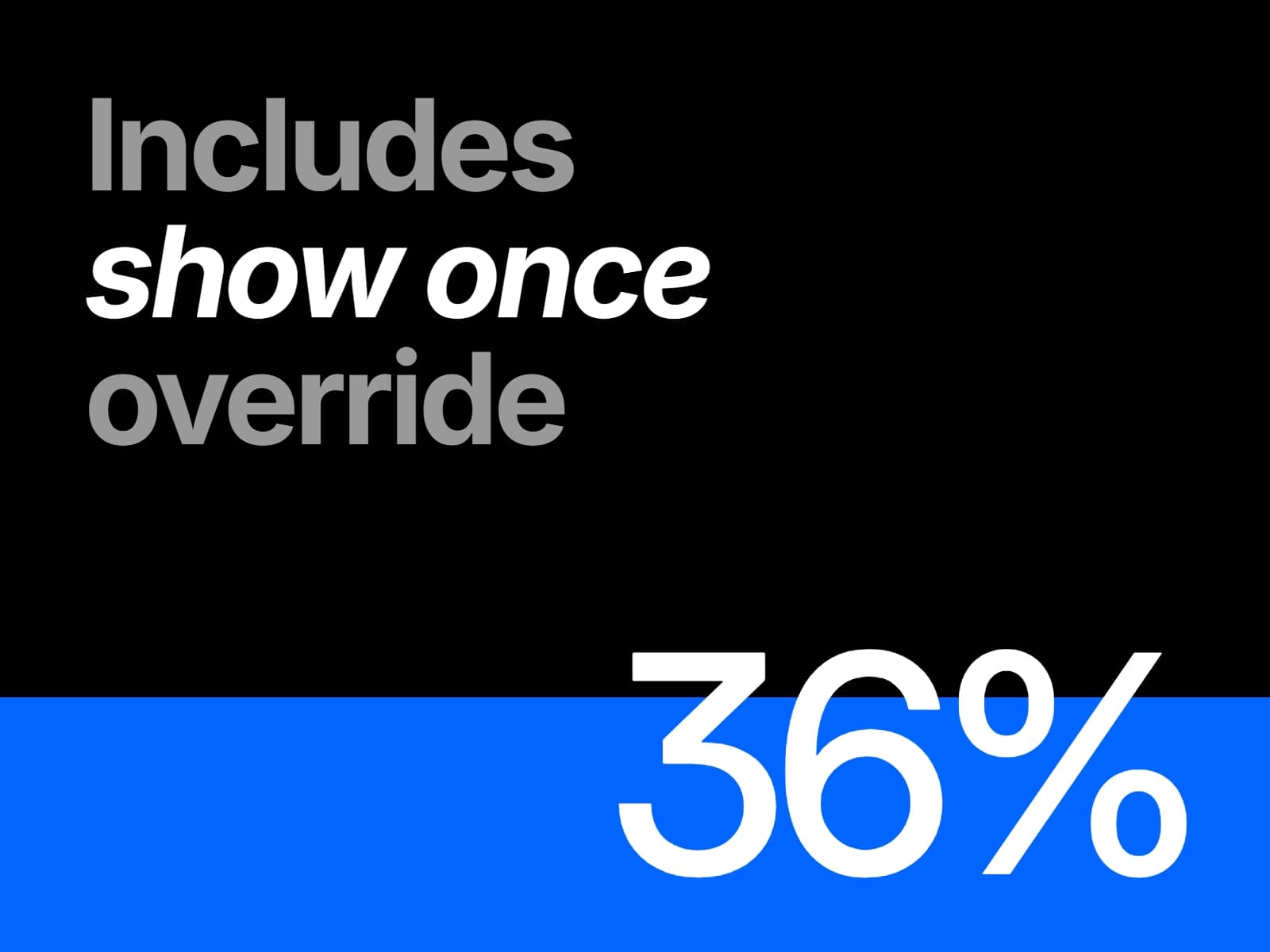
Playback Options: Play once per session or on every page load.
Full-Screen Overlay: Display the preloader over your website content.
How to Use
Add the Component: Insert Trace Preloader into your Framer project.
Upload an Image: Select your logo, brand mark, or another suitable image.
Customize: Adjust colors, image size, line-art settings, and logo position.
Set Animation: Configure the duration, delay, reveal style, and playback options.
Preview and Publish: Test your animation and publish your website.
Best Results
Use a high-quality logo or image with a clean silhouette and a simple or transparent background.
Perfect For
Creative portfolios, architecture studios, design agencies, luxury brands, fashion websites, and premium landing pages.
Trace Preloader — Watch your logo draw itself to life.