About TypeShift
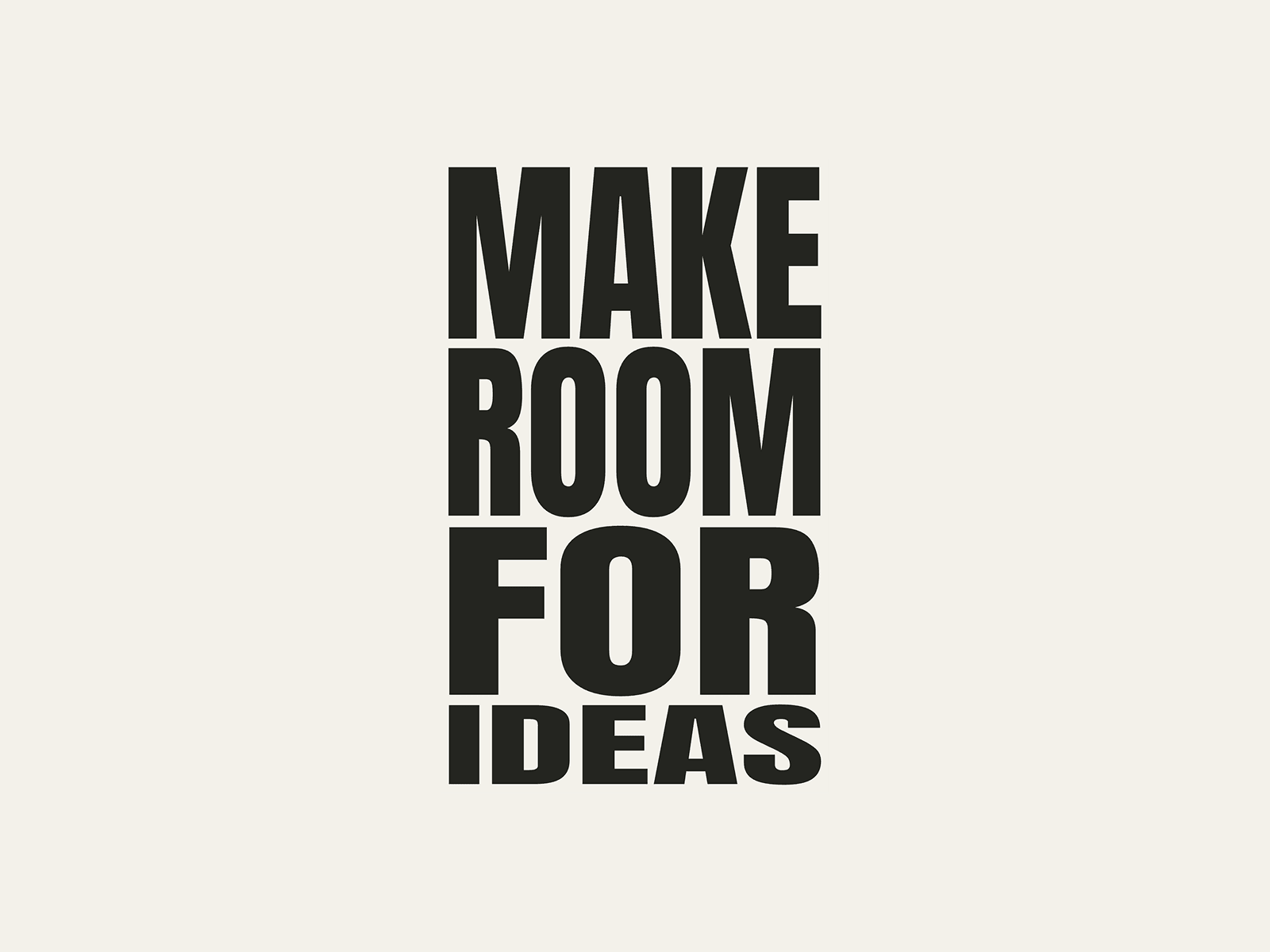
TypeShift stretches and compresses word rows as visitors scroll. Create expressive brand manifestos, portfolio introductions, and landing-page sections with one elastic typography panel.
Customize in Framer
Two editable phrases, up to six non-empty rows each. The second phrase is optional.
Typeface, text and background colors, row gap, and inset.
Normal, clockwise, or counterclockwise orientation.
Independent panel height and scroll distance.
Manual playback for a still state without pinning or extra scroll space.
Setup and scroll space
Use a vertical Stack. Set component Width to Fill and Height to Fit Content. Keep parent height content-sized and Overflow: Visible; check ancestor overflow if pinning fails.
Total height = panel height + Scroll distance. Defaults: 600px + 1000px = 1600px. The extra space drives the animation.
Choose Viewport with height 100 for a viewport-filling panel, or Fixed for breakpoint-specific heights. Preview from the page top.
Reduced motion
In Scroll mode, a browser-reported reduced-motion preference shows all text without animation and fits height to the content. Extra scroll space and internal scrolling are removed. This is not iOS-only; a fixed-height parent can still retain its own space.
Not seeing the scroll animation?
On iOS, when Settings → Accessibility → Motion → Reduce Motion is turned on, TypeShift displays the full text without animation.
Before you buy
Requires Framer. One Code Component with property controls, not a website template or native editable glyph layers. Uses preset word-row layouts. Font character coverage depends on your typeface. Fixed-header offsets are not automatic. No third-party API keys or backend setup.
Support: hello@periphi.com