About Aisol Ripple Dots
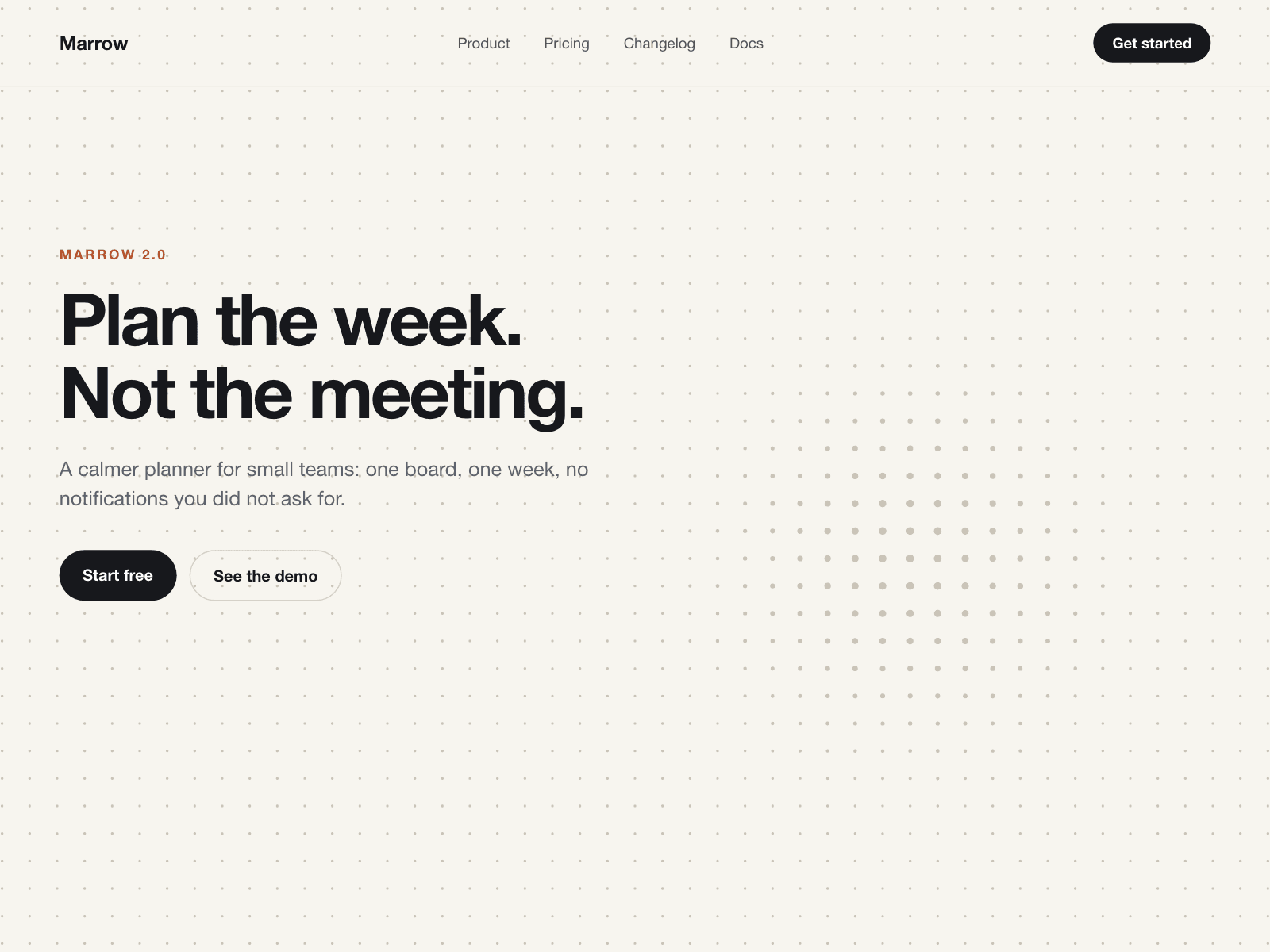
Aisol Ripple Dots is a dot grid background that reacts to the pointer: dots swell as the cursor passes and a tap sends a ring through the grid.
It only draws while dots are moving, and the canvas, thumbnails and exports show the same grid as plain CSS.
Colours, spacing, dot size, the response mode and its reach are all in the panel, and visitors who prefer reduced motion get the still grid.
- Three responses: Ripple (dots swell near the pointer, tap for a ring), Magnet (dots are pushed away) and Still.
- No frames are drawn while the dots are still, while the section is off screen or while the tab is hidden.
- The canvas never goes above a 2x pixel ratio or about 4 megapixels, whichever comes first.
- Transparent background by default, so it sits behind any section without changing its colour.
What you control
• Dot colour and background (transparent allowed)
• Spacing and dot size
• Response mode, reach and strength
• Tap ring on or off
Limits: it is decorative and hidden from screen readers; the ripple needs a pointer or a touch, so it does not animate on its own; with reduced motion the dots do not move and the ring is skipped.