About Veil Trail
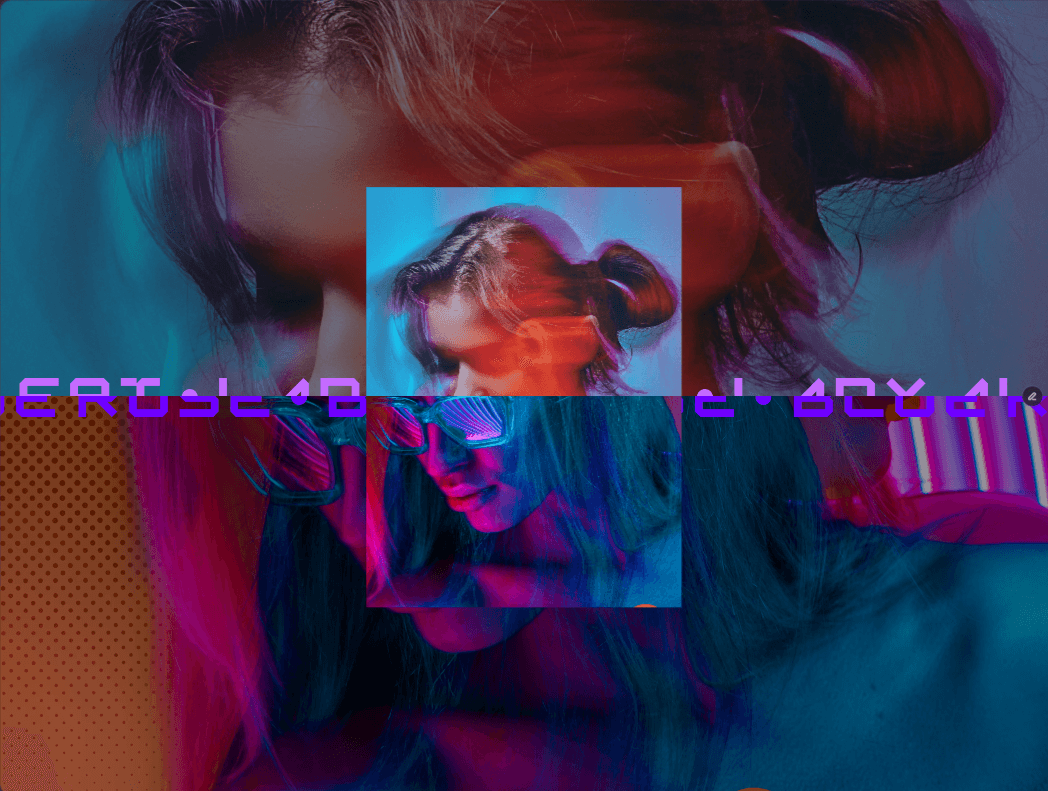
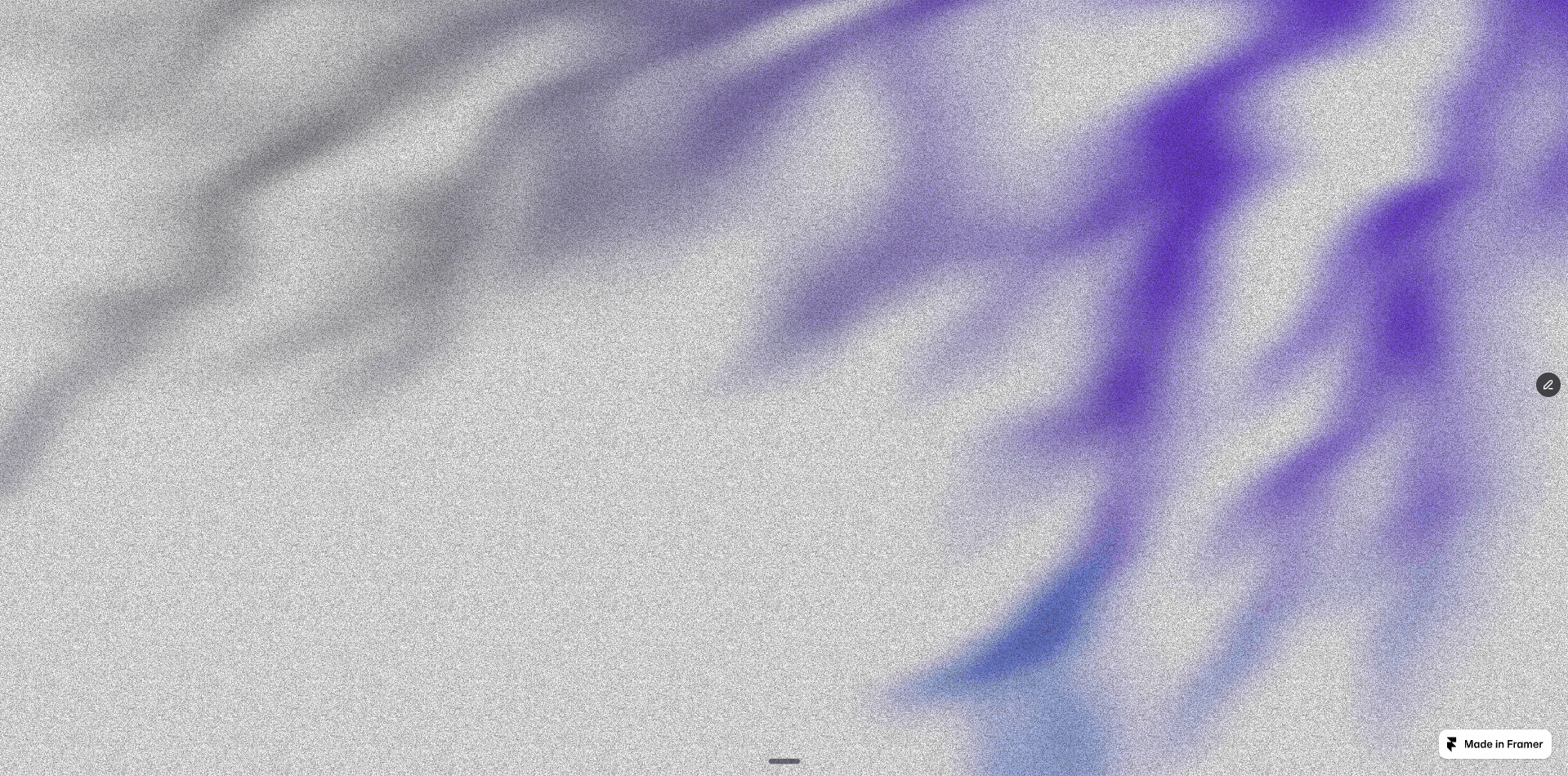
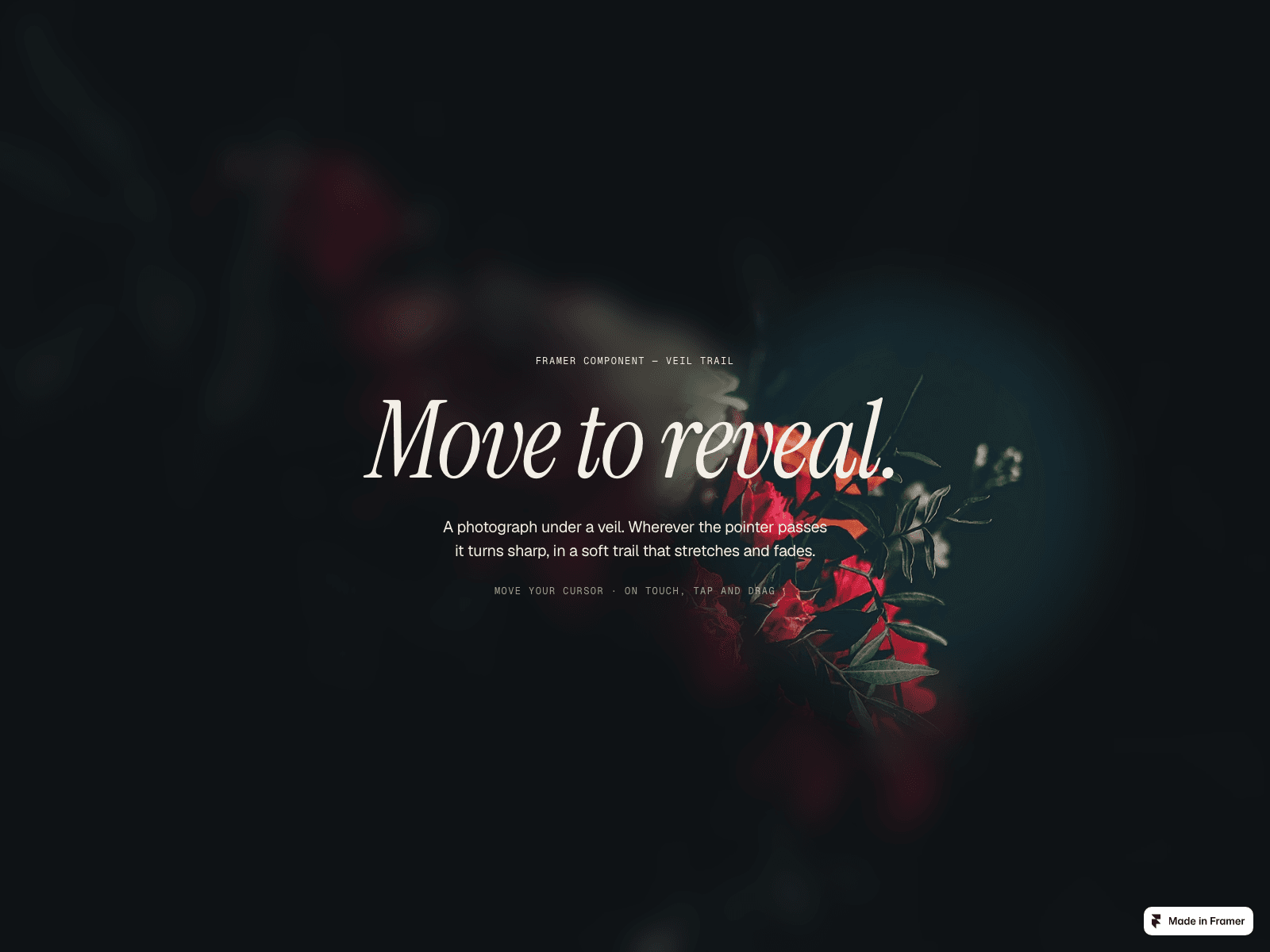
Veil Trail keeps a photograph under a soft veil and reveals it, sharp, wherever the pointer passes, in a trail that stretches and fades. With no pointer around, the trail drifts on its own, so it works on phones and as a living background.
A real trail: from a single spotlight to a 12-point comet.
Tune the veil: blur, brightness, saturation and a colour tint.
Optional second image under the veil: black and white under colour, or before and after.
Its size follows the component, so it looks right on every breakpoint.
Pauses off screen, respects reduced motion, and the first render already shows a still trail.
Place headlines and buttons on top: the trail keeps following the pointer underneath.
No dependencies beyond Framer.
How to use: after purchase you receive the component link. Copy it, click the canvas of your Framer project and paste (Cmd+V or Ctrl+V). Then pick an image and set the size.
User guide (PDF): https://framerusercontent.com/assets/hXN2rMaVyIB1TOIbwSHNtiHCwbk.pdf
One purchase covers one website. Questions and help: info@litchisolutions.com