About Venom Button
A button that feels alive.
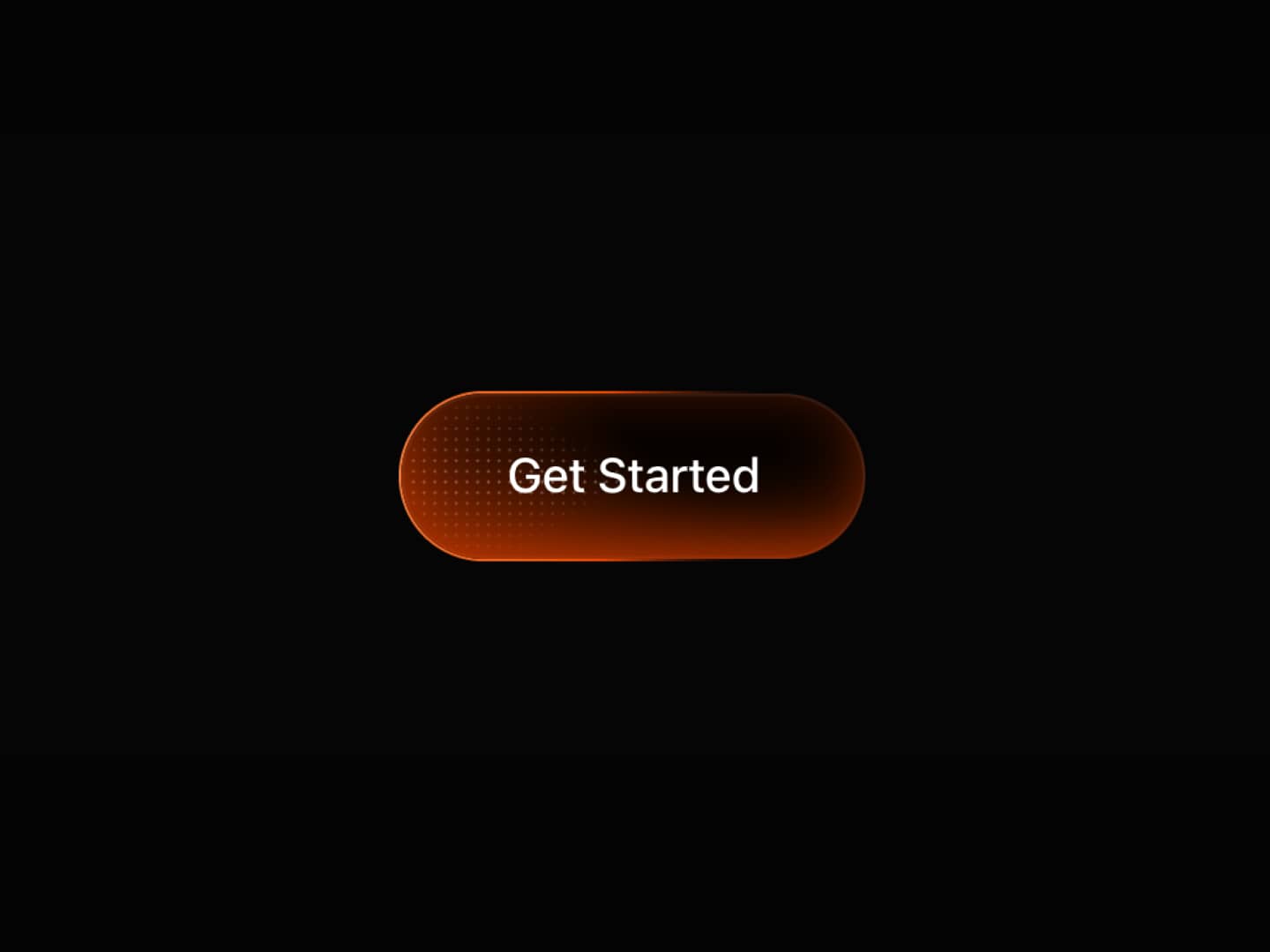
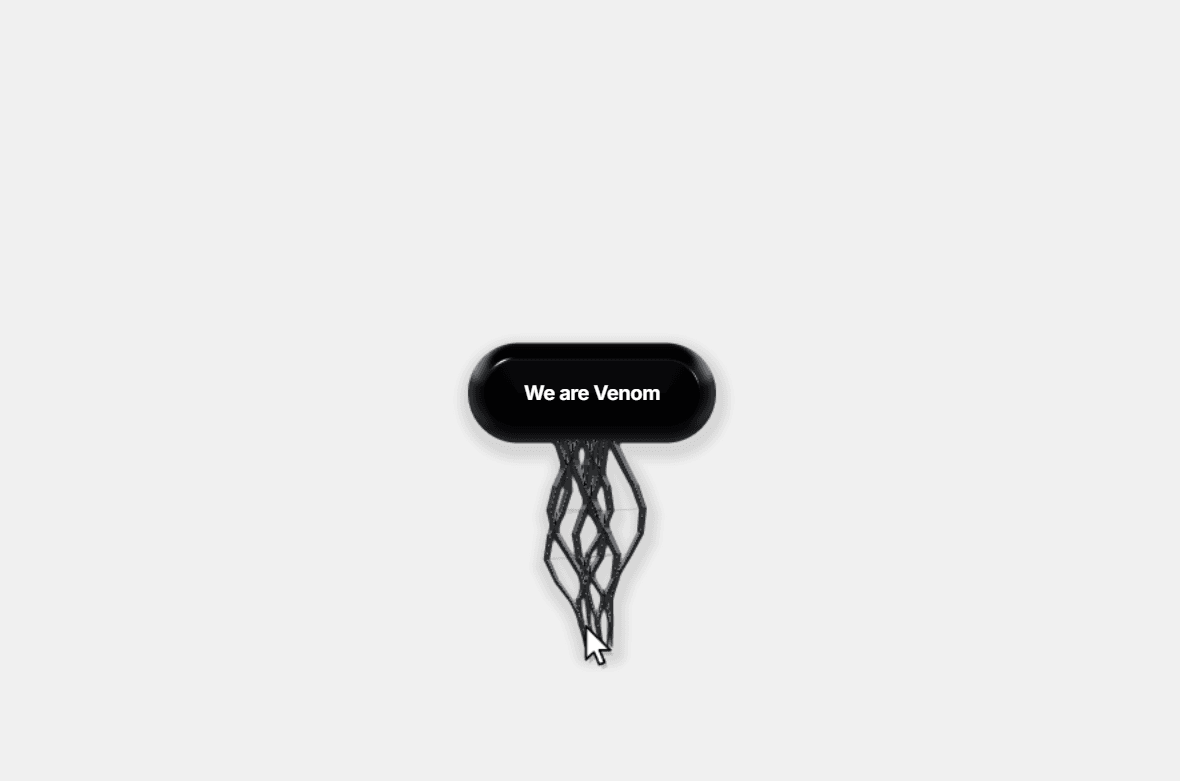
Venom Button is an interactive WebGL-powered button featuring glossy liquid surfaces, elastic tendrils, fluid connections, and responsive cursor interactions.
Move your cursor, stretch the liquid, and watch organic strands connect and break apart in real time. Every interaction transforms a simple button into a playful, immersive experience.
Designed for Framer, Venom Button combines expressive motion, customizable styling, and interactive physics to bring a unique personality to modern websites.
✨ Great For
Creative portfolios and personal websites
Experimental landing pages
Digital agencies and design studios
SaaS and product launch websites
Interactive hero sections
Creative call-to-action buttons
Motion-focused and experimental UI
Live Demo: Venom Button
⚡ Features
WebGL Liquid Rendering — Glossy, dimensional liquid surfaces with dynamic highlights and shading.
Elastic Tendrils — Animated strands stretch and respond to cursor movement.
Interactive Liquid Physics — Organic connections, droplets, and fluid motion.
Custom Cursor Styles — Choose between glove, arrow, and native cursor styles.
Autoplay Animation — Showcase the effect automatically without requiring user interaction.
Responsive Interactions — Cursor movement, hover, and press effects.
Dynamic Button Styling — Customize the button's appearance to match your brand.
Framer Font Integration — Control typography directly from Framer.
On Click Support — Connect your button to interactions and workflows.
Reduced-Motion Support — Respects visitors' accessibility preferences.
Static Rendering Fallback — Supports Framer's static rendering and previews.
Performance-Aware Animation — Includes visibility-based pausing and rendering optimizations.
💛 Support & Feedback
Have a question, found a bug, or have an idea for improvement? Feel free to reach out.
X (Twitter): @karimsaif0
Email: karimsaif010@gmail.com