About WAKE Cursor
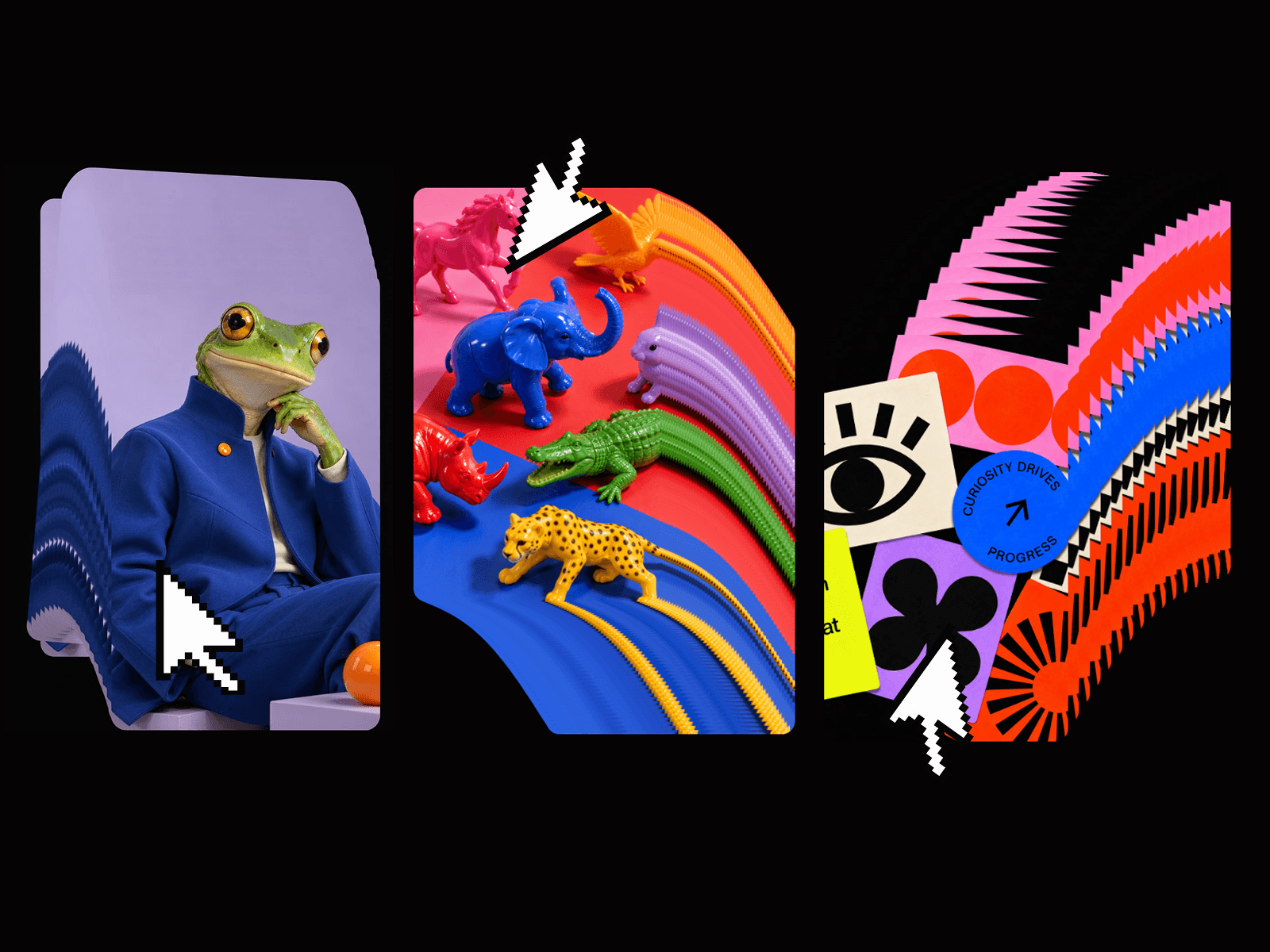
As your cursor travels across the screen it leaves a trail of images – each one spawning, holding, then fading away. The result is tactile, alive, and endlessly configurable without writing a single line of code.
HOW IT WORKS
Drop the WakeCursor component anywhere on your Framer canvas.
Adjust its properties directly in the right panel.
Preview in real time.
Done.
PROPERTIES
Images · Image Size · Spawn Distance · Lifetime · Hold Time · Fade-out Scale · Rotation Range · Scale Variance · Max Items · Hide Cursor
BEST FOR
Portfolio sites · Agency homepages · Landing pages · Creative studios · Interactive art projects