About WhatsAppButtonDialog
What it does
WhatsApp Chat Button adds a production-ready live chat widget to any Framer site. Visitors click the floating button to open a compact popup that mimics the familiar WhatsApp interface — complete with an animated three-dot typing indicator, sequenced messages from your support agent, and a message input. When the visitor types and sends a reply, they are redirected directly to WhatsApp Web (or the app) with their message pre-filled, ready to send.
How it works
Visitor clicks the button → the popup slides open with a spring animation.
The component shows a typing indicator, then delivers each configured message one by one, with controllable timing.
The visitor types their reply in the input field and presses Enter or the send button.
The browser opens WhatsApp (web or app) with the visitor's message pre-filled in the chat.
Clicking the button again (or the × in the popup header) closes the popup and resets the sequence for the next visitor.
Key features
Realistic WhatsApp UI — green header, chat-bubble layout, double blue ticks, and timestamp on every message.
Animated typing indicator — three bouncing dots appear before each message, just like the real WhatsApp.
Sequenced messages — write multiple lines in the property panel; each appears one after the other with configurable typing and gap delays.
Redirect to WhatsApp on send — visitor's message is URL-encoded and appended to a wa.me link; no backend or API key required.
Fully customisable in Framer — 25+ property controls covering colours, typography, sizing, button style, agent details, timing, and behaviour.
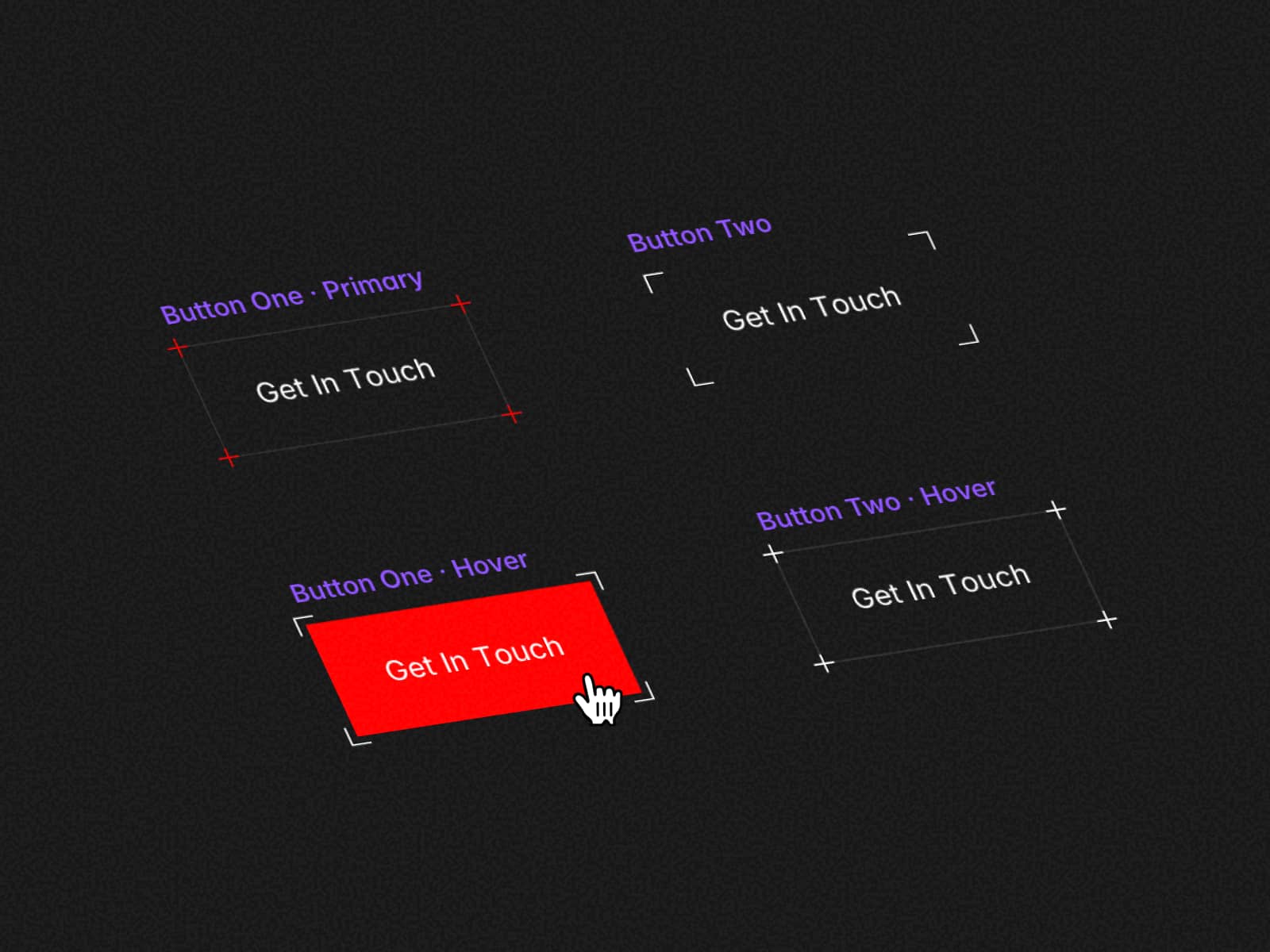
Five button style variants — Filled, Outline, Ghost, Pill, Soft and Icon Only.
Animated pulse ring — draws attention to the button without being intrusive.
Agent avatar, name, role, and online status dot — personalise the popup to your brand and team.
Optional response-time notice bar — set expectations with a customisable yellow banner.
No external dependencies — pure React 18, no third-party libraries.
Use Cases
Business and portfolio sites — let visitors start a WhatsApp conversation in one tap.
E-commerce — offer live order support with a pre-filled opening message.
Service agencies — qualify leads before the conversation even starts.
Local businesses — replace contact forms with an instant chat touchpoint.
Event pages — surface a direct line for last-minute attendee questions.
Setup & Usage
Installation
Purchase and copy the component URL from the confirmation page.
Open your Framer project → Assets panel → Paste the component URL.
Drag the component onto your canvas.
Configuration
Set your Phone Number (country code + digits, no spaces or dashes).
Write your Bot Messages — one line per message. Use emoji freely.
Set the Agent Name and Agent Role to match your brand.
Adjust colors, style, and sizing to match your design system.
Publish your site — the popup and redirect work live, no extra steps.
Notes
The wa.me redirect works on all devices — mobile opens the WhatsApp app; desktop opens WhatsApp Web.
No API key, server, or third-party account is required.
The sequence resets every time the popup is closed and reopened.
Refund policy
This product is a digital Framer component. Once purchased, it can be instantly accessed, duplicated, and added to your own Framer projects. Because of the nature of digital products—and the fact that access cannot be revoked after delivery—we’re unable to offer refunds.
📩 Support
Need help setting it up? Contact at karmasoftudio@gmail.com