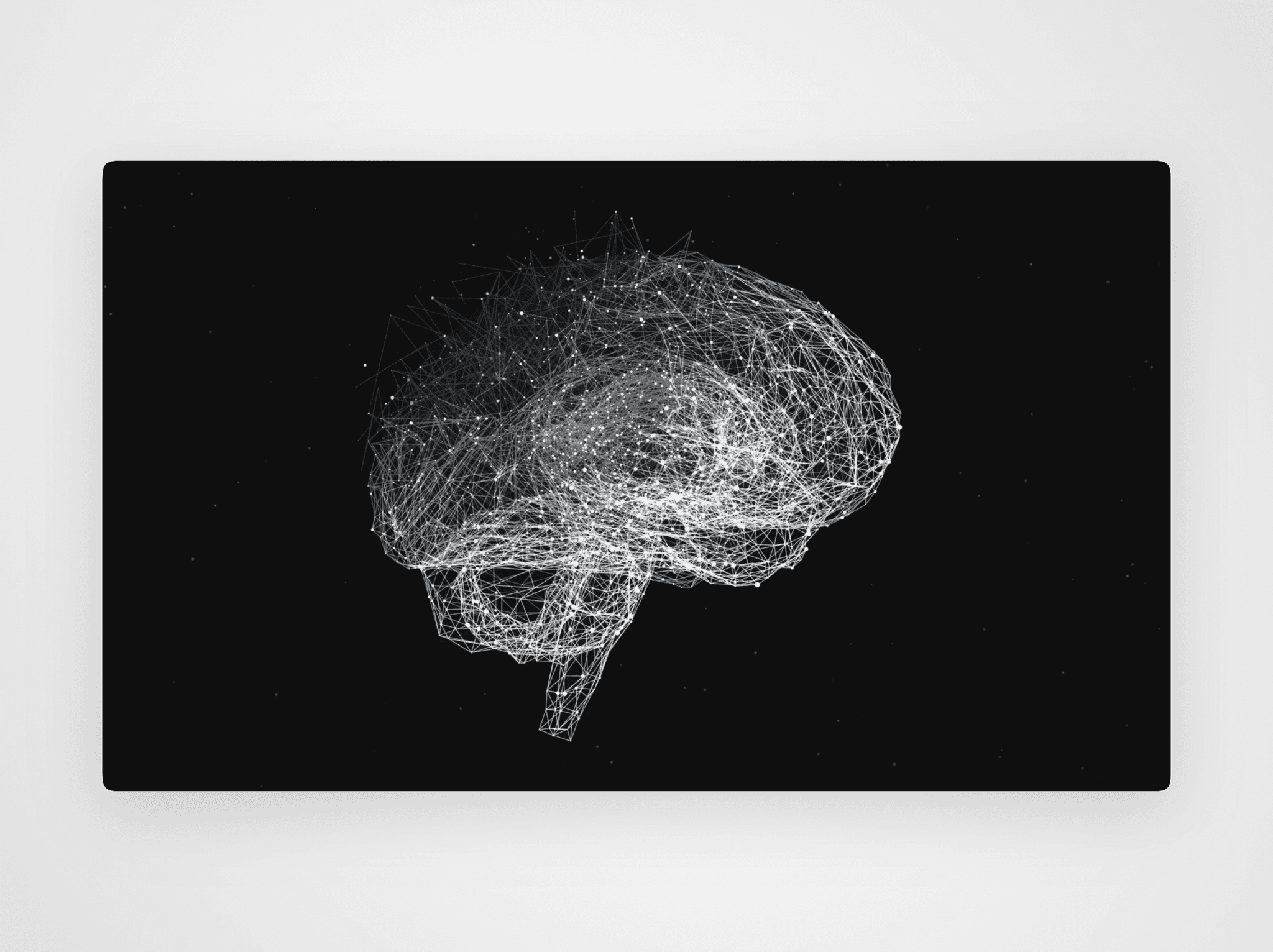
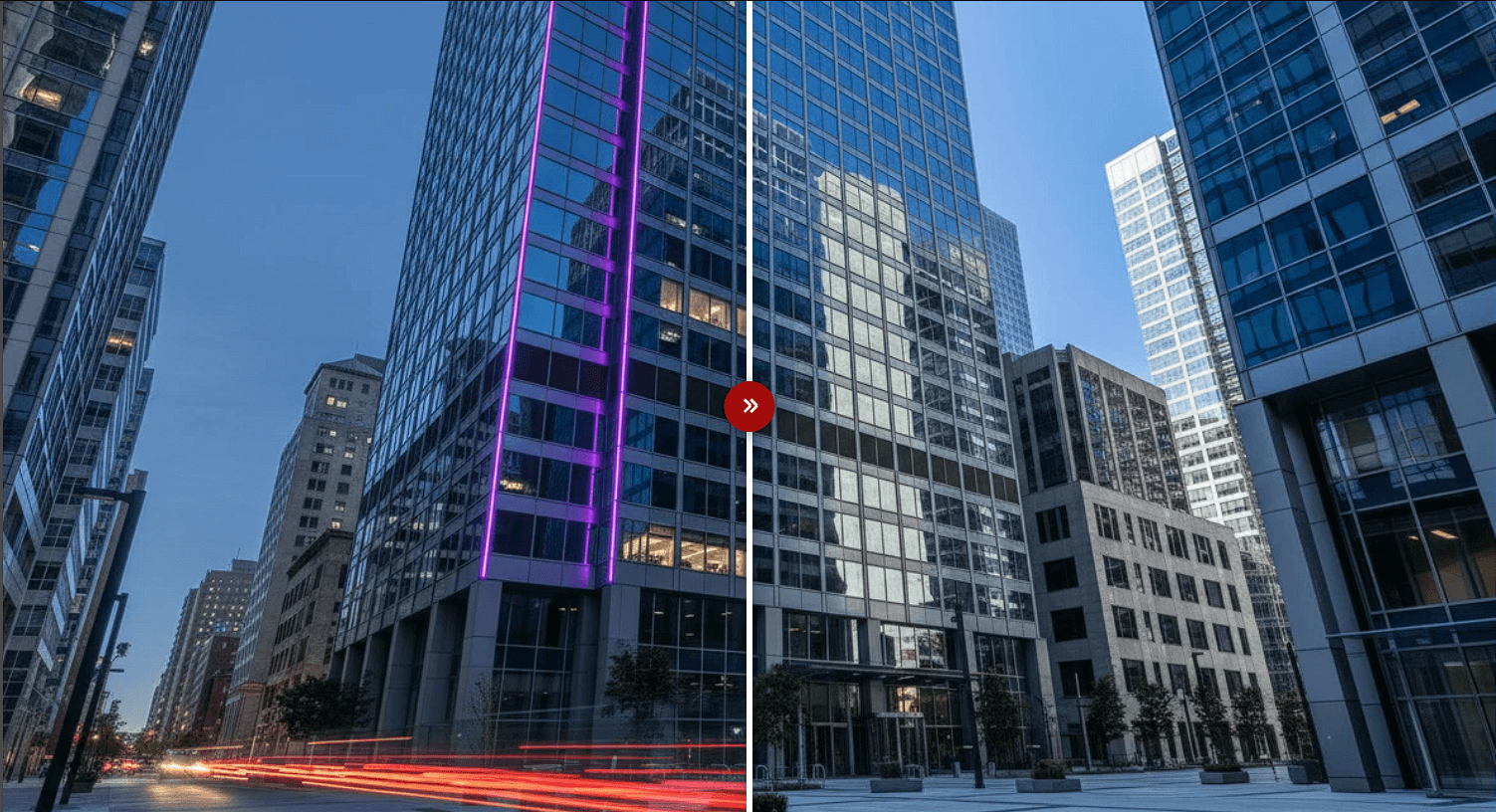
About X-Ray Hover Reveal
The X-Ray Hover Reveal is a professional-grade masking tool designed for high-impact visual storytelling. It allows users to "peek" through a primary image to reveal a secondary layer beneath, perfect for before/after comparisons, product internals, or creative portfolio highlights.
How to Use
Setup: Drag the component onto your canvas. In the properties panel, upload your Top Image (the one visible by default) and your Bottom Image (the one to be revealed).
Choose Your Interaction:
Use Hover for a classic discovery feel.
Use Click or Hold for intentional user engagement.
Use Always for a permanent decorative mask.
Configure the Reveal: Select your Reveal Direction. Choose Cursor for a radial spotlight that follows the mouse, or pick a directional swipe (e.g., Left to Right).
Style & Feel: Adjust the Reveal Size and Softness to create either a sharp cut or a glowing feathered edge.
Advanced Effects: Add a Tint to the bottom image for a blueprint effect, or increase the Zoom level to give a "magnifying glass" feel to the reveal area.
Pro Features
Custom Cursors: Upload your own SVG or PNG to replace the default cursor when hovering over the component.
Performance: If using high-resolution images, set the FPS Limit to 30 to ensure smooth performance on lower-end devices.
Mobile Optimized: The component automatically translates mouse movements to touch-drag gestures on mobile devices.
Best Practices
Ensure both images have the same aspect ratio for the most seamless transition.
Use the Motion Smoothing toggle to add a premium, weighted feel to the cursor movement.