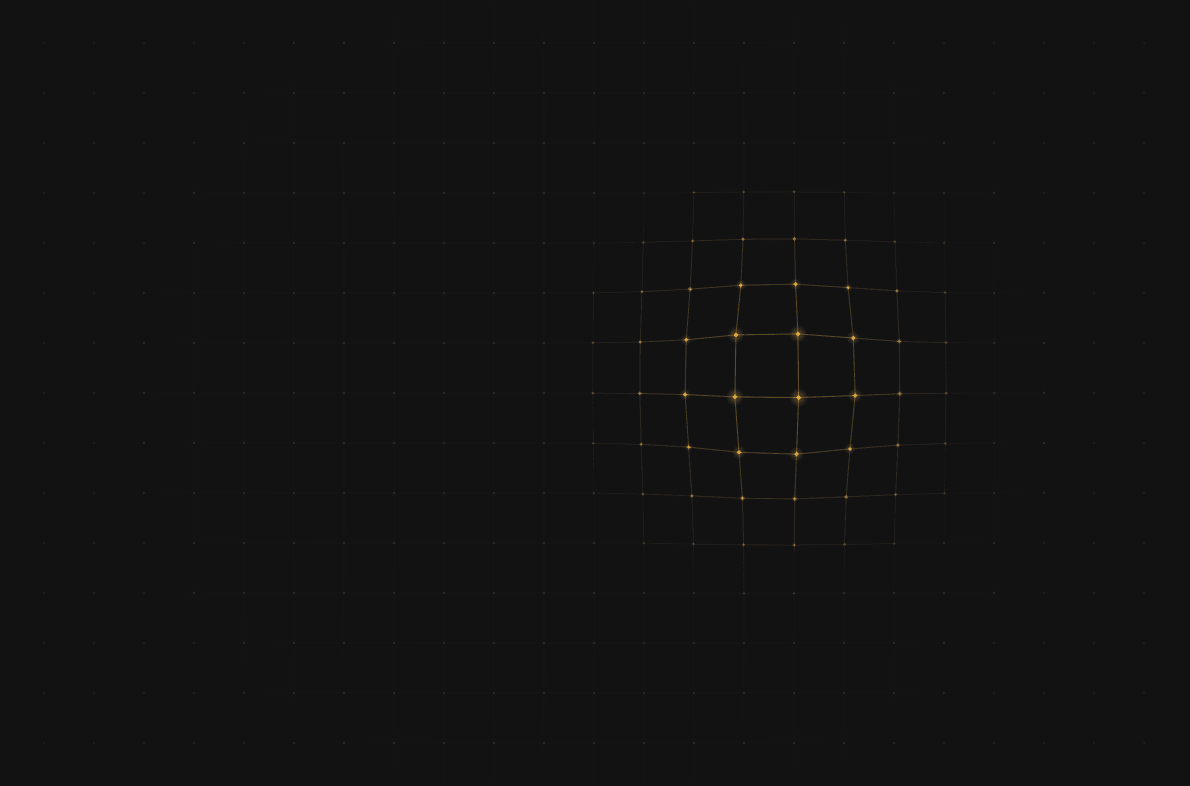
About Interactive Mesh
Mesh Field turns any section into a surface that responds to the visitor. A fine triangle or square mesh bends like a lens around the cursor, glows with a two-tone highlight, and sends out ripples on click.
Everything is adjustable, with no code:
Mesh: triangles or squares, cell size, line width and opacity
Nodes: diamond, circle, cross or none, with size and glow
Colors: background, lines, and an active-to-secondary highlight
Cursor: repel or attract, radius, strength and follow speed
Extras: spotlight, click ripples, ambient wave, vignette, dot texture
Built for real sites:
Stays sharp on retina screens.
Stops redrawing when idle or scrolled out of view, so it doesn't slow your page down.
The Ambient Wave option keeps phones and tablets moving even without a cursor.
Respects visitors' reduced-motion settings.
Shows a live preview right on the Framer canvas.
Drop it into a section, set it to fill, and put your content on top. The cursor still reaches the mesh through your text and buttons.


