About Youtube Carousel Pro
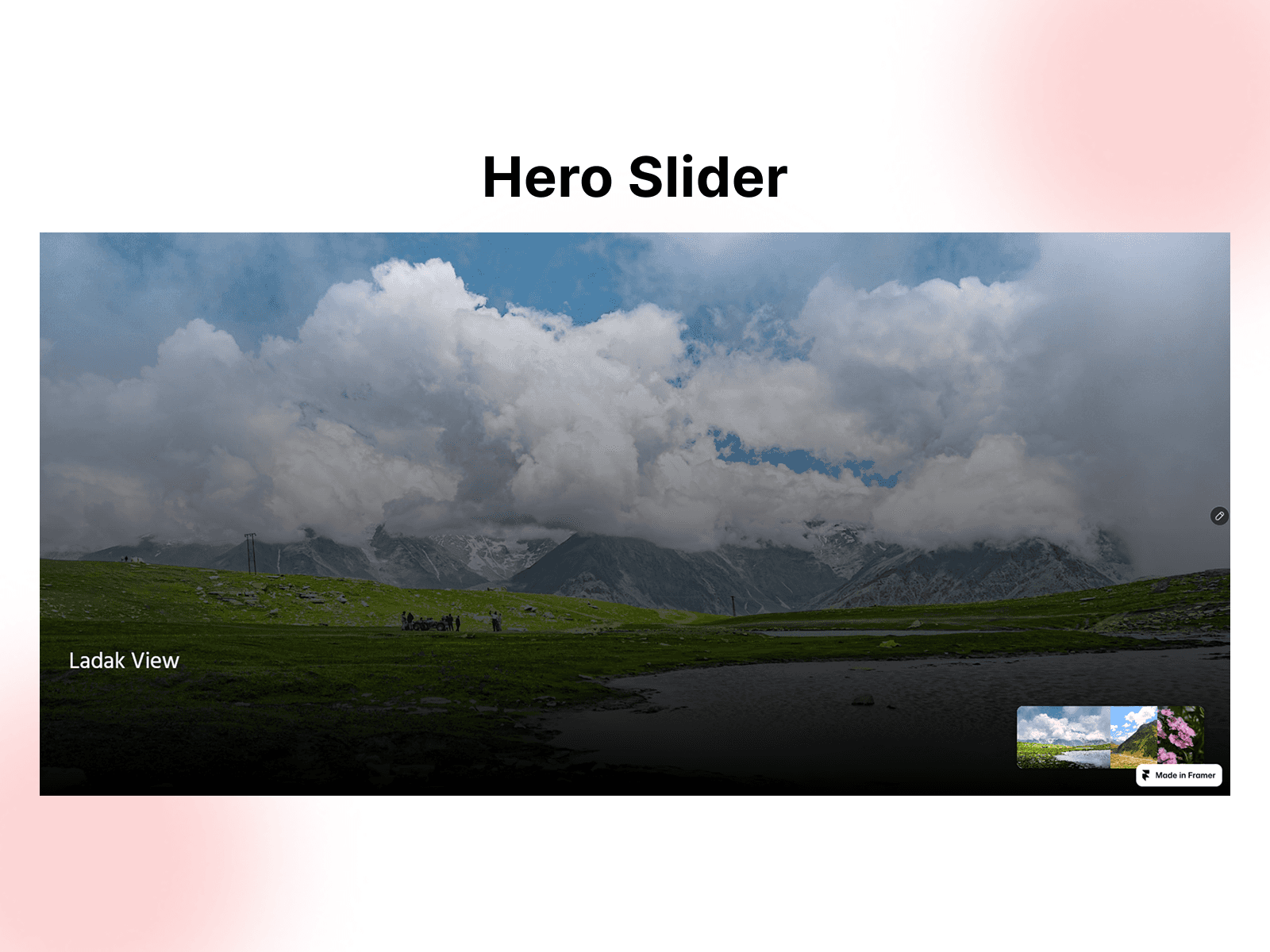
A premium YouTube carousel designed to showcase videos in a polished, interactive experience.
YouTube Carousel Pro is a premium Framer component that transforms your YouTube videos into an engaging carousel designed for modern websites. Present multiple videos in a smooth, responsive layout with interactive navigation, autoplay options, and customizable video cards.
Features
Interactive YouTube video carousel
Smooth horizontal scrolling
YouTube video embeds
Click and drag navigation
Navigation arrows
Automatic carousel rotation
Responsive video cards
Customizable card sizing
Adjustable spacing and radius
Video thumbnails
Play-focused presentation
Hover interactions
Flexible carousel positioning
Responsive layouts
Fully customizable in Framer
Showcase More Than Videos
Add multiple YouTube videos
Display video thumbnails
Create a curated video collection
Control card width and height
Adjust carousel spacing
Customize border radius and styling
Configure navigation buttons
Adjust autoplay and transition timing
Customize colors and typography
Perfect For
YouTube channels
Creator websites
SaaS websites
Startup landing pages
Creative agencies
Design studios
Portfolio websites
Product websites
Marketing pages
Media websites
Why You'll Love It
YouTube Carousel Pro is built for brands, creators, and businesses that want to showcase video content without relying on a basic grid or static embed. The interactive carousel creates a more engaging browsing experience while keeping your videos organized and easy to explore.
Showcase product demos, customer stories, tutorials, interviews, case studies, announcements, or your latest YouTube content in one polished section. Visitors can browse through videos naturally while the carousel keeps the experience compact and visually engaging.
Add your YouTube videos, customize the layout, adjust the navigation, and style the entire presentation directly through Framer Property Controls. No custom code is required.