About Eventrise App
Put your Eventrise events on your Framer site: as a synced CMS collection you design yourself, or as drop-in canvas components with a built-in checkout.
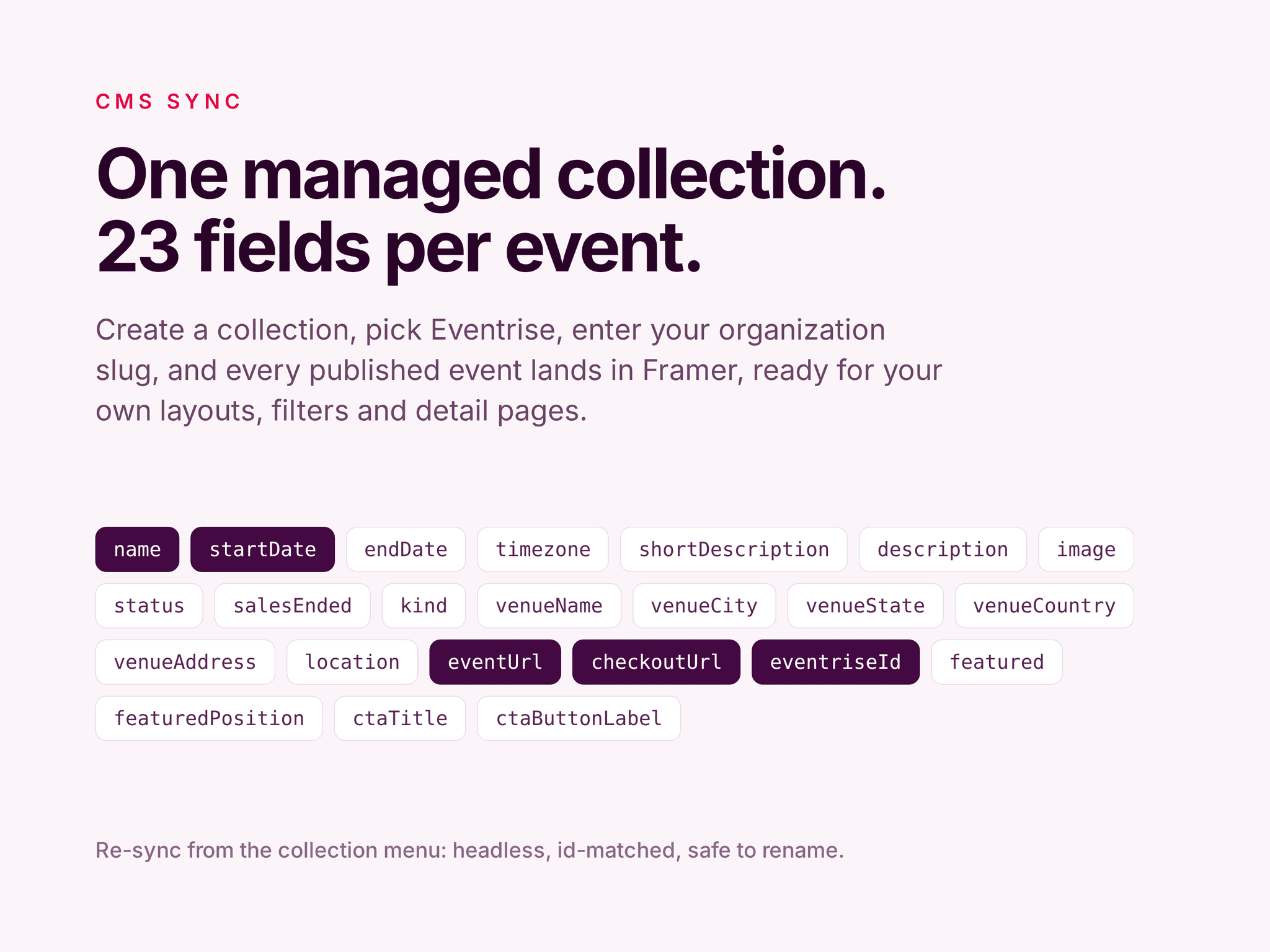
CMS sync. Create a managed collection, enter your organization slug, and the plugin fills it with your organization's published events. 23 fields each, covering dates and timezone, venue, cover image, description, event and checkout links, and featured position. Design the list and detail pages with Framer's own CMS tools. Re-sync at any time from the collection's More menu: it runs headlessly, reconciles items by id instead of duplicating them, and survives field renames.
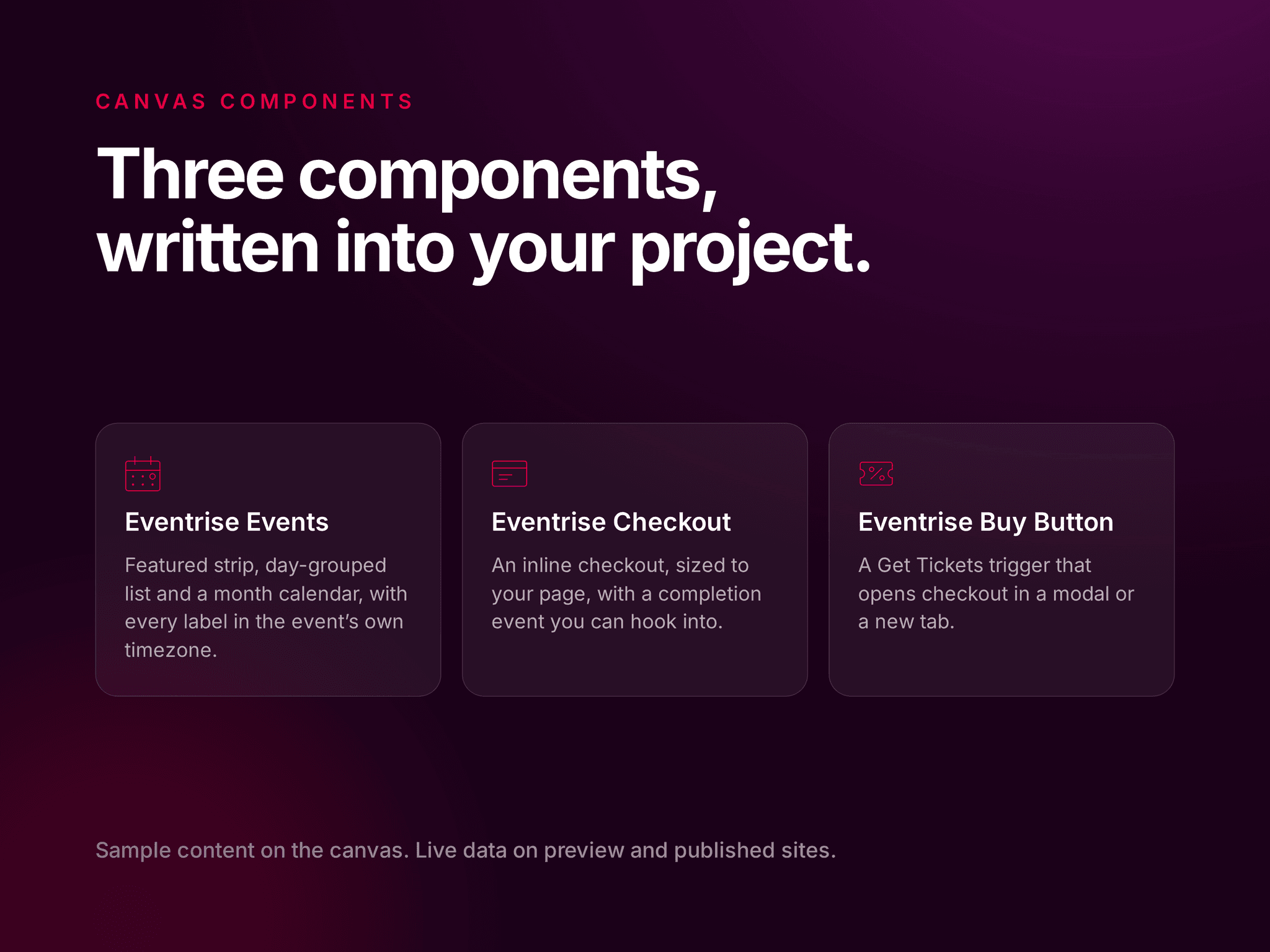
Canvas components. Three self-contained code components that the plugin writes into your project and inserts for you. Eventrise Events is a full events page with an optional featured strip, a day-grouped upcoming list and a month calendar. Eventrise Checkout is an inline checkout. Eventrise Buy Button is a Get Tickets trigger that opens checkout in a modal or a new tab. Colors, fonts, headings and behavior are ordinary Framer property controls, and every date renders in the event's own timezone rather than the visitor's.
No login, no API key. Everything reads the public Eventrise API over unauthenticated requests. You enter an organization slug once per project and that is it. On the canvas the components render sample content with no network calls, so designing stays fast; preview and published sites fetch live data.
Free to use. You will need an Eventrise organizer account with at least one published event.