About ErinTech Connect
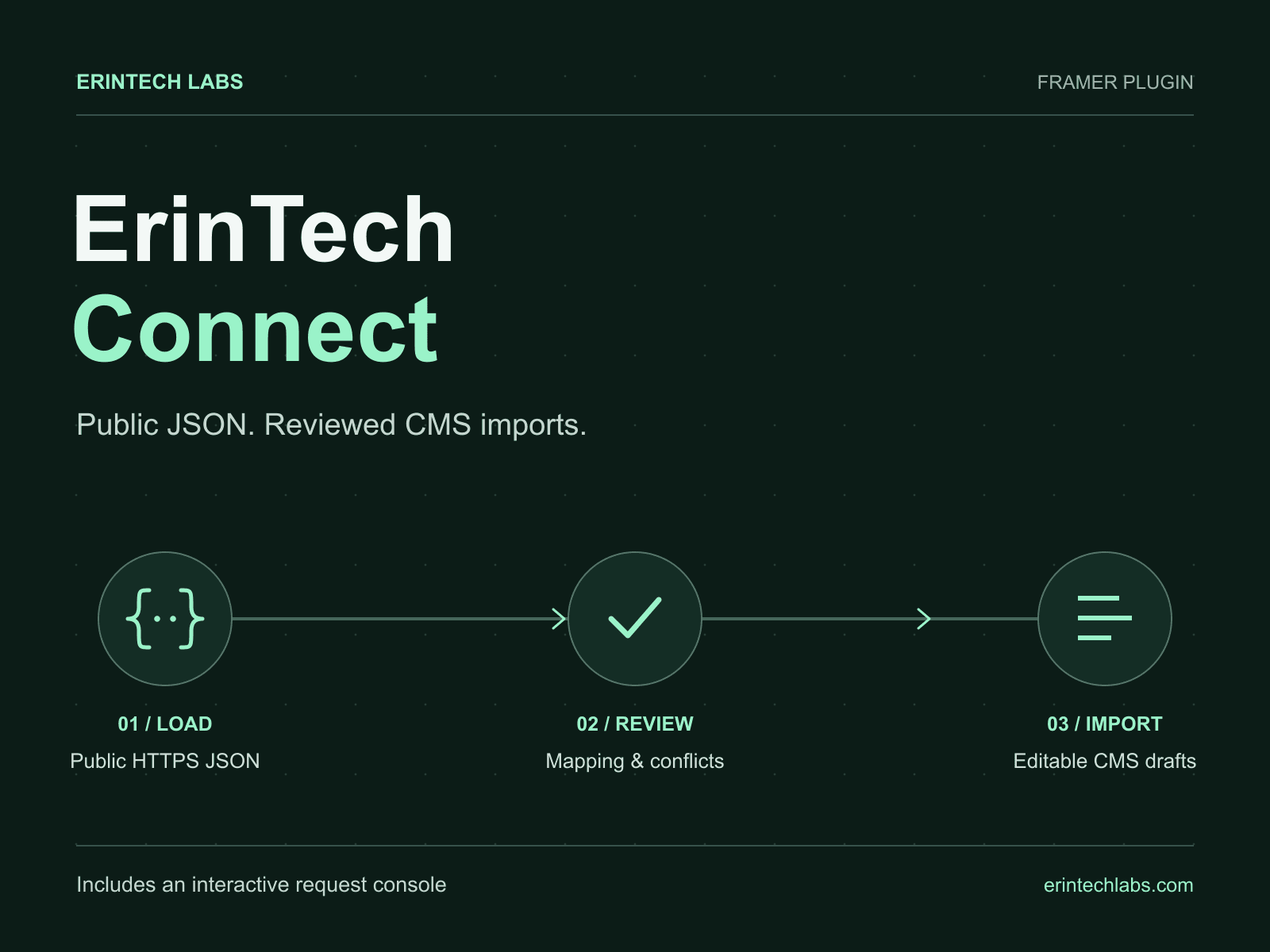
Bring public JSON into Framer with a review step before each CMS import. Create editable CMS drafts and add an interactive, read-only Request Console.
REVIEWED CMS IMPORTS
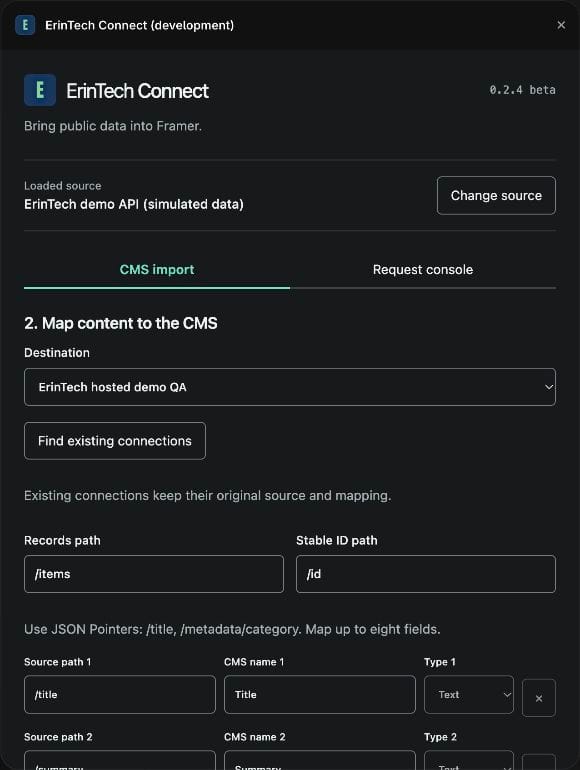
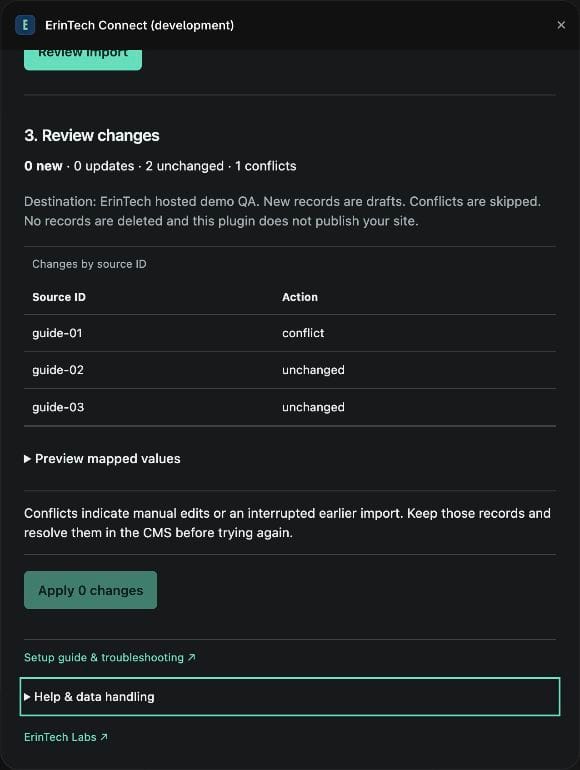
Load the included example, an ErinTech demo feed or a public HTTPS JSON endpoint. Map text, number and boolean fields. Inspect new, updated, unchanged and conflicting records before applying changes. Stable IDs prevent duplicates; manual edits appear as conflicts. Unmapped fields are preserved and missing source records are never deleted.
INTERACTIVE REQUEST CONSOLE
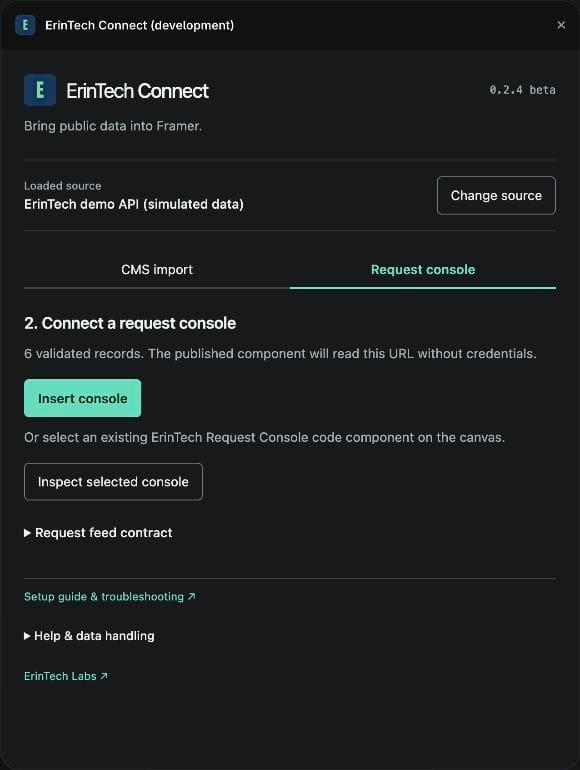
Insert a console with search, status filters, sorting and request details. Start with six simulated requests or a compatible public version 1 feed. Configure an existing ErinTech console while preserving its visual settings. The component remains when you close the plugin.
CLEAR BOUNDARIES
Manual editor imports, up to 100 source rows, eight fields and 500 destination records. New items are drafts; bind your CMS collection to a layout before publishing. No database, authenticated API access, scheduled sync or email delivery. Never expose private logs, personal data or credentials. Endpoints must allow browser CORS.
No ErinTech account or API key is required. No plugin analytics, cookies or credential storage. The browser requests your source directly. Mapped content and connection metadata are stored in Framer; Framer and endpoint operators apply their own policies.
GUIDES AND SUPPORT
Support: info@erintechlabs.com
Setup, troubleshooting and data handling in English and Italian:
https://templates.erintechlabs.com/en/help/erintech-connect/
https://templates.erintechlabs.com/help/erintech-connect/
By ErinTech Labs — design, development and integrations from Italy.