About Forms Attribution
See which campaigns bring leads to your Framer forms.
Forms Attribution adds first- and last-touch campaign data to native Framer form submissions, including when visitors navigate between pages before submitting. Keep your existing forms and destinations, with no manual hidden fields required.
Features
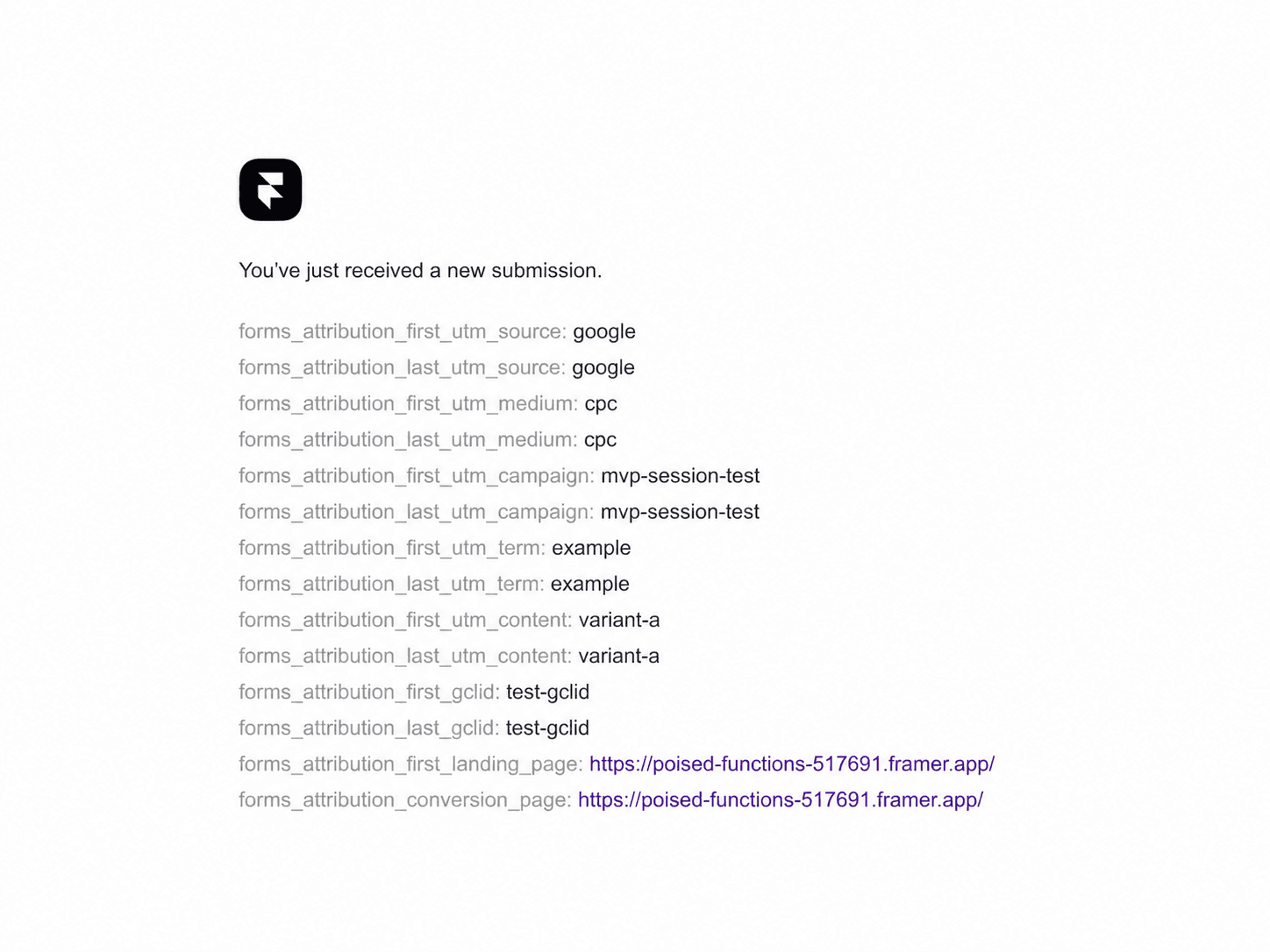
Capture utm_source, utm_medium, utm_campaign, utm_term, utm_content, and Google Ads GCLID.
Preserve the first captured campaign and update the last touch when a new campaign is captured.
Include the first campaign’s landing page and the form submission page.
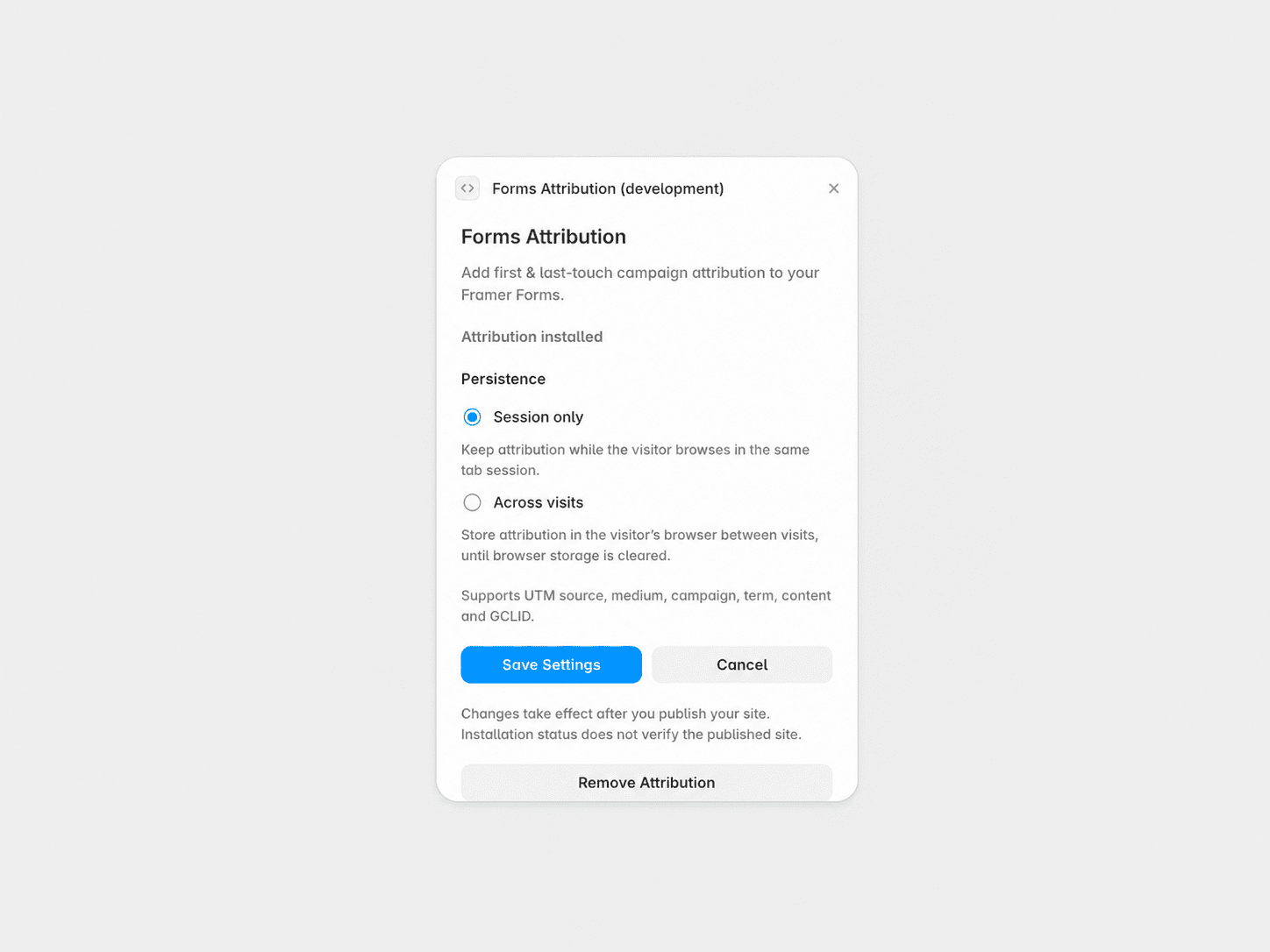
Choose Session only for the current tab session or Across visits for returning visitors in the same browser.
Use native email and Google Sheets destinations, both tested on published sites.
How It Works
Open Forms Attribution in your Framer project.
Choose a persistence mode and enable attribution.
Publish your site.
Available campaign data is included in subsequent form submissions using fields prefixed with forms_attribution_.
Important
Native Framer Forms only; third-party forms and webhook destinations are outside tested v1 support. Attribution stays within the same site origin, browser, and profile. Browser privacy settings or cleared storage can limit capture and persistence. Visitor consent is not managed by the plugin. Compatibility may be affected by future Framer changes.
Free in v1. No subscription or license key required.
Support
Questions or issues? Contact chobitv@ukr.net.