About 1Footer
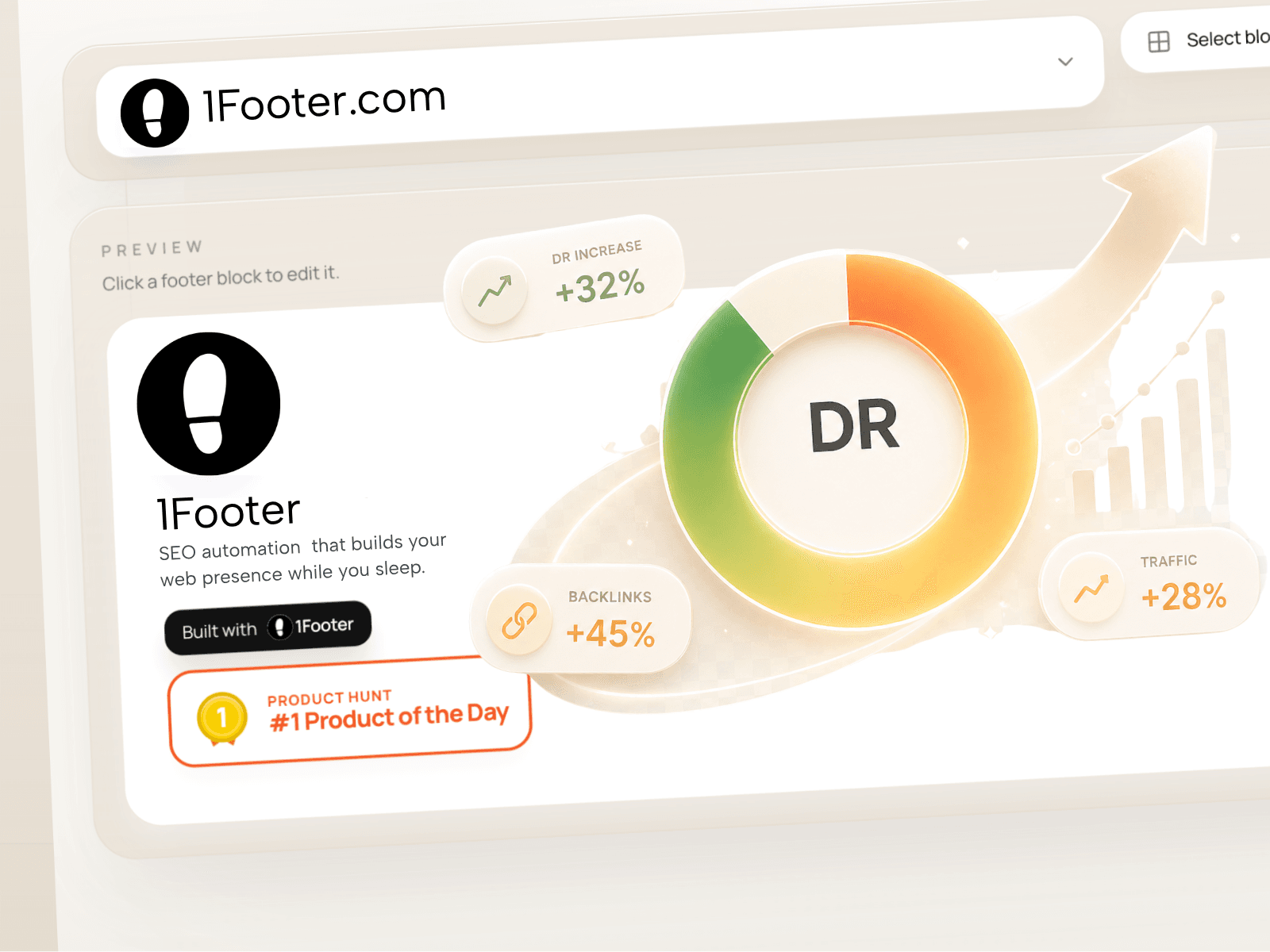
Install a project-local footer from a file you control. Choose your website and download its published footer at https://app.1footer.com/framer/export. In Framer, open 1Footer, import that JSON file, review the domain, and install or refresh. Publish your Framer site to apply the change. A fresh file is needed for later manual updates. The plugin reads the file locally. It does not sign in, request credentials, list or create sites through a backend, or send account, site, project, installation or refresh data to 1Footer. Files contain footer content, a site ID/domain and export timestamp, with no sign-in credentials or tracking tokens. Images are copied into your Framer project through Framer’s image API. Existing managed content is updated only after confirmation and a matching site check. Unrelated layers stay untouched. The generated component uses project-local content and images, with no remote content polling or visitor analytics collection. Older installations require a refresh and Framer publish to migrate. Automatic updates use a separate optional Framer Server API connection configured on the 1Footer website. The plugin does not configure or receive that credential and never publishes or deploys your site. A 1Footer account is used to download files; your workspace plan and limits apply. Privacy policy: https://1footer.com/privacy-policy Learn more: https://1footer.com