About Align Pro - Bulk Align
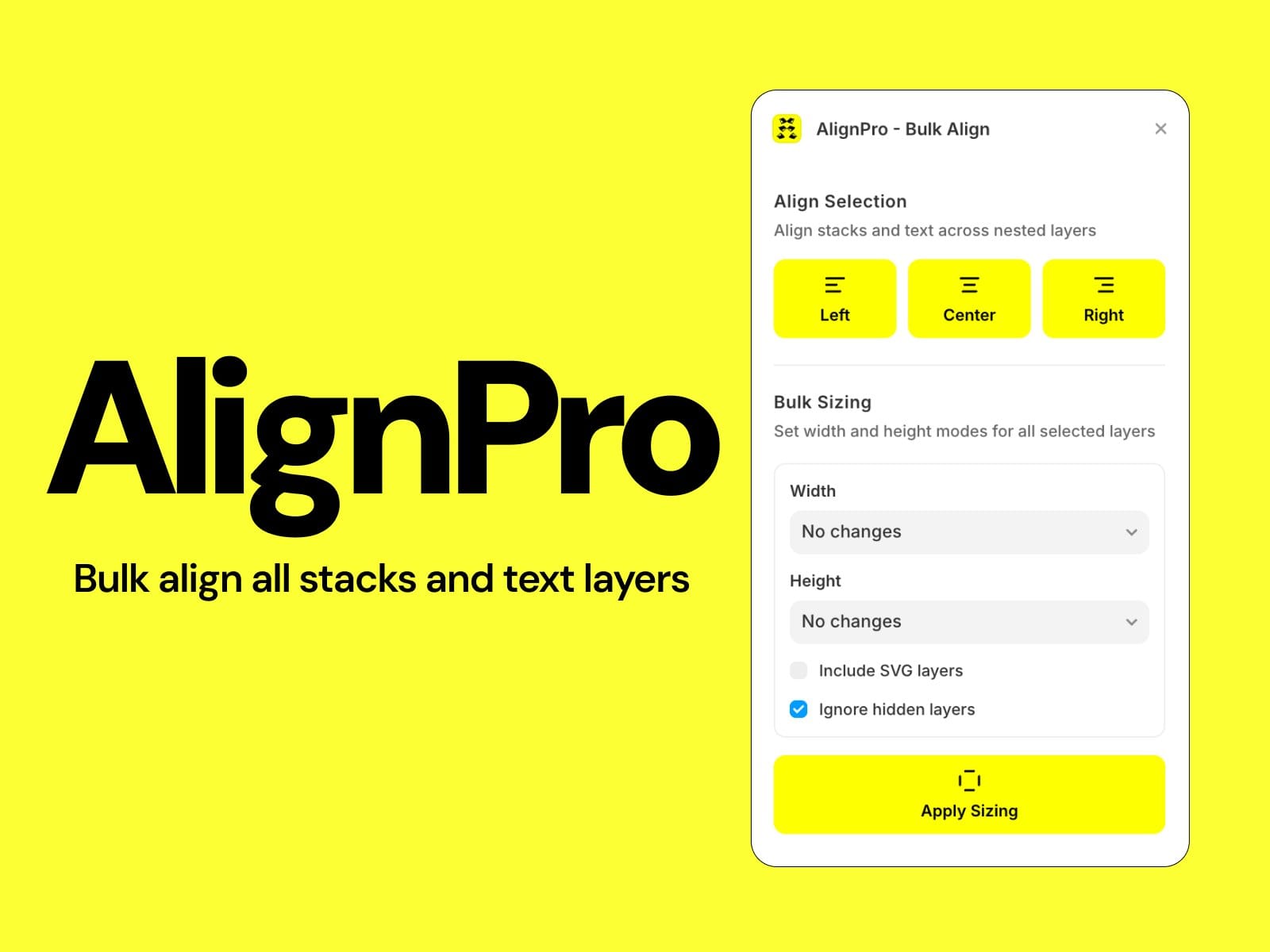
AlignPro is a productivity plugin for Framer that lets you bulk-align and bulk-resize layers across your entire selection, including deeply nested children in a single click.
Instead of manually selecting and adjusting each stack or text layer one by one, AlignPro recursively walks your selection tree and applies your chosen alignment or sizing mode to every matching layer instantly.
Features
Bulk Alignment
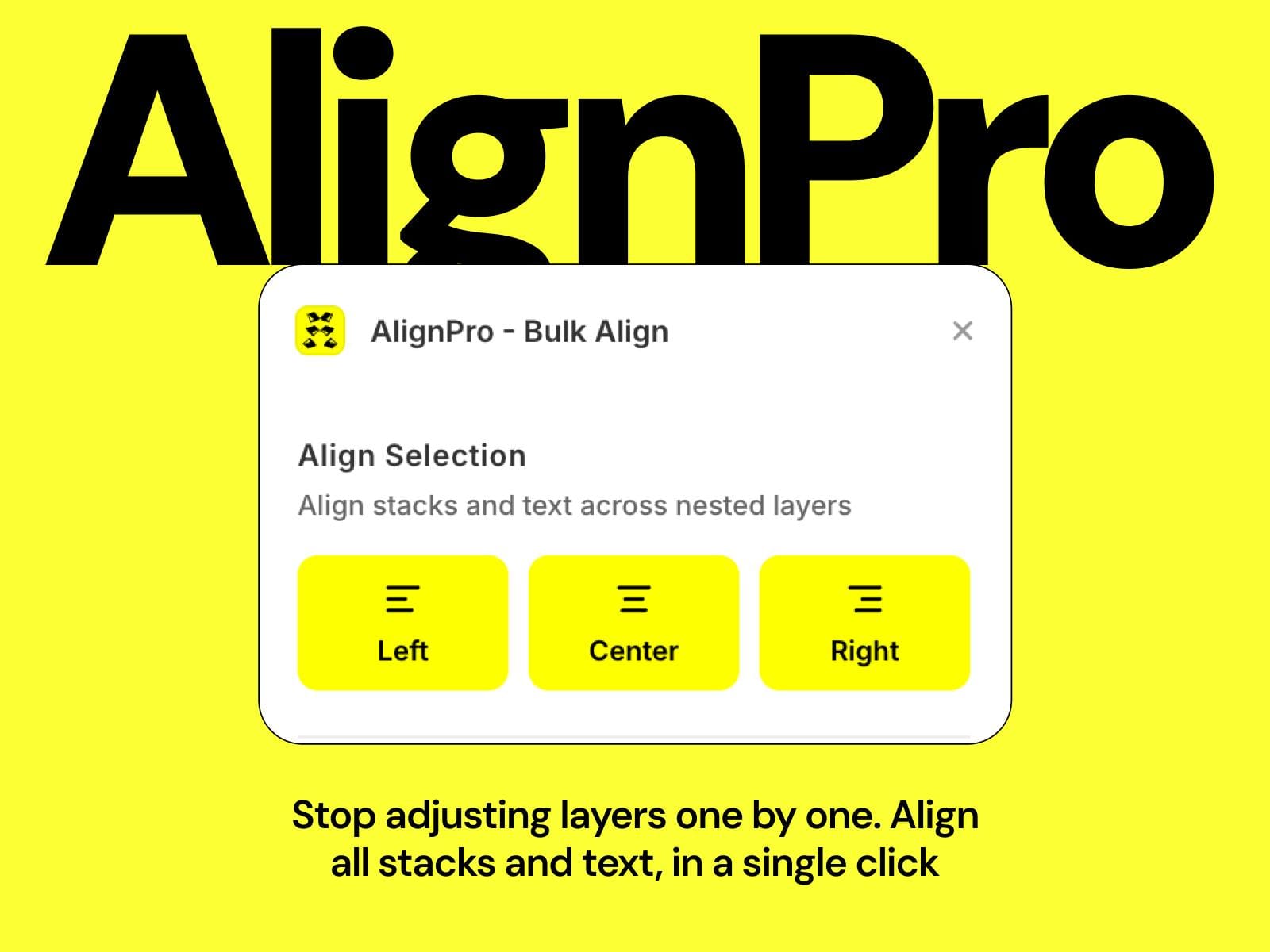
- Left, Center, Right — Align all stack layouts and text layers inside your selection with one click.
- Recursive traversal — Works through every level of nesting, not just top-level layers.
- Stack-aware — Automatically adjusts `stackAlignment` for vertical stacks and `stackDistribution` for horizontal stacks.
- Text-aware — Updates text alignment and creates aligned text style variants to keep your design system clean.
Bulk Sizing
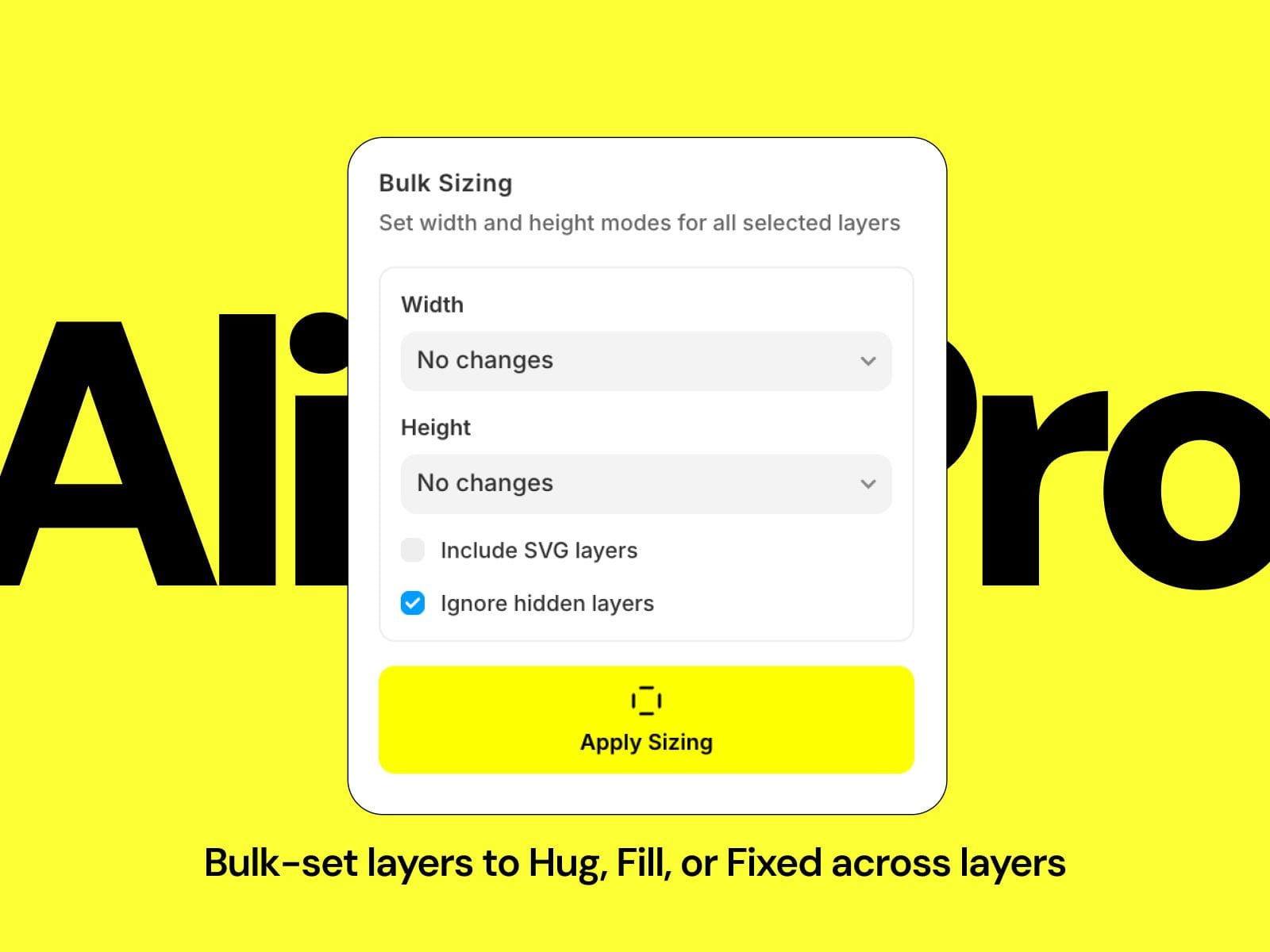
- Fixed — Locks layers to their current rendered pixel size.
- Hug (fit-content) — Shrinks layers to wrap their content, clearing any min/max constraints.
- Fill (1fr) — Expands layers to fill their parent container.
- Set width and height independently — change one axis without touching the other.
3. Smart Options
- Include SVG layers — Optionally apply sizing changes to SVG/shape layers.
- Ignore hidden layers — Skip invisible layers by default, or include them when needed.
How to Use
1. Select one or more layers on your Framer canvas.
2. Open AlignPro from the Plugins menu.
3. Align — Click Left, Center, or Right to align all nested stacks and text.
4. Resize — Choose a Width mode, a Height mode, toggle your options, then click "Apply Sizing."
5. Done — A notification confirms how many layers were updated.