About Bopmigo
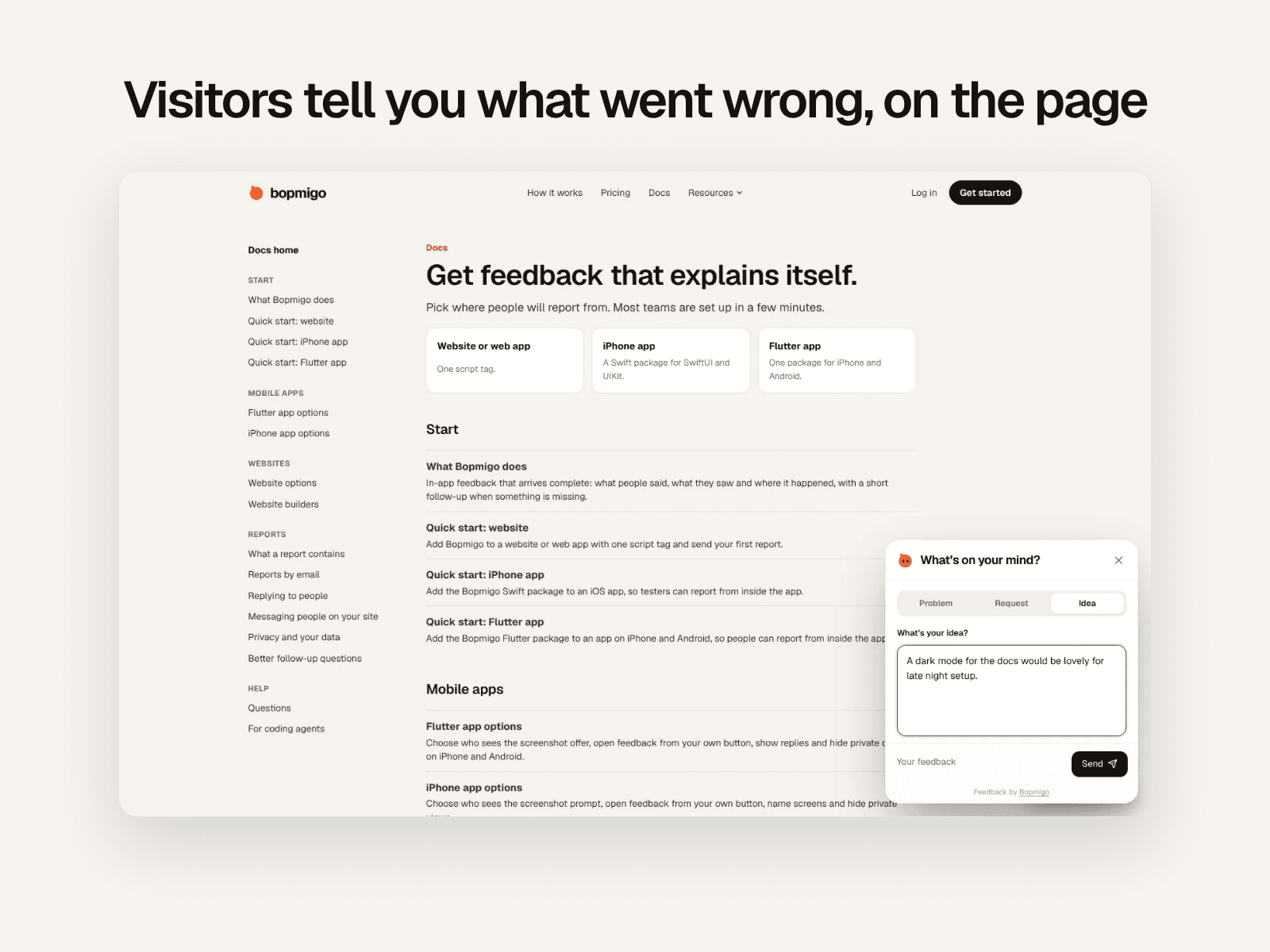
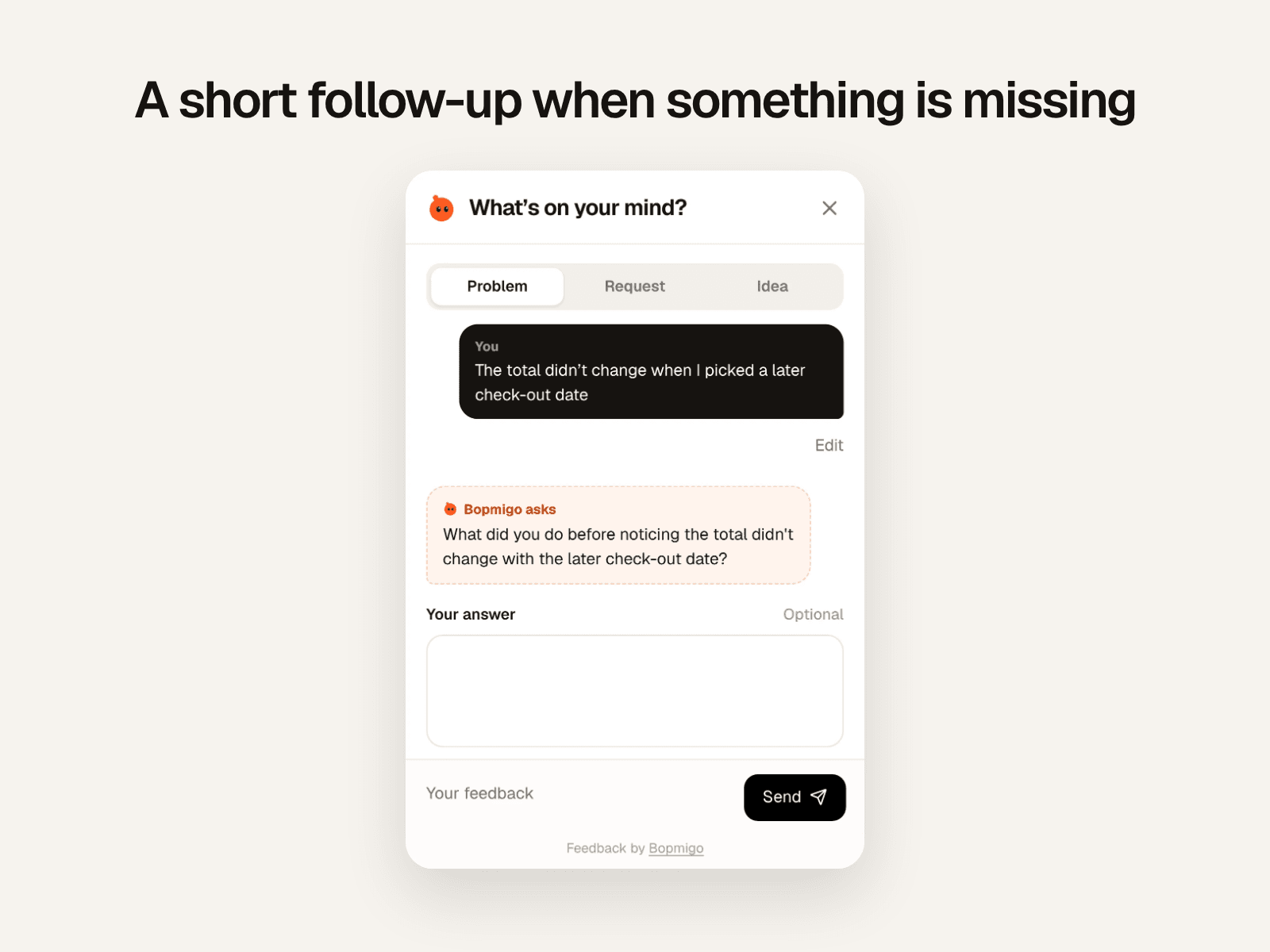
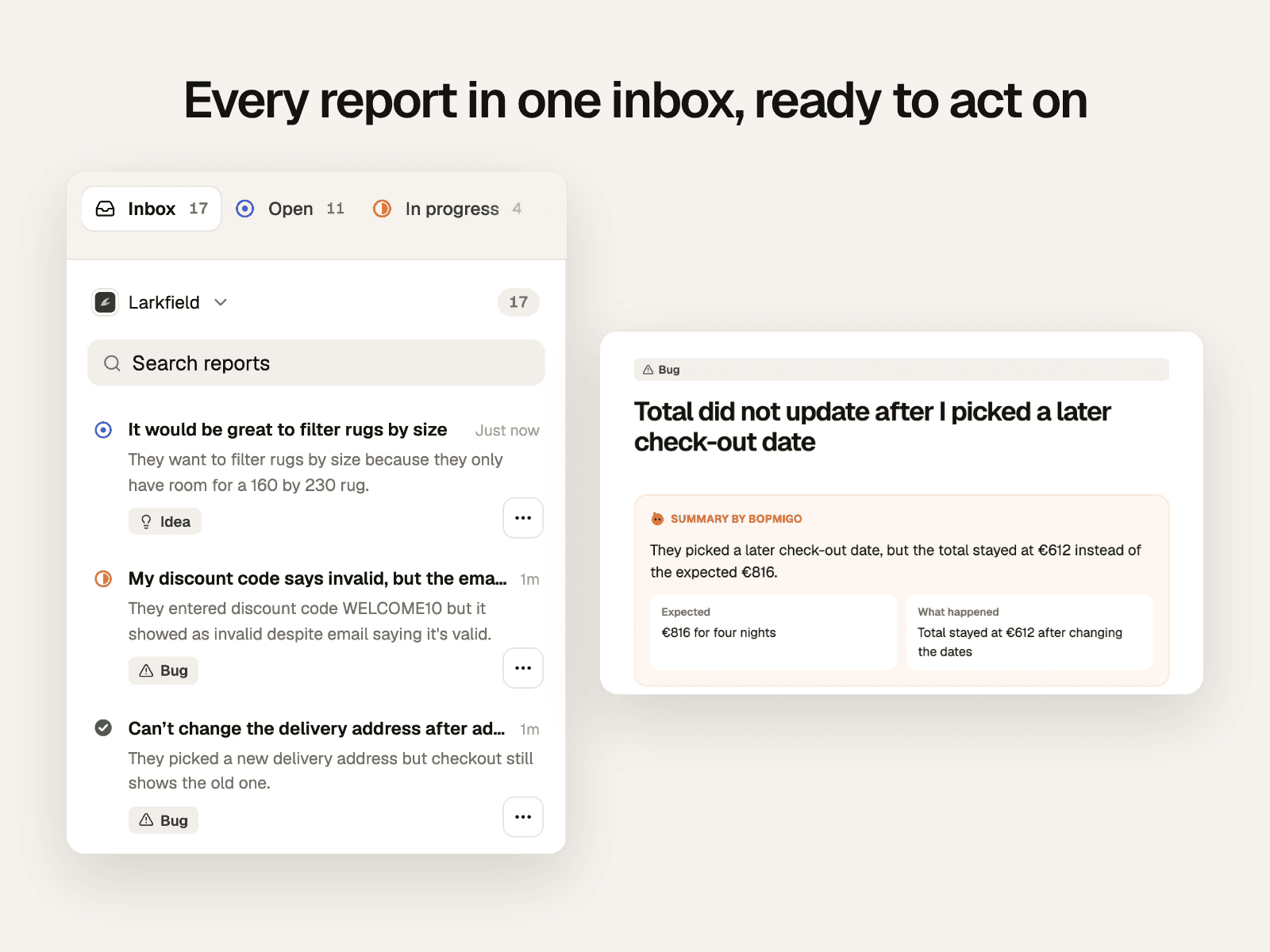
Bopmigo lets the people visiting your Framer site tell you what went wrong, right from the page they are on. Each report arrives complete, so you can see the problem without a long back and forth. When something is missing, Bopmigo asks a short follow-up for you.
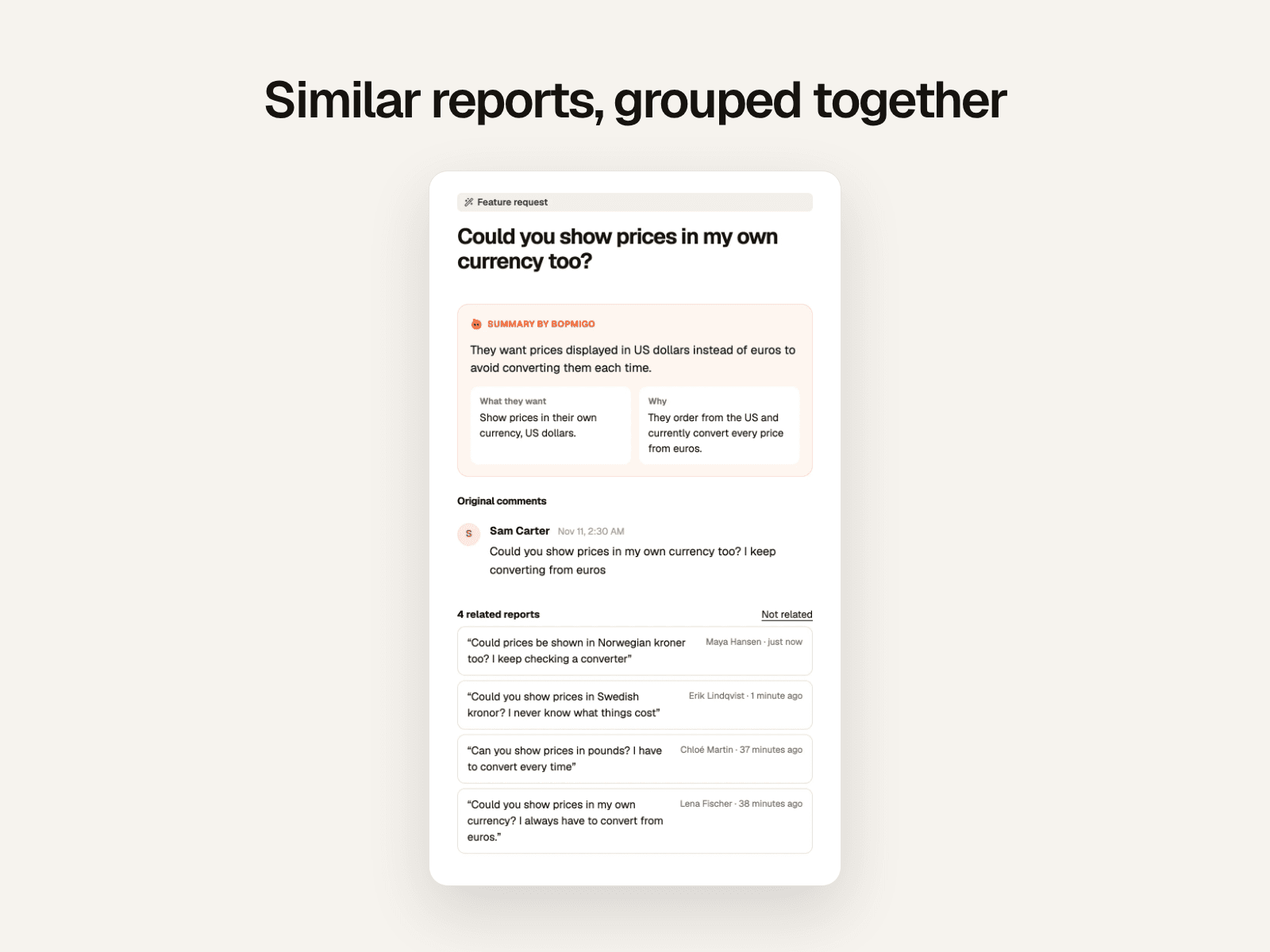
Similar reports are grouped together, so you know what to fix first, and you can reply to people from your inbox.
How to set it up
Create a Bopmigo account at bopmigo.com and add your site.
Open this plugin and paste your project ID or install snippet.
Publish your site.
The Feedback button then appears on every published page. Bopmigo comes with a 7-day free trial.