About CMS Props Sync
How it works
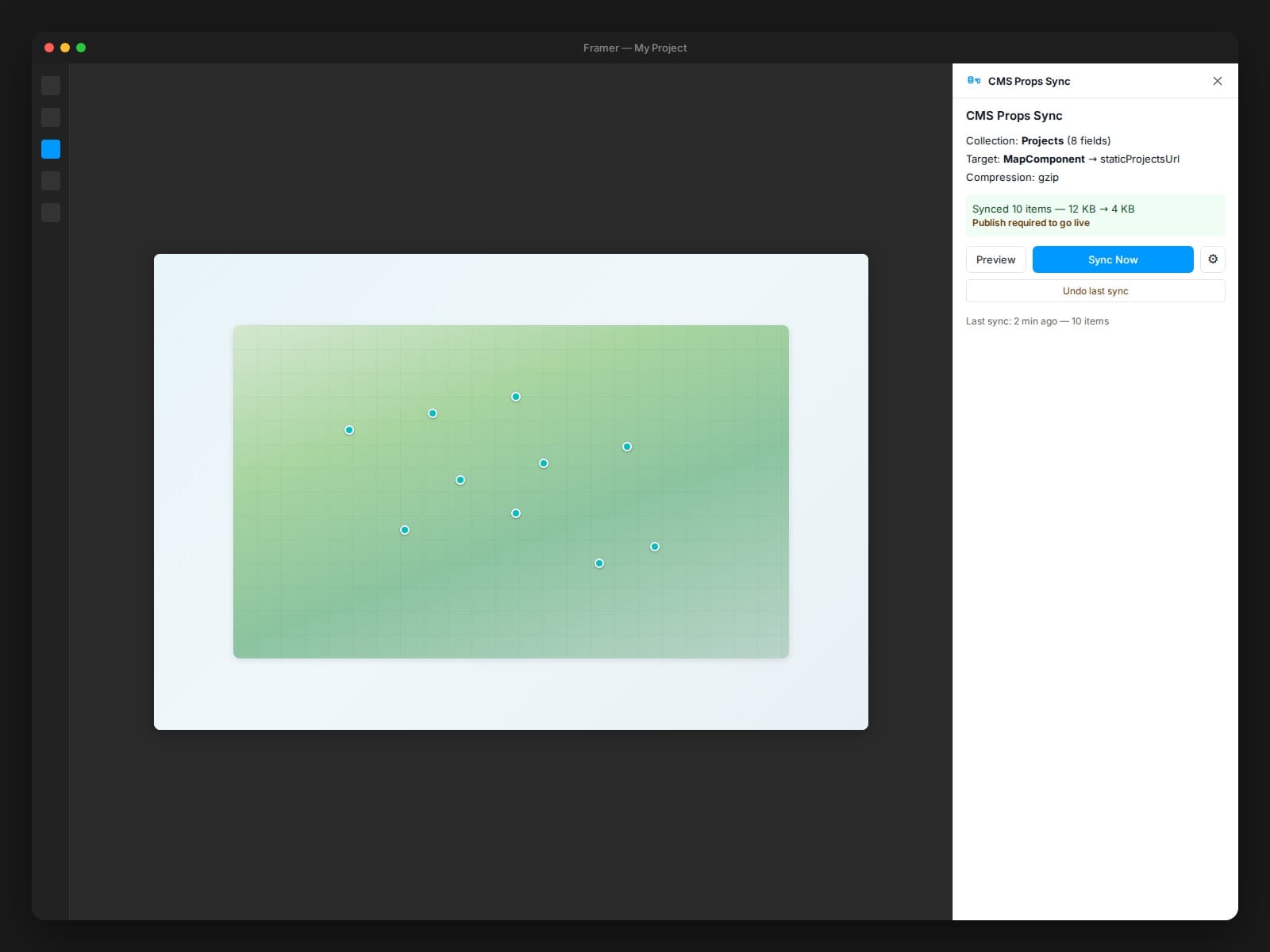
1. Select a CMS collection and the fields you want
2. Select a target Code Component and its property
3. Click Sync Now
The plugin reads CMS items, compresses with gzip, encodes as a base64 data URL, and injects into the component's control property via setAttributes().
Click Publish in the editor to go live.
Features
- Gzip compression via native CompressionStream (zero dependencies, ~65% size reduction)
- Settings persistence across sessions via pluginData
- Preview before syncing — shows item count, titles, skipped items with reasons
- Undo last sync — session-level, instant restore
- Change detection on plugin open (hash comparison)
- Size guard — warns at 1 MB, refuses at 2 MB
- Accessible — labels, aria-live regions, keyboard navigation
Decoder
Your Code Component needs a ~15-line decoder function to read the data URL. It decodes base64, auto-detects gzip via MIME type and magic bytes, and decompresses using the native DecompressionStream API. Handles both gzip and plain JSON automatically.
Use cases
Works with any Framer CMS-to-component pattern: maps, product grids, event listings, portfolios, directories — any Code Component that consumes structured data.
Privacy
No third-party services, no analytics, no telemetry. Uses Framer Plugin SDK only.