About CMS Video Downloader
Download every video in your CMS, in one click.
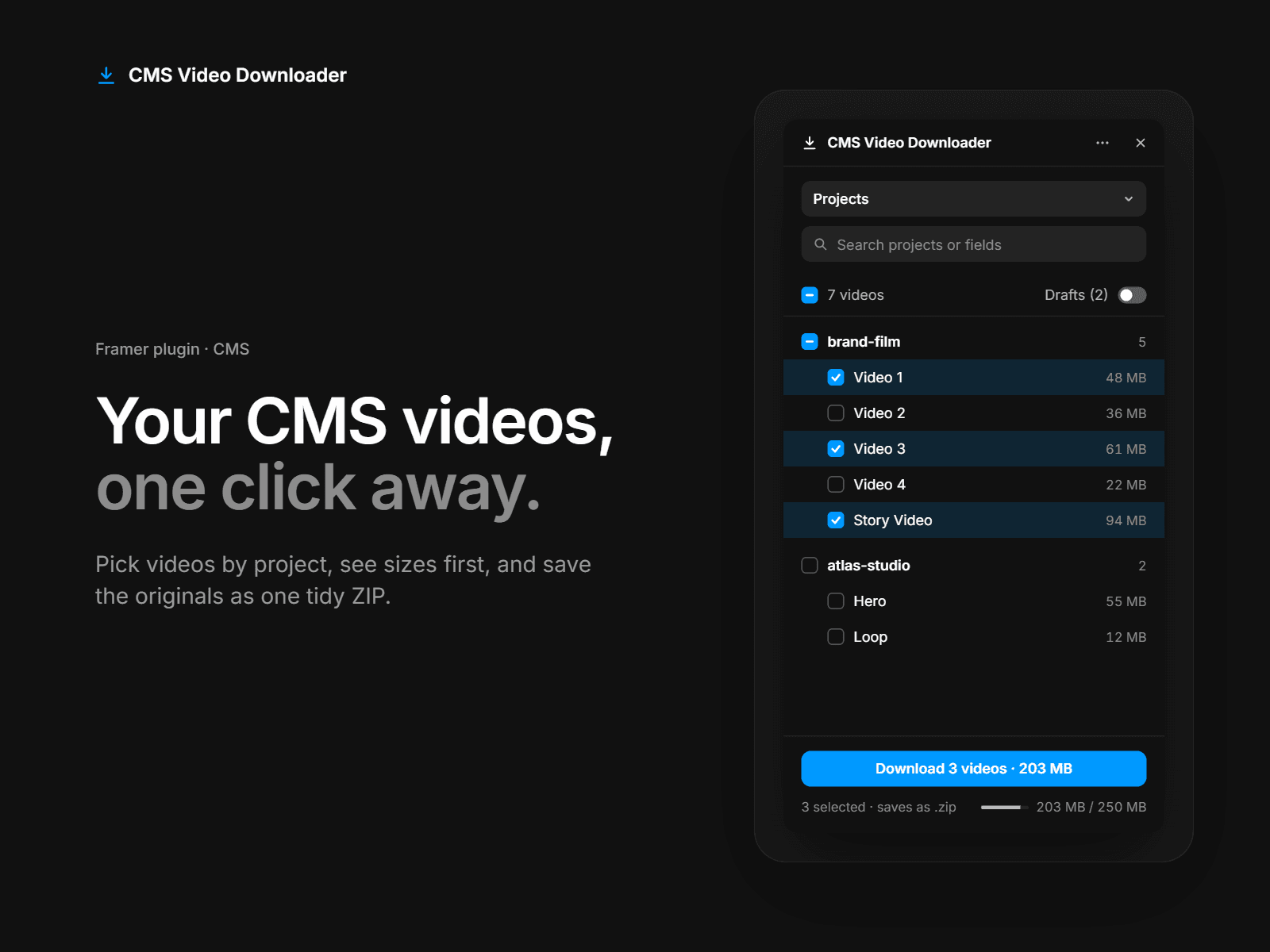
CMS Video Downloader finds the video files uploaded to your Framer CMS and saves the originals to your computer. You can grab a single file or a whole project’s videos as one tidy ZIP.
How it works
Open the plugin from the Plugins menu, or from inside a CMS collection.
Pick the videos you want: one at a time, a whole item at once, or everything in view.
Click Download. One video saves as a file, several save as a ZIP.
Key features
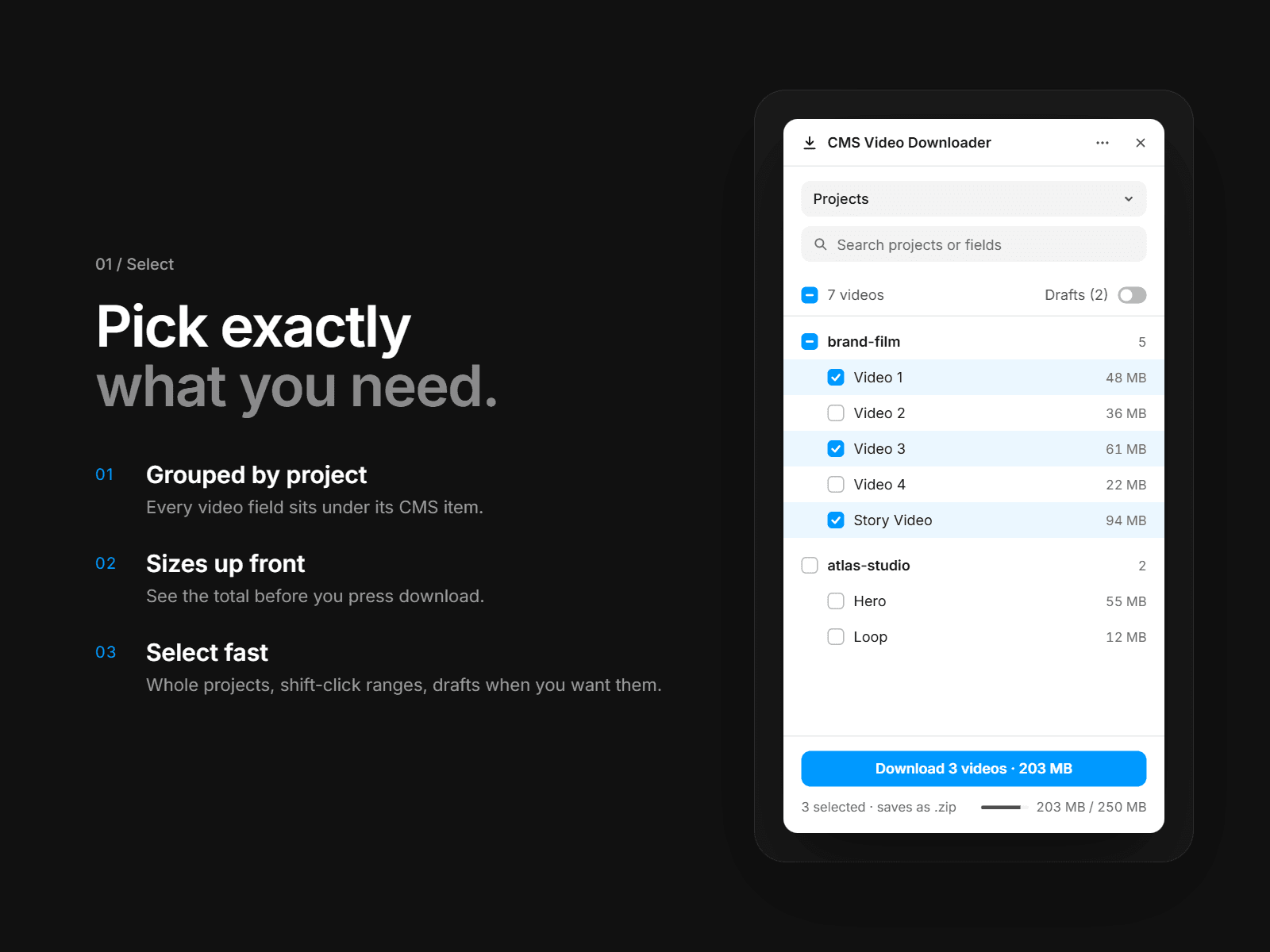
Grouped by item. Every video field sits under its CMS item, so you always know which project a file belongs to.
Sizes up front. See each file’s size and your total before you download, and get a warning before you go over the 250 MB per-download limit.
Fast selection. Select whole items, shift-click ranges, search by item or field name, and show drafts only when you need them.
Readable file names. Files are named after the item and field, like “my-project – Hero Video.mp4”, not random IDs.
Progress you can cancel. Follow the download as it runs, cancel at any time, and get a warning if you close the plugin mid-download.
Read-only. The plugin never changes your CMS. Items, fields and files stay exactly as they are.
Feels native. It uses Framer’s own controls and follows light and dark mode.
Good to know
Only video files uploaded to File fields are included (MP4, WebM, MOV, M4V, OGV, AVI, MKV). Embedded links such as YouTube or Vimeo URLs aren’t downloaded.
Downloads are limited to 250 MB at a time. For bigger sets, download in a few batches.
Support
Questions, bugs or feature requests? Email us at hello@buildershub.sh, we’re happy to help.