About ContentPilot
Stop wasting hours writing dummy content. Designing with "Lorem Ipsum" is a thing of the past. ContentPilot empowers you to generate realistic, high-quality copy for any text layer on your canvas or populate entire CMS collections in seconds.
Whether you need a punchy headline for a landing page, a full blog post for your CMS, or realistic product descriptions, ContentFlow uses top-tier AI to write context-aware copy that fits your design perfectly.
Two Powerful Modes
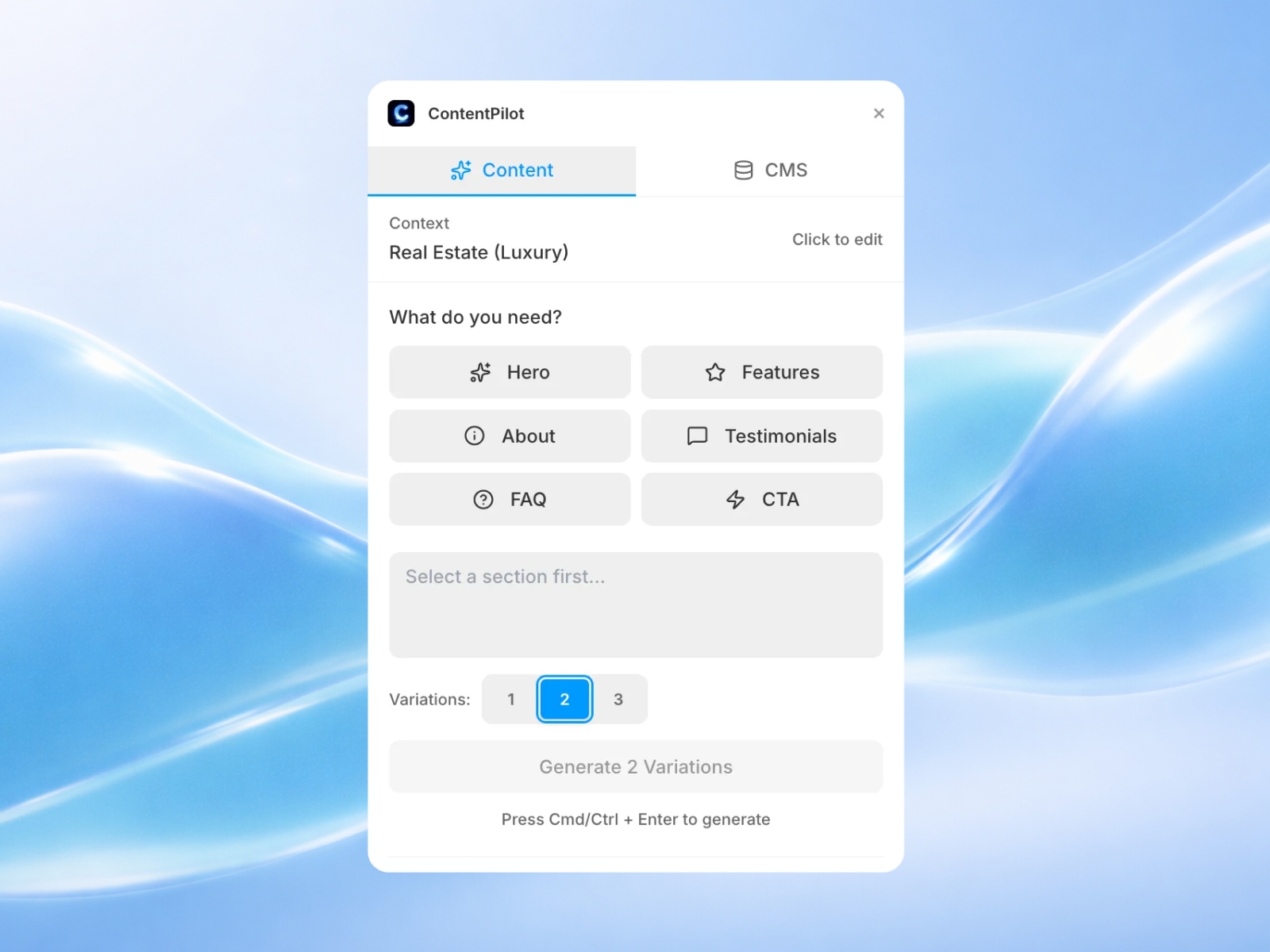
1. Layer Generation (On-Canvas) Select any text layer on your canvas and let AI rewrite it.
Instant Copy: Turn "Header 1" into "The Future of Digital Design."
Tone Control: Ask for "Professional," "Witty," or "Sales-focused" copy.
Context Aware: The AI looks at what you are designing to write relevant text.
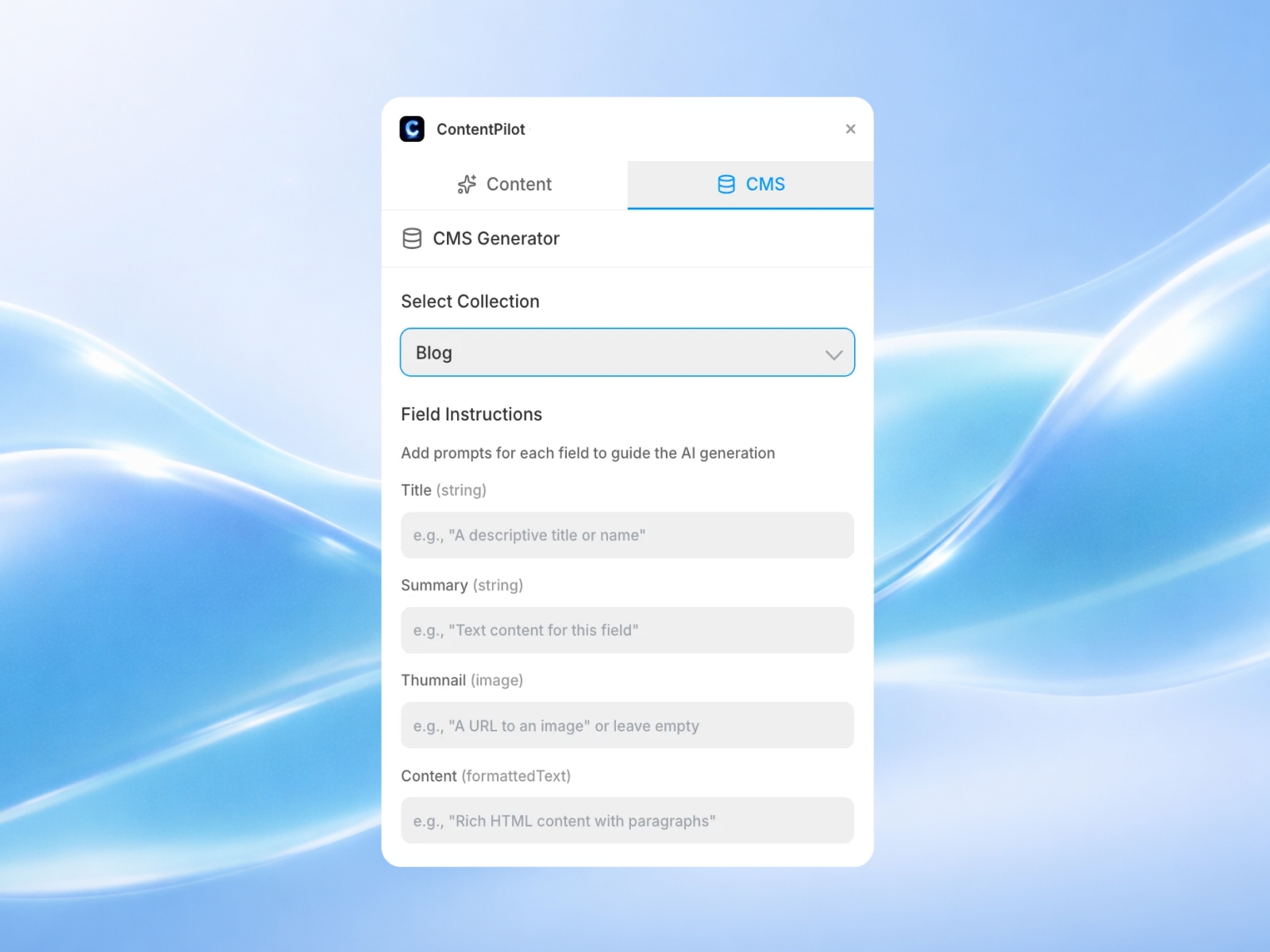
2. CMS Population (Database) Fill your database with rich, varied content.
Smart Mapping: Automatically detects fields like "Bio," "Price," or "Description."
Bulk Creation: Generate content for multiple items to test your CMS layouts with real-world data fidelity.
Key Features
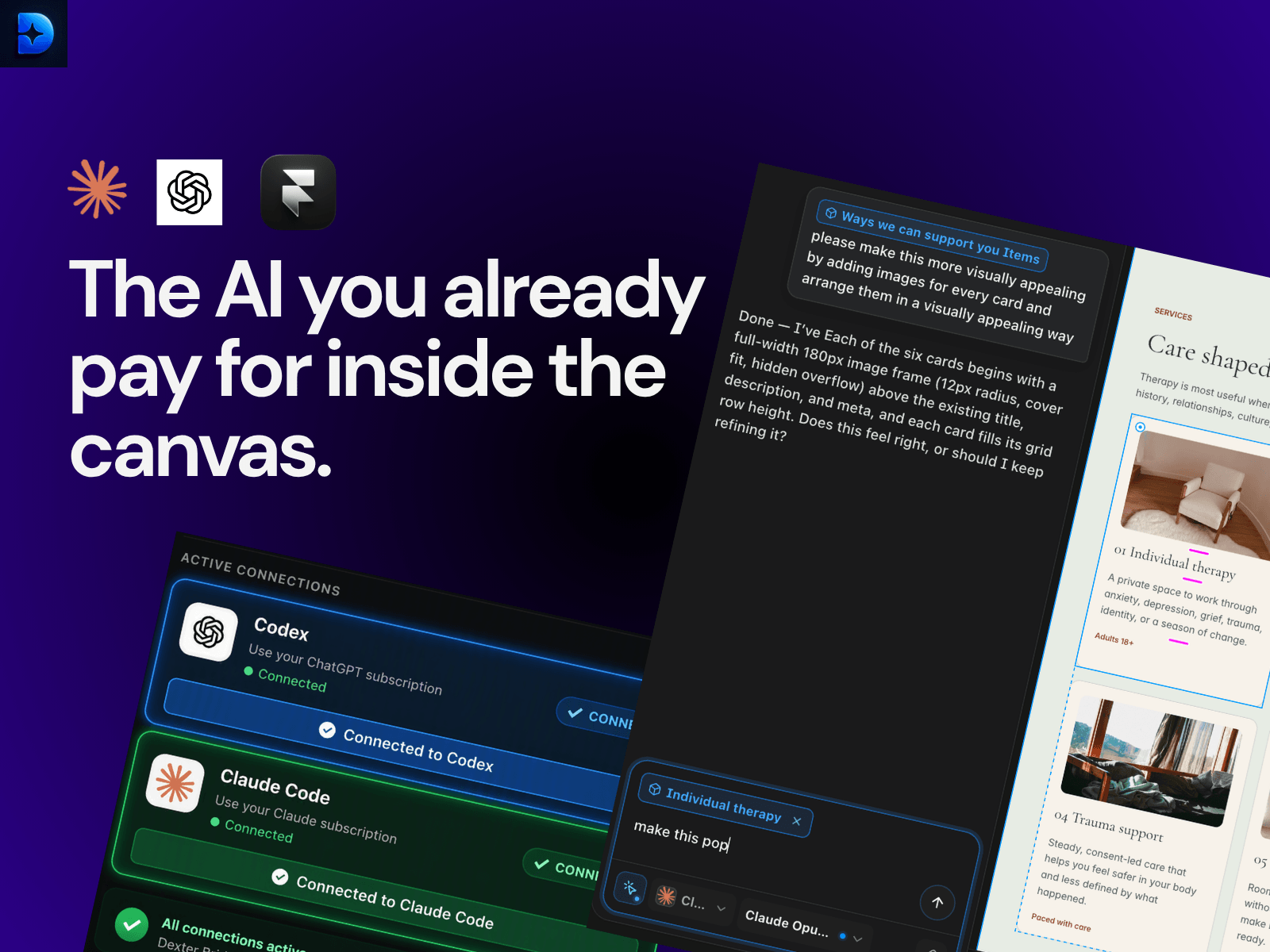
Bring Your Own Intelligence (BYOK): Connect your existing API keys from OpenAI (GPT-4o), Anthropic (Claude 3.5), Google Gemini, or Mistral AI.
Privacy First: Your API keys are encrypted and stored locally on your device. They are never shared or sent to our servers.
Native Interface: A clean, dark-mode UI that feels right at home inside Framer.
Multi-Model Support: Switch between models to find the perfect writing style for your brand.
Perfect For:
Designers: Replace "Lorem Ipsum" with real copy that sells the design to your client.
Template Creators: Showcase the full potential of your themes with rich, varied CMS content.
Copywriters: Use AI to brainstorm headlines and descriptions directly inside the design tool.
Supported AI Models:
OpenAI: GPT-3.5, GPT-4, GPT-4o
Anthropic: Claude 3 (Opus, Sonnet, Haiku)
Google: Gemini Pro
Mistral: Mistral Large, Medium
Get Started:
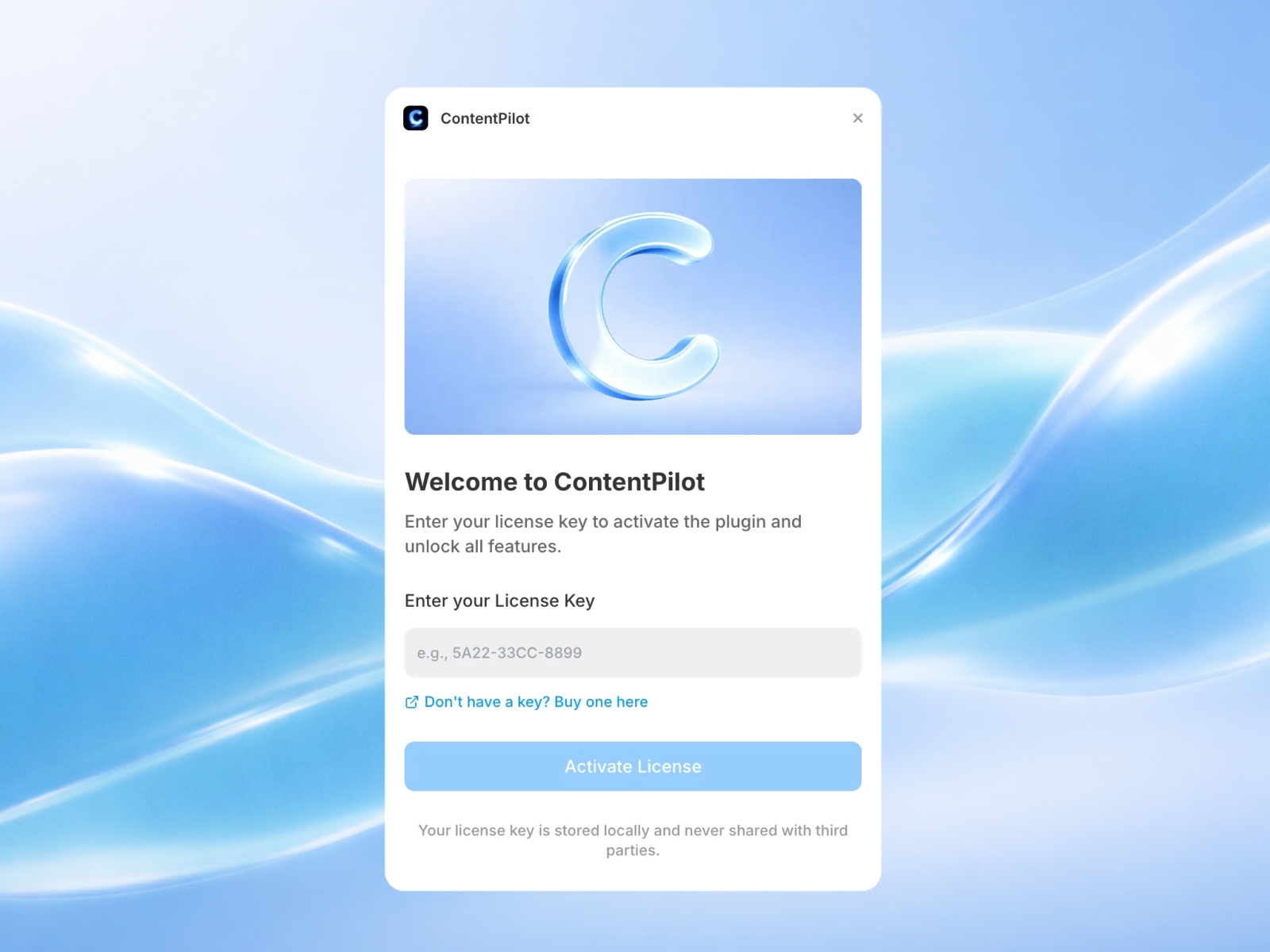
Install ContentPilot.
Select your preferred AI Provider & paste your key.
For CMS: Select a collection and click Generate.
For Layers: Select a text layer and click Generate.