About Custom Name Cursor Badge
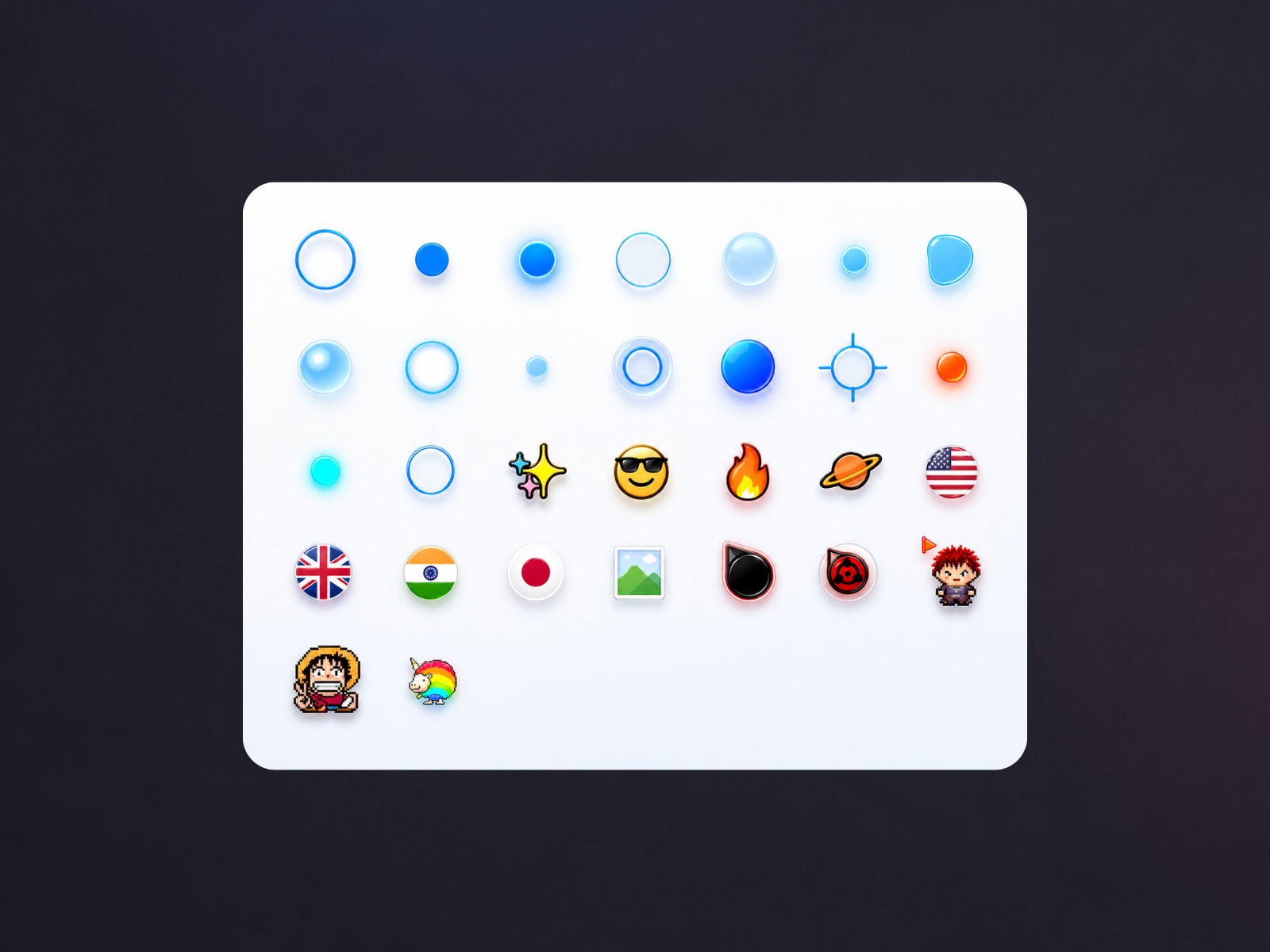
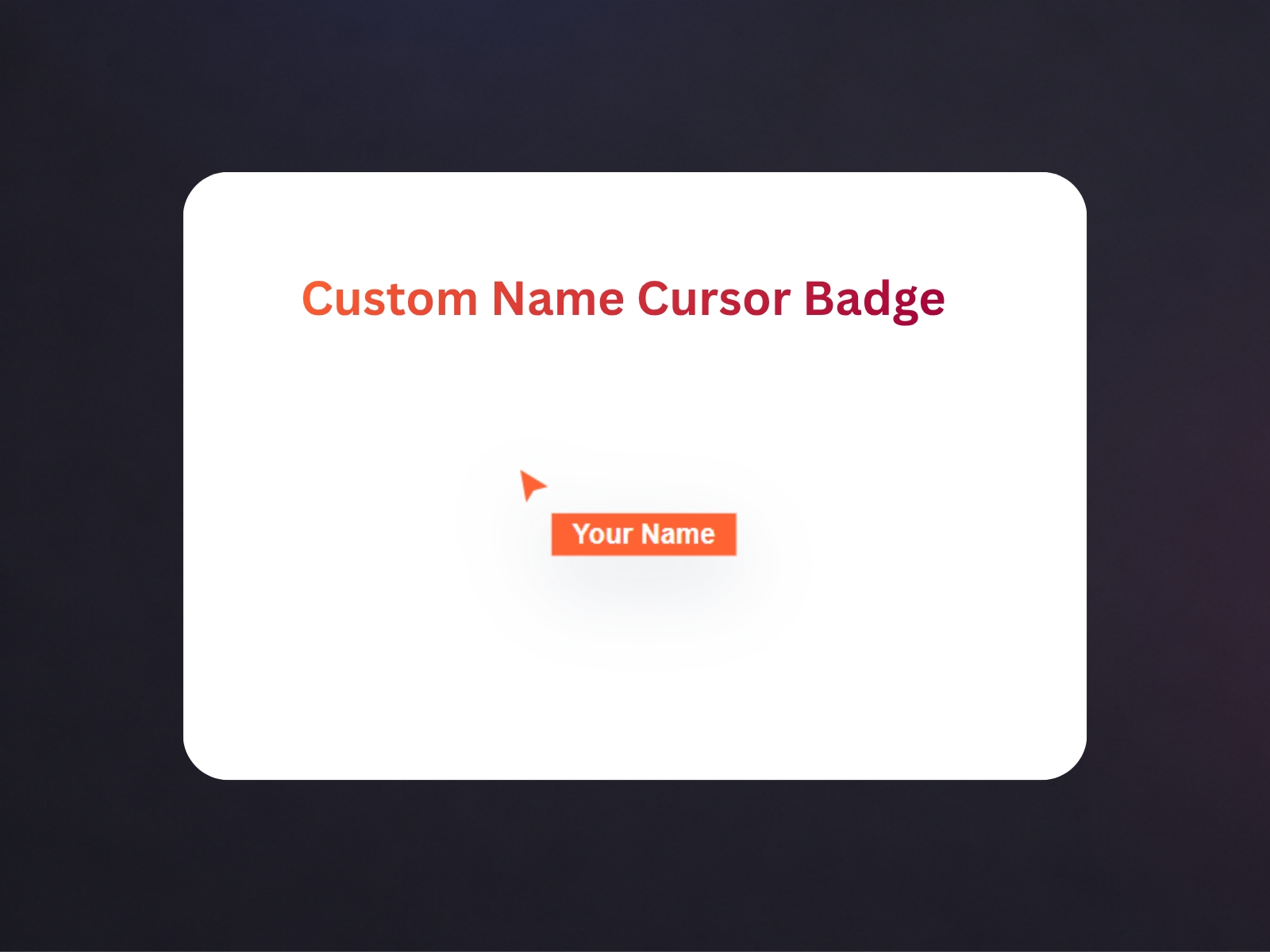
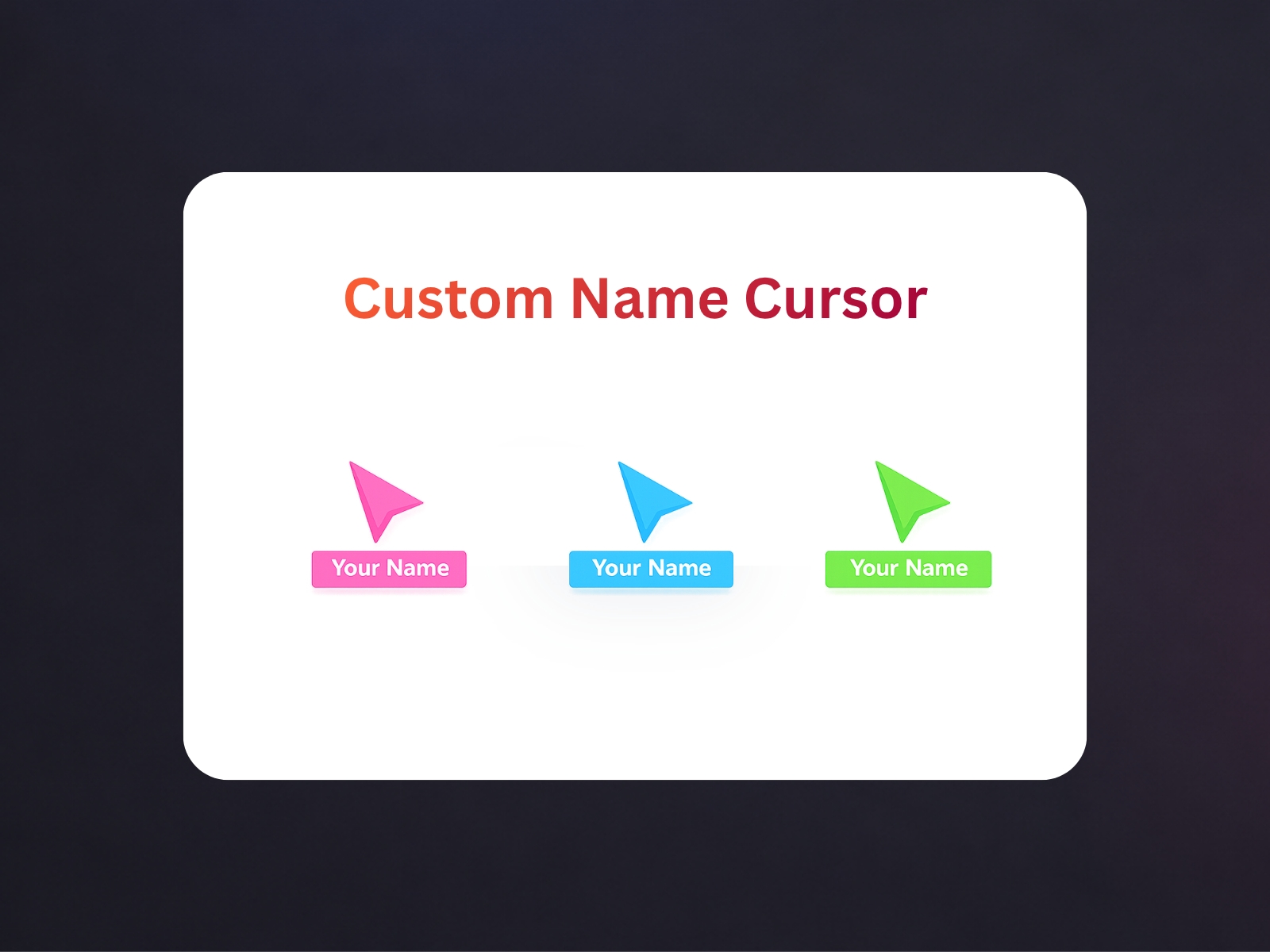
Custom Live Cursor Names helps you create a personalized live cursor badge for your Framer project without writing code yourself. With this plugin, you can enter any name you want to display next to the cursor, then customize how it looks by changing the badge color, text color, and font size. The plugin gives you a live preview, so you can instantly see how your cursor badge will look before creating it.
When you click create, the plugin generates or updates a code component named LiveCursorBadge.tsx inside your Framer project. You can then use that component in your design to show a smooth custom cursor label that follows the pointer. This is useful for portfolio websites, personal branding, collaboration demos, interactive presentations, and modern landing pages where you want the experience to feel more unique and polished.
The plugin is designed to be simple and beginner-friendly. You do not need advanced technical knowledge to use it. Just type the name, adjust the style, preview the result, and create the component. If automatic placement is not available, you can still add it manually from Assets > Code inside Framer.
This plugin is a fast way to make your project feel more personal, professional, and interactive by turning a normal cursor into a branded live cursor experience.`