About Discord Button by getseo.pro
Discord Button by getseo.pro
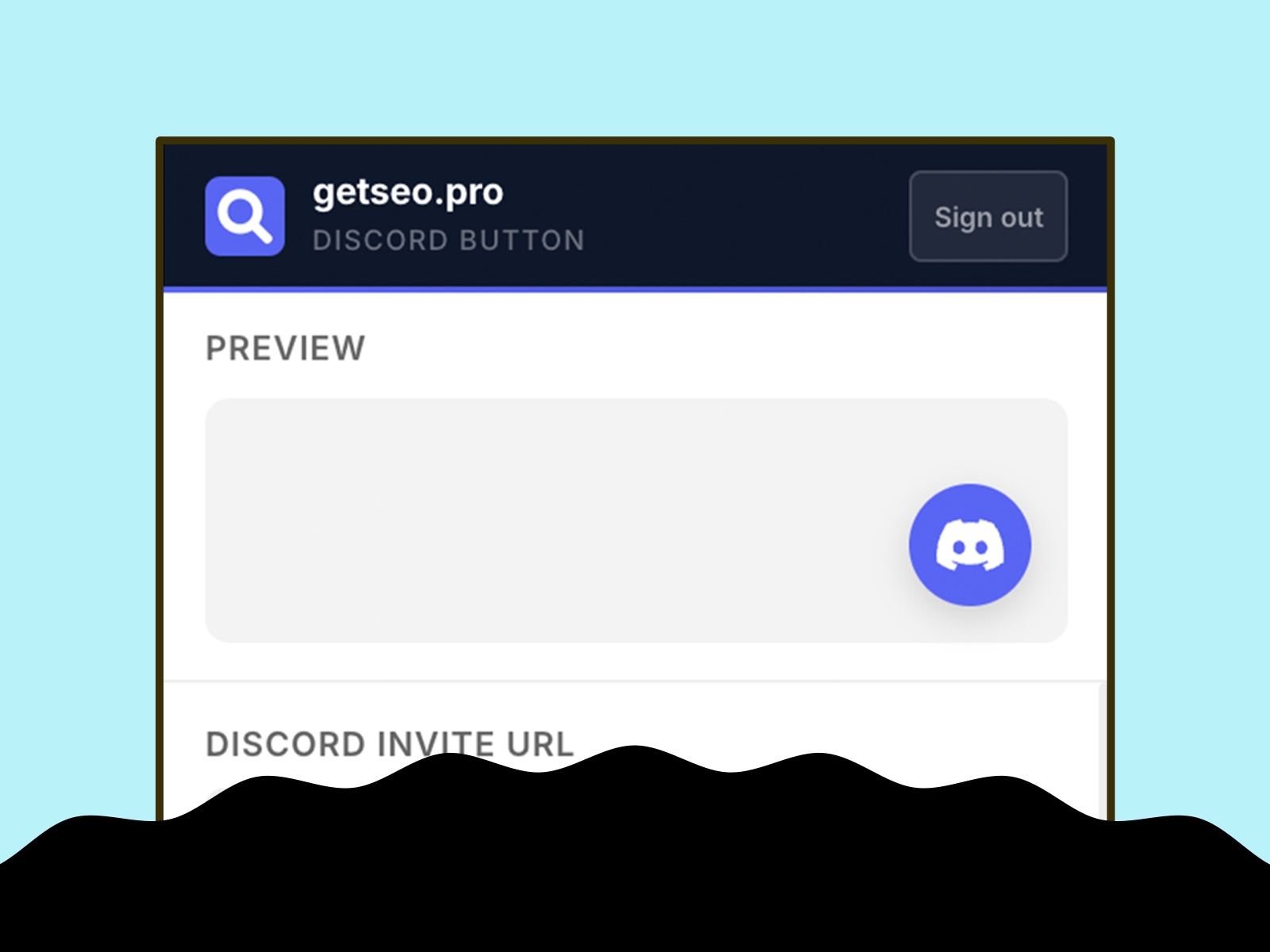
Grow your Discord community directly from your Framer site. One click sends visitors straight to your server invite — no hunting for links.
How it works
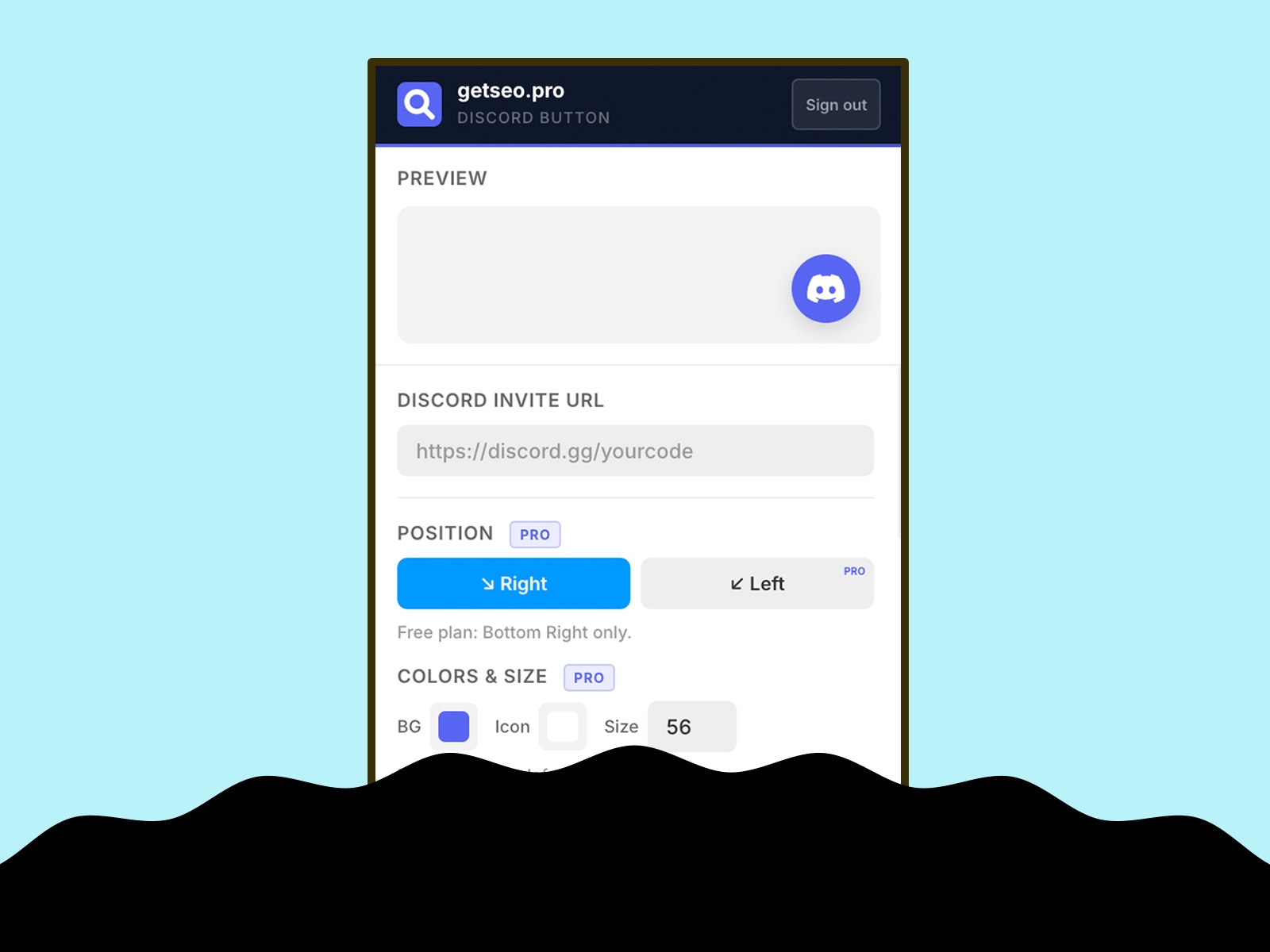
Paste your Discord invite URL, click "Add to Site." The button appears on your live site immediately. Works with any discord.gg invite link.
Features
Floating button linking to your Discord invite
Live in-editor preview
Bottom-right position
Custom background and icon colors
Custom button size (40–80px)
Pulse or bounce animation
Shadow: subtle, strong, glow
Notification badge (1–99)
Tooltip on hover with custom label
Delay appearance (0–30s)
Pre-chat bubble above button ("Join our Discord community!")
Hide on mobile
Business hours: automatically hide or show an offline message outside set hours
GTM dataLayer event click: fires `{ event, page, invite_url }`
Best for
Gaming studios, developer tools, Web3 projects, creator communities, open-source teams — anyone building on Discord.
Part of the getseo.pro suite for Framer.