About Ensemble
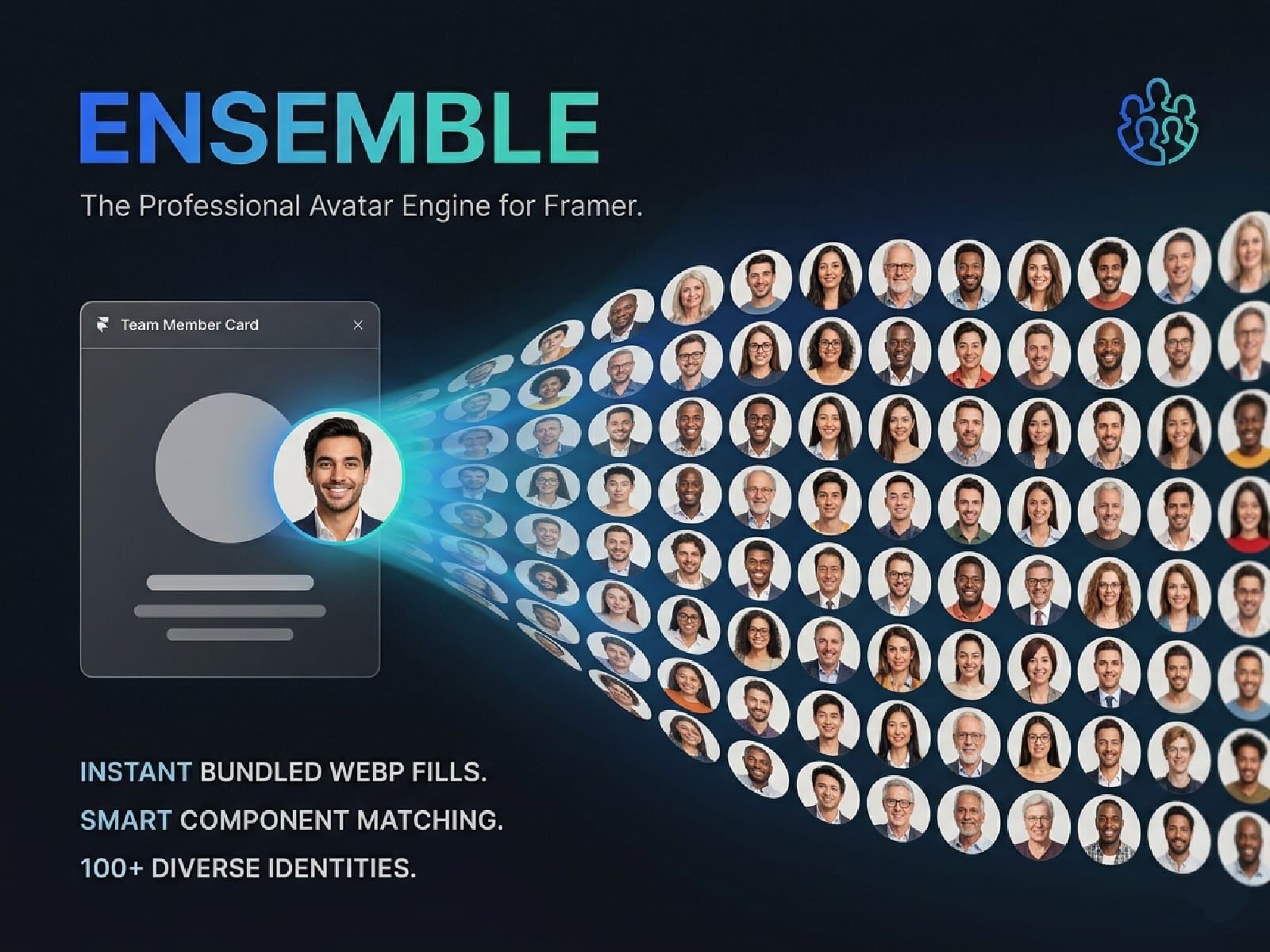
I built Ensemble to solve the "placeholder hunt." Instead of spending twenty minutes digging through stock sites to find ten decent headshots for a team grid, Ensemble lets you do it in one click—directly inside Framer.
Instant Performance, Zero Waiting
Most avatar tools rely on external APIs that can be slow or return broken links. Ensemble is different. Every face is bundled directly into the plugin as an optimized WebP file. This means there is zero loading time; your design updates the millisecond you click the button.
Design with a Safety Net
Experimenting with different looks shouldn't be risky. Before every injection, Ensemble takes a "snapshot" of your current styles. If you don’t like the random mix it generated, just hit Restore to jump back to your original design instantly.
Free vs. Ensemble Pro
The free version is a fully functional way to speed up your workflow with a curated set of initial faces. Upgrading to Pro unlocks the full library of 100+ unique, diverse identities—essential for large-scale directories or social feed mockups where you want to avoid the "clone effect" of repeating faces.
Key Features:
Instant Injection: Zero-latency WebP assets bundled into the plugin.
Batch Filling: Select multiple frames and fill them all at once.
Snapshot & Restore: One-click "Undo" for all plugin actions.
Privacy First: No tracking, no external data calls, and offline-friendly.
Ensemble is a one-time purchase tied to your Framer account. Buy it once, use it across every project you ever build.