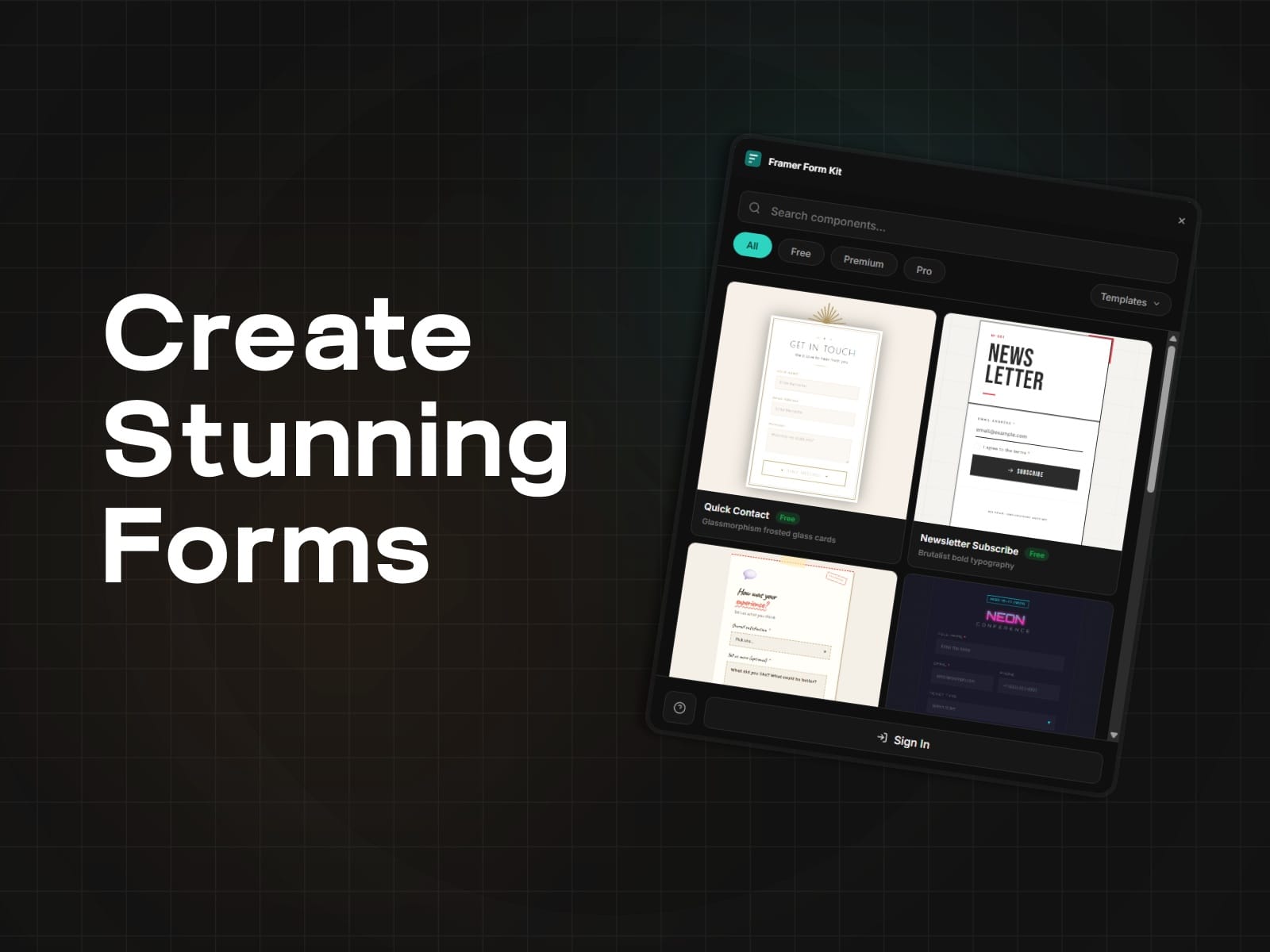
About Framer Form Kit
The form system Framer
Framer gives you beautiful pages. FormKit gives you forms that actually work.
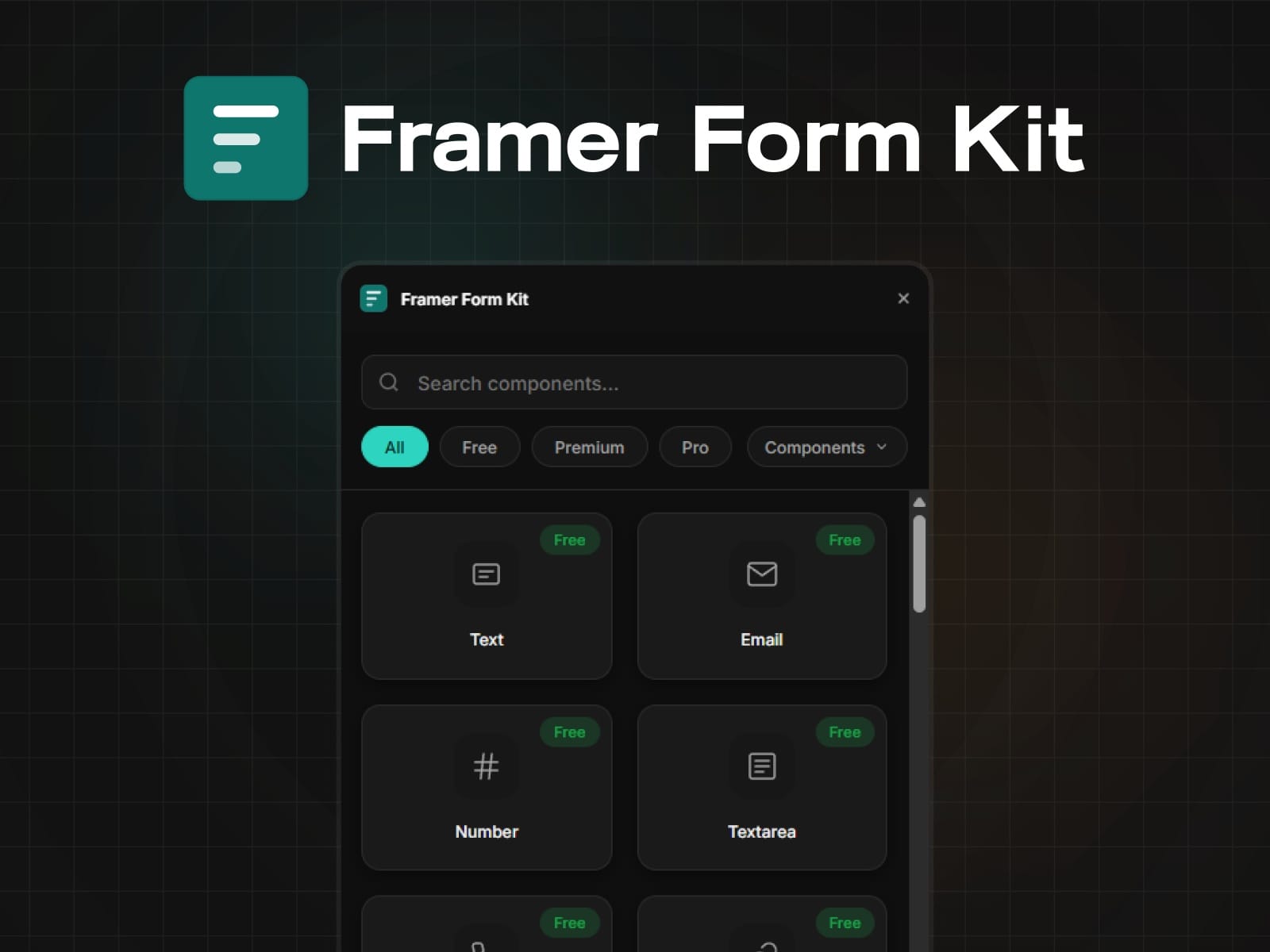
Drop in 35+ field components — text, email, date pickers, file uploads, star ratings, signature pads and configure everything from the Properties Panel. No code. No embeds. No switching tools.
What you get
Real validation
Required fields, email/phone/URL format checks, character limits, regex patterns, min/max ranges. Errors show inline on blur. Custom error messages that match your brand voice.
Multi-step forms
Break long forms into steps with progress bars, step indicators, and navigation buttons. The Next button validates the current step before advancing. Auto-saves to localStorage so users never lose progress.
Conditional logic
Show, hide, enable, or disable any field based on other field values. Eight operators (equals, contains, greater than, is empty, etc.) with AND/OR matching. Hidden fields automatically skip validation.
Full styling control
Every component exposes Input Styles, Label Styles, Error Styles, Focus Styles, and Success Styles directly in the Properties Panel. Style one field, then Ctrl+Alt+C / Ctrl+Alt+V to copy styles across your entire form.
URL parameter prefill
Pre-populate fields from URL query strings. Link from email campaigns, ads, or landing pages with `?email=user@example.com&source=newsletter` and fields fill automatically.
35+ components
3 steps to your first form
Open FormKit from the Plugins bar
Click any component to insert it into your Framer Form
Set the field name, label, and validation in the Properties Panel
That's it. Preview your page and the form works.