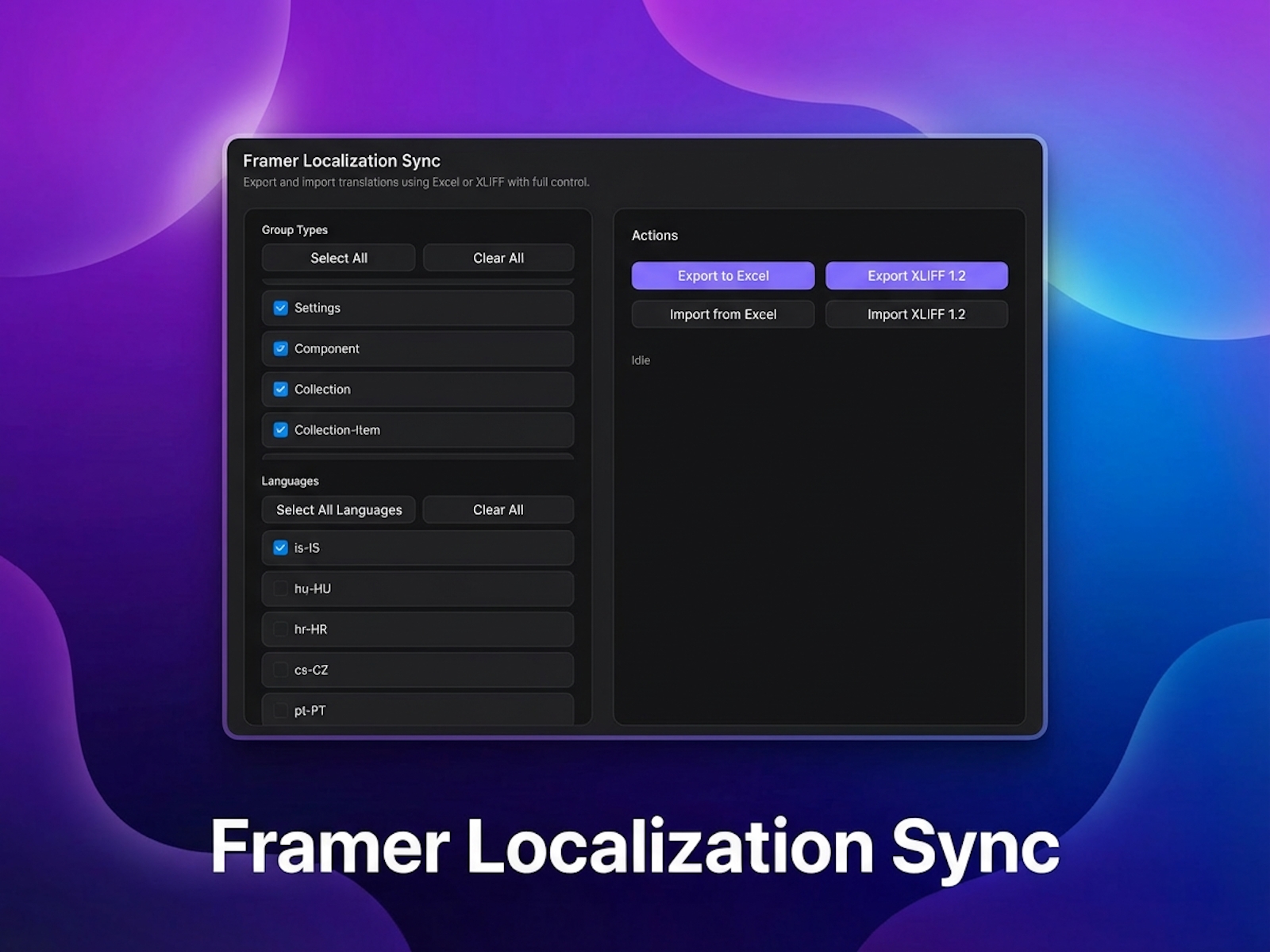
About Framer Localization Sync
A complete workflow for managing translations in Framer.
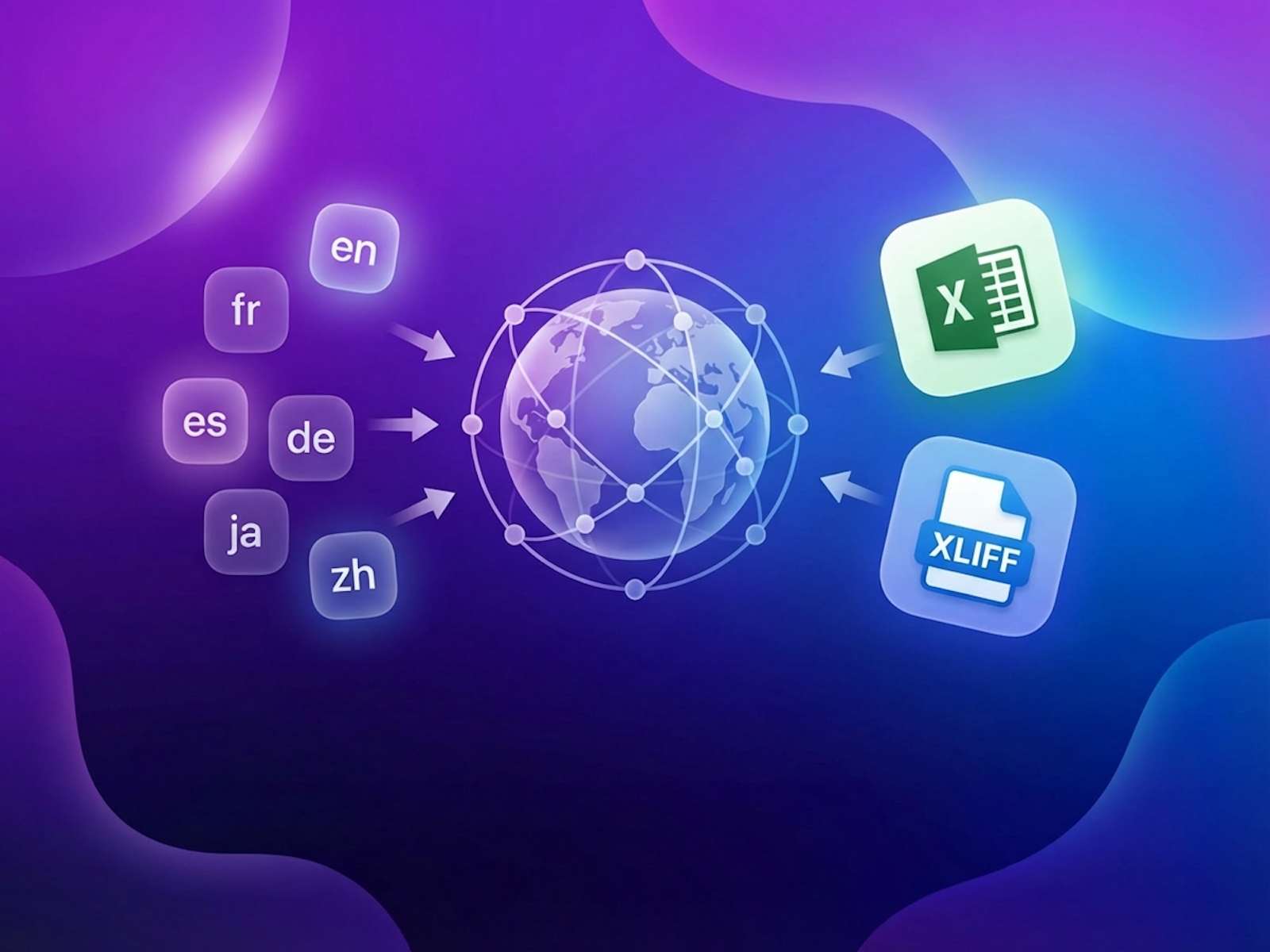
This plugin lets you export your project’s localization strings to Excel (.xlsx) or XLIFF 1.2 (.xlf) — formats commonly used by translators, agencies, and localization platforms like Lokalise. When translations are ready, simply re-import the file and your Framer project updates instantly.
No manual copying, no tracking changes, no risk of breaking your localization structure.
Features
Selective export
Choose exactly which pages/sections to include
Export only the languages you want
Keeps files clean and focused
Export options
Excel (.xlsx) — perfect for translators who work in spreadsheets
XLIFF 1.2 (.xlf) — ideal for translation platforms like Lokalise
Clean, structured, consistent output
One file per language for XLIFF
One-click import
Re-import Excel or XLIFF
Automatically updates all localized values
Skips invalid or oversized text safely
Maintains your existing Framer structure
Seamless workflow
Built-in loading indicators
Full dark-mode support
No backend or cloud setup required
Entire sync happens locally inside Framer
How it works
Open the plugin from the Localizations panel
Select the sections and languages you want to sync
Export to Excel or XLIFF
Translate or edit the exported files
Import the updated files back into Framer
Done — your localization updates instantly
Why use this plugin?
Large text sets are much easier to work with in Excel
Great for teams where designers and translators work separately
Ensures clean, validated, consistent localization data
Works perfectly with traditional translation workflows and platforms
No coding or backend required — everything is self-contained