About Design to AI
TRY IT OUT FOR FREE.
Two ways to use the plugin
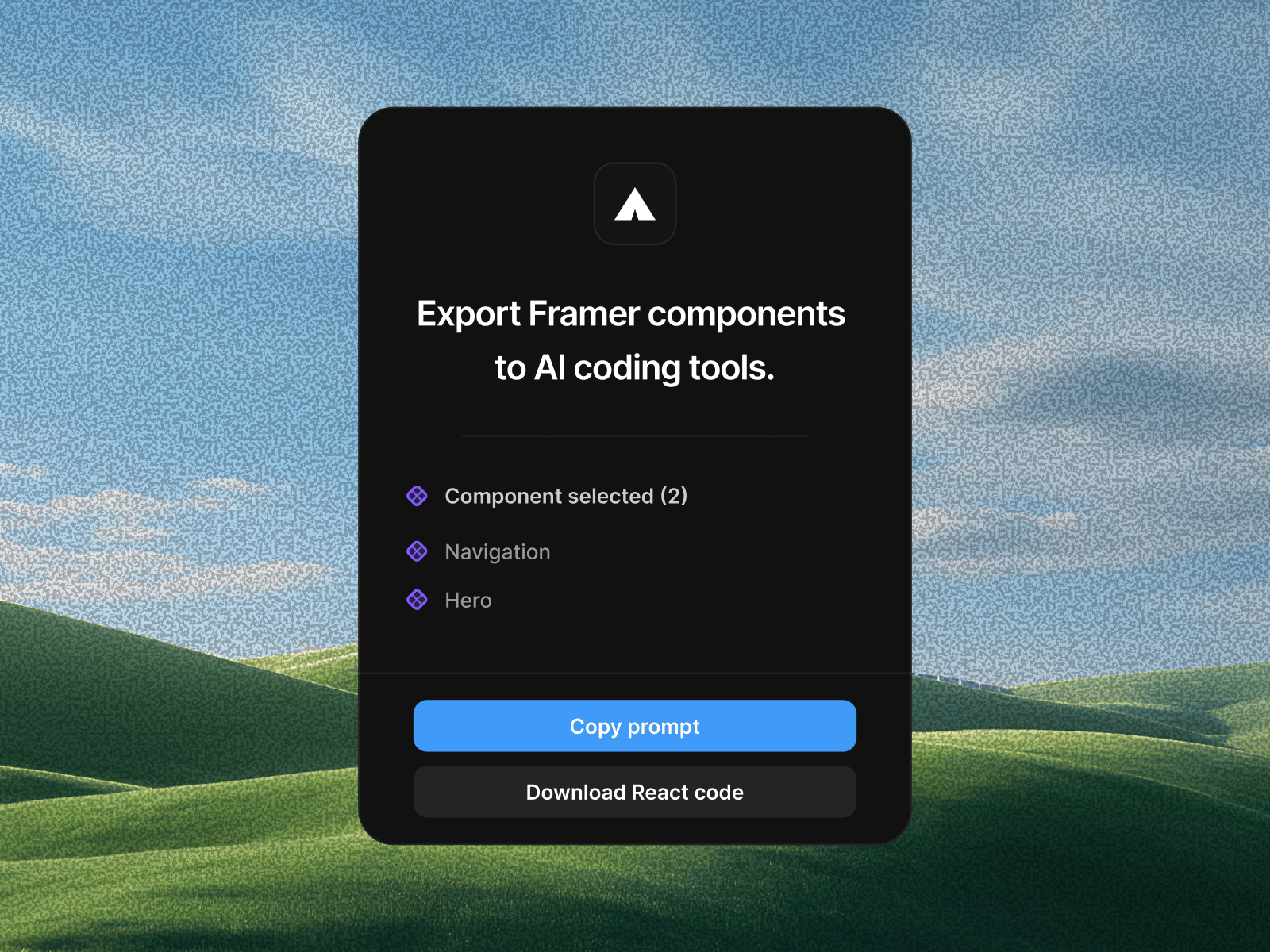
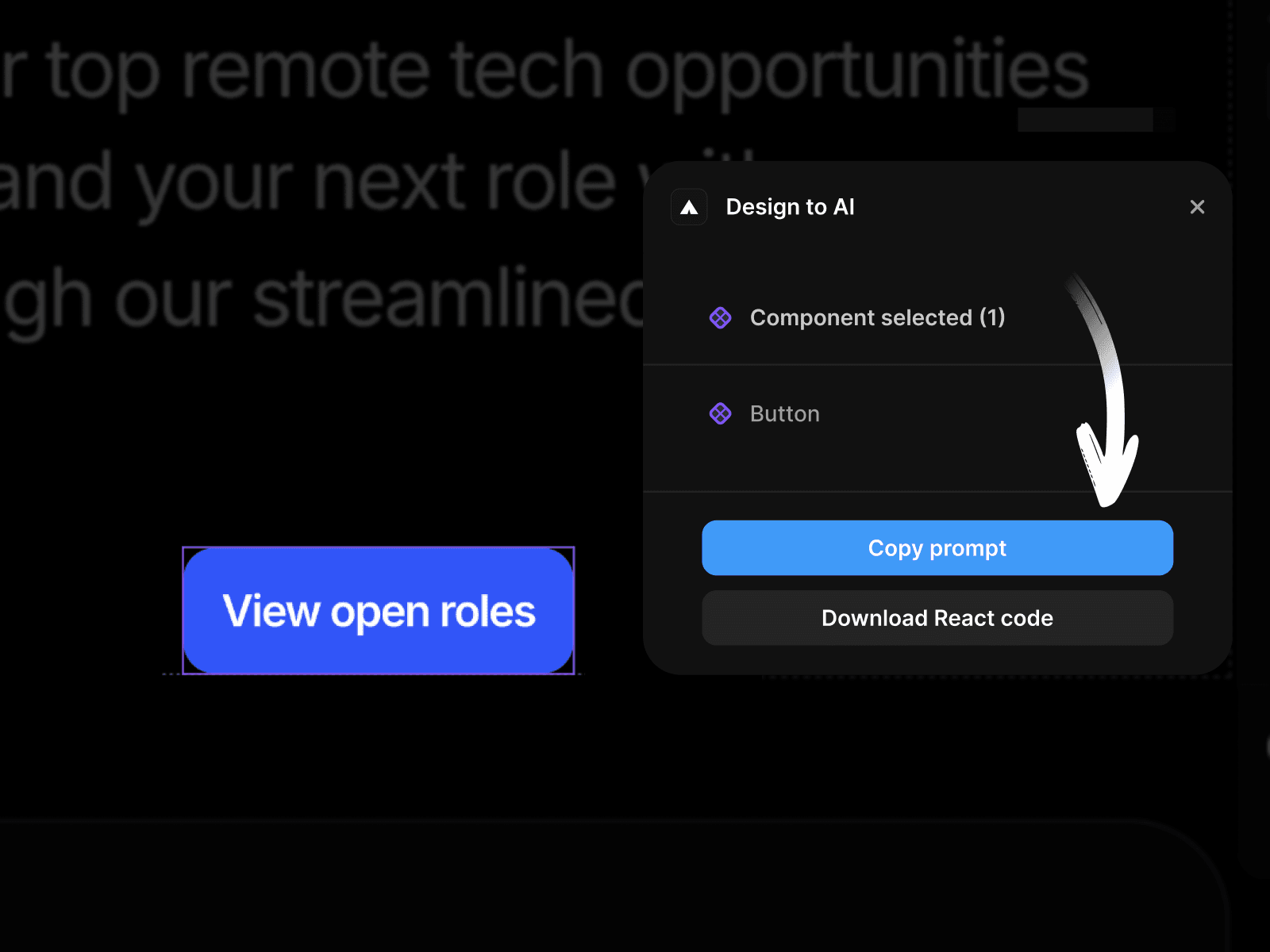
Copy Prompt — Best for AI coding
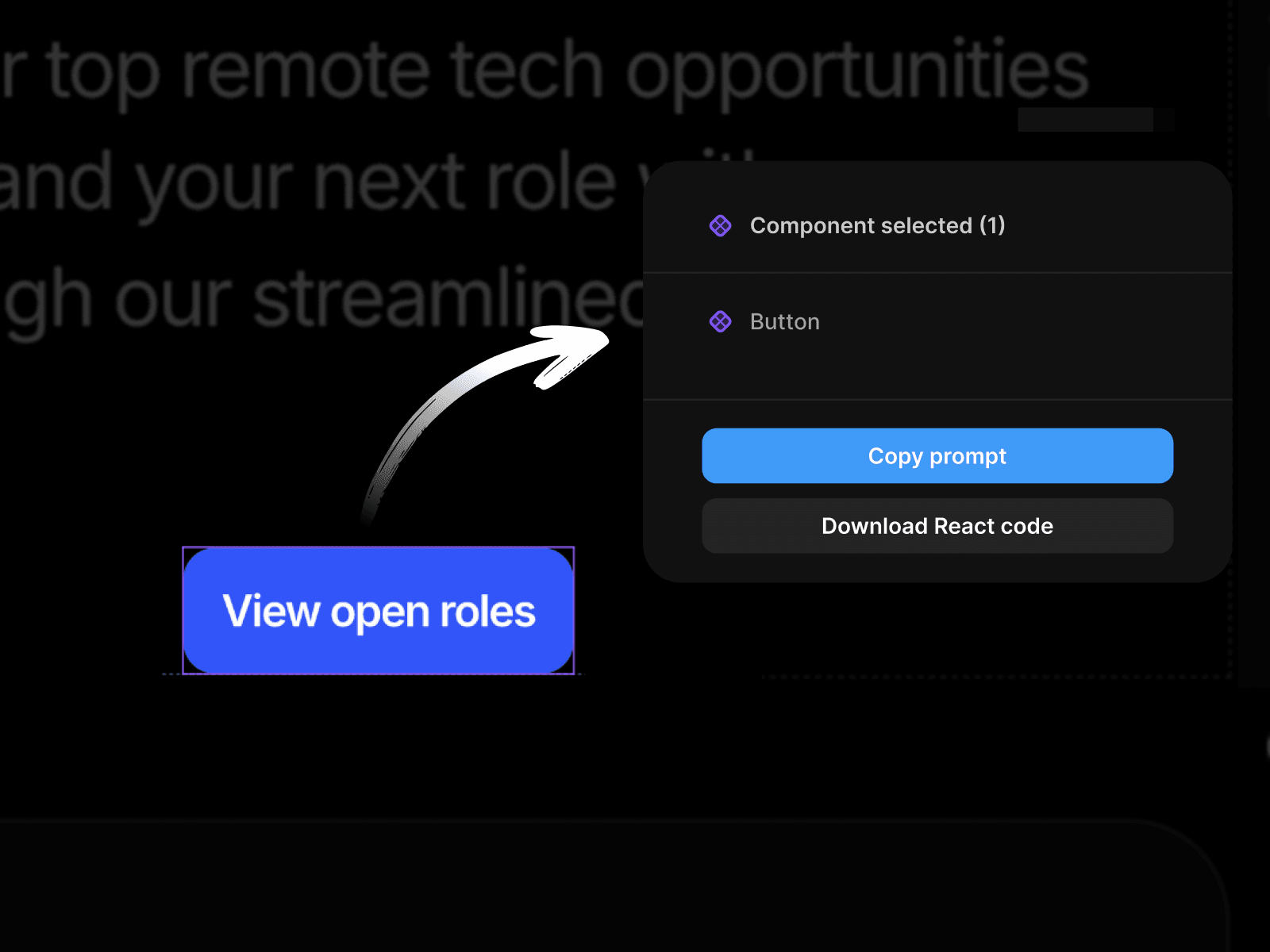
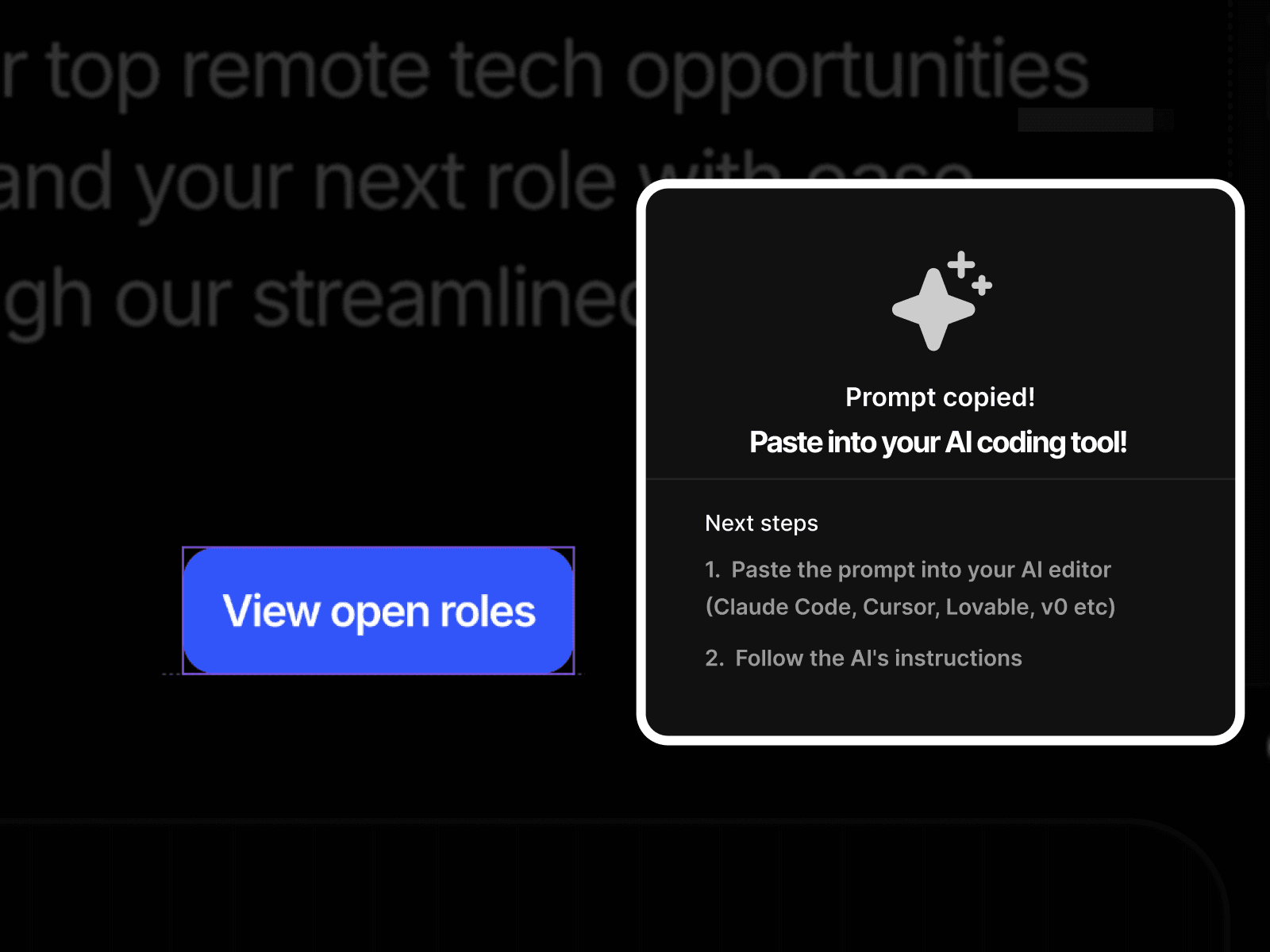
Select a component, copy the prompt, paste into your AI tool. The AI reads your component and integrates it into your project.
Download ZIP — Standalone React code
Prefer to work without AI? Download your component as a self-contained React package. Drop it into any React project — Next.js, Vite, Remix, whatever you use.
How it works
1. Select: Click on any component in your Framer project
2. Choose: Copy Prompt for AI, or Download ZIP for standalone code
3. Done: Your AI implements it, or drop the ZIP into your project
Works with
Claude Code
Cursor
Codex
Lovable
v0
Replit
Bolt
and other AI coding tools
Pricing
Free 5-day trial: Try both Prompt and ZIP modes on your components. No charge if you cancel before day 5.
After trial:
Quarterly — €9.99/month (billed every 3 months at €29.97)
Monthly — €19.97/month
Manage Subscription : Visit https://design-to-ai.lemonsqueezy.com/billing to manage subscription, update payment details, or cancel your trial.
14-day refund on your first charge, no questions asked — email olalekanisaaccb@gmail.com