About Framerfy
Design any Shopify storefront visually in Framer. Framerfy connects your Shopify store directly to Framer's editor with live product data, a real cart, and a working checkout, so you can build and publish a complete e-commerce site without writing code.
Requires a Shopify account. Free plan available; some features require a Framerfy subscription.
Features
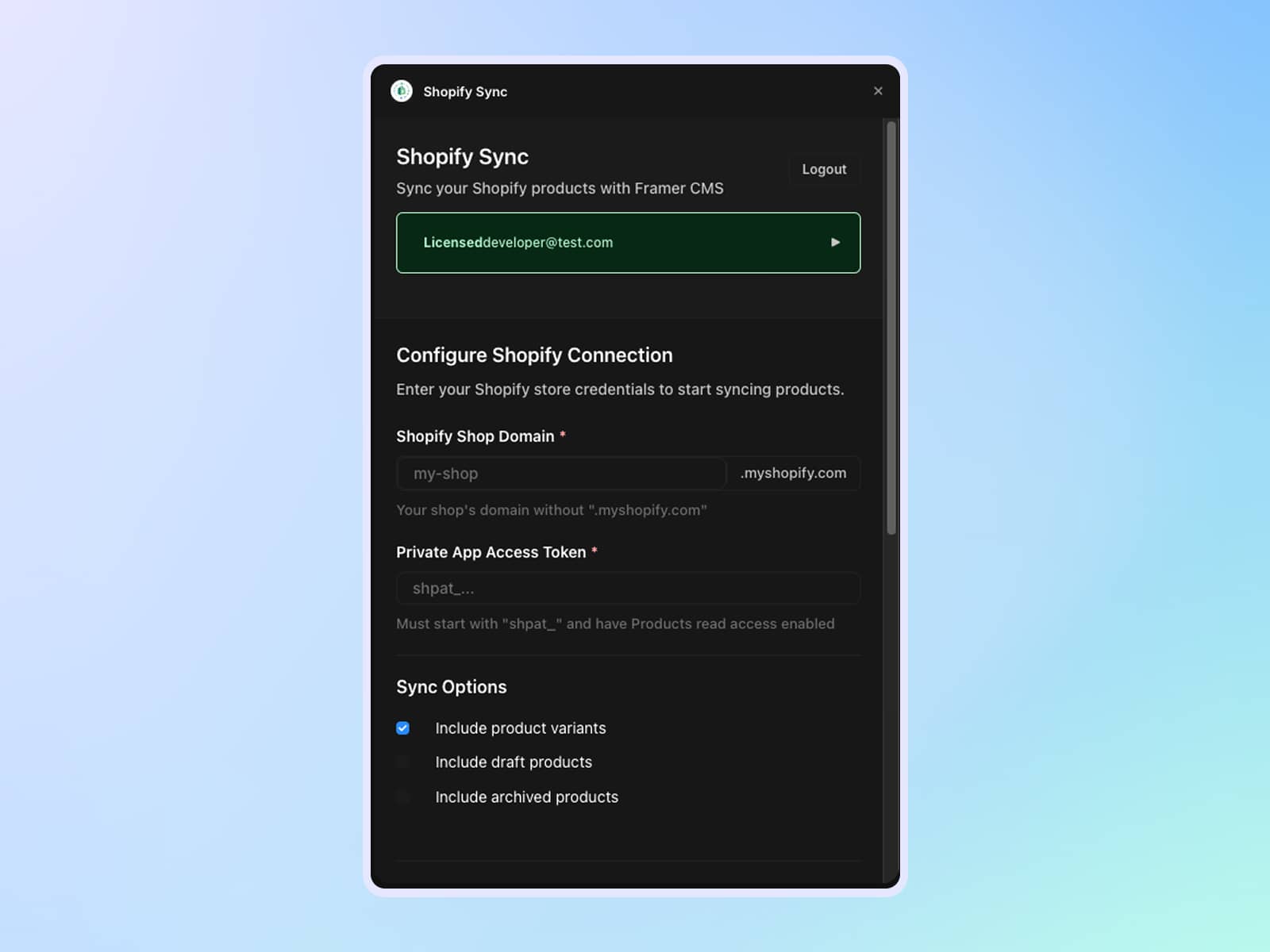
Instant Shopify connection: Authenticate with your Shopify store in one step. Product images, titles, variants, prices, and inventory sync automatically.
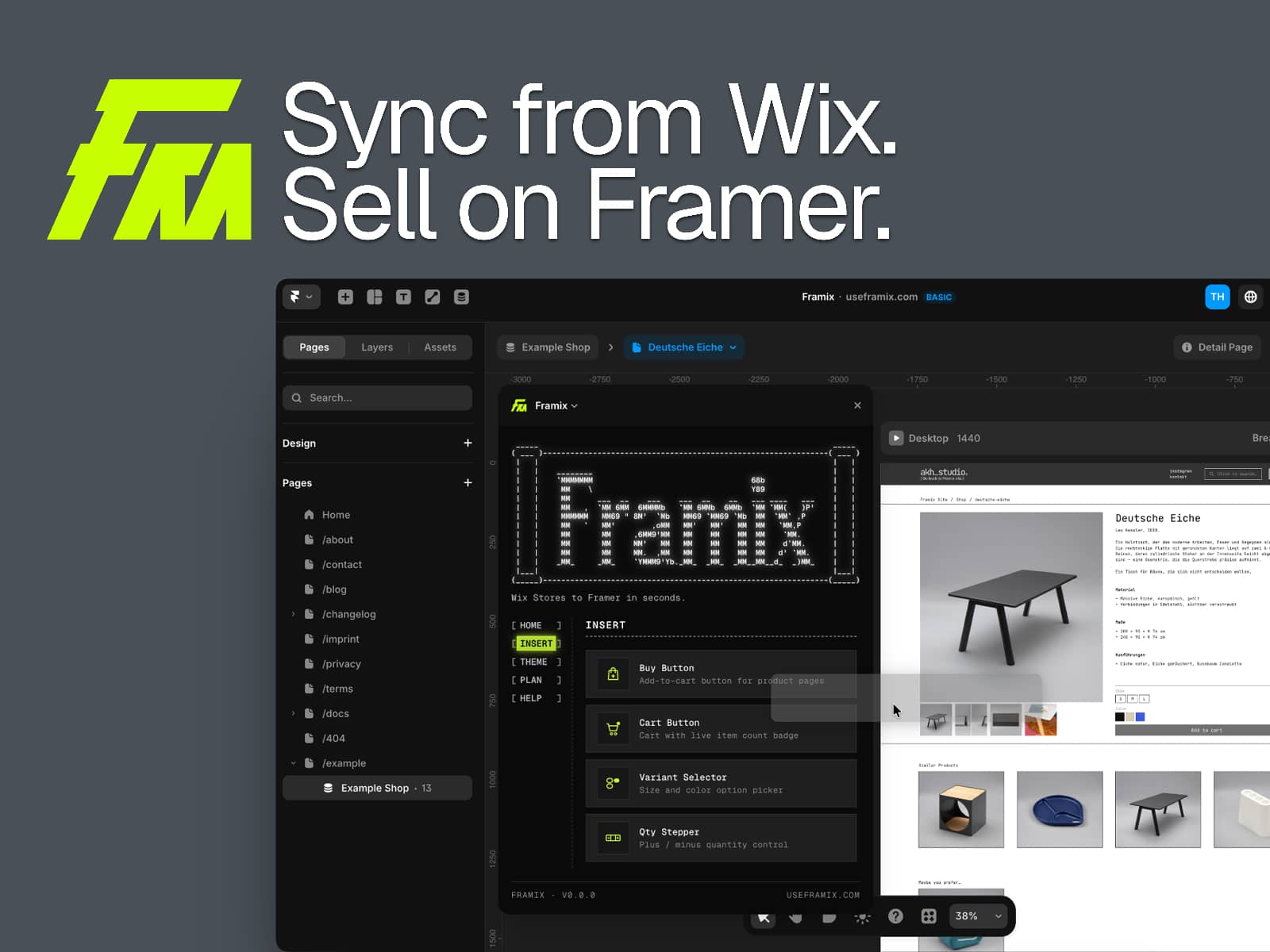
Click to insert components: Add product cards, grids, variant selectors, image galleries, cart buttons, and checkout CTAs from the Framerfy plugin panel: no code required.
Live cart & checkout: The cart reflects real Shopify inventory and pricing. Checkout routes through Shopify natively, so orders and payments work out of the box.
Customisable layouts: All Framerfy components are fully editable in Framer. Adjust styles, spacing, and content to match your brand.
Publish & sell: Hit publish in Framer and your store is live, backed by Shopify's commerce infrastructure.
How It Works
Install & connect: Add Framerfy from the Framer Marketplace and authenticate your Shopify store. A Shopify account is required.
Sync & build: Your live products appear in the plugin panel. Click to insert components into your Framer canvas and arrange them visually.
Publish: Publish your Framer site. The cart and checkout are live and connected to your real Shopify store.
Support
Documentation: docs.framerfy.ae
Tutorial: Youtube
Email: support@framerfy.ae
Website: framerfy.ae