About Framerly
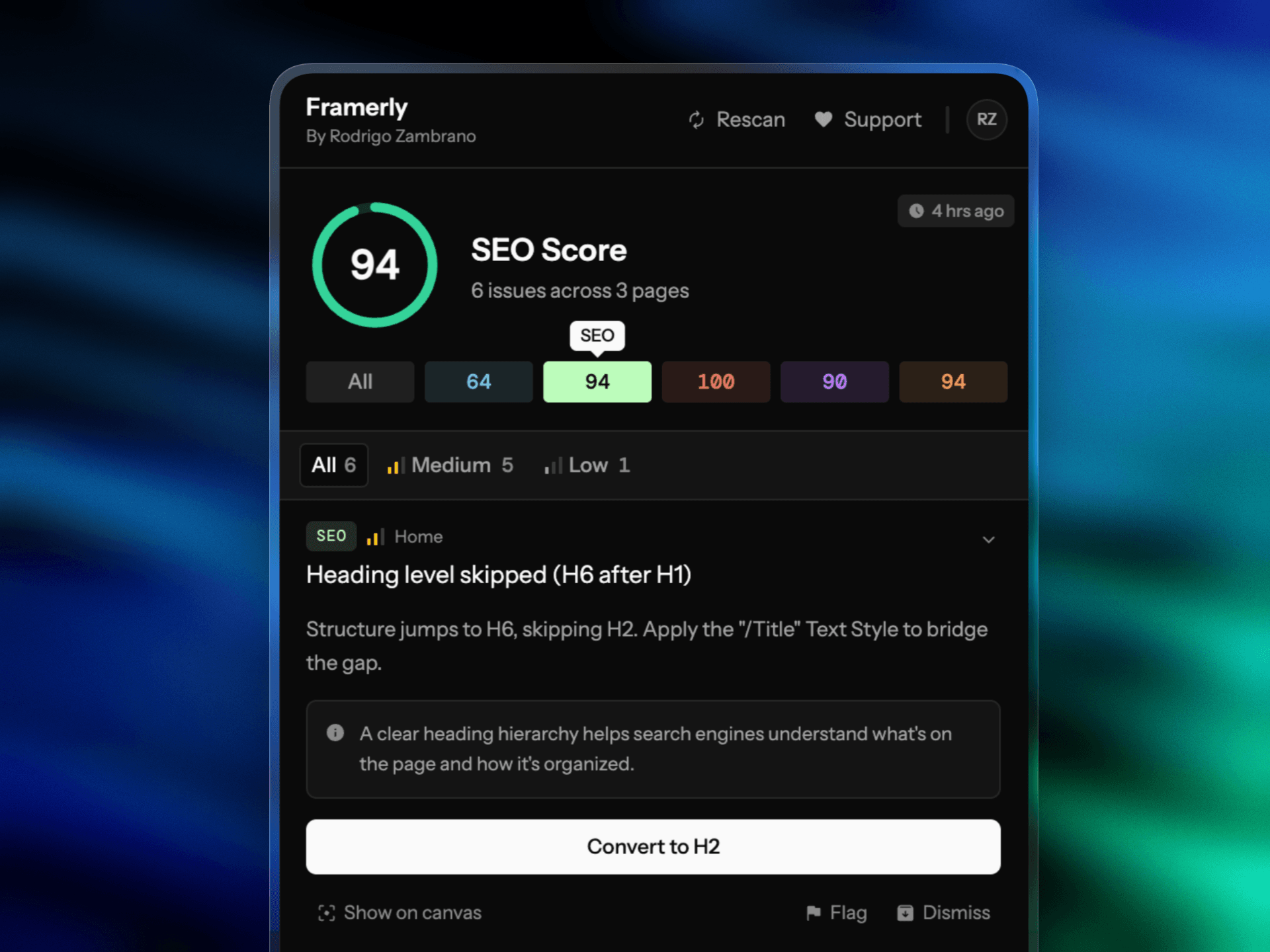
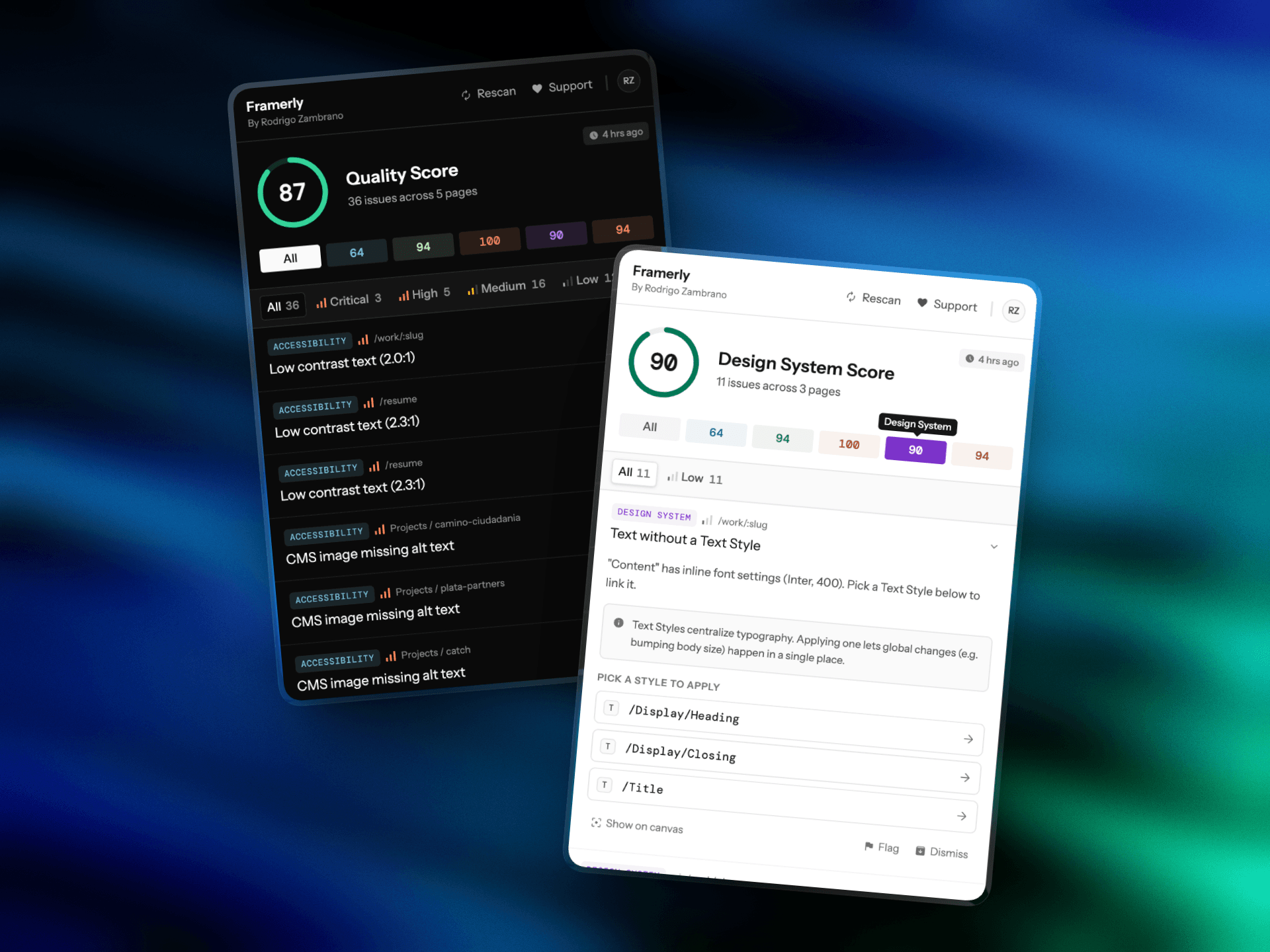
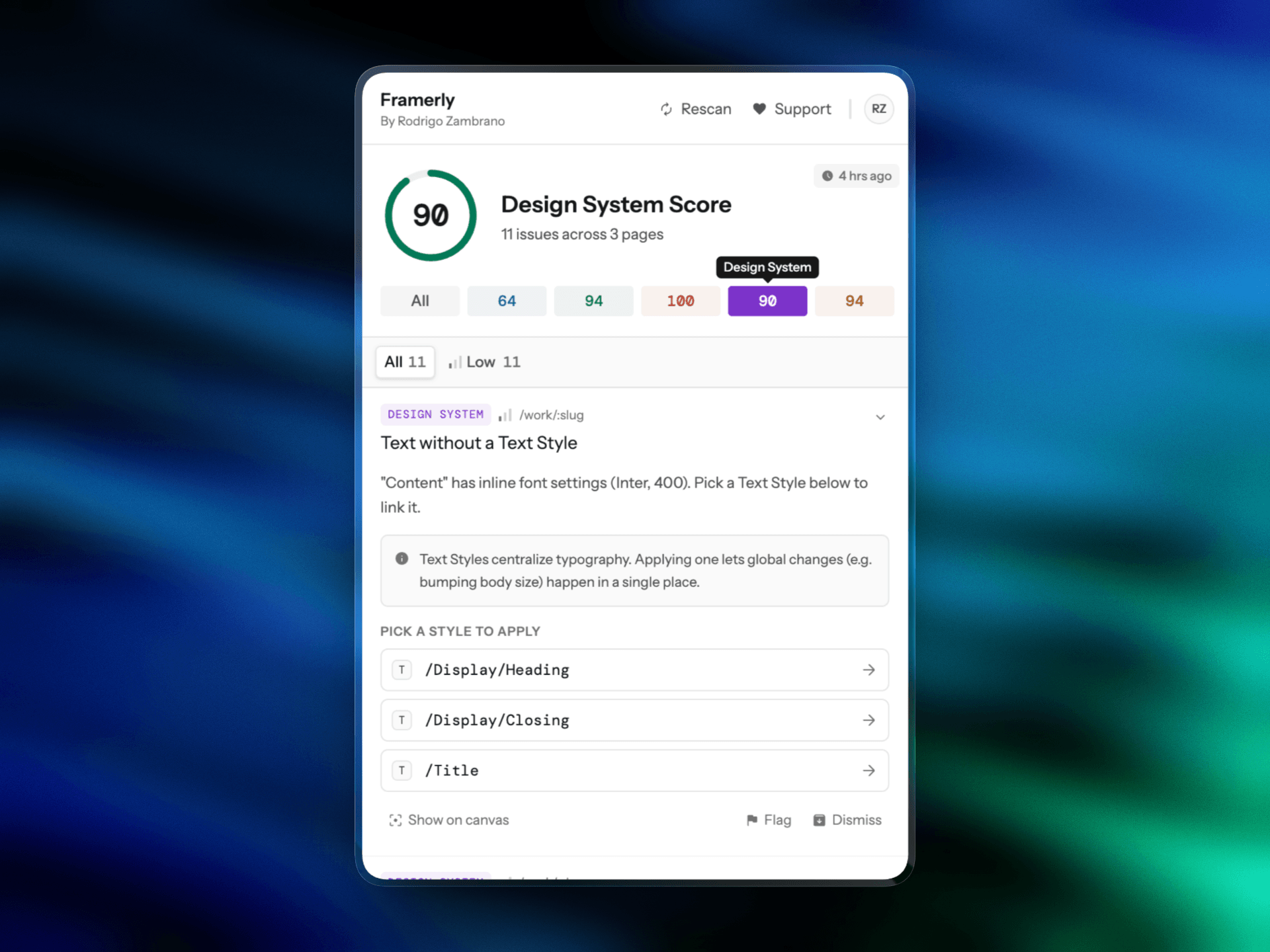
Find and fix accessibility, SEO, performance, and design-system issues on your Framer canvas before you publish. Most can be fixed in one click.
How it works
Open Framerly in your project.
Run a scan to get a health score and a list of issues.
Click Fix, or use Show on canvas to jump to the exact layer.
What Framerly checks
20+ checks across five areas: accessibility, SEO, performance, design-system consistency, and content. Each issue explains why it matters in plain designer language.
What it fixes in one click
Framerly suggests a fix and updates every affected layer across your project:
Replaces one-off colors with your Color Styles
Realigns spacing to your scale
Clears broken links
And more
How is this different from Lighthouse?
Lighthouse audits a published URL, reports in developer terms and leaves the fixes to you. Framerly runs on your canvas before you publish, points to the exact layer and fixes most issues in one click.
It also catches what Lighthouse can’t see, such as hex colors that aren’t linked to your Color Styles, off-scale spacing, untracked text styles and leftover lorem ipsum.
Support
For questions and help, please email rodrigo@dominoeffect.co.