About Gatekeep
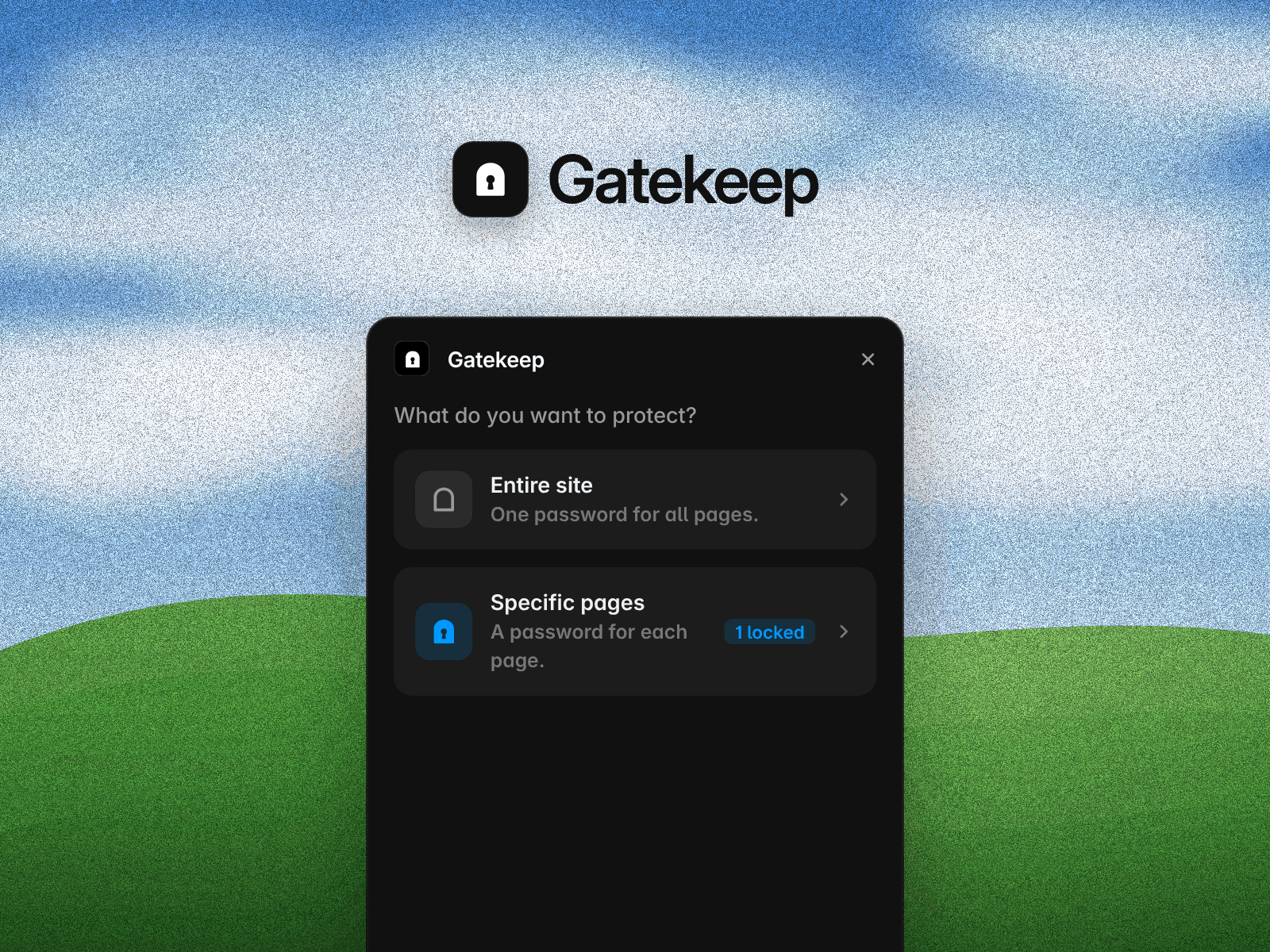
Gatekeep adds a password lock to the pages you choose. Lock a single page with its own password, or lock the entire site with one password so visitors unlock everything at once. It’s great for sharing client work, private case studies, or a site that isn’t ready yet.
Features
Lock individual pages, including CMS pages, each with its own password
Lock the entire site with one shared password
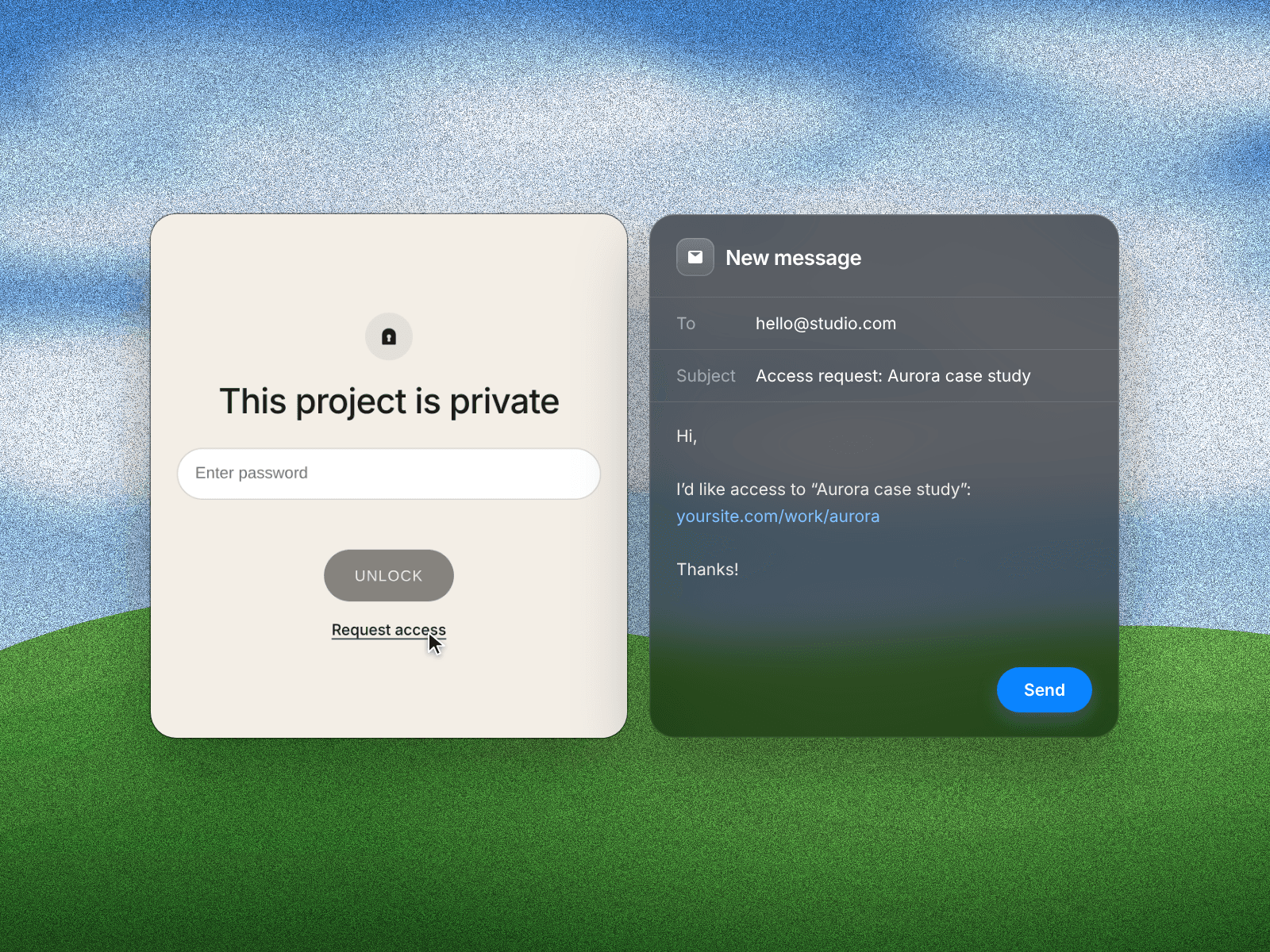
Let visitors request access. It opens their email app with a pre-filled request to you, including the page name and link
Choose how often visitors are asked: each new session, every visit, or only once
Customise the lock screen’s title, text, colours and fonts to match your site, from the plugin or Framer’s side panel
Add a redirect link for visitors without the password, either to one of your pages or anywhere on the web
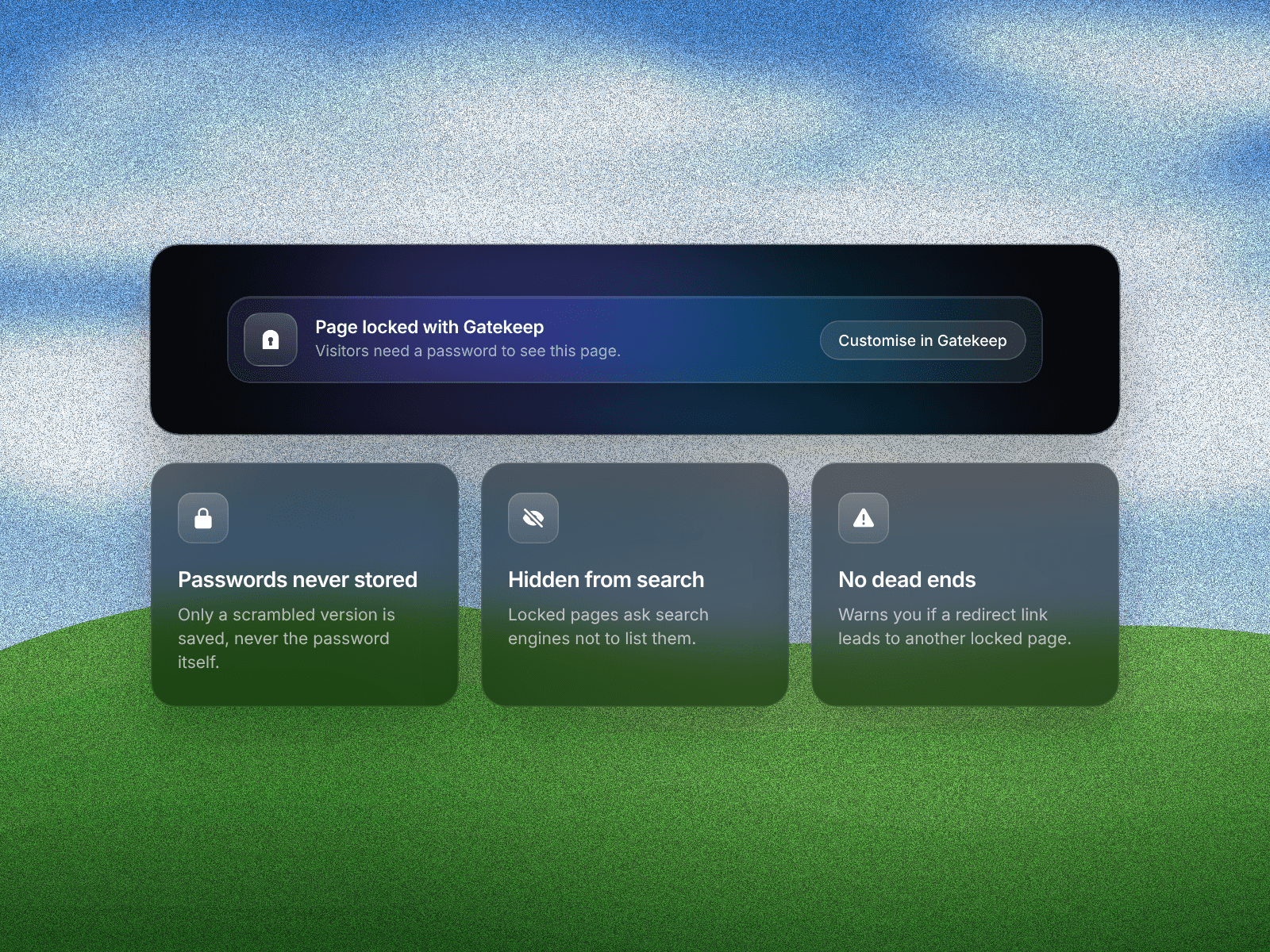
Hide locked pages from search engines
Get warnings if a redirect link leads to another locked page
Lock pages you add later in one click
How it works Open Gatekeep, choose Entire site or Specific pages, and set a password. Gatekeep adds a small section to each locked page that you’ll only see on the canvas. Publish your site and the lock screen appears for visitors.
Privacy Passwords are never stored. Gatekeep saves a secure, scrambled version instead. The lock screen doesn’t send any visitor data anywhere. Request access simply opens the visitor’s own email app.