About GDS Template Updater
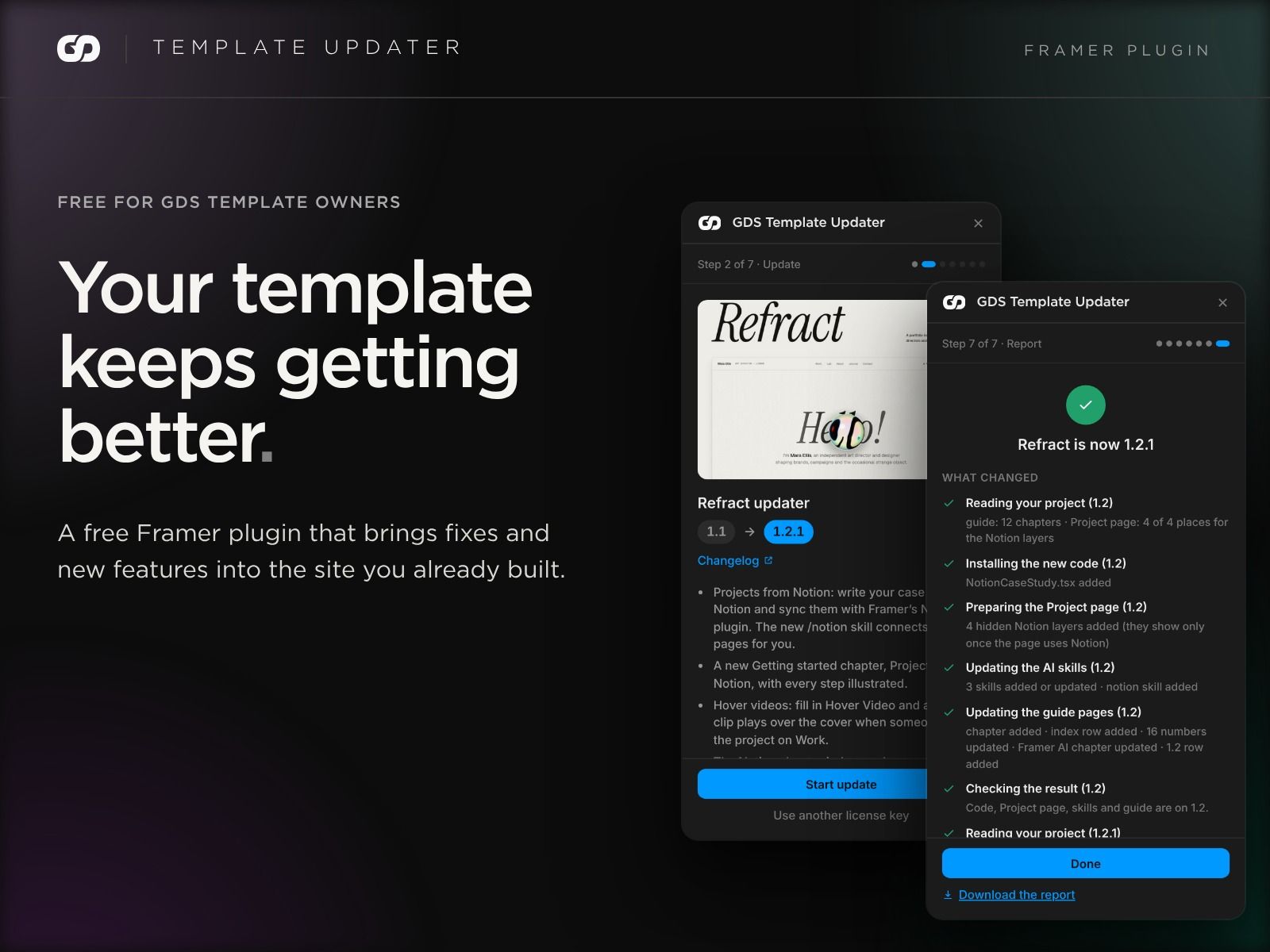
Your template keeps getting better, no compromises.
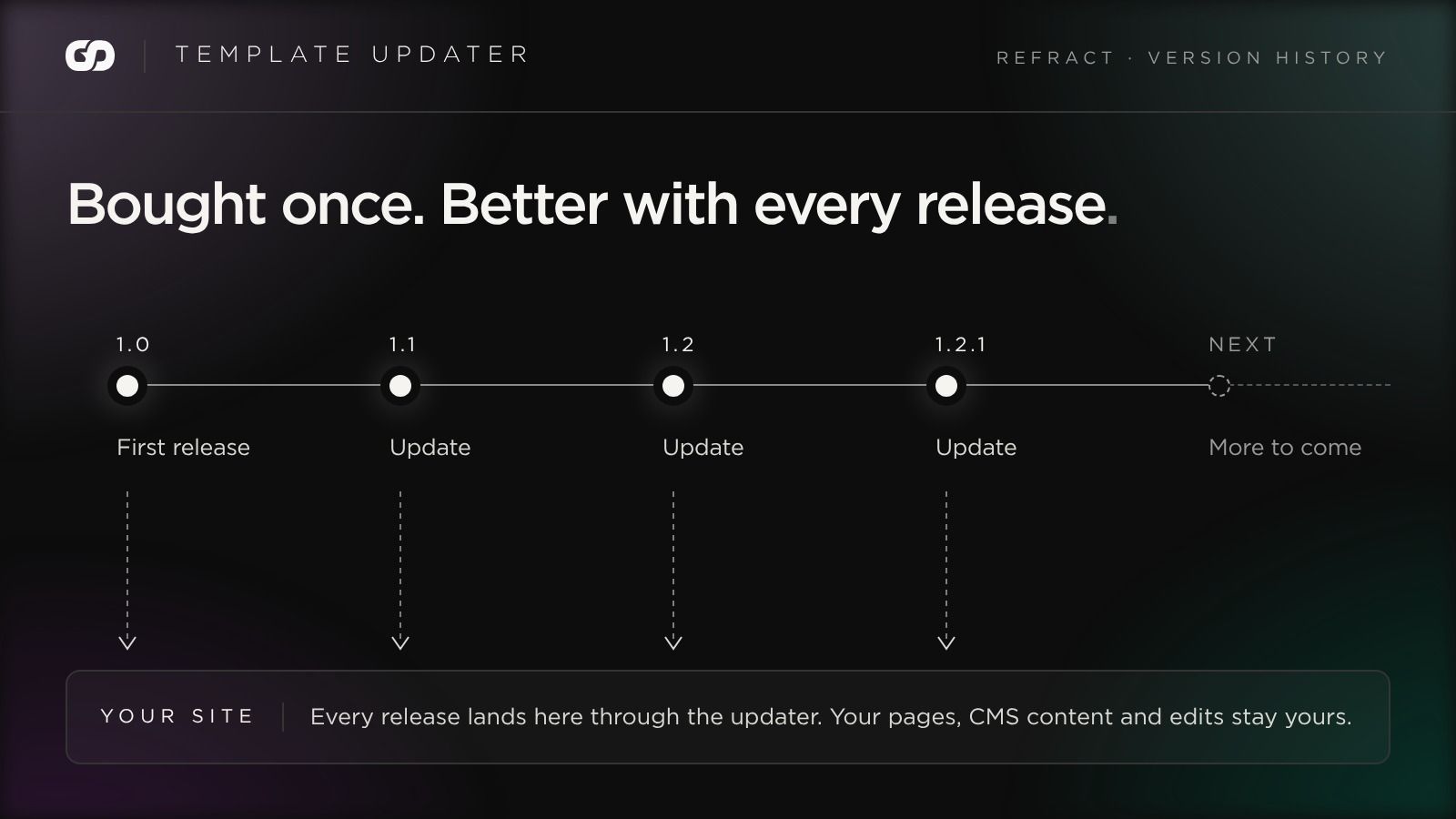
Most Framer templates stay exactly as they were on the day you bought them. GDS templates don’t. I keep supporting them over time with fixes and new features, and this plugin is how those improvements reach the site you already built.
No starting over, no rebuilding layers by hand. Paste your license key and your template catches up with the latest version, while your pages, CMS content and edits stay right where you left them.
What you get
New features and fixes as they come out, at no extra cost.
Updates that respect your work. The plugin only touches the template’s own parts, never your content.
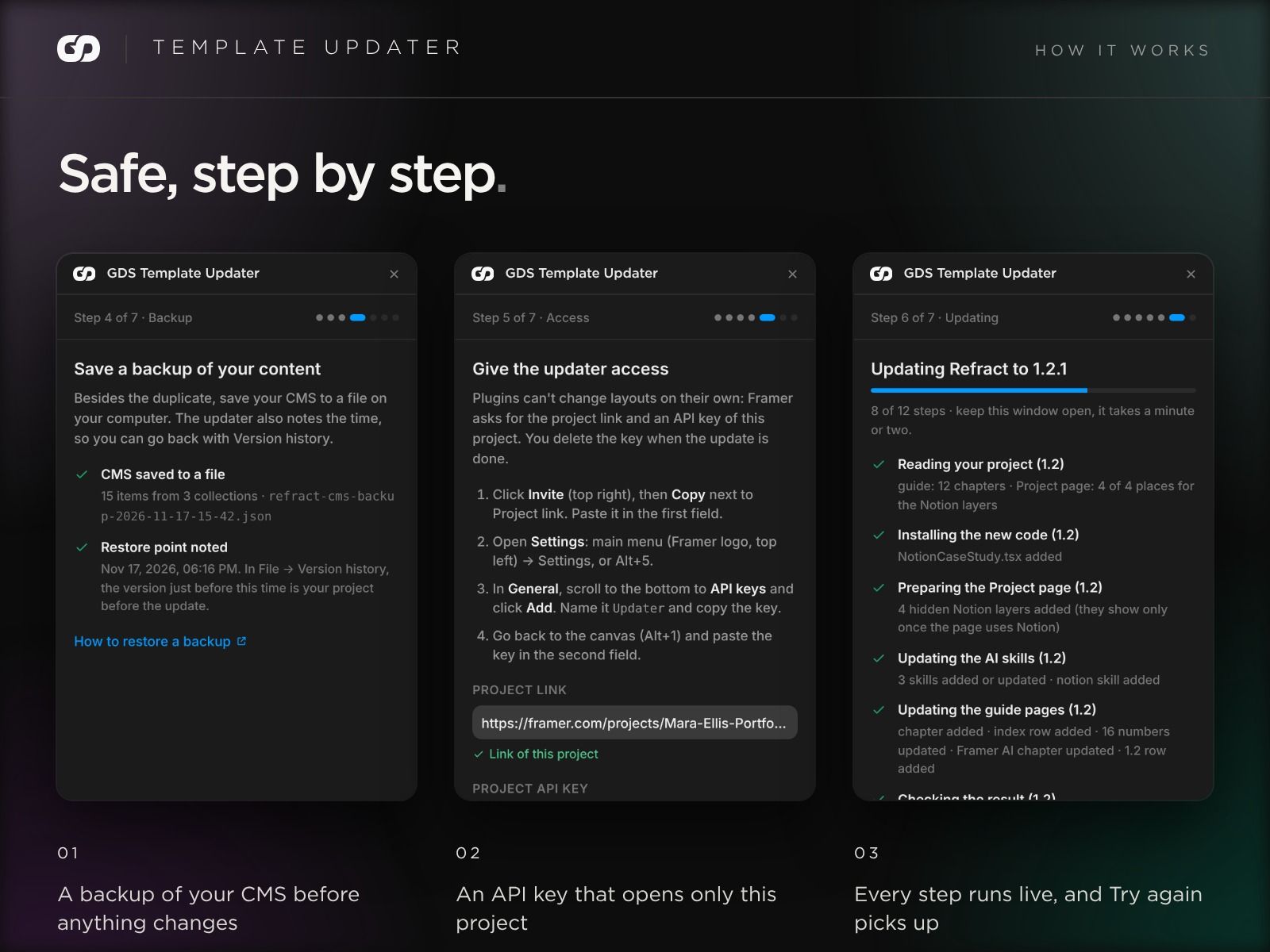
A safety net first. It walks you through a duplicate of your project and a CMS backup before anything changes.
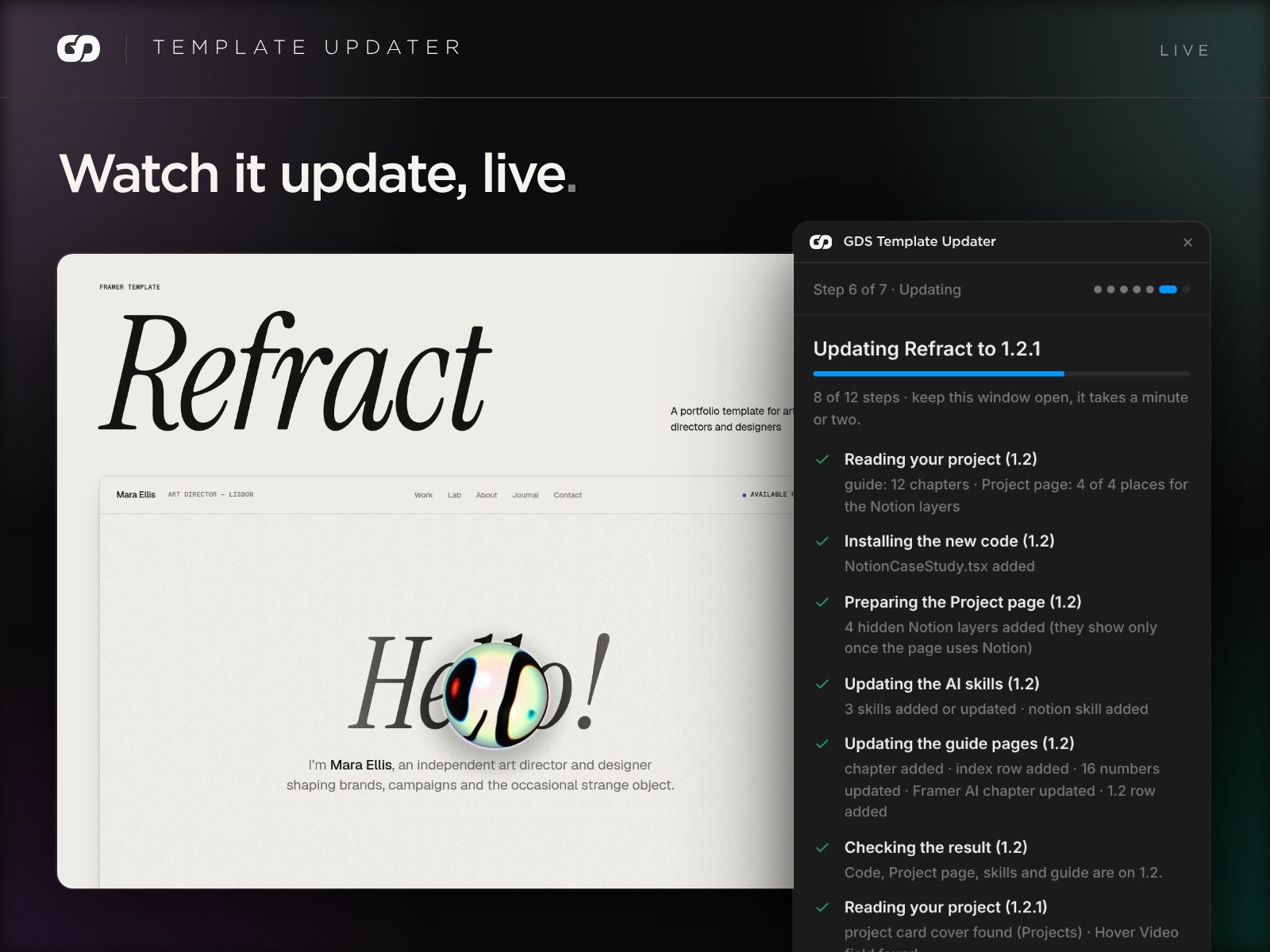
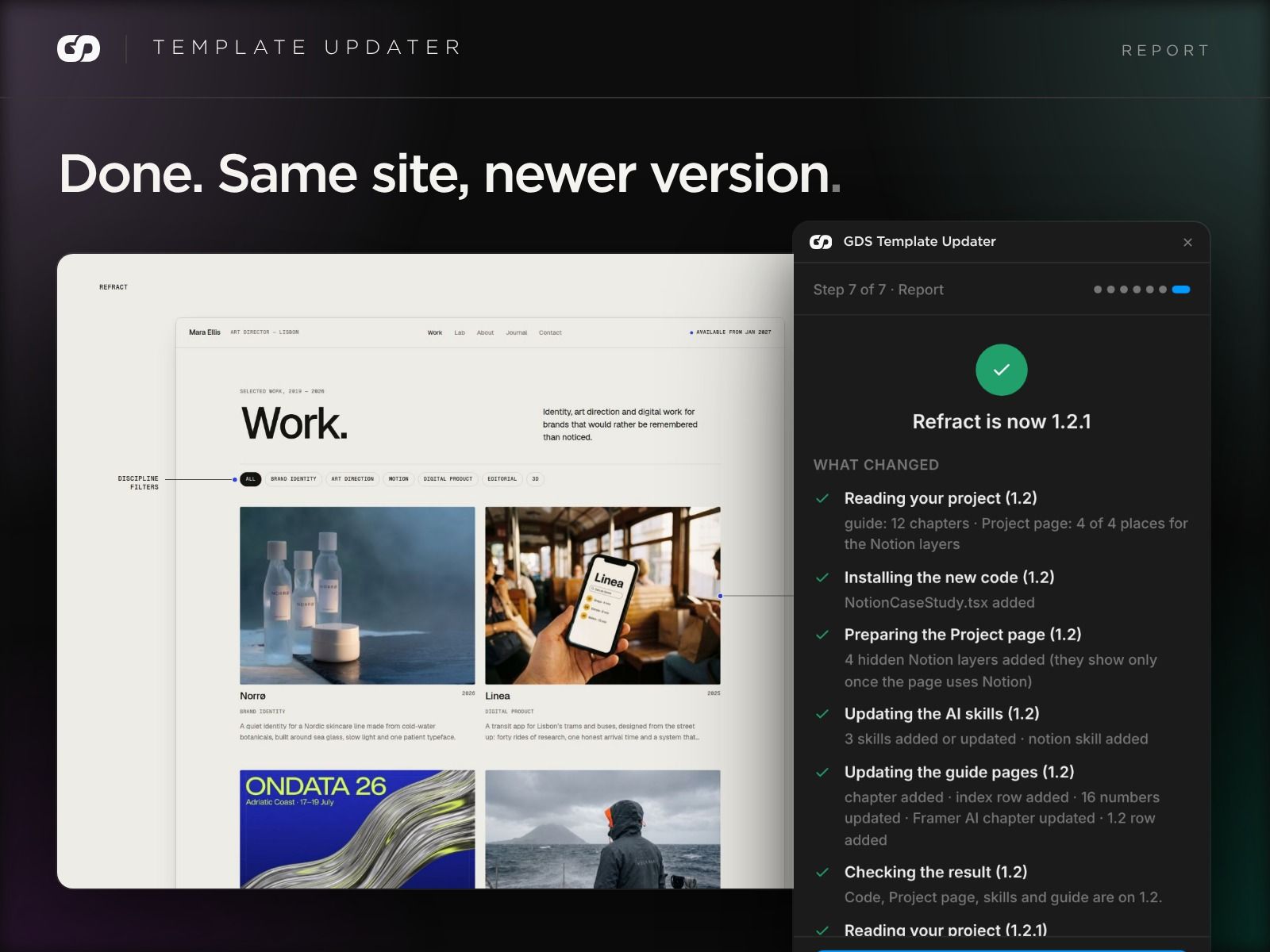
Nothing hidden. Watch every step live and download a report at the end.
How it works
Paste the license key from your purchase and see what’s new for your version.
Duplicate your project and save a CMS backup. The plugin guides you through both.
Connect the updater with your project link and an API key made in that project. You can delete the key when you’re done.
Watch the update run. If a step stops, Try again picks up right there.
Works with
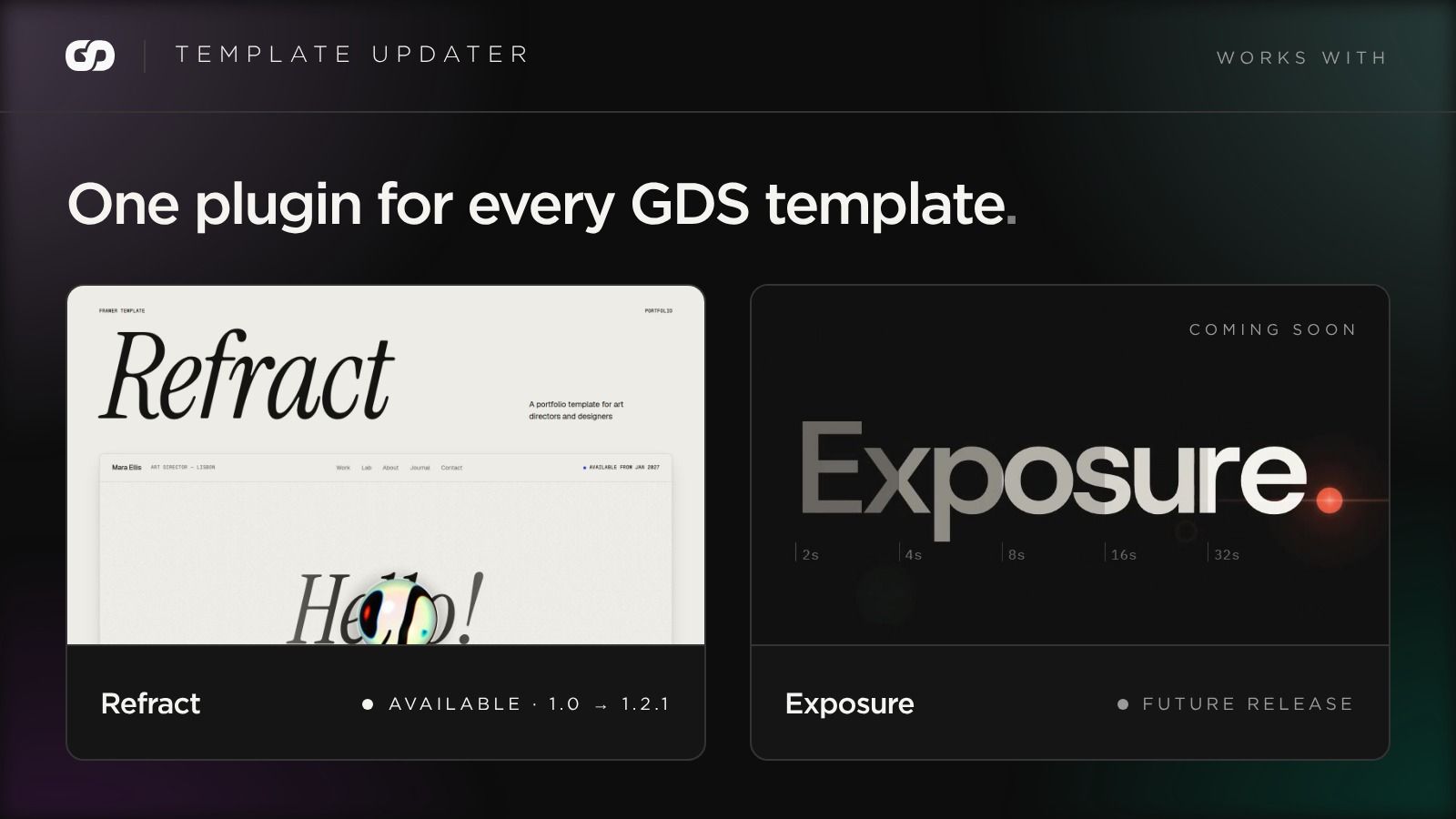
Refract, from version 1.0, 1.1 or 1.2 up to the latest, 1.2.1
Exposure (future release)
New GDS templates join as they launch.
Free to use
The plugin is free. All you need is the license key that came with your GDS template.
Privacy
To recognize your template, the plugin checks inside Framer for a few GDS file and field names. It sends only your license key, your project ID and which of those names it found.
To update, the GDS service on Cloudflare opens your project through Framer’s official API with the key you create and changes only what the update needs. The key is never stored, and your CMS backup stays on your computer. Read the privacy details.
Need a hand?
Email me at templates@gabrieledesantis.com and I’ll help you out.