About Glimmerglass
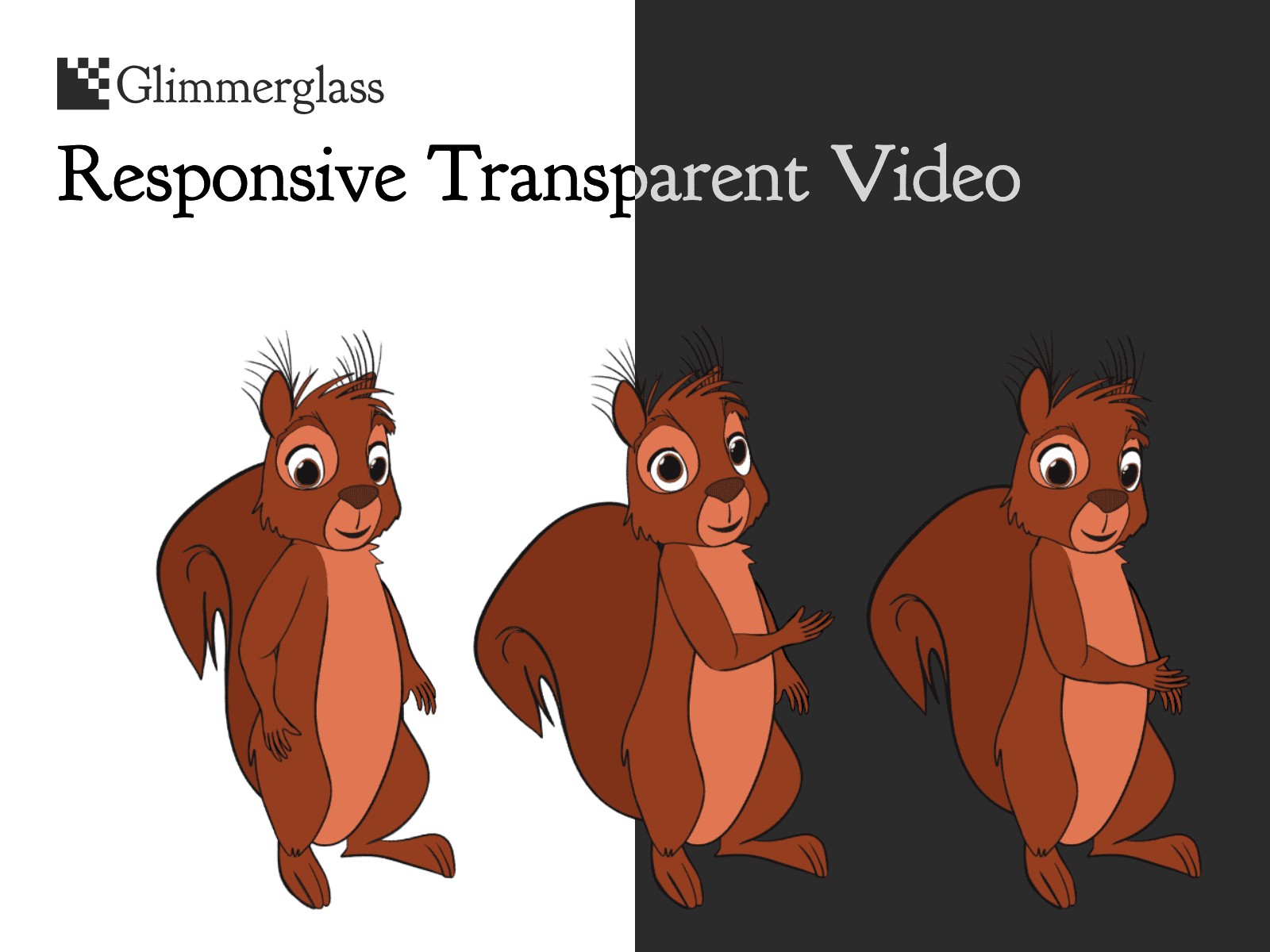
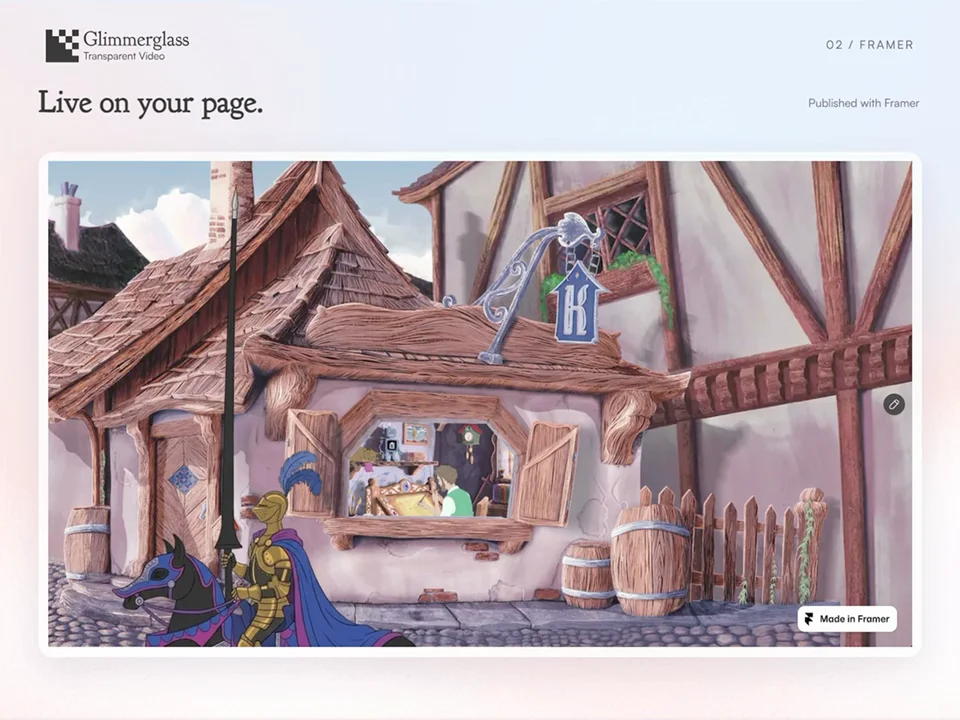
Glimmerglass puts your transparent animation on your Framer site. No frame, no background, just your artwork playing it's heart out.
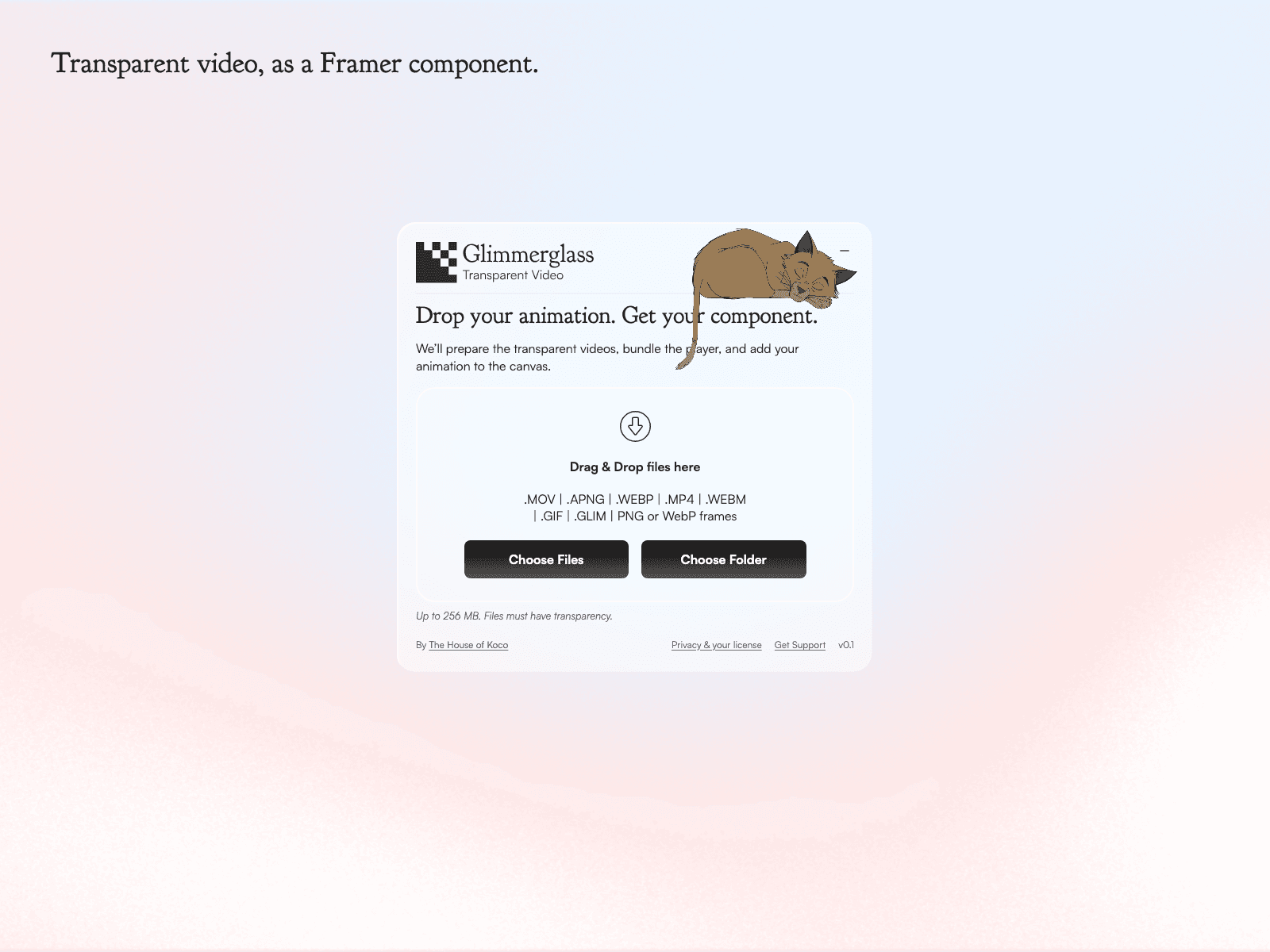
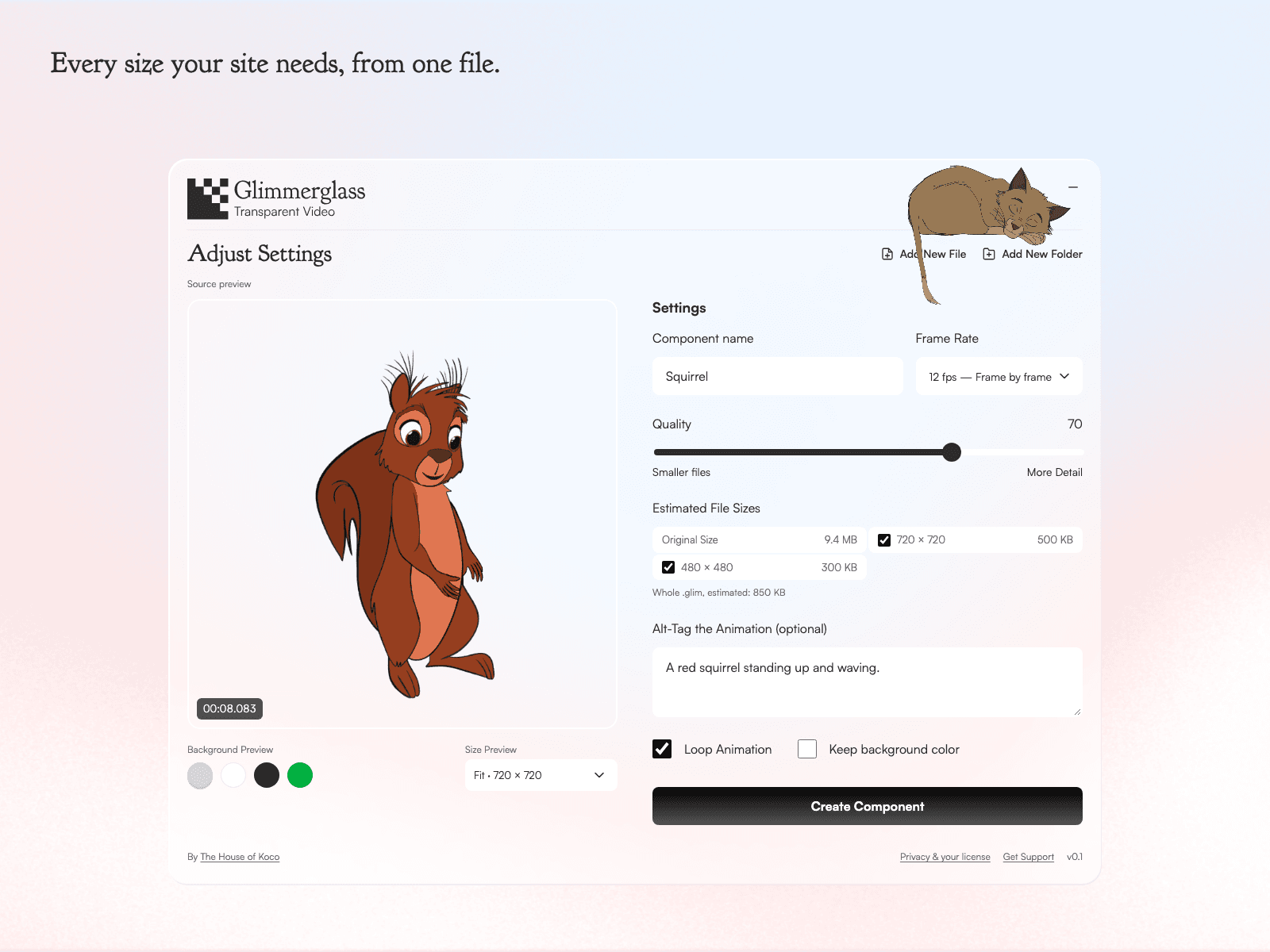
Drop in your animation: MOV, MP4, WebM, Animated PNG, GIF, animated WebP, or a folder of frames. The plugin converts it. Preview it at different sizes and backgrounds, set the quality, create the component and you're good to go.
Drop files up to 256 MiB, 600 frames, 120 seconds and 4096px x 4096px a frame.
It packs your animation into a .glim that serves the right filetype per viewer device and browser. Phones get the lighter and smaller file, desktops get the bigger file. The finished component works across all browsers.
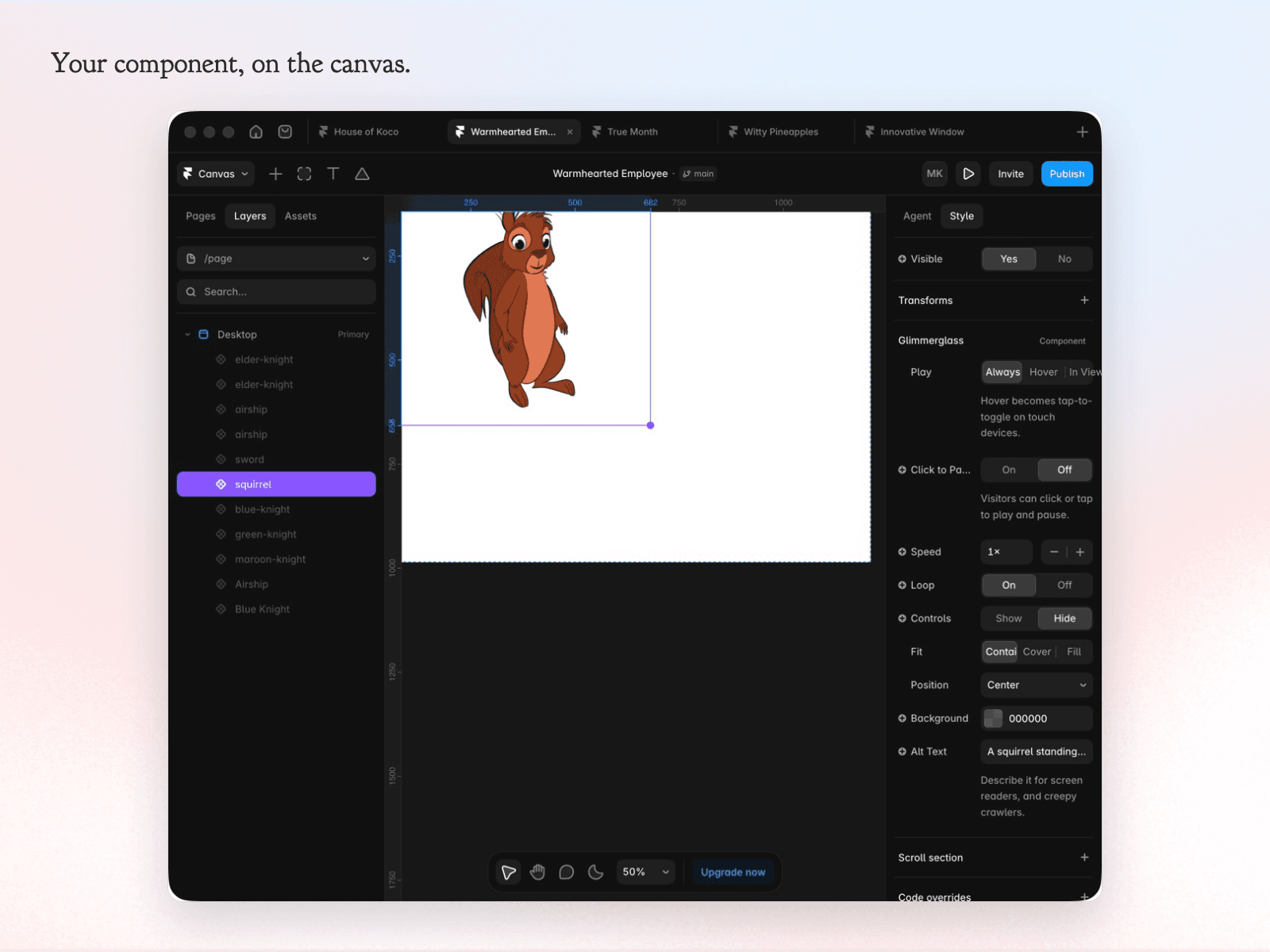
Once you have the transparent animation on your canvas you are able to manipulate it easily. Resize it however you like, then tweak it in the properties panel:
Play: always, on hover or when in view
Hover Area: the animation or its frame
Click to Pause: let visitors play and pause
Speed: 0.25x to 4x
Loop: on or off
Controls: a play bar, or none
Fit and Position: contain, cover or fill
Background: a color behind it
Alt Text: describe it for screen readers and search engines.
$8, one time, no subscription. Buy a license key on Gumroad and paste it into the plugin to begin. Your license is for you, on your own browsers and computers. No refunds.
Privacy: converting sends your animation to our server in Germany and deletes it when the job ends. Nothing else leaves your project. glimmerglass.app/privacy
Note: Glimmerglass transcodes the transparency your motion artwork already has for the web, it doesn't remove backgrounds.
Need transparent footage? These apps export it:
Procreate - https://procreate.com
Procreate Dreams - https://procreate.com/dreams
Callipeg - https://callipeg.com/learn-export-video/
ToonSquid - https://toonsquid.com/handbook/export/video/
Linearity Move - https://www.linearity.io/academy/move/mac/user-guide/export/export-formats-overview/
Once you have your animation, bring it back here.