About Glimpze
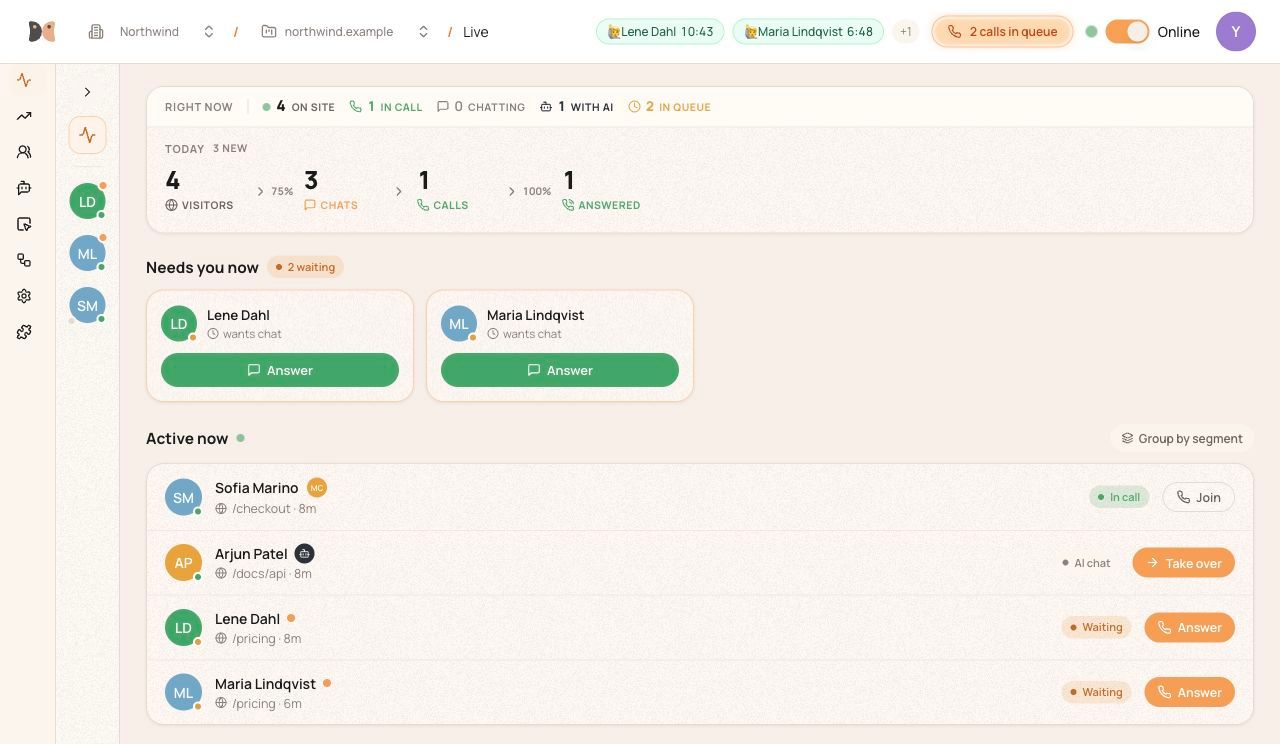
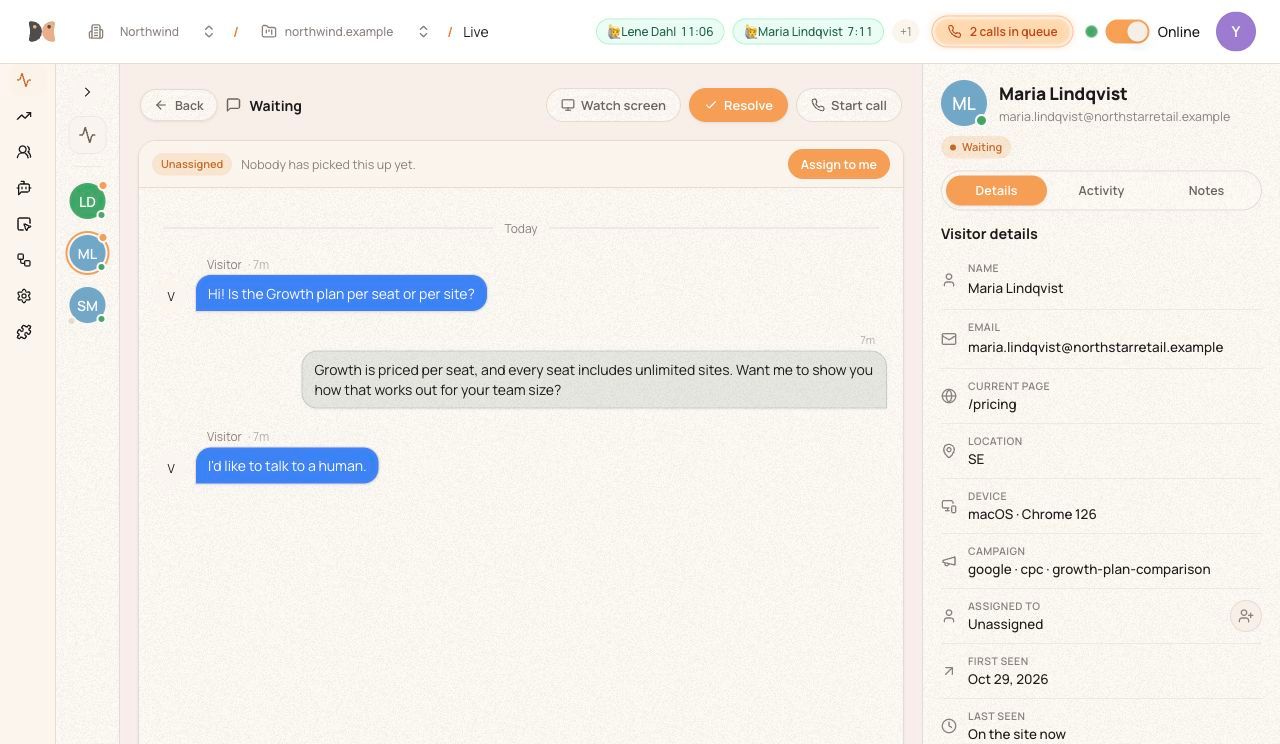
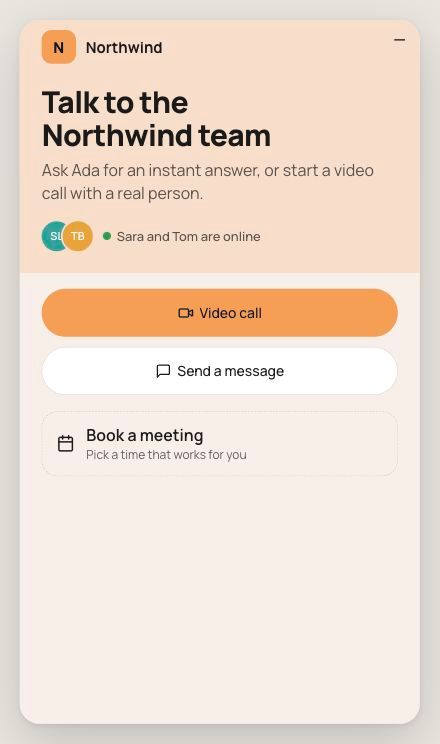
Glimpze brings live chat and video conversations to your Framer website. Help visitors get answers and connect with your team in a live video call directly from your site. Add your existing Glimpze widget without pasting code. Enter its public widget ID, confirm the installation, and publish your site when you’re ready. Manage conversations, team availability, and widget settings in Glimpze. Getting started 1. Create a Glimpze account and configure your widget at https://app.glimpze.io. 2. Add your website’s domain to the allowed domains in your Glimpze project. 3. Remove any older manual Glimpze installation to avoid duplicates. 4. Open this plugin in a Framer project where you can edit custom code, enter your widget ID, and confirm the installation. 5. Publish your Framer site and check the widget on the live website. You can update or remove the installation from this plugin. Both actions ask for confirmation and take effect on the live website after you publish. The plugin manages only the code it added. The plugin uses a public widget ID and does not ask for your Glimpze password or API key. The installed widget loads from app.glimpze.io and connects to Glimpze to provide your configured chat and call experience. Visitor information and interactions are handled by the Glimpze service under your project settings and privacy policy. The plugin is free. A Glimpze account is required. Glimpze offers an ongoing Free plan, with optional paid plans for higher usage limits and support. Current plans: https://www.glimpze.io/pricing Privacy: https://www.glimpze.io/privacy Terms: https://www.glimpze.io/terms Support: support@glimpze.io