About GoLocal! Localization
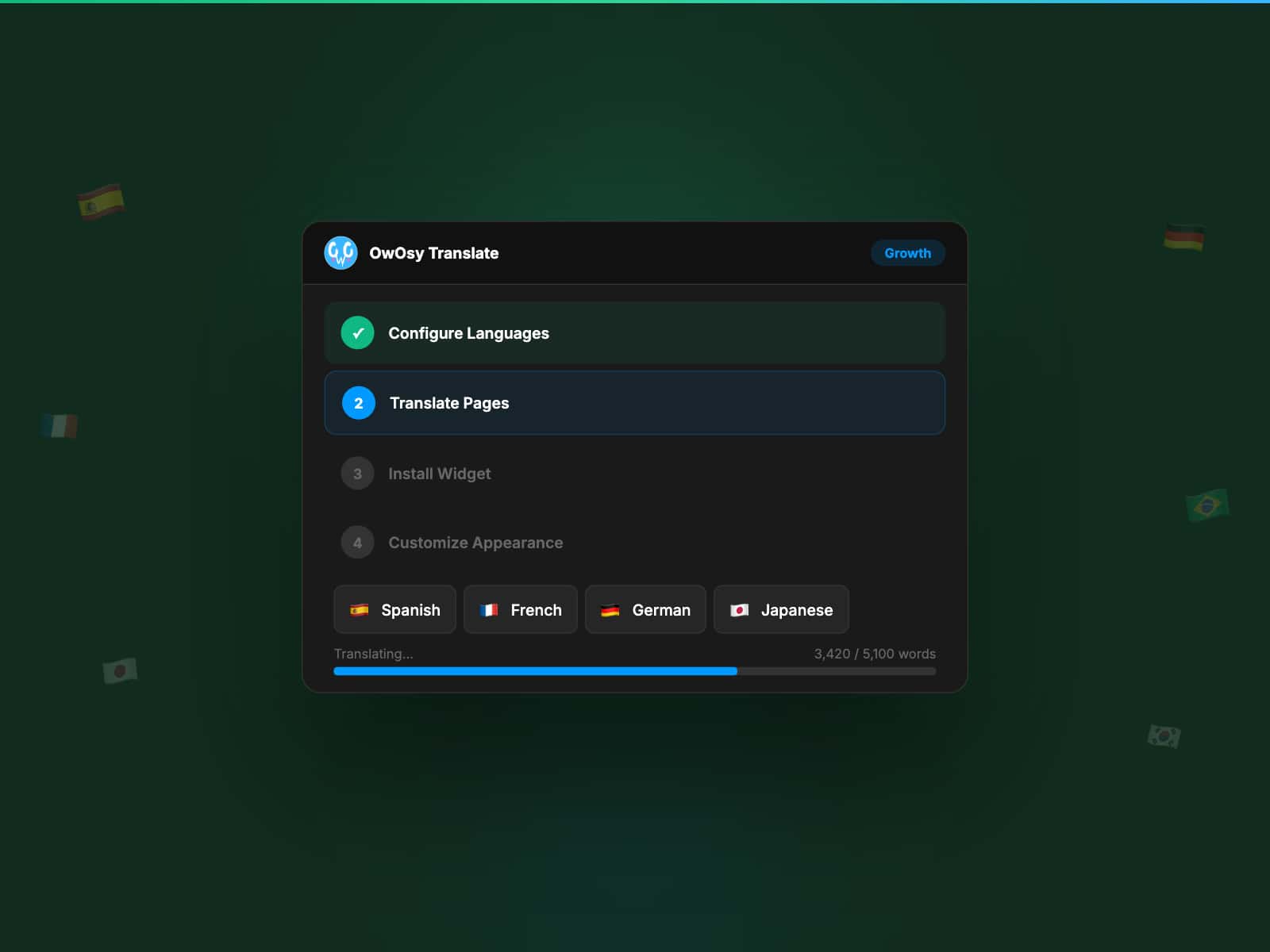
GoLocal! localizes your published Framer website with a compact language switcher, flags and language codes.
Setup
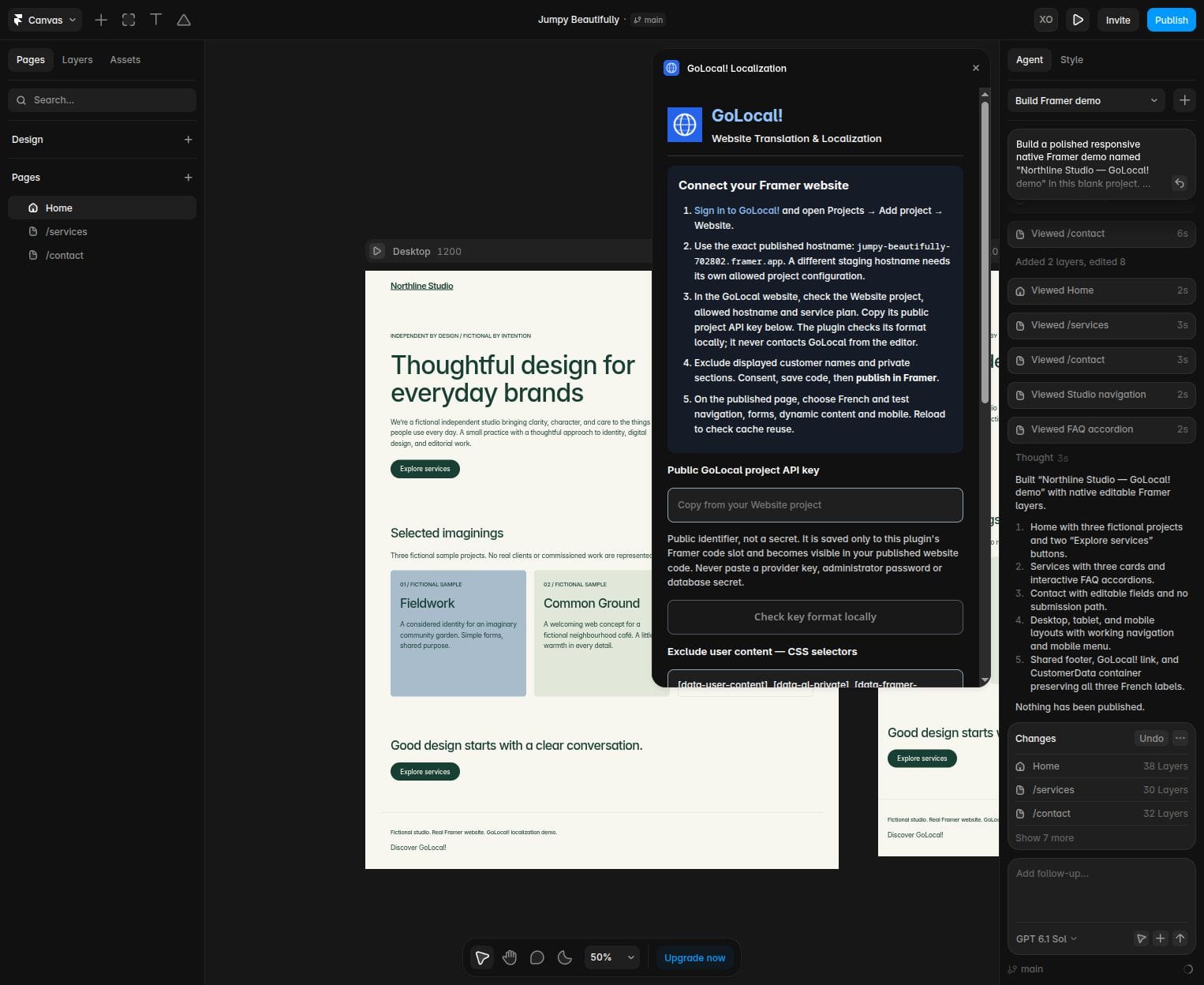
1. Sign in at https://goinglocal.online and create a Website project for the exact published hostname. Check its domain and service plan there.
2. Copy the public project key into this plugin. Check its format locally, configure exclusions, consent and save code.
3. Publish in Framer; test the live site, forms, navigation and mobile layout.
Editor privacy
No remote key validation or GoLocal requests run inside the editor. The public key is saved only to this plugin's native Framer code slot. Translation runs on the published website after your consent. Never enter provider keys or account secrets.
Protect customer content
Input/textarea values and contenteditable areas stay unchanged. Labels/placeholders may translate. Exclude displayed customer names, messages and other user data, for example [data-framer-name="CustomerData"]. Exclusions protect descendants.
Manual translations and cache
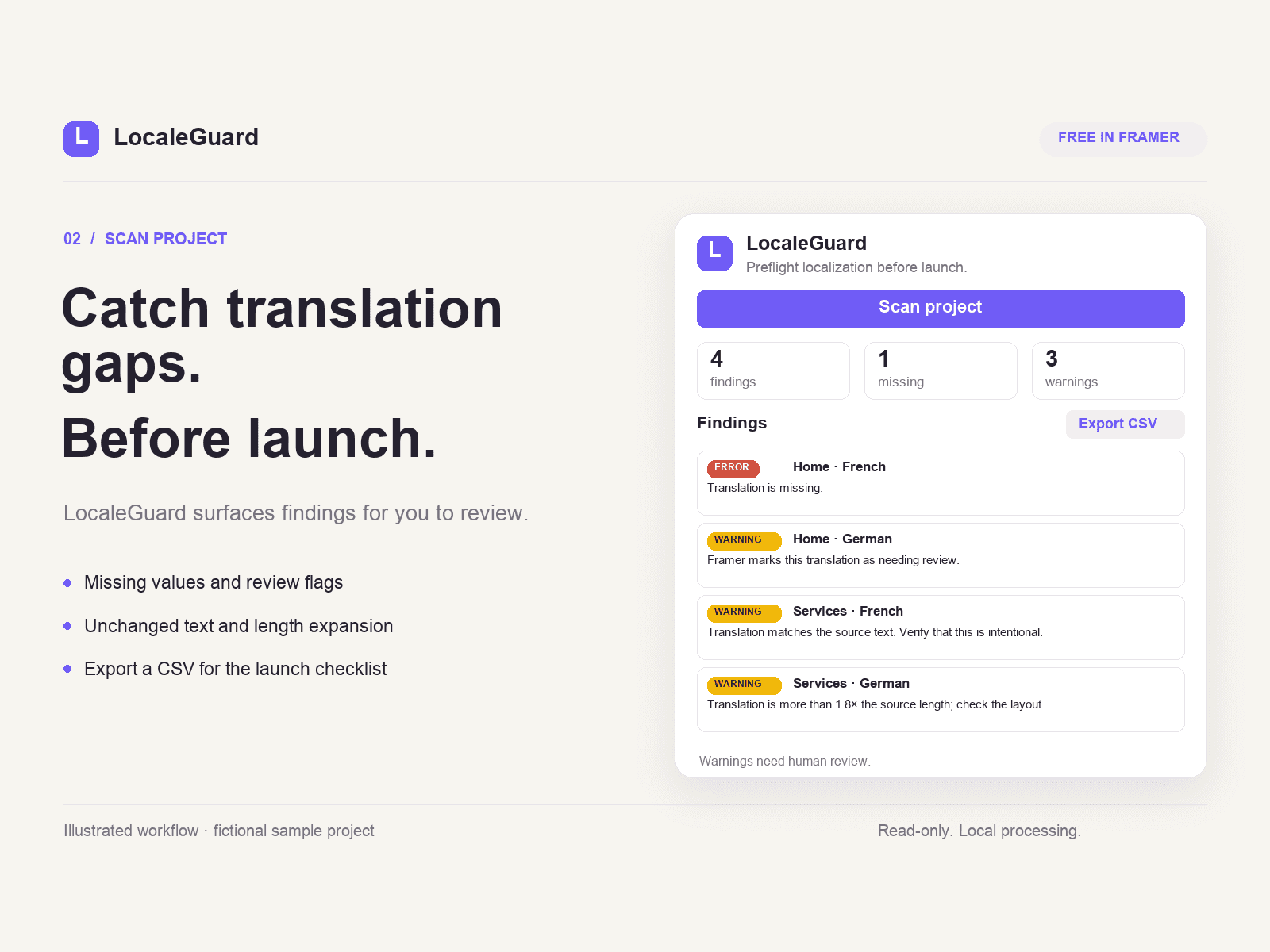
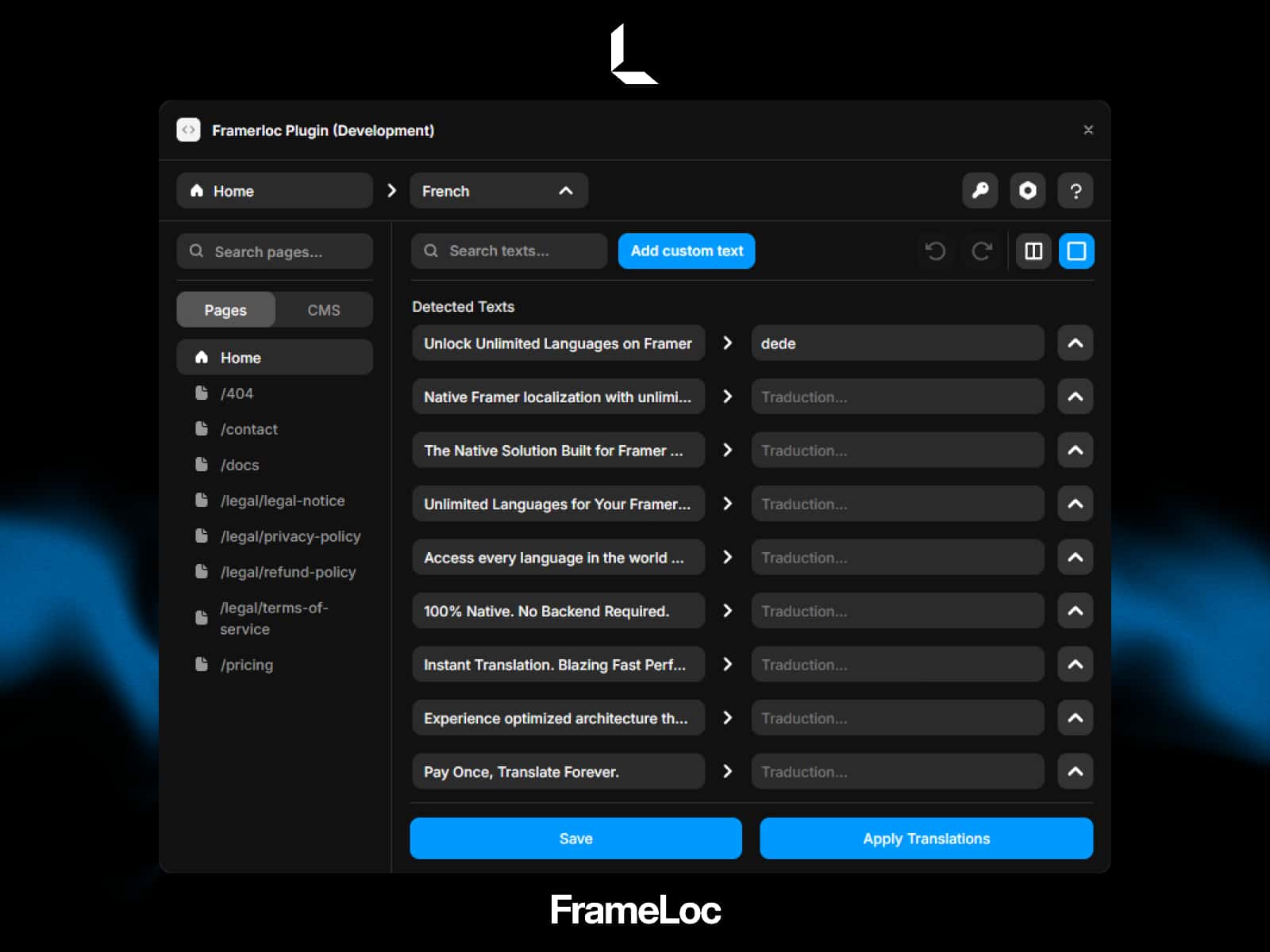
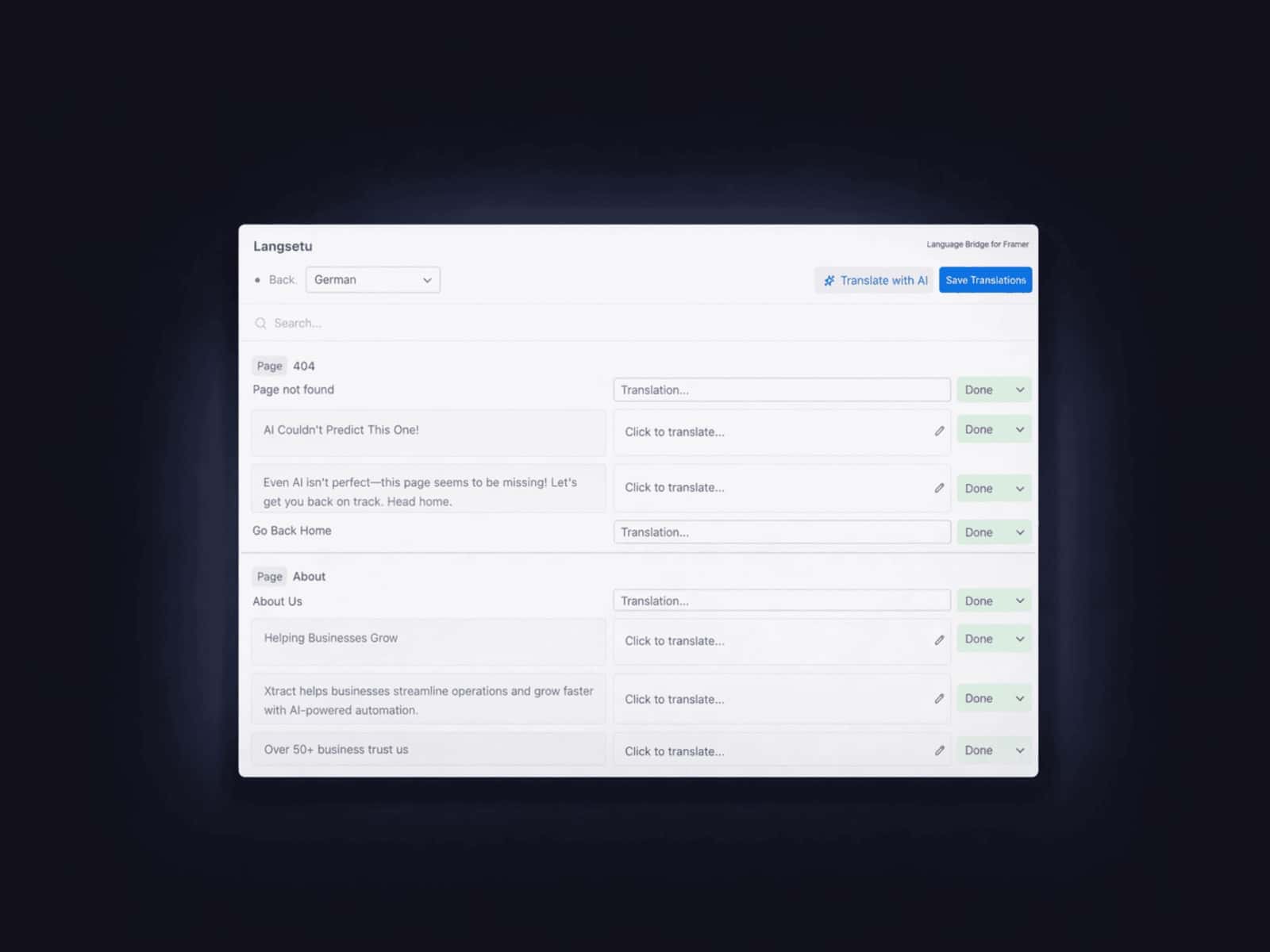
Translations are cached for reuse. On eligible plans, manual Translation Editor corrections update matching non-excluded text without reload, normally on the next 30-second check.
Native behavior
CMS records, stored prices, form values and URLs stay unchanged. Exclude displayed prices that must stay exact. Layout direction is preserved; fonts are not shrunk. Avoid sections managed by native Framer localization. This is client-side translation, not locale URLs or server-rendered multilingual SEO.
Disable/remove
Use Settings → Code or this plugin's remove action; publish again. Service data and subscriptions are not deleted or cancelled.
Pricing
Installation is free; a separate GoLocal account and service plan are required. Framer plan limits still apply.
Plans: https://goinglocal.online/dashboard/billing
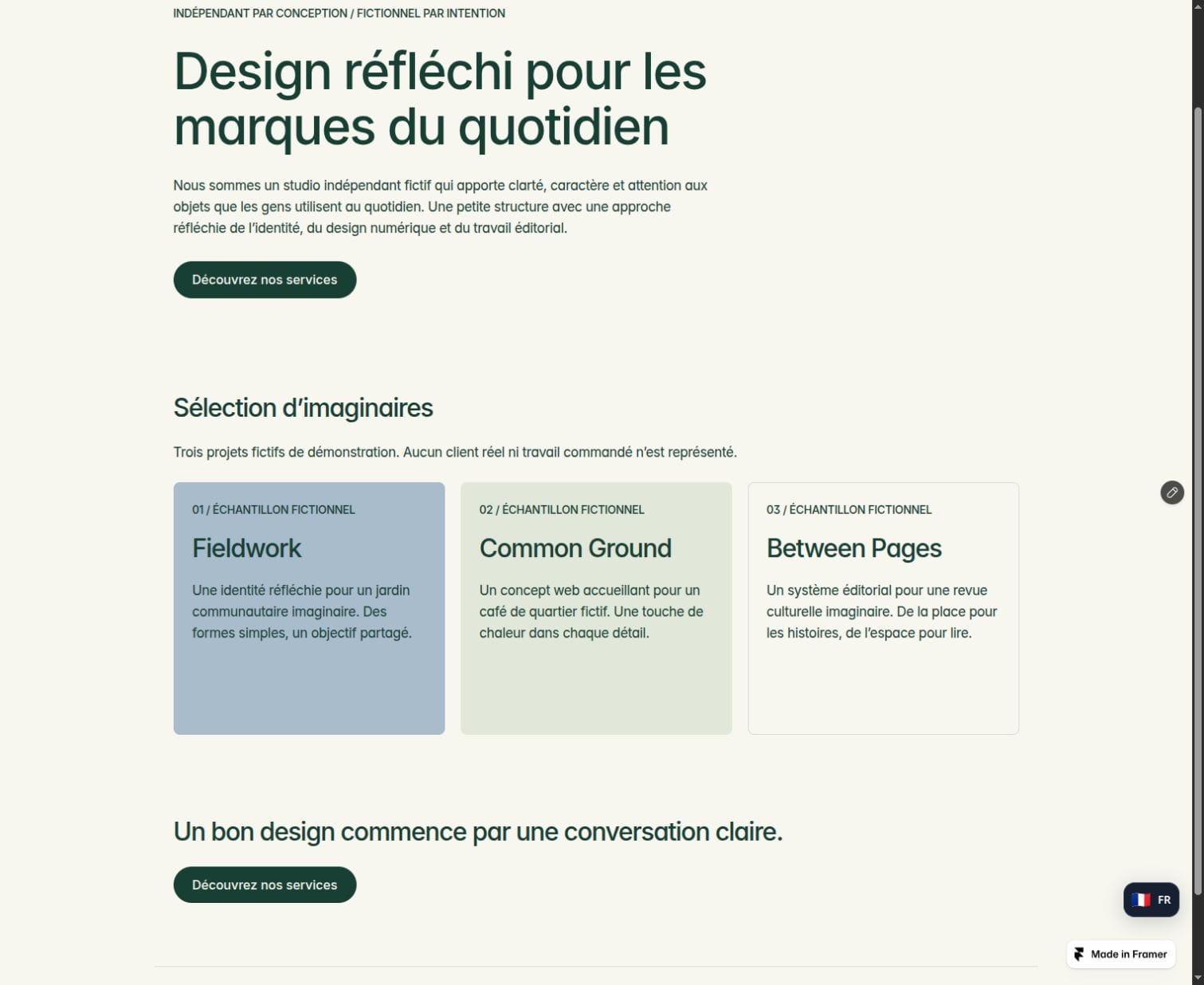
Demo: https://jumpy-beautifully-702802.framer.app/
Privacy: https://goinglocal.online/privacy