About Image Library
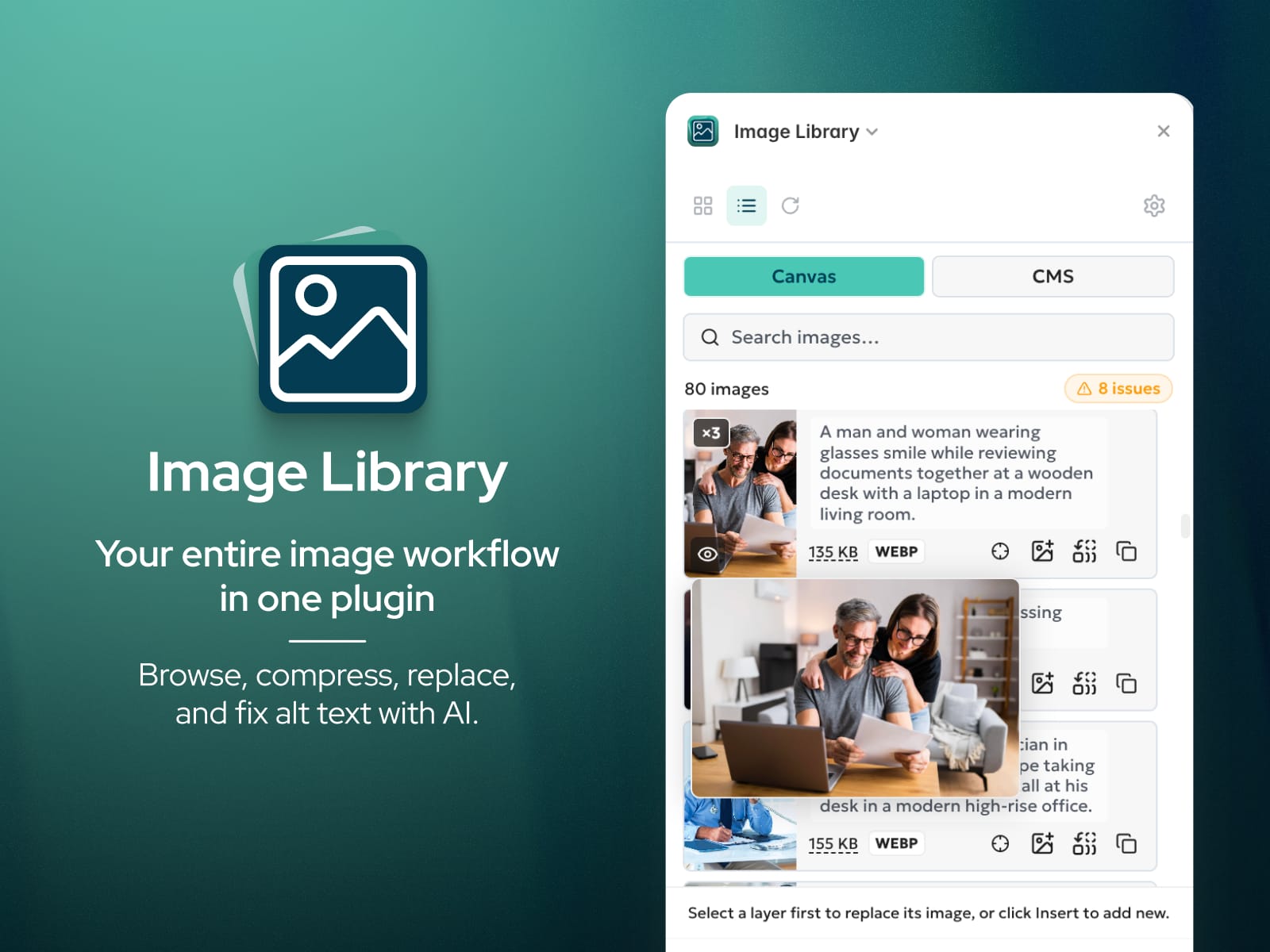
Image Library handles your entire image workflow in one place: browse, optimize, replace, fix alt text, and copy image URLs without switching between plugins.
Browse and reuse without re-uploading Every image in your project is surfaced automatically. Deduplicated, searchable, and ready to insert onto the canvas or apply to a selected layer in one click.
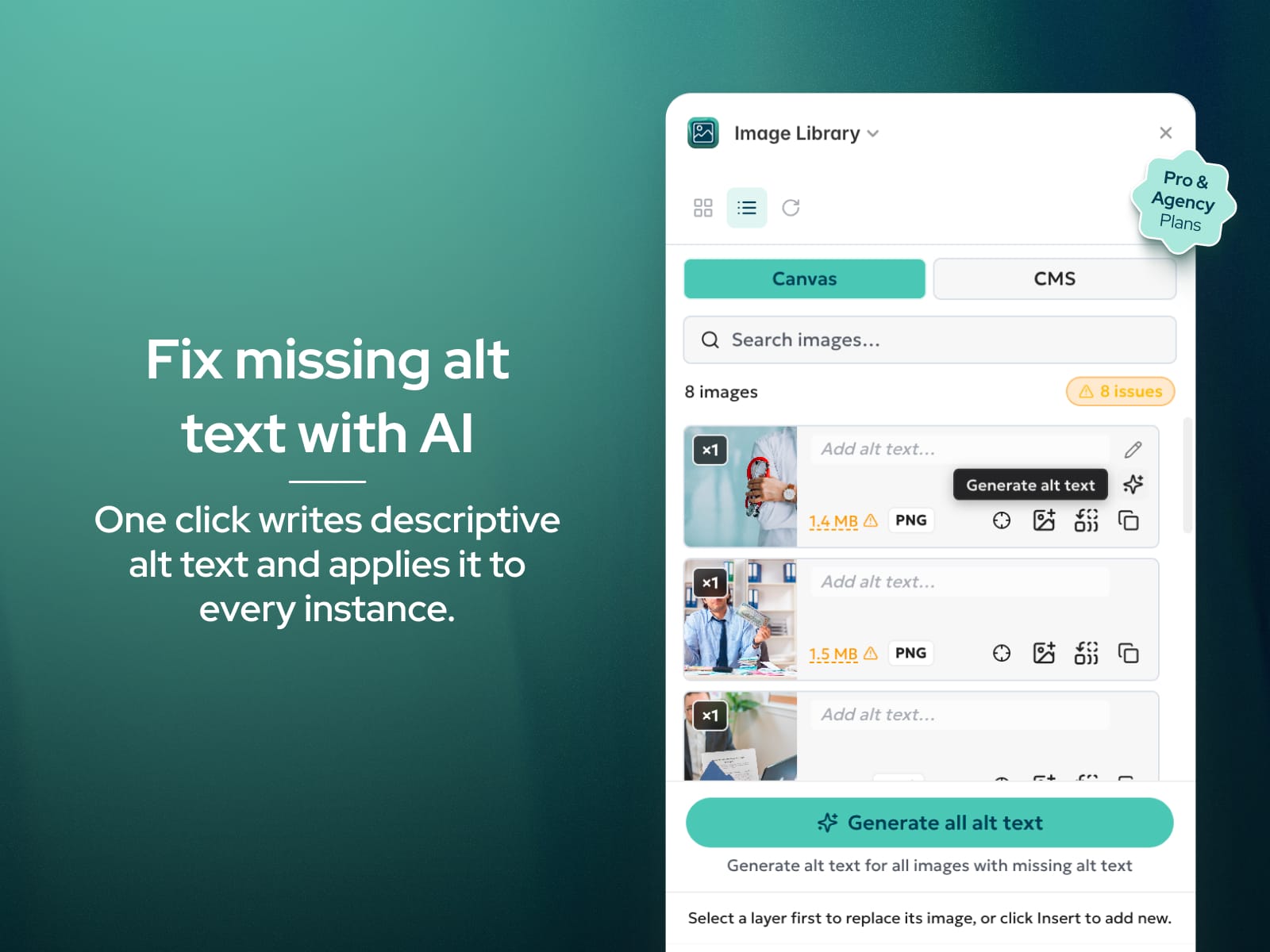
Generate alt text with AI One click writes descriptive alt text for any image and applies it to every instance. Generate in any of 20 languages to match your site's audience. Available on Pro and Agency plans.
Edit alt text across every instance at once Click any image to edit its alt text. Changes apply to every node using that image, not one layer at a time.
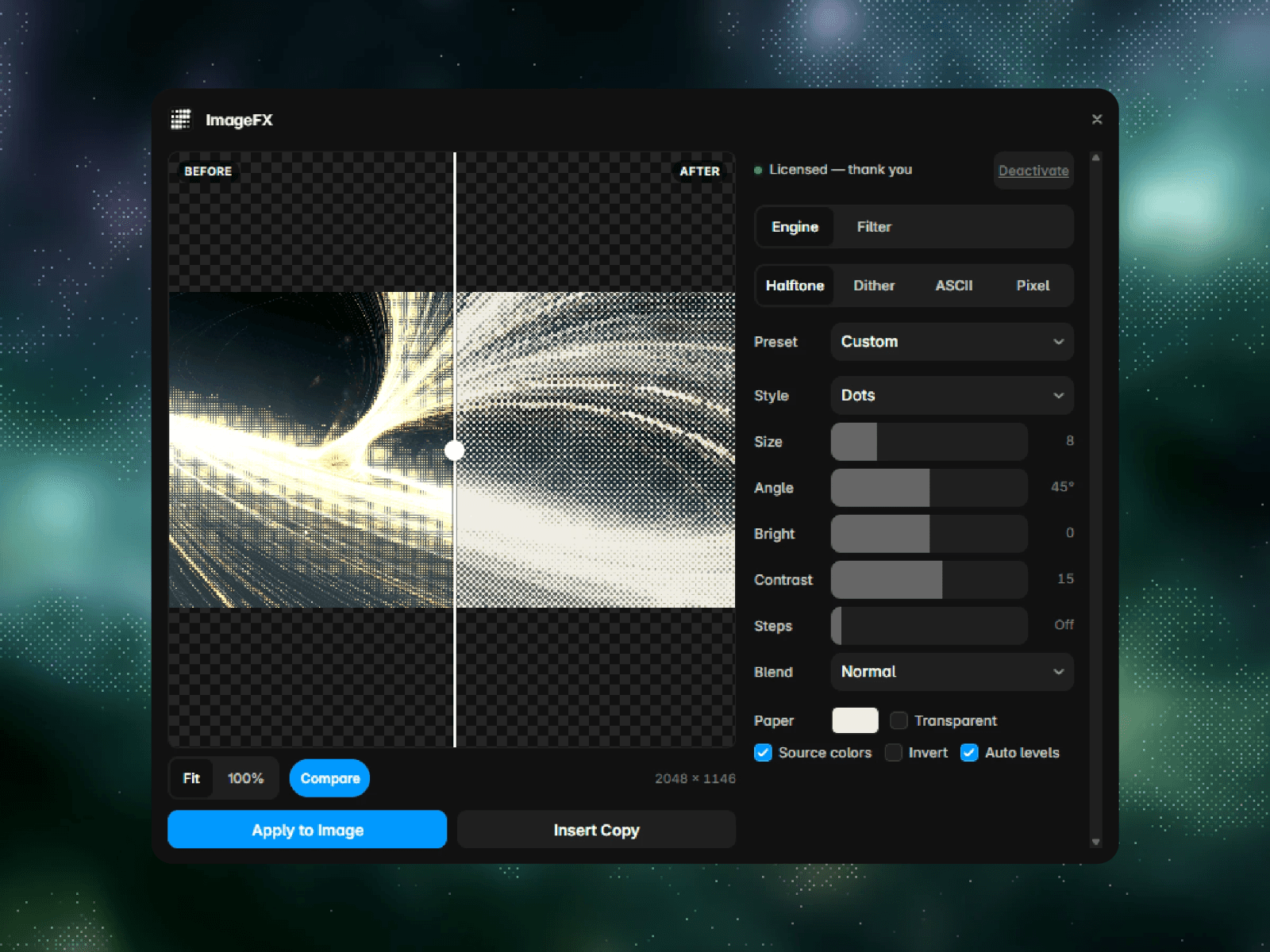
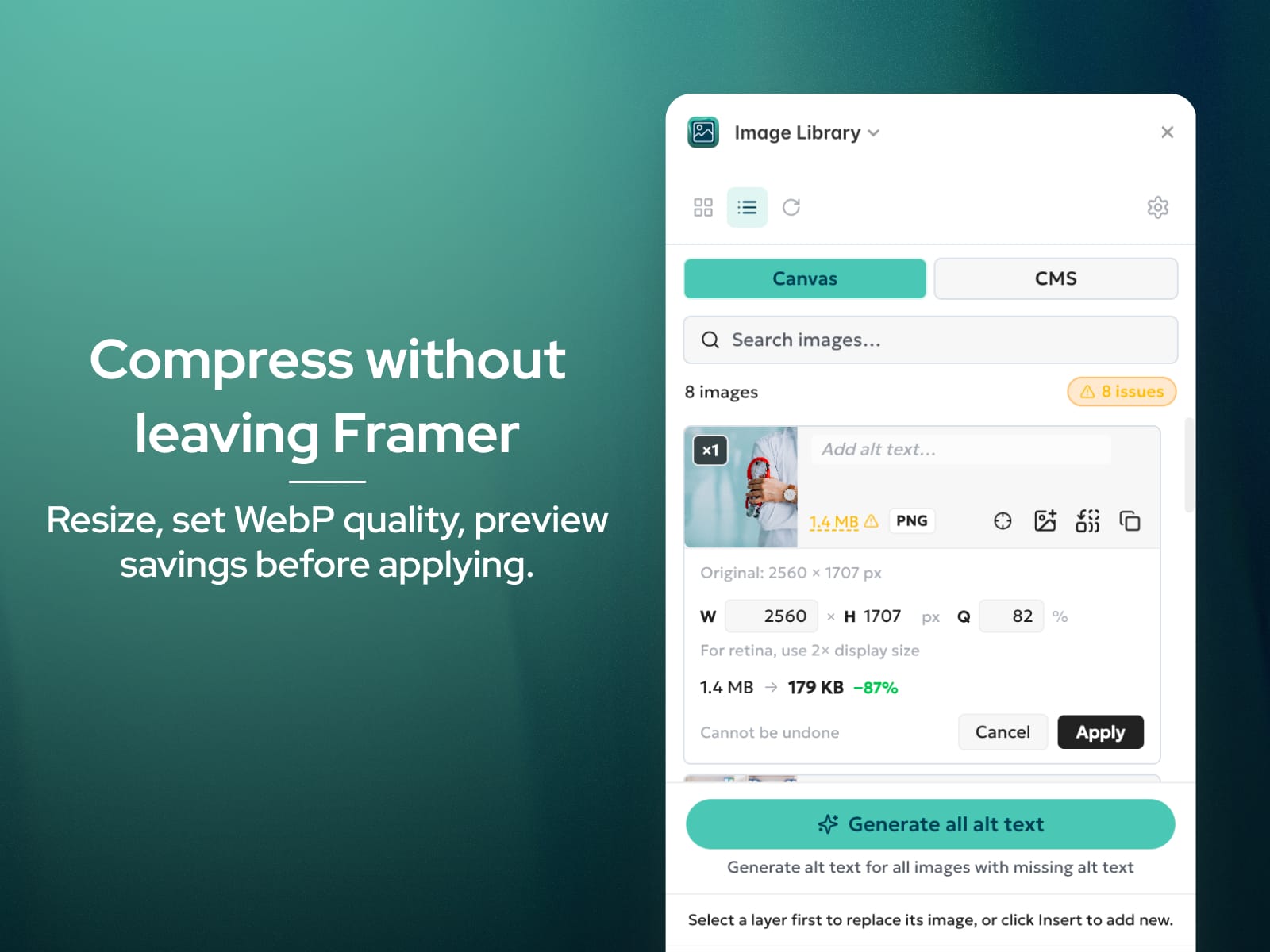
Compress images without leaving Framer Resize by width, set WebP quality, and preview estimated file size savings before applying. Works on Canvas and CMS images.
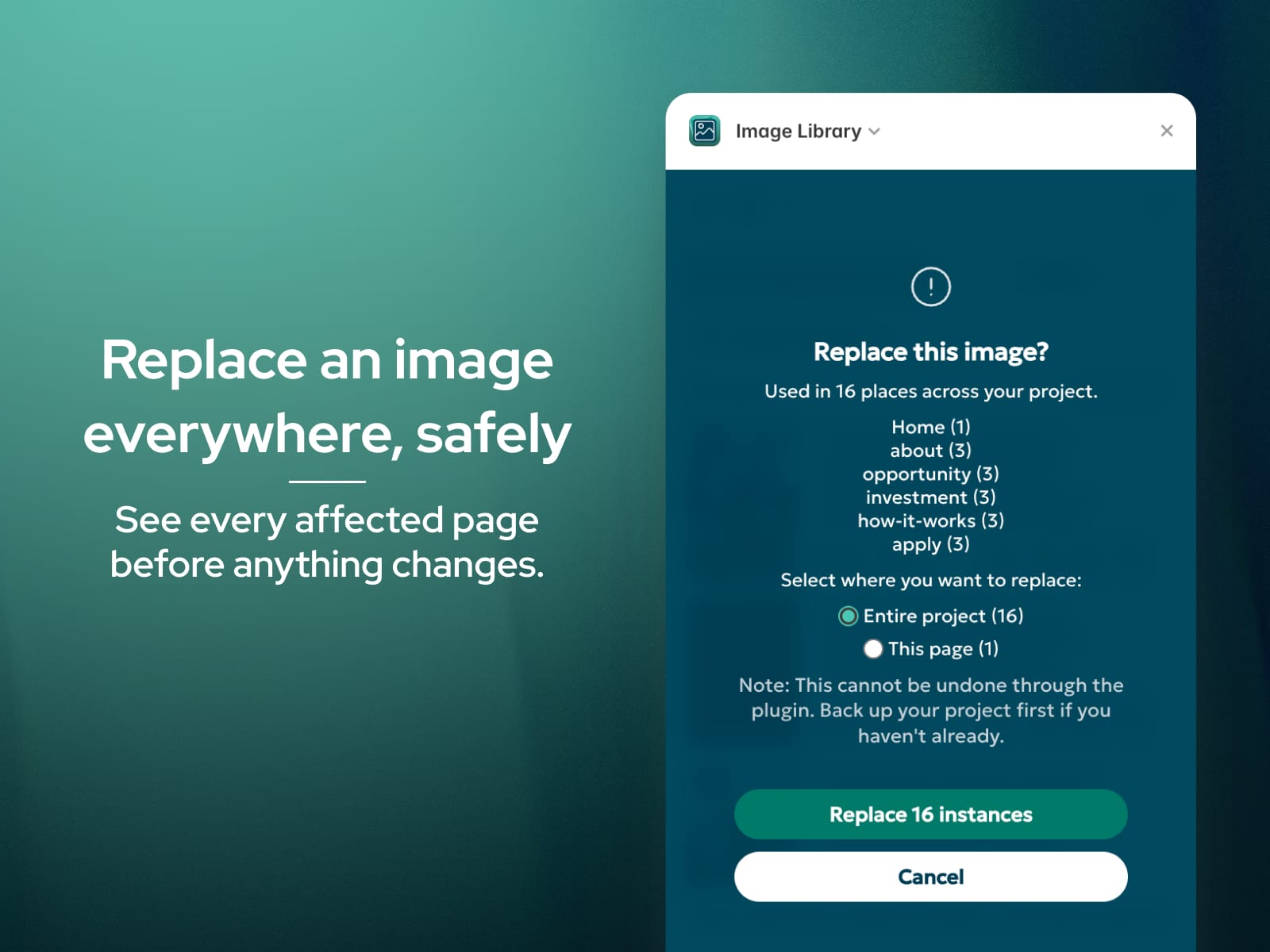
Replace an image everywhere, safely Swap an image across your entire project, the current page, or just your selection. A confirmation shows exactly how many instances will change and where they live before anything happens.
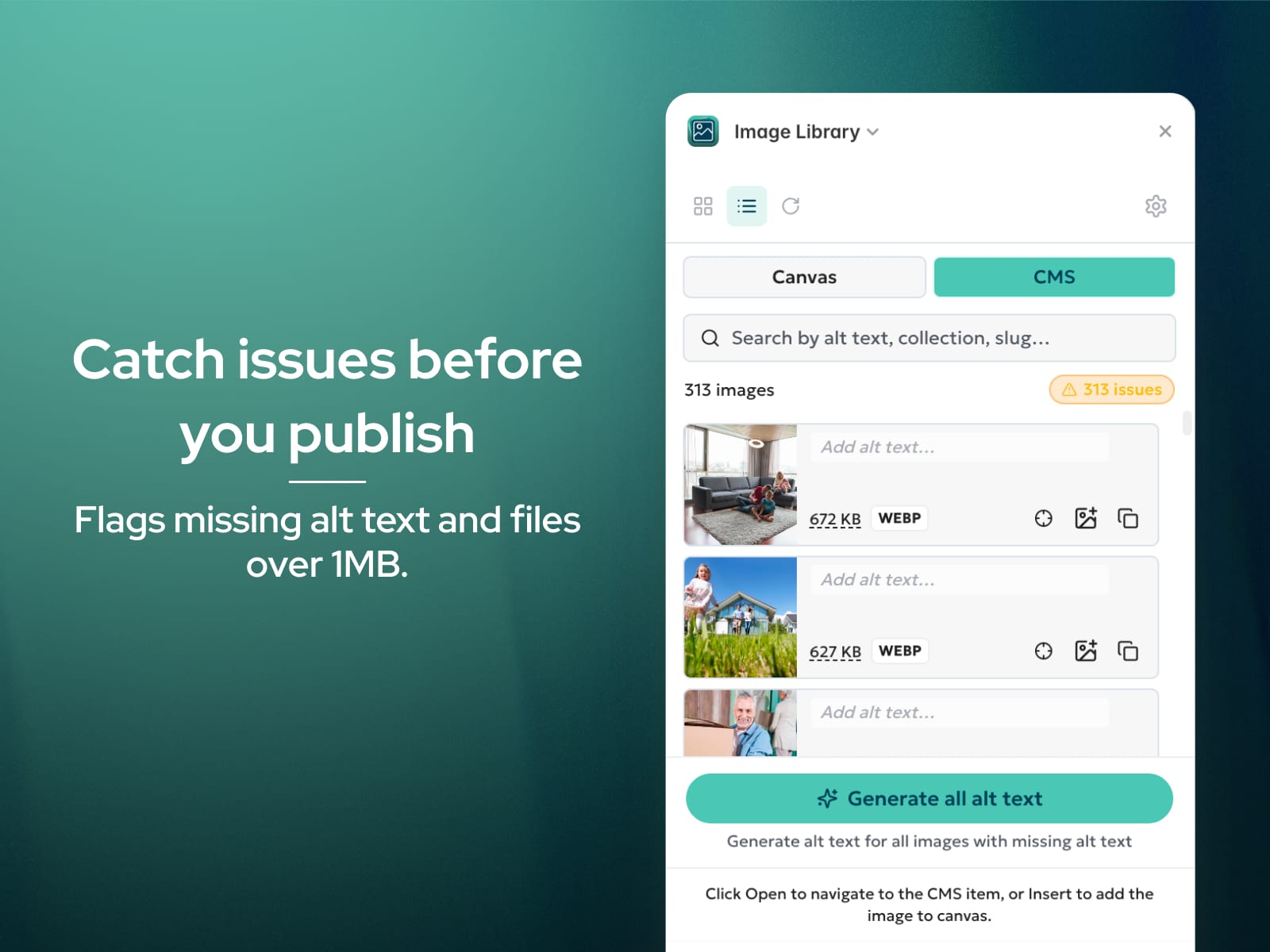
Spot issues before you publish Image Library flags missing alt text and large files (over 1MB) so accessibility and performance problems get caught before they go live.
Find anything on the canvas Locate jumps straight to any node using an image. Used in multiple places? Click again to cycle through every instance.
Copy image URLs instantly Grab the direct URL of any project image in one click.