
About Image Optimizer
Optimize Your Entire Framer Project
Stop optimizing images one by one.
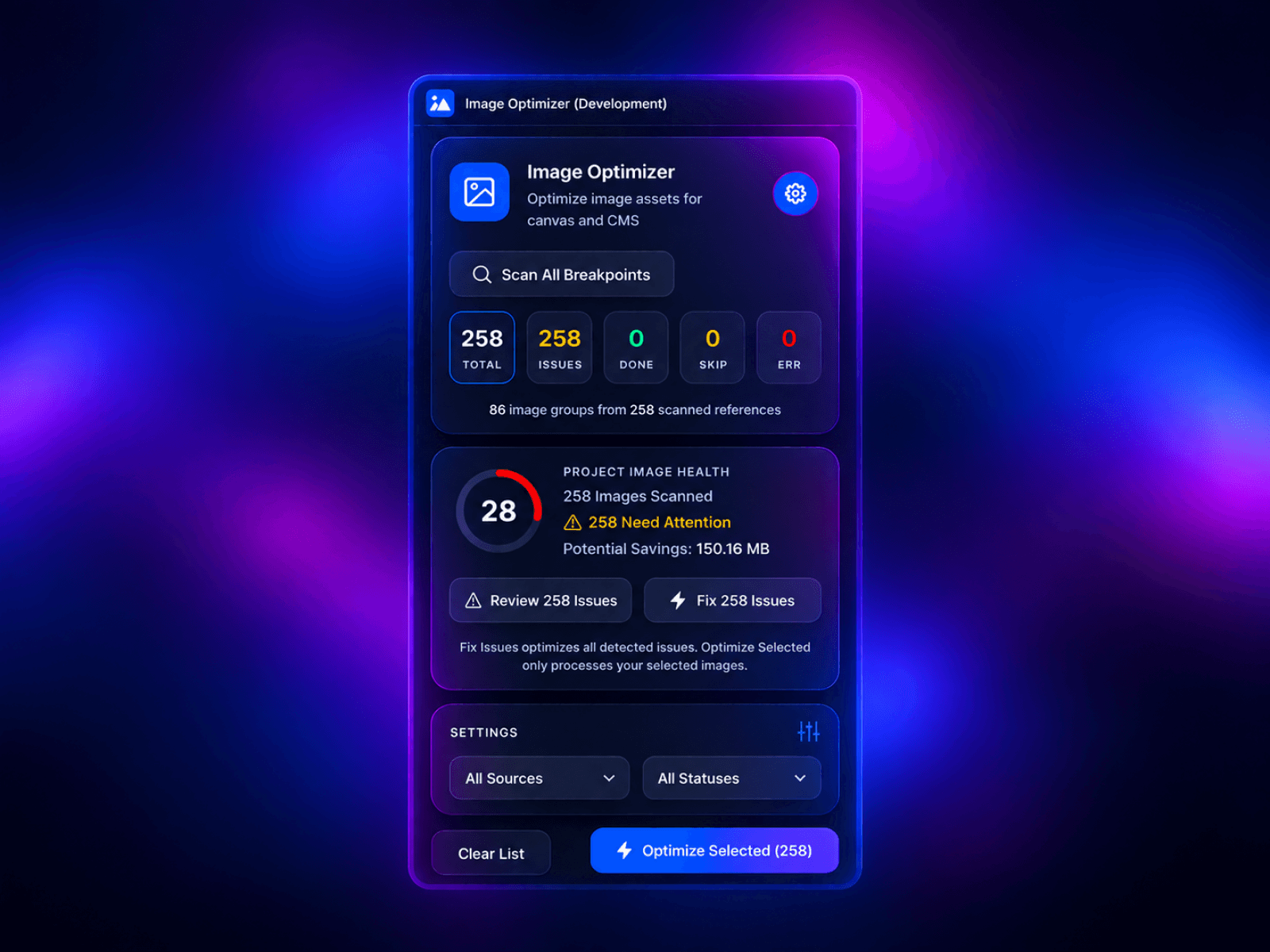
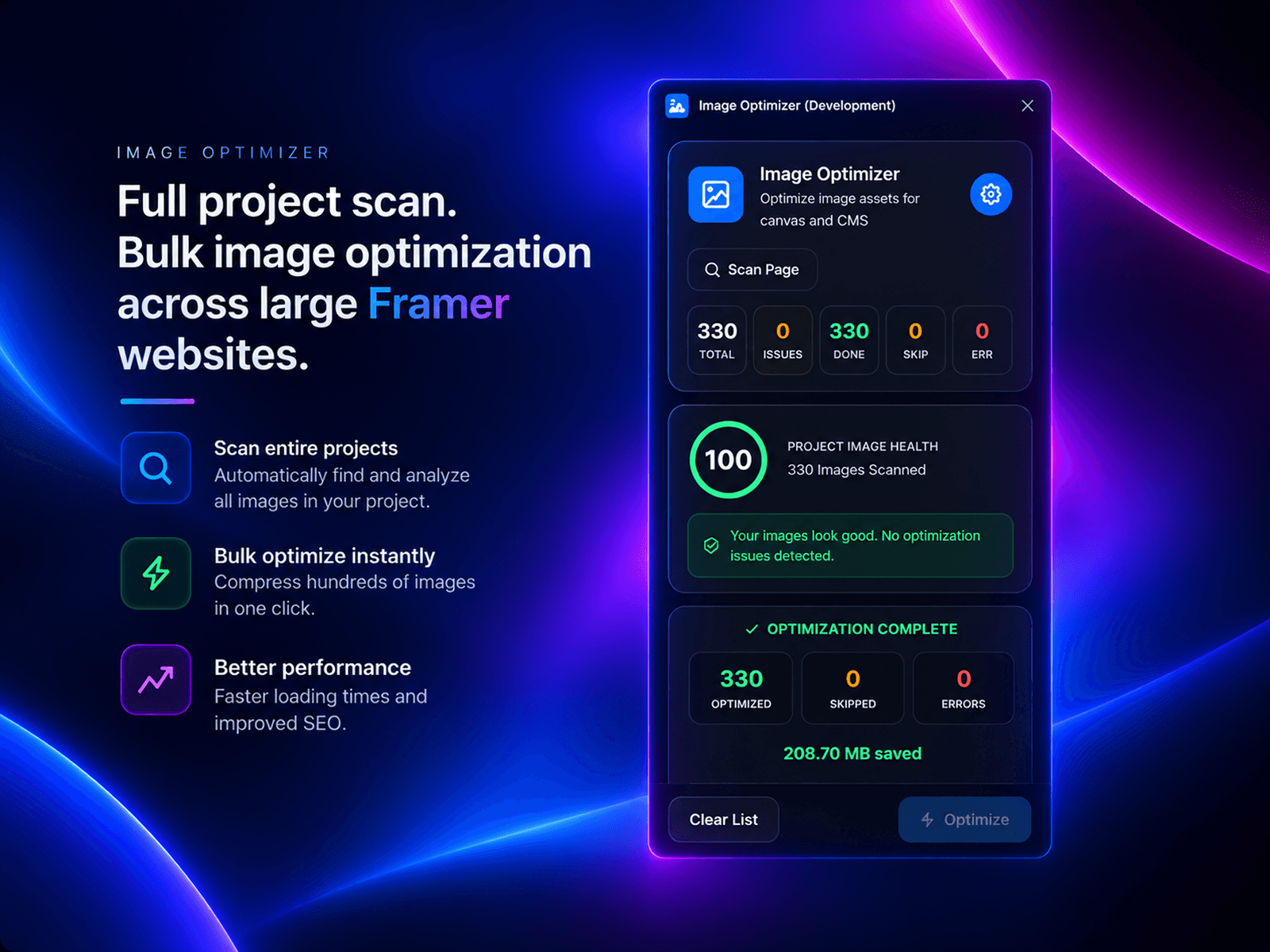
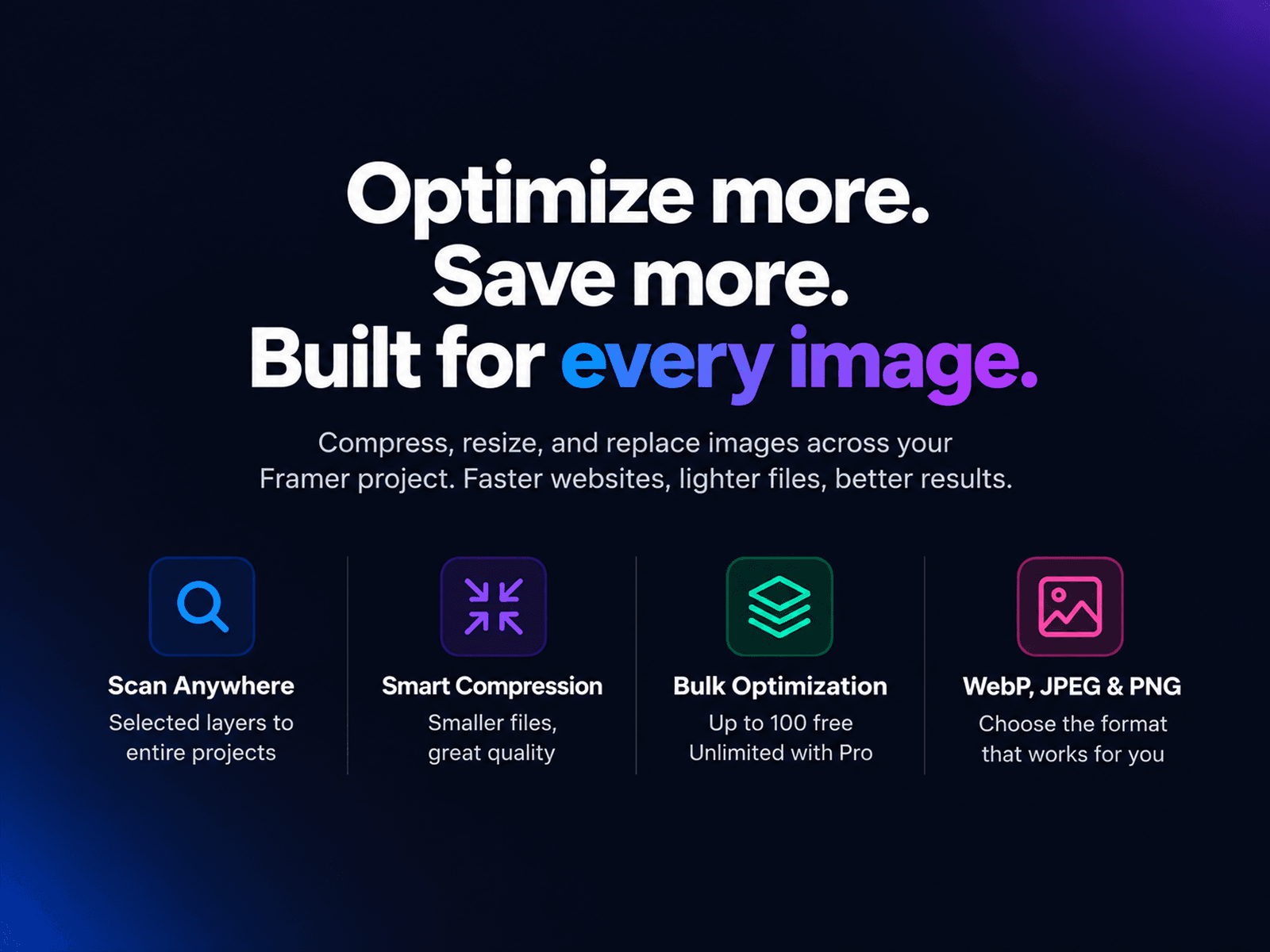
Image Optimizer scans your Framer project, finds image assets across pages, components, and CMS collections, then lets you compress and replace them in bulk — without leaving Framer.
Scan Your Entire Project
Find image assets across your pages, components, and CMS collections in seconds.
Bulk Image Optimization
Select hundreds of images and compress them at once. See exactly how much storage you save.
Instant Replacement
Replace optimized images directly in your Framer project without downloading and re-uploading files manually.
Smart Image Resizing
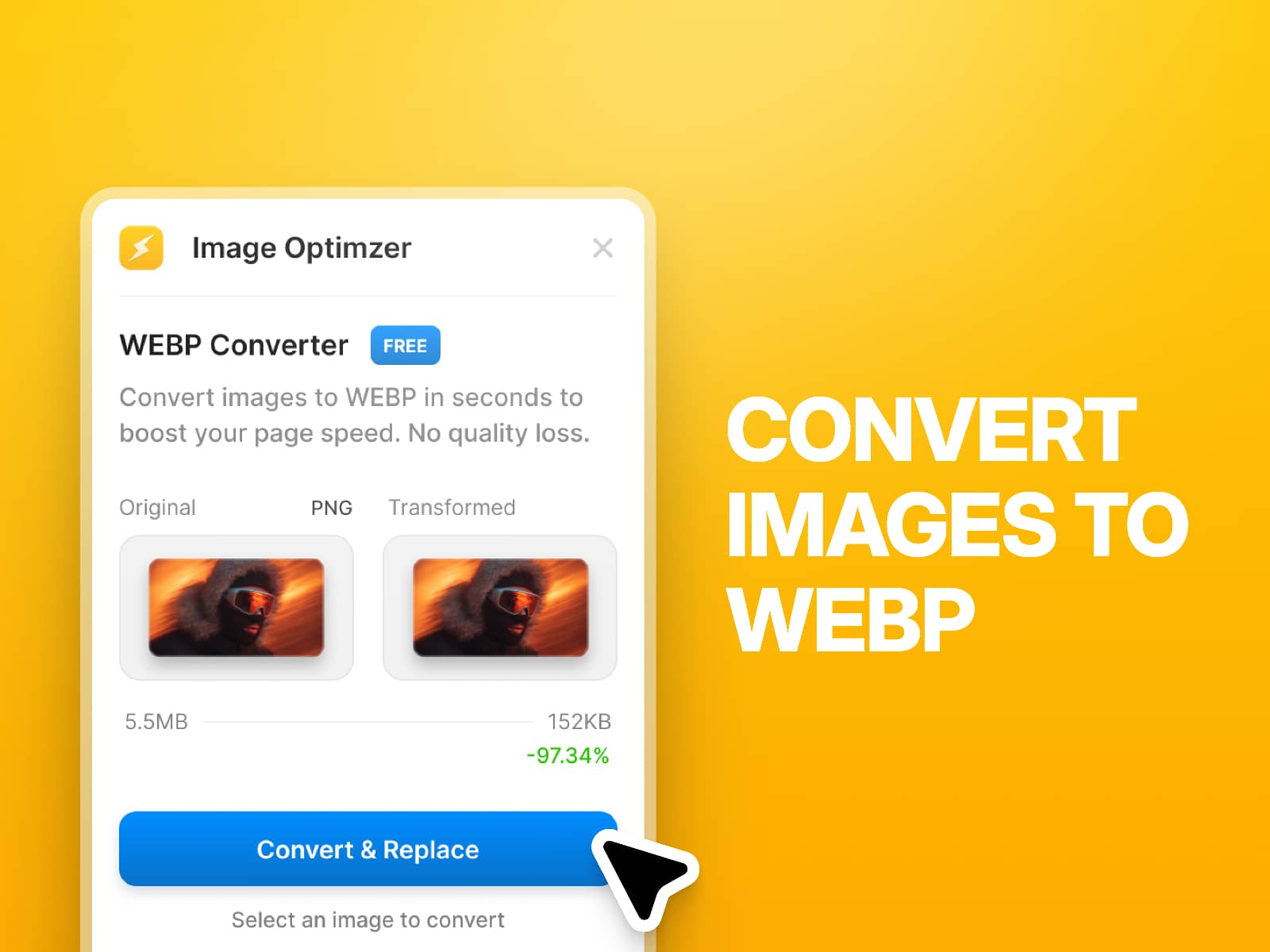
Reduce oversized images while preserving visual quality.
CMS Image Support
Optimize images used in CMS collections directly inside your Framer workflow.
Alt Text Editor
Edit image alt text before replacing optimized assets to improve accessibility and SEO.
See Your Savings
Track total image size and the MB saved after optimization.
Example:
40.21 MB → 29.78 MB
10.43 MB saved
Why Image Optimizer?
Scan your entire project
Optimize images in bulk
Support pages, components, and CMS
Replace optimized images instantly
See real compression savings
Keep your workflow inside Framer
Built for Large Framer Projects
Whether you're building a portfolio, blog, marketing site, CMS website, or client project, Image Optimizer helps you keep image assets lightweight and organized.