About Knocket Live Chat
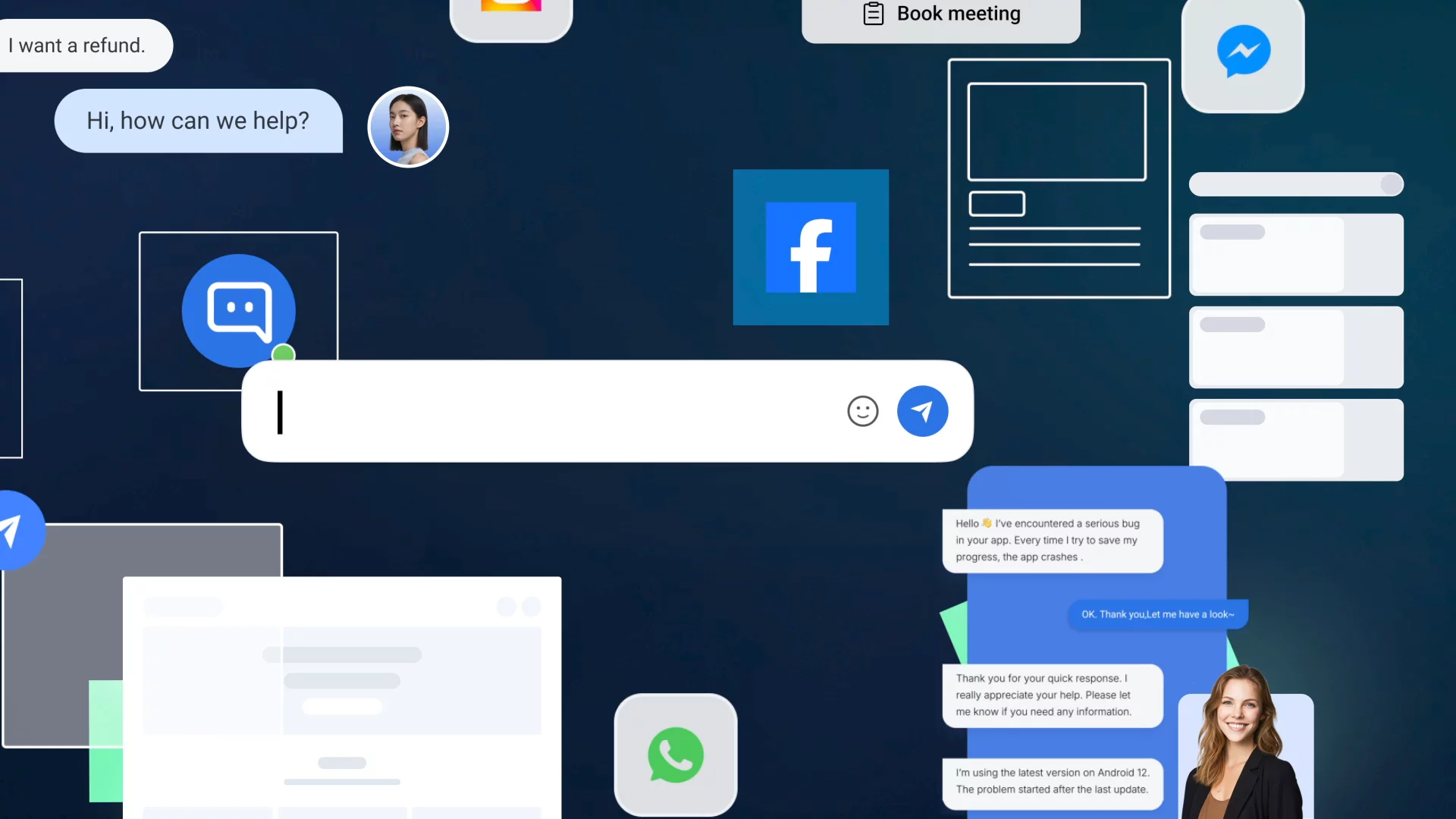
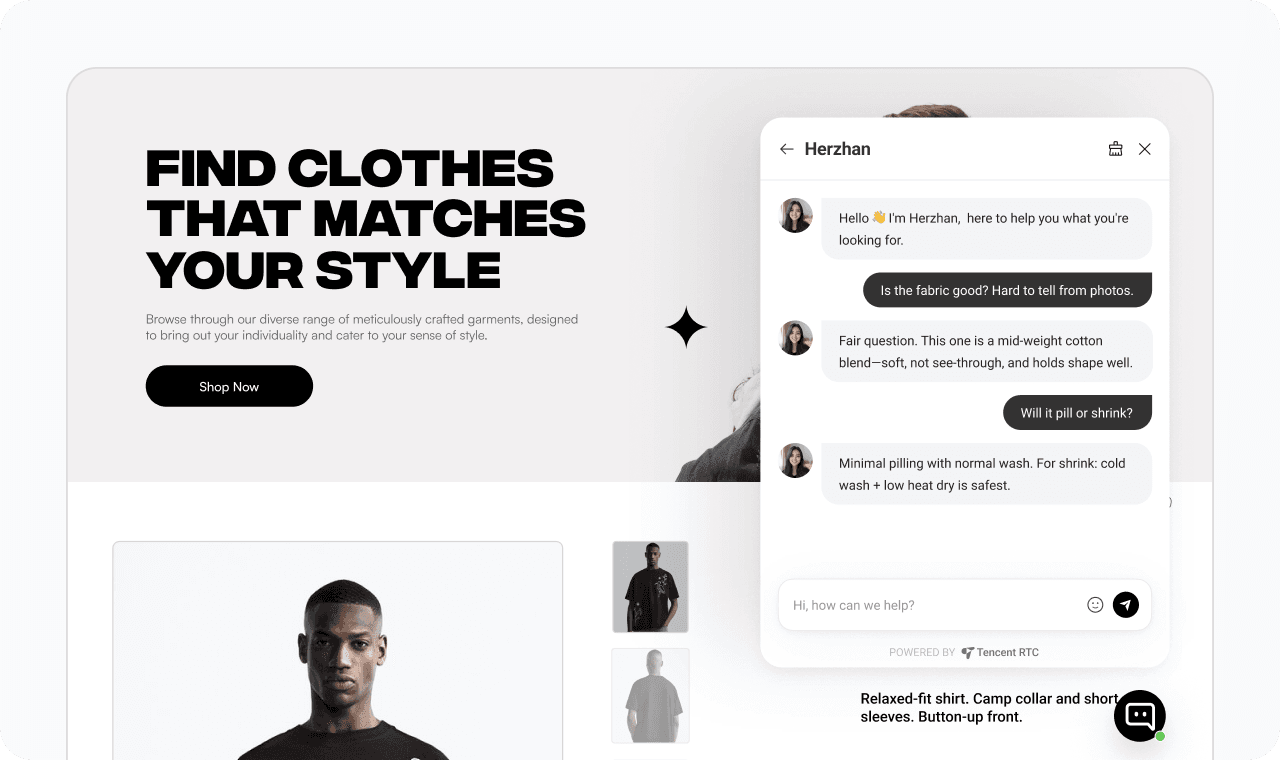
Add a live chat widget to your Framer site without touching any code.
How it works
1. Install this plugin
2. Paste your script URL from the Knocket console (Installation → Web Widget)
3. Click "Add to Site" — the widget is injected into every page automatically
What you get
1. Floating chat button on every published page
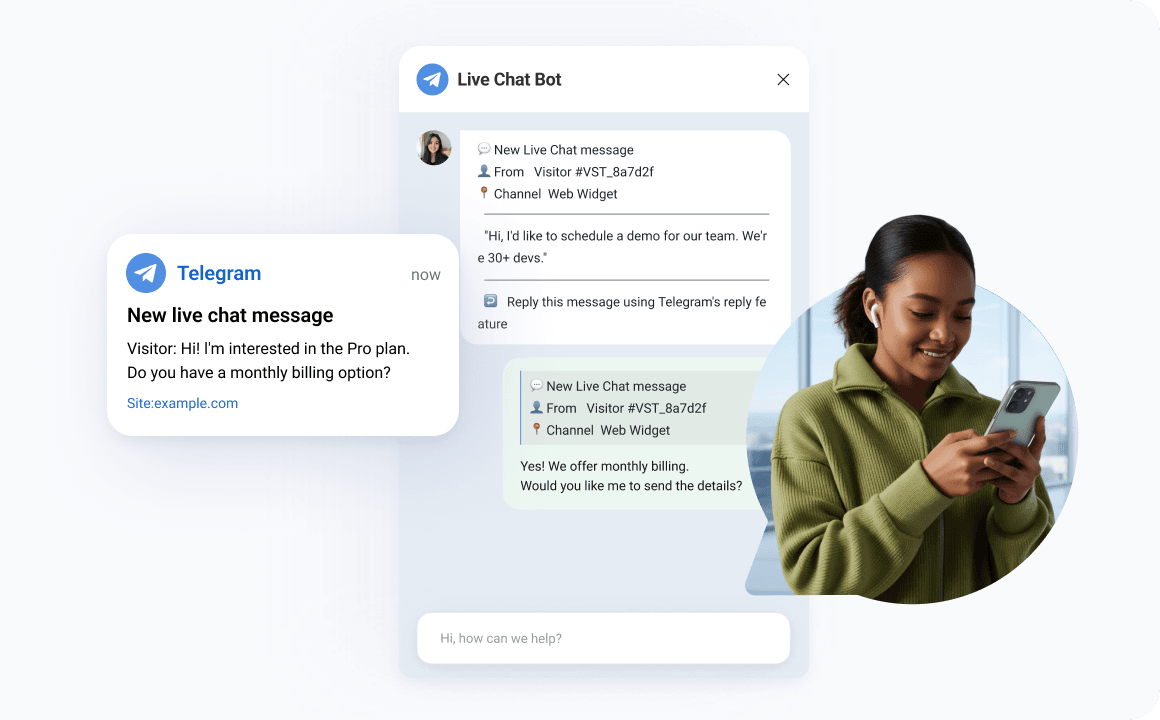
2.Real-time notifications via Telegram or browser push
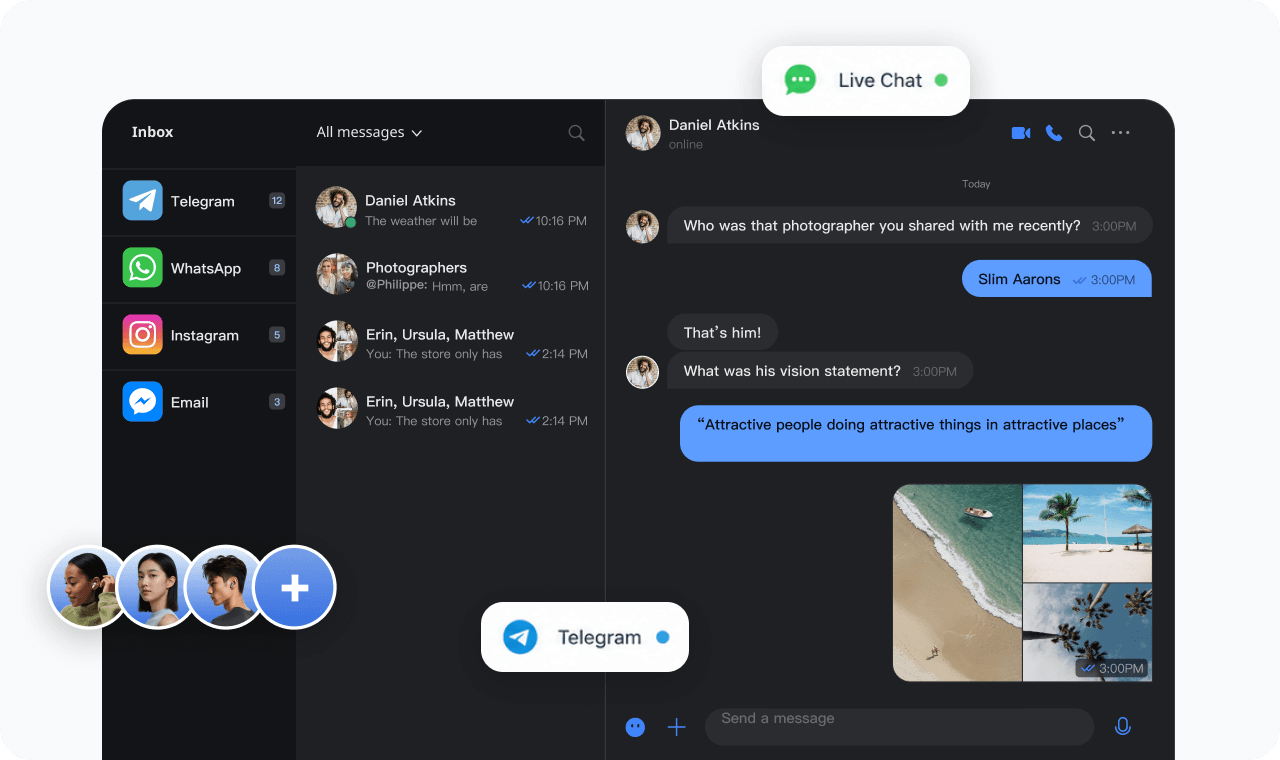
3.Reply from the inbox or directly by Telegram quote-reply
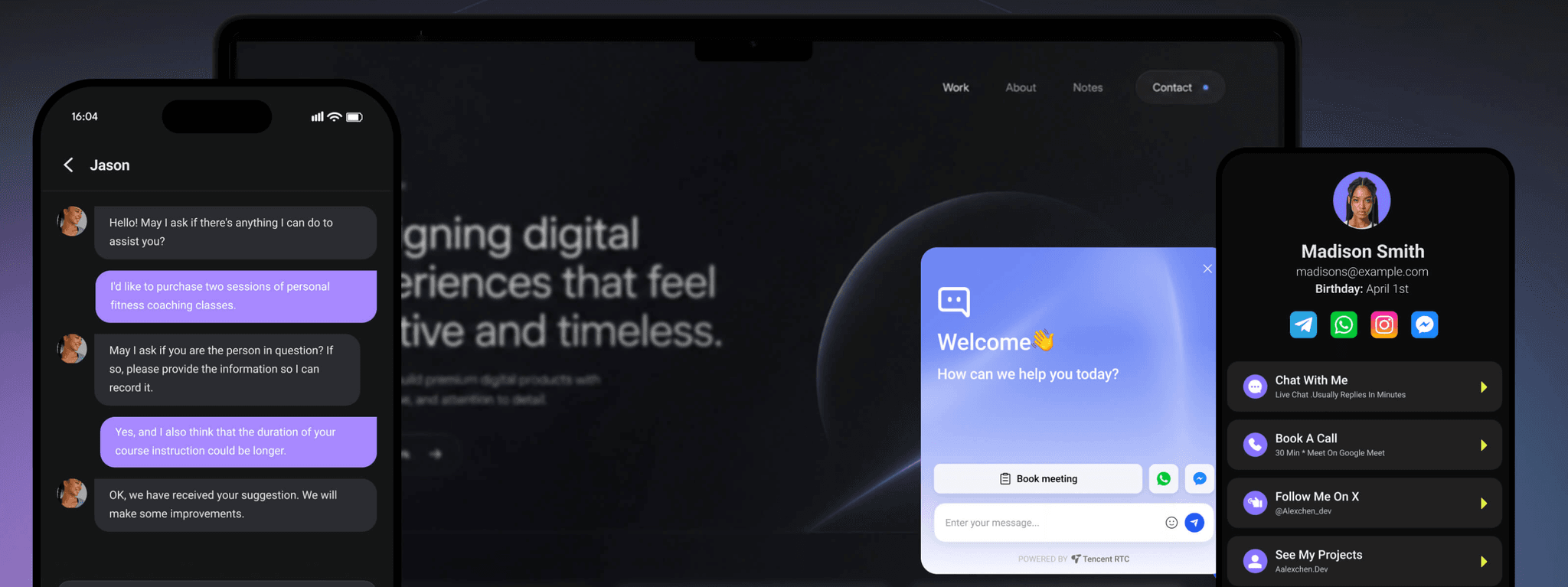
4. Customizable theme color, welcome message, avatar, and language
Coming next month
AI auto-reply — build a knowledge base from your FAQ, URLs, or uploaded files. The widget answers visitor questions automatically, and hands off to you when it can't.