About Lead Form
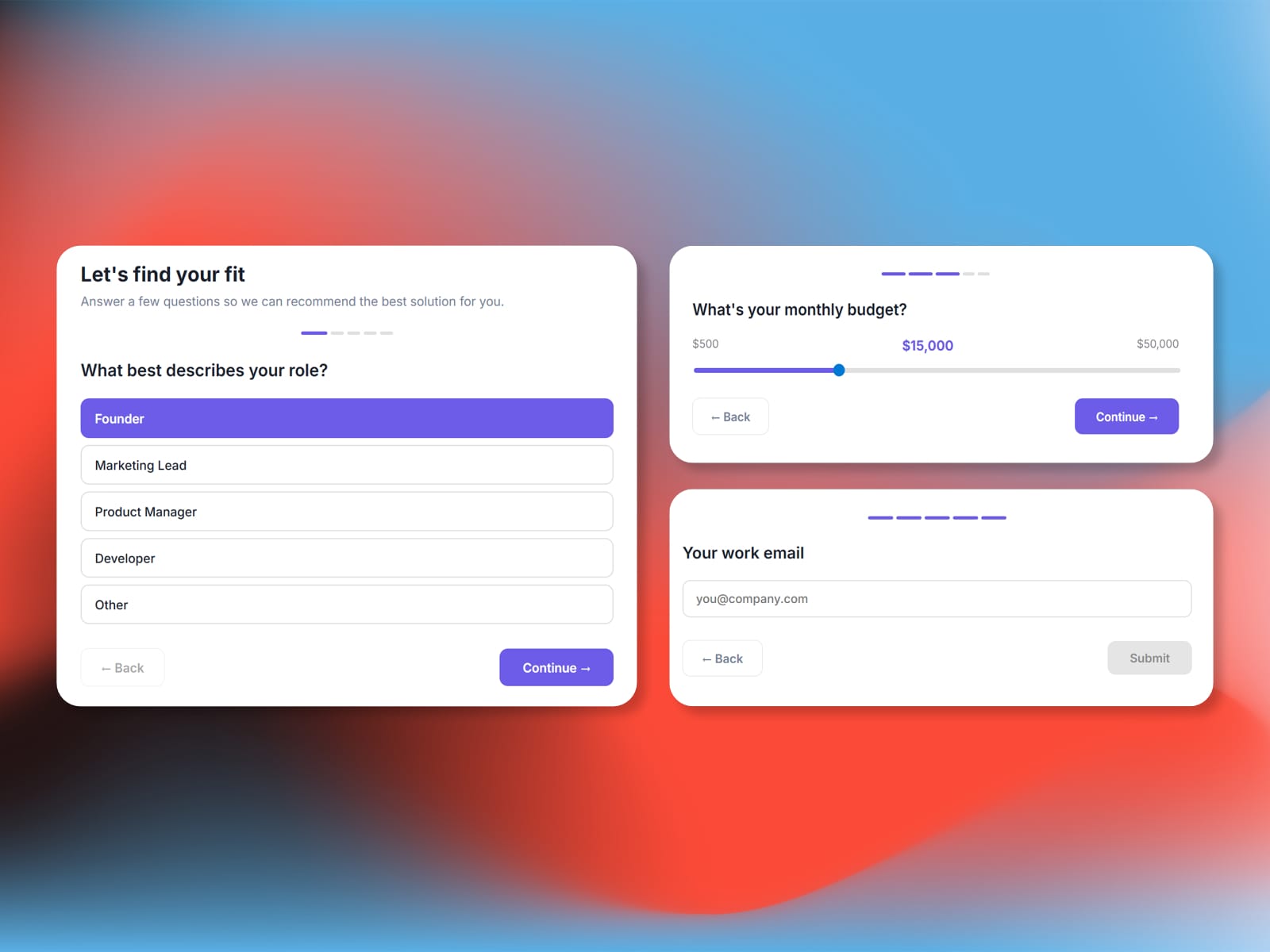
Lead Form turns your Framer site into a lead qualification machine. Build multi-step forms with radio buttons, dropdowns, sliders, and text inputs - then route submissions to your inbox, Slack, or any webhook.
Why Lead Form?
Multi-Step UX: Guide visitors through a clean, one-question-at-a-time flow that boosts completion rates.
Built-in Lead Scoring: Assign point values to answers and surface high-intent leads automatically.
Conditional Logic: Skip or jump to steps based on previous answers.
Zero Backend Required: Works out of the box - just pick a delivery method and go. No server setup needed.
Key Features
5 Input Types: Radio buttons, dropdowns, sliders, free text, and email.
Delivery Routing: Send submissions via Email, Slack incoming webhook, or a custom HTTP endpoint.
Lead Scoring: Assign points per answer and display scores on the thank-you screen or in delivery payloads.
Conditional Steps: Route users to different questions based on their answers.
Full Styling Control: Colors, fonts, border radius, progress bar style -- match any brand.
Quick Start
Open the Lead Form plugin and click Install Component.
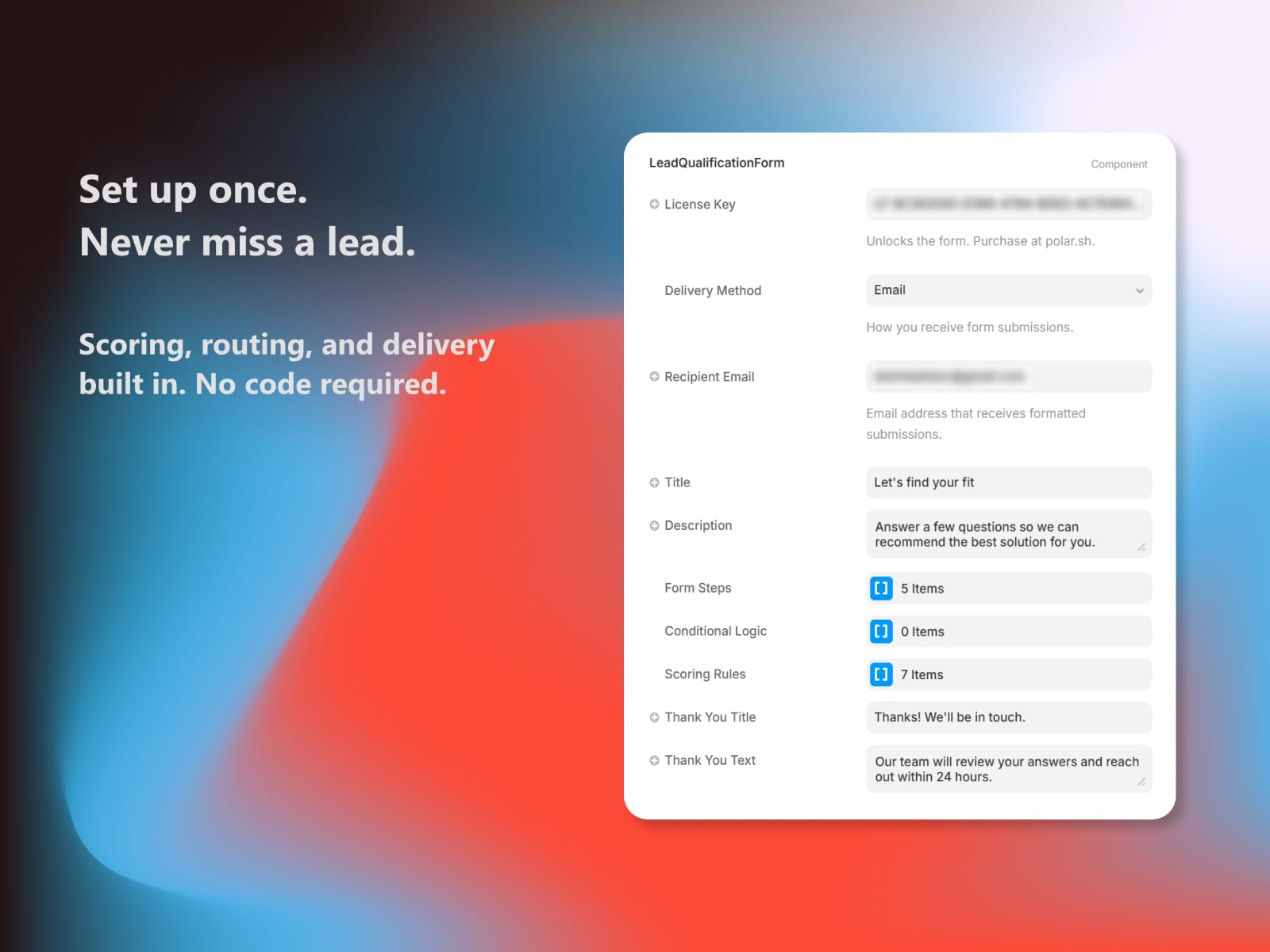
Select the component and paste your License Key.
Choose a Delivery Method and enter the destination.
Customize questions, styling, and scoring in the properties panel.