About LinkLens
Check every link before you publish
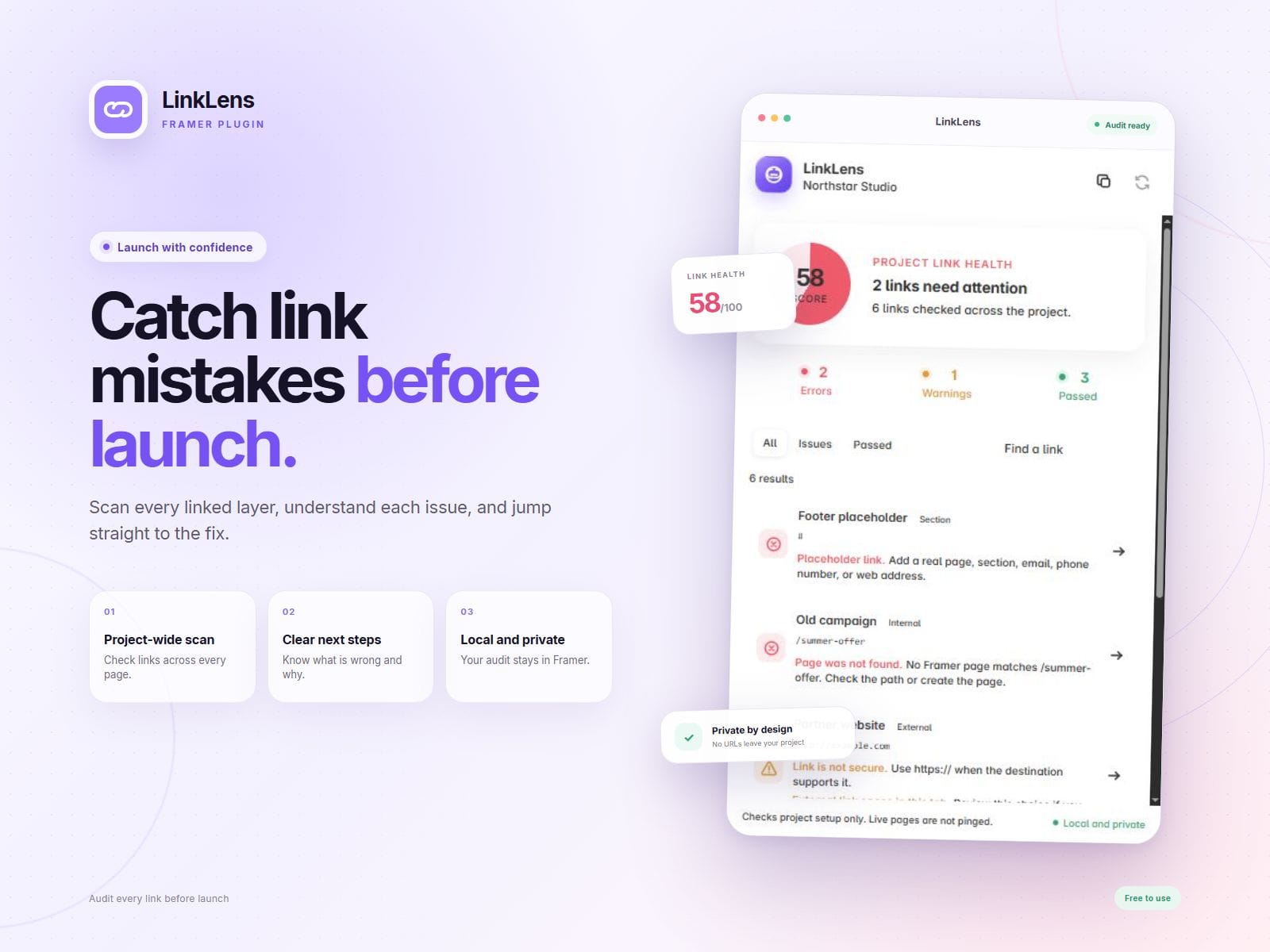
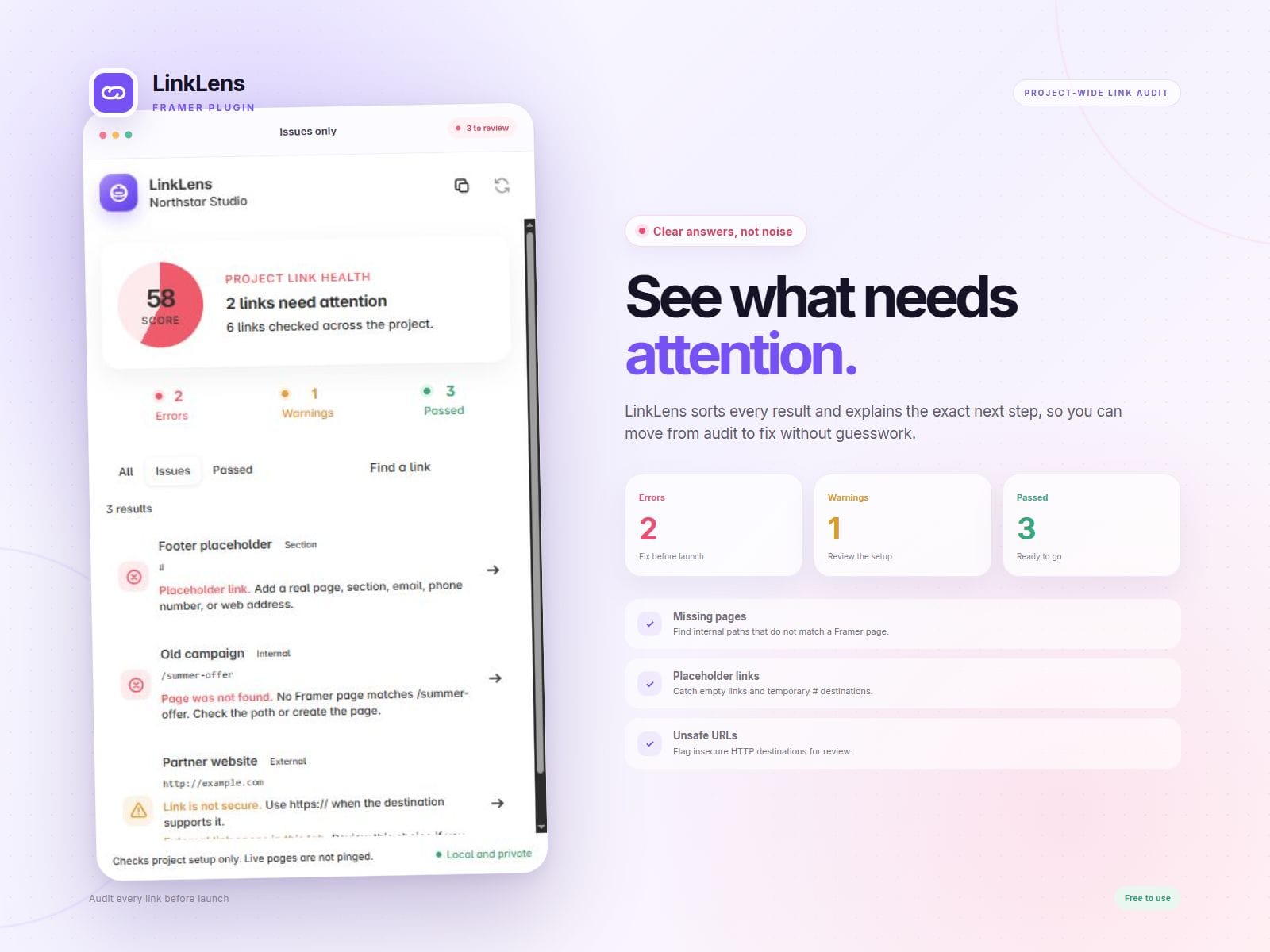
LinkLens scans linked text layers and frames across your Framer project. It finds common mistakes that can send visitors to the wrong place or make a site feel unfinished.
With LinkLens, you can:
- Scan links across the whole project.
- Find placeholder links and missing internal pages.
- Check dynamic page routes such as /blog/:slug.
- Spot unsafe, insecure, or incomplete web addresses.
- Find invalid email and phone links.
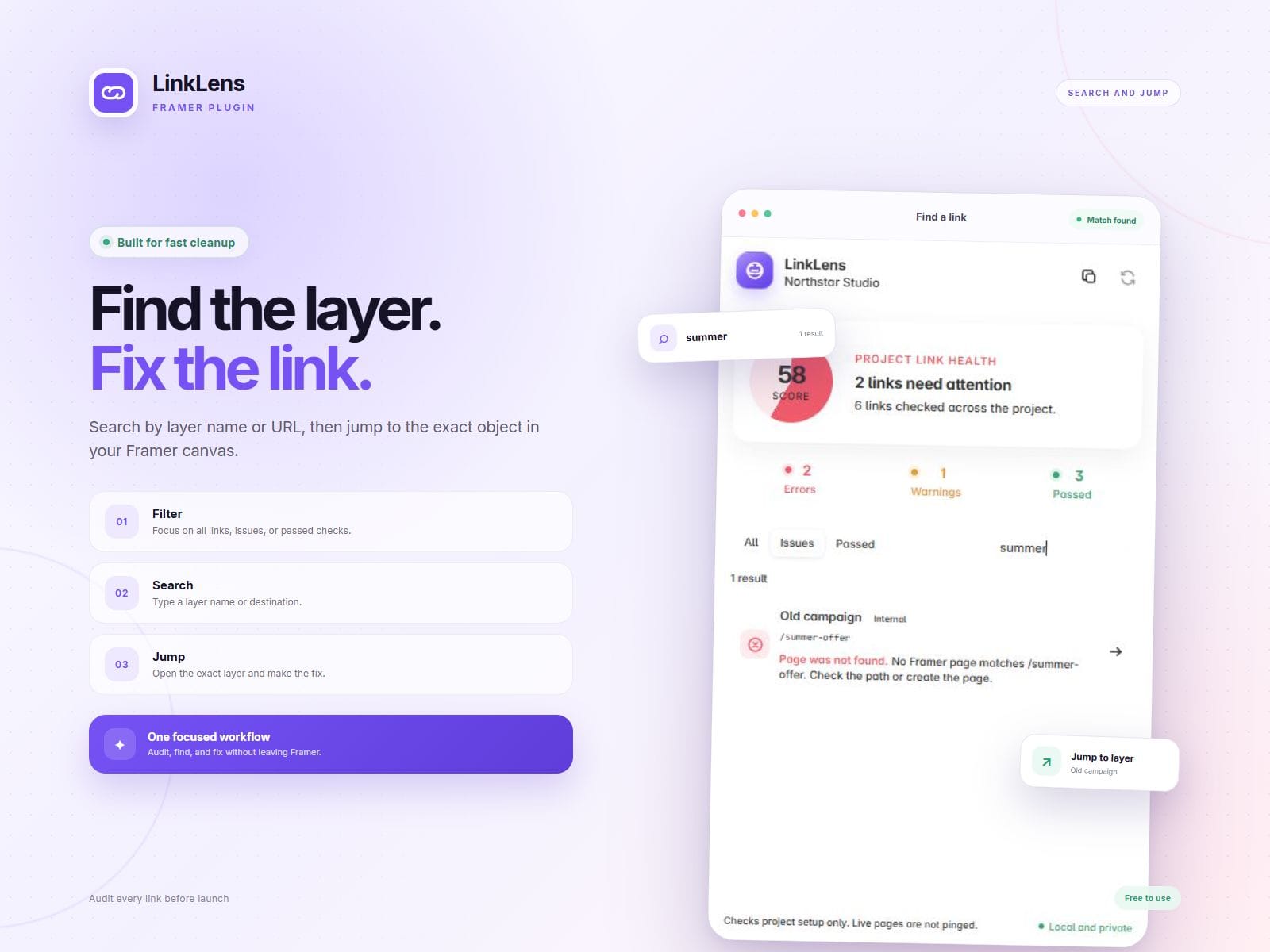
- Search and filter errors, warnings, and passed links.
- Click any result to jump to the exact layer in Framer.
- Copy a clear report for a client or teammate.
How to use LinkLens:
1. Open the plugin from the Framer Plugins menu.
2. Let LinkLens scan the project.
3. Open the Issues filter.
4. Click a result to show its layer in Framer.
5. Fix the link and scan again.
LinkLens works locally inside Framer. It does not send project data to a server. It checks how links are set up and does not test whether external websites are online.
Need help? Leave a comment on the Marketplace listing