
About MetaGrid – Bulk SEO Meta Editor
About MetaGrid
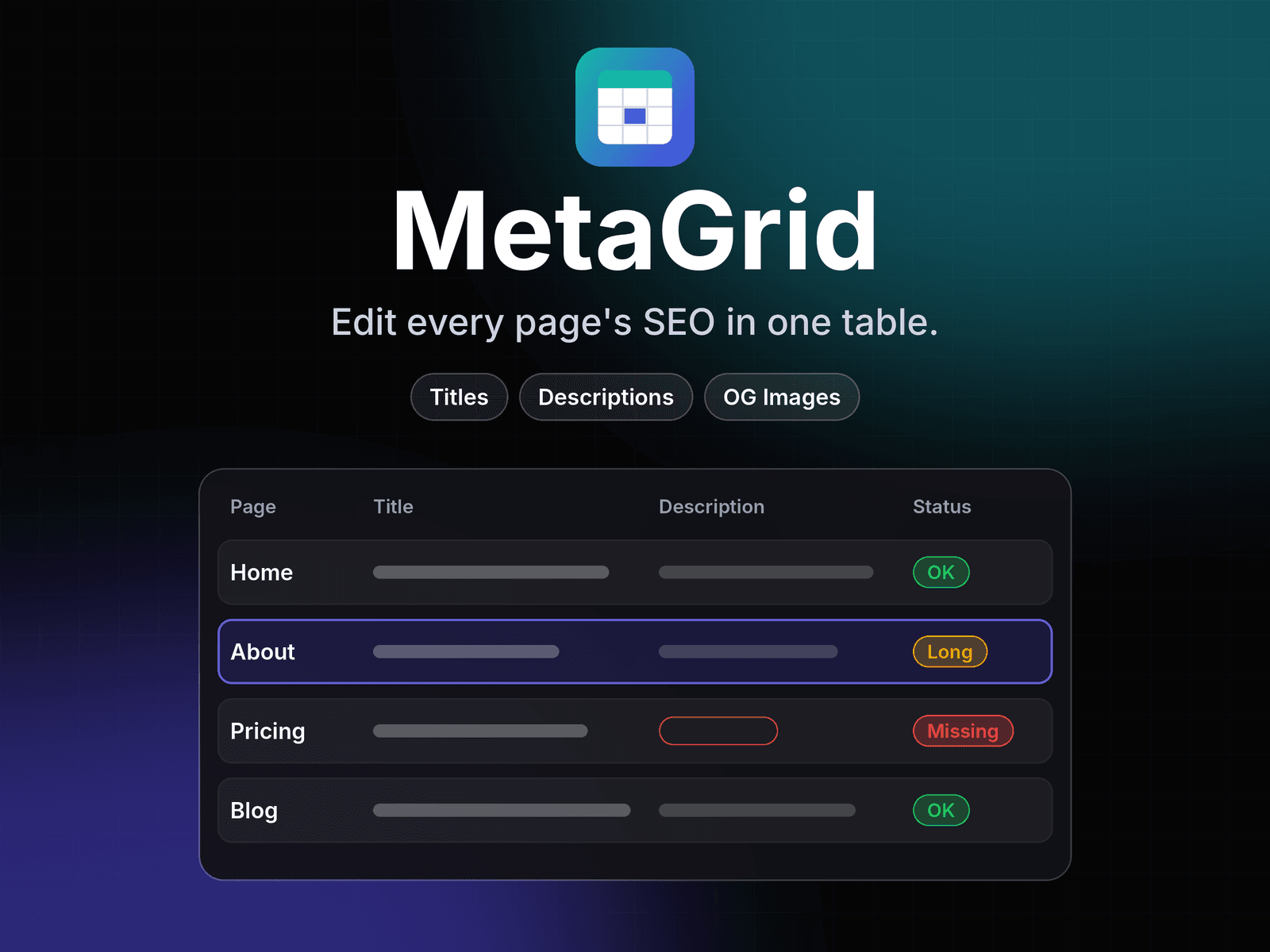
MetaGrid gives you one place to manage SEO metadata for your Framer CMS. Open a CMS page or collection, choose the fields it uses for SEO, and edit titles, descriptions, social images, and slugs in a single table. It’s especially useful for product catalogs, blogs, directories, and portfolios where updating each item individually takes time.
Edit CMS Metadata in Bulk
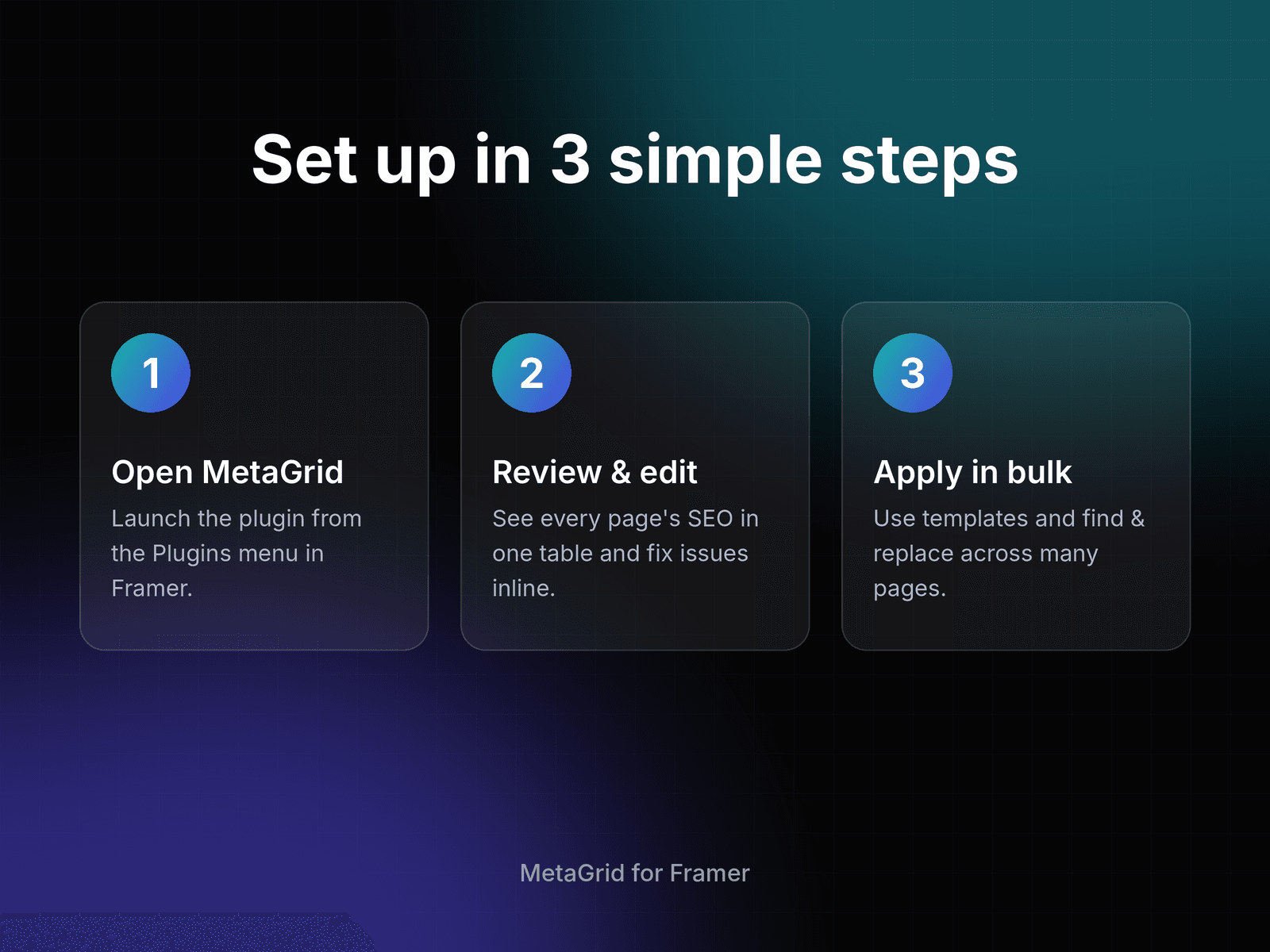
Edit individual cells or select multiple items to update a field across your selection. Use Find and Replace to update repeated wording, or generate consistent titles with a template like {Page} | {Site}. Review the before-and-after values before applying your changes to the CMS.
Find Missing and Duplicate Metadata
Filter your collection for missing titles, descriptions, or social images. Find duplicate titles and use character counts to spot text that may need shortening or more detail. You can create dedicated SEO fields from MetaGrid or select the fields your collection already uses.
Preview Search Results and Social Cards
Preview a saved CMS item or static page draft to see how its title, description, URL, and social image could appear in search results and link shares. For static pages such as Home or About, save a draft in MetaGrid, then copy its title and description into Framer Page Settings and set the social image there.
Add Missing Image Alt Text
Scan your Framer pages for supported image fills with missing alt text. Review the thumbnails, write a description beside each image, and save it directly in Framer.
MetaGrid works inside your Framer project and requires no separate account. Connect your chosen CMS fields in the detail page’s settings once, then manage their values in MetaGrid. Publish in Framer when your updates are ready to go live.