About Mockify
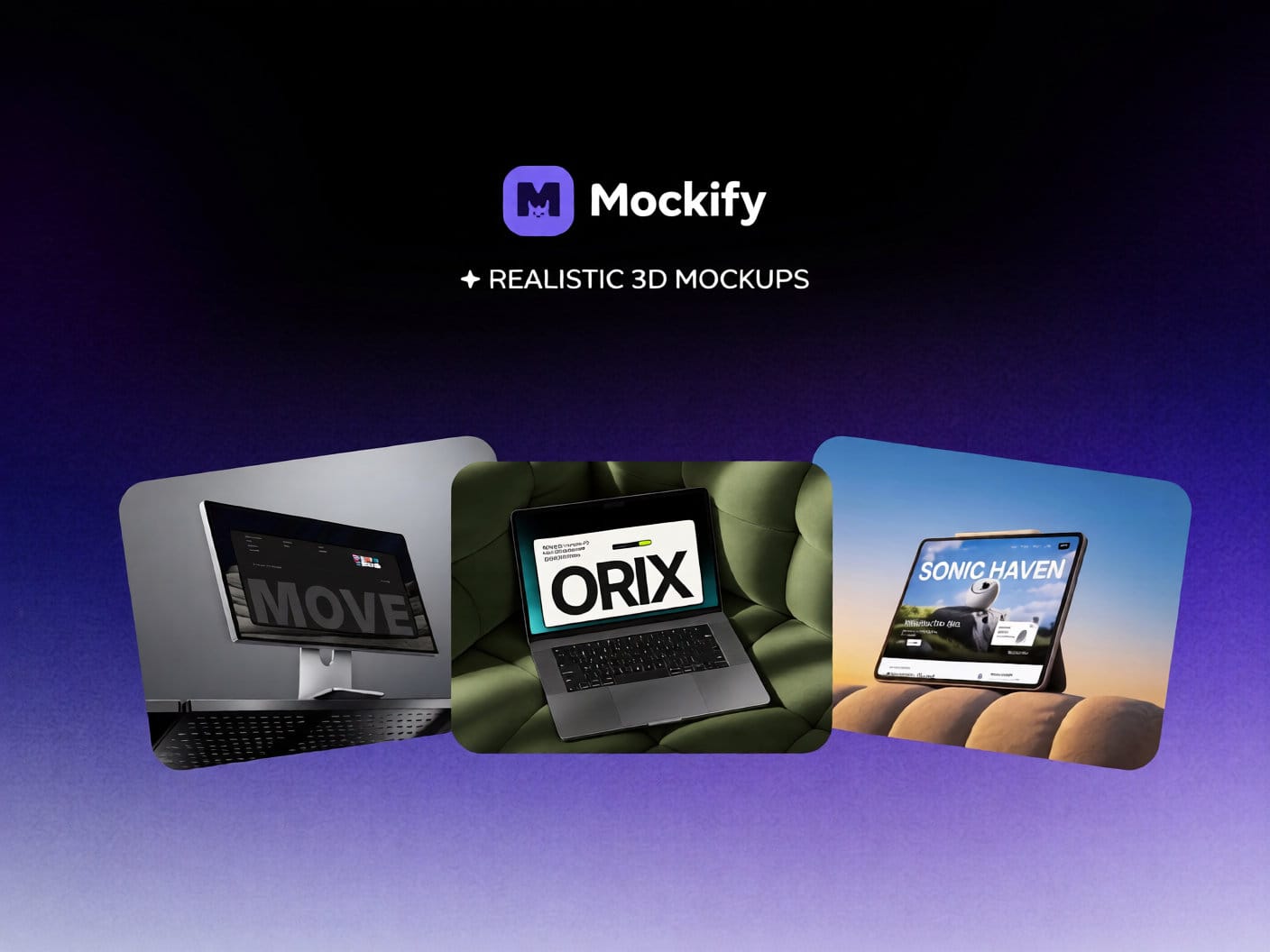
Mockify brings stunning, ready-to-insert 3D device mockups directly into your Framer canvas — no Figma, no exporting, no hassle.
Pick a mockup, click Insert, and it lands on your canvas as a fully interactive Framer code component. Drop in any image or video, and it fills the screen instantly.
──────────────────────────────
🖥️ WHAT'S INCLUDED
• 10+ high-fidelity device mockups — monitors, laptops, tablets, phones
• Every mockup is a native Framer code component (not a static image)
• Supports both image and video screen content
• Responsive and fully editable on canvas
• New mockups added regularly
──────────────────────────────
⚡ FREE TIER
• Stone Monitor
• Canyon Laptop
• Sun Lit Tablet
— Unlimited inserts, no account needed
──────────────────────────────
✦ MOCKIFY PLUS
Unlock the full collection with a Plus license:
Premium mockups include:
• Sunset Tablet
• Rock Phone
• Angled Monitor
• Industrial Monitor
• Olive Laptop
• Steel Monitor
• Steel Phone
• + more added every month
──────────────────────────────
📦 HOW IT WORKS
1. Open the plugin in Framer
2. Browse the mockup gallery
3. Click a card → click "Insert into Framer"
4. The component appears on your canvas
5. Replace the screen with your own image or video
That's it.
──────────────────────────────
Questions? orixfoundry@gmail.com
Terms: mockify.framer.website/terms
Privacy: mockify.framer.website/pivacy-policy