About moodcase
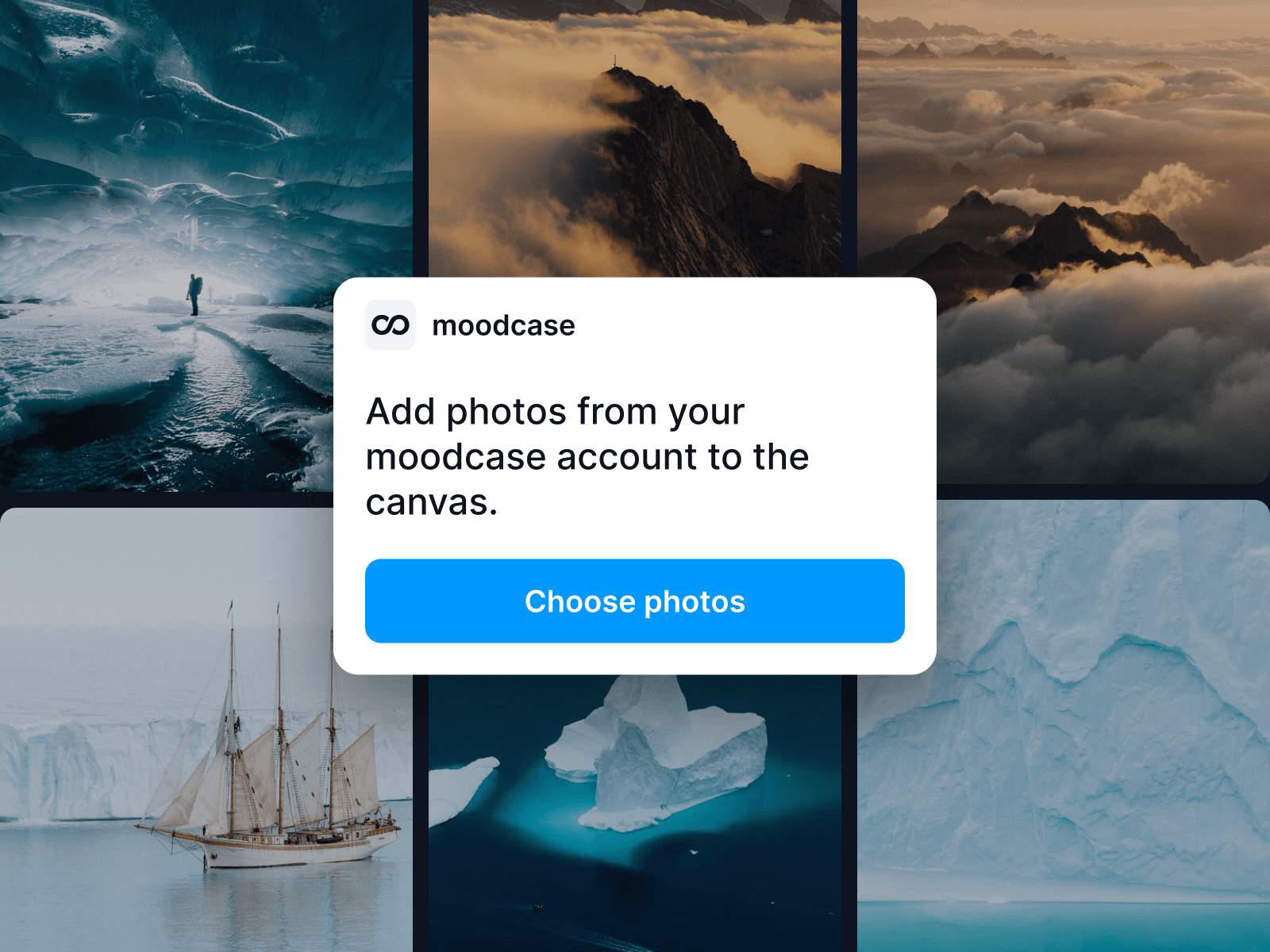
Add photos from your moodcase account directly to your Framer project.
On the canvas: Choose several photos at once and add them to your page.
In the image picker: Add a photo to an image layer or replace an existing one.
How it works
Open the plugin and click Choose photos.
Sign in with your moodcase account if prompted.
Select your photos and confirm.
Photos are uploaded to your Framer project as web-optimized copies, up to 2800 px wide. Later changes in moodcase don't update them automatically.
Only photos from projects with download rights and without a watermark can be selected