About OG Image Studio
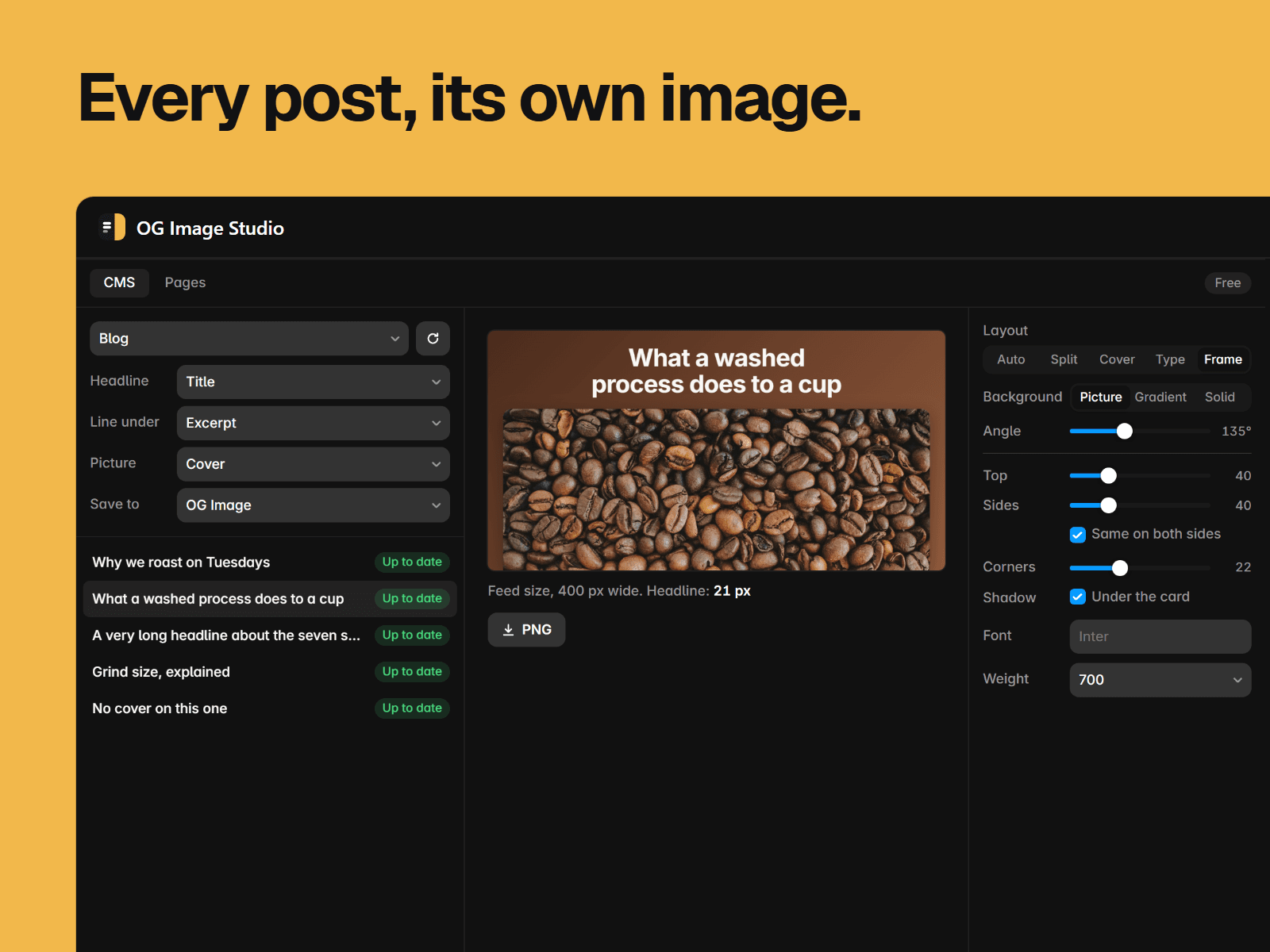
Give every CMS item its own social image, drawn from its own title and picture. When someone shares a post, it shows that post, not your site's one default image.
Pick a collection. OG Image Studio creates an image field, fills it, and skips anything that hasn't changed. Add ten posts next month, run it again, and it makes ten.
Made to be read small
Links usually show around 400 px wide in a feed. The headline stays big enough to read there, and you see the image at that size before you make it.
Your site's font, your picture, and a colour from the picture
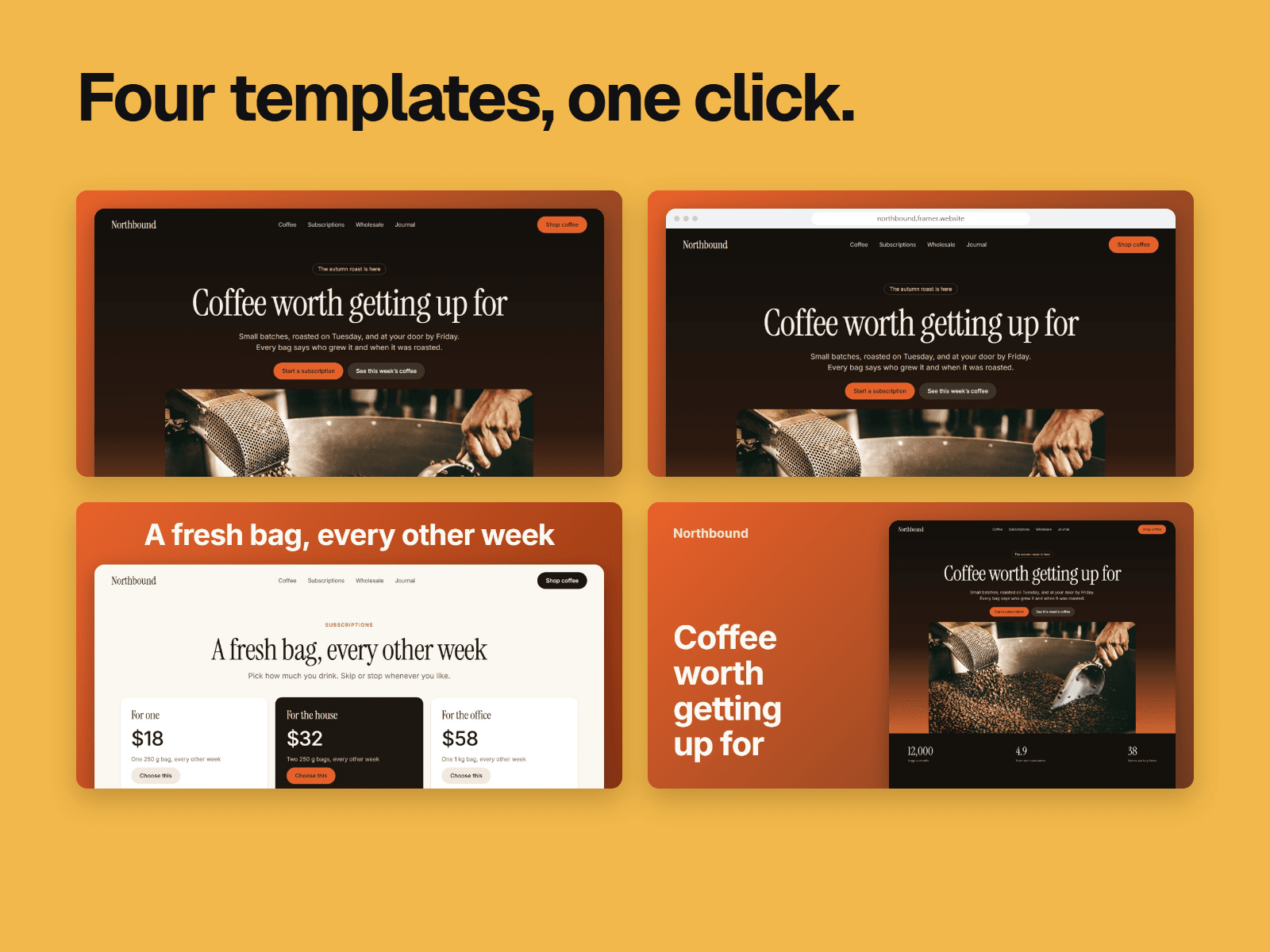
Split, cover or type-only layouts, or let it choose
Drafts stay drafts, and images set by hand are left alone
Stop any time, and pick up where you left off
One step only you can do
Bind the new field to Social Preview in your CMS page's Page Settings, once per collection. Framer doesn't let a plugin do it or check it.
Normal pages
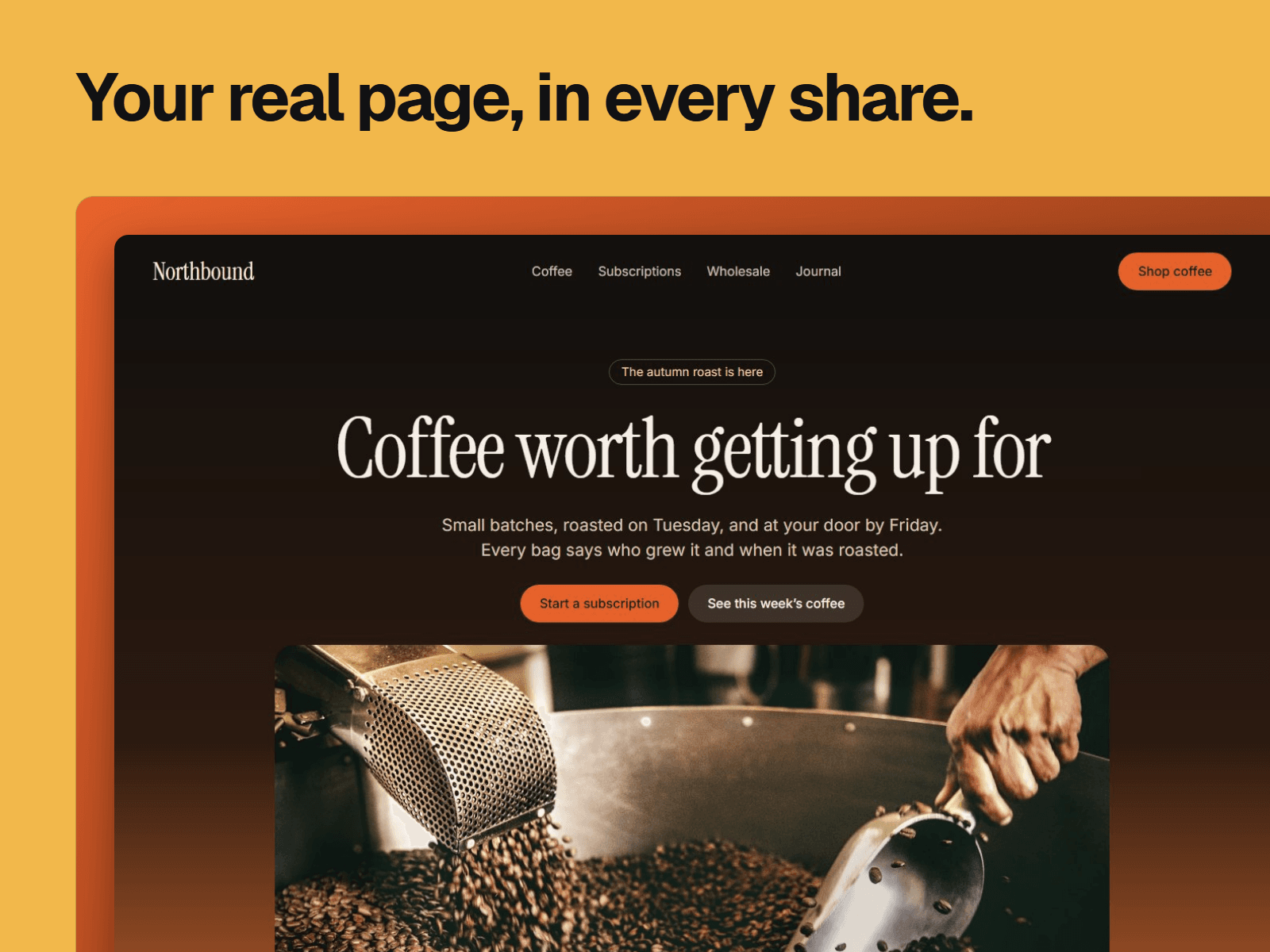
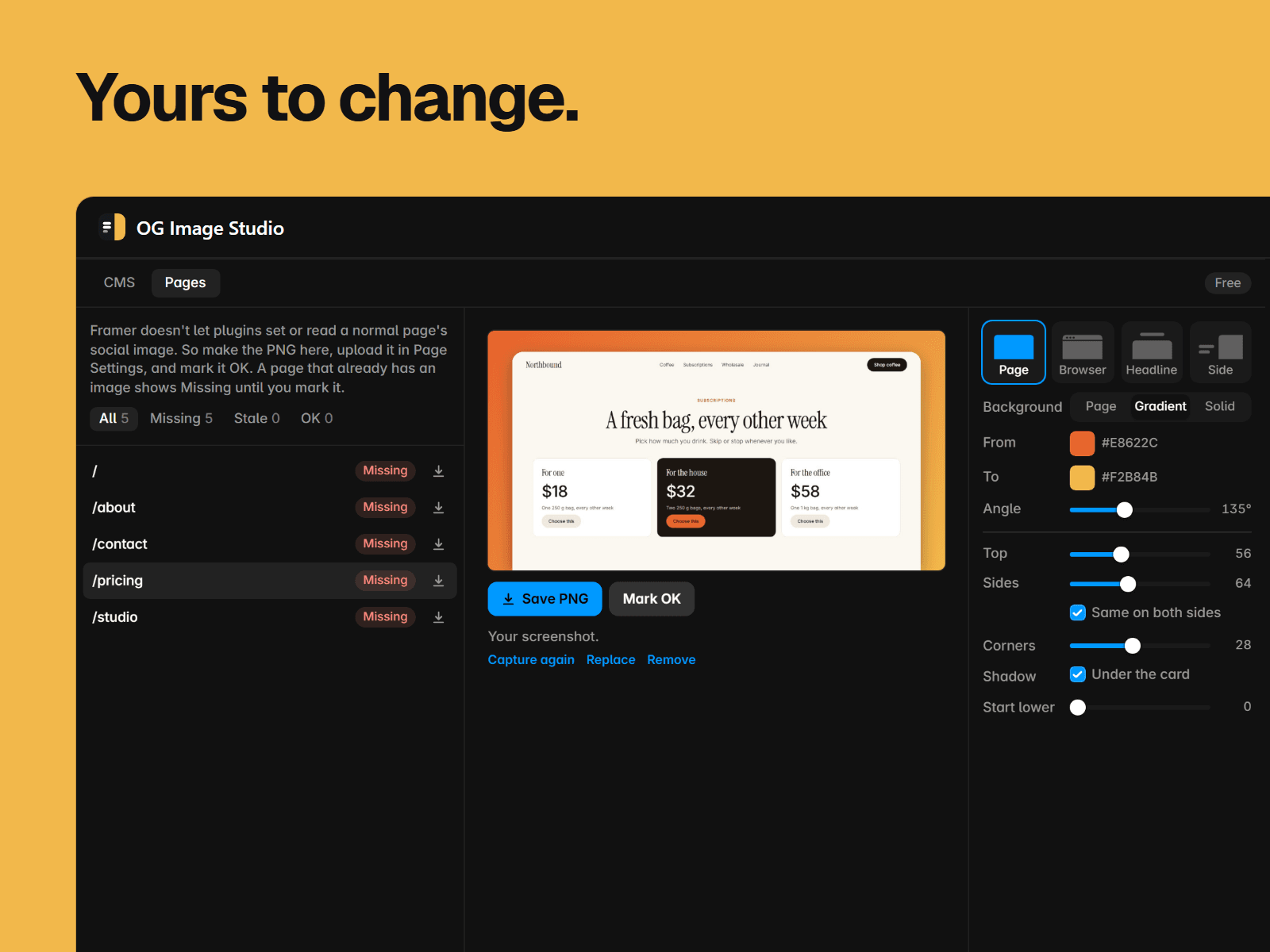
Framer doesn't let plugins set a normal page's social image, so this part is a fix list: Missing, OK or Stale. Capture a published page, or add your own screenshot, and it goes in a card on a gradient taken from the page, showing the real top of your page. Pick a template, change the colours, padding, corners and font, and save the PNG. Upload it in Page Settings, mark it OK, and the list tells you if that page changes.
Plugins can't read a page's image, so a page that has one shows Missing until you mark it.
Pricing
Free: 5 images in each collection and 5 for normal pages, kept up to date. Pro, $15 USD once with no subscription: no limit, in every project. To unlock it, enter your license key on our page in your browser and paste the code it gives you.
Private by design
Everything is drawn in your browser, with no watermark. The plugin itself sends nothing. If you use Capture page, the page that opens sends that page's address to our capture service, which doesn't keep it. Otherwise, the only requests fetch your own images and fonts, from Framer and Google Fonts.